

What is ERP, and what does it do?
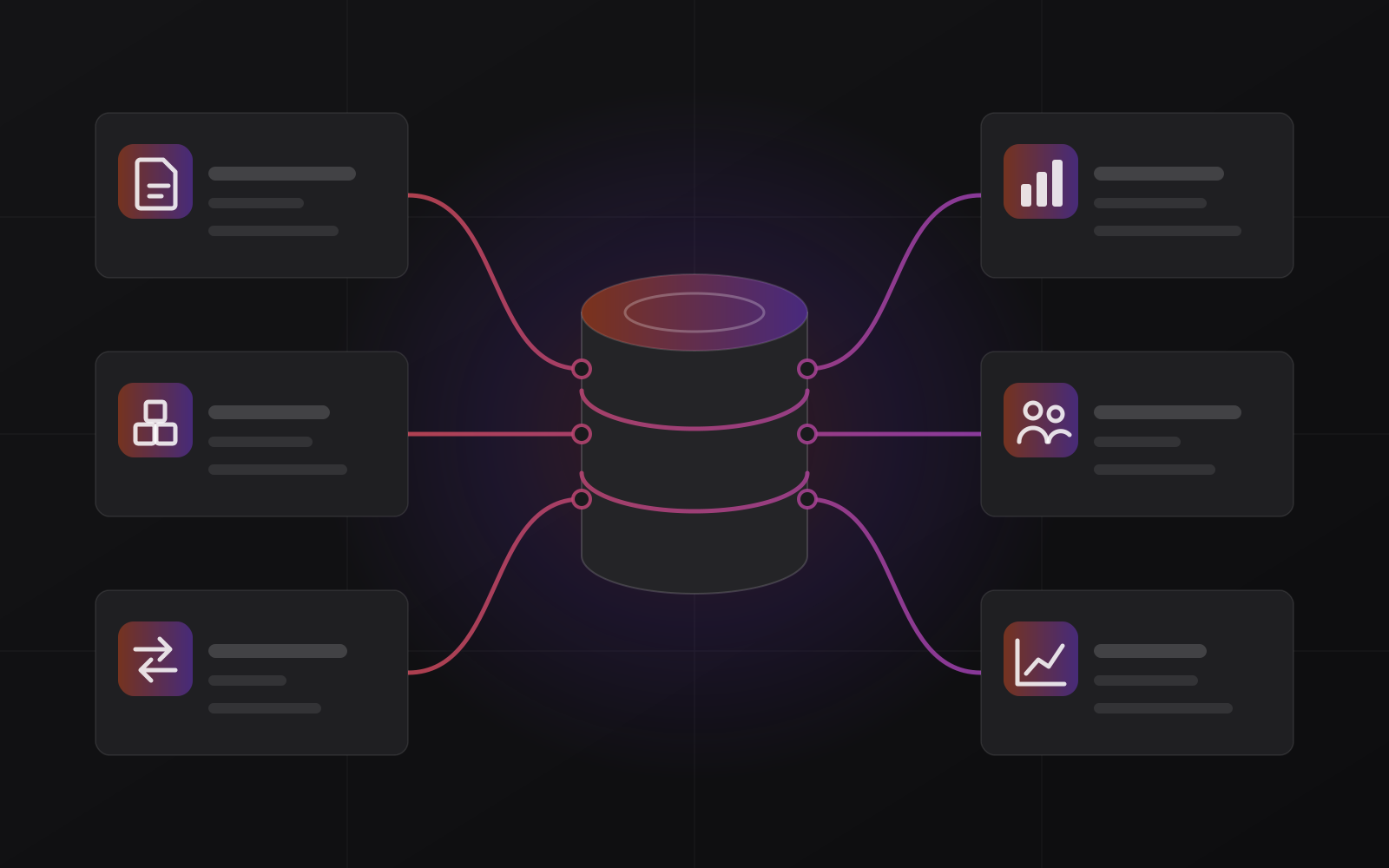
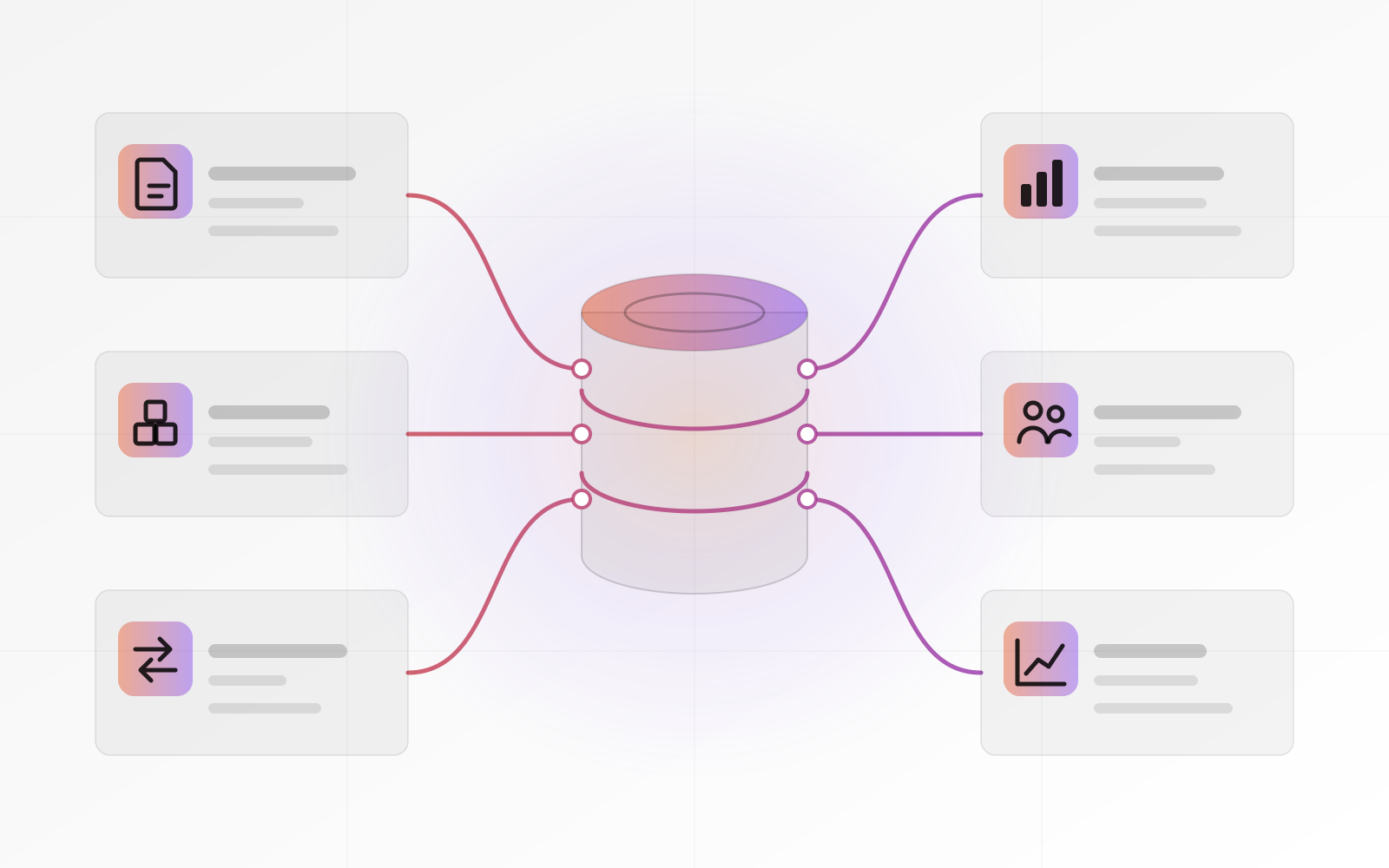
With ERP, every part of your business reads and writes the same database. A sale raises an invoice. The invoice moves stock. The stock movement updates the accounts, and the accounts feed your reports. Nobody types the same figure twice.
Most ERPs are sold as modules, so you switch on only what you need. A small business usually starts with these:
- Sales and invoicing: quotes, orders, invoices, credit notes and payments.
- Purchasing and stock: suppliers, purchase orders, warehouses, batches and reorder points.
- Accounting: a ledger that posts itself, plus tax returns such as VAT (TVA in Morocco).
- People: payroll, leave and expense reports.
- Reporting: cash, margins and overdue invoices on one screen.
Accounting software records the money. An ERP records the work that creates it.
Signs your business needs an ERP
Headcount is not the test. The test is whether your current tools now cost you time or trust. Look for these signs:
- Two people keep two copies of the stock list, and the numbers never match.
- Month-end takes days because someone re-types invoices into the accounts.
- You learn about a stock-out when a customer calls.
- VAT returns are late, or prepared in a panic.
- You cannot say today how much cash will arrive next week.
- Every new hire needs a login to five different tools.
If three or more of these sound familiar, an ERP will probably pay for itself. If only one does, fix that first. A tidy spreadsheet costs less than a badly chosen system.
Off-the-shelf, custom or open source?
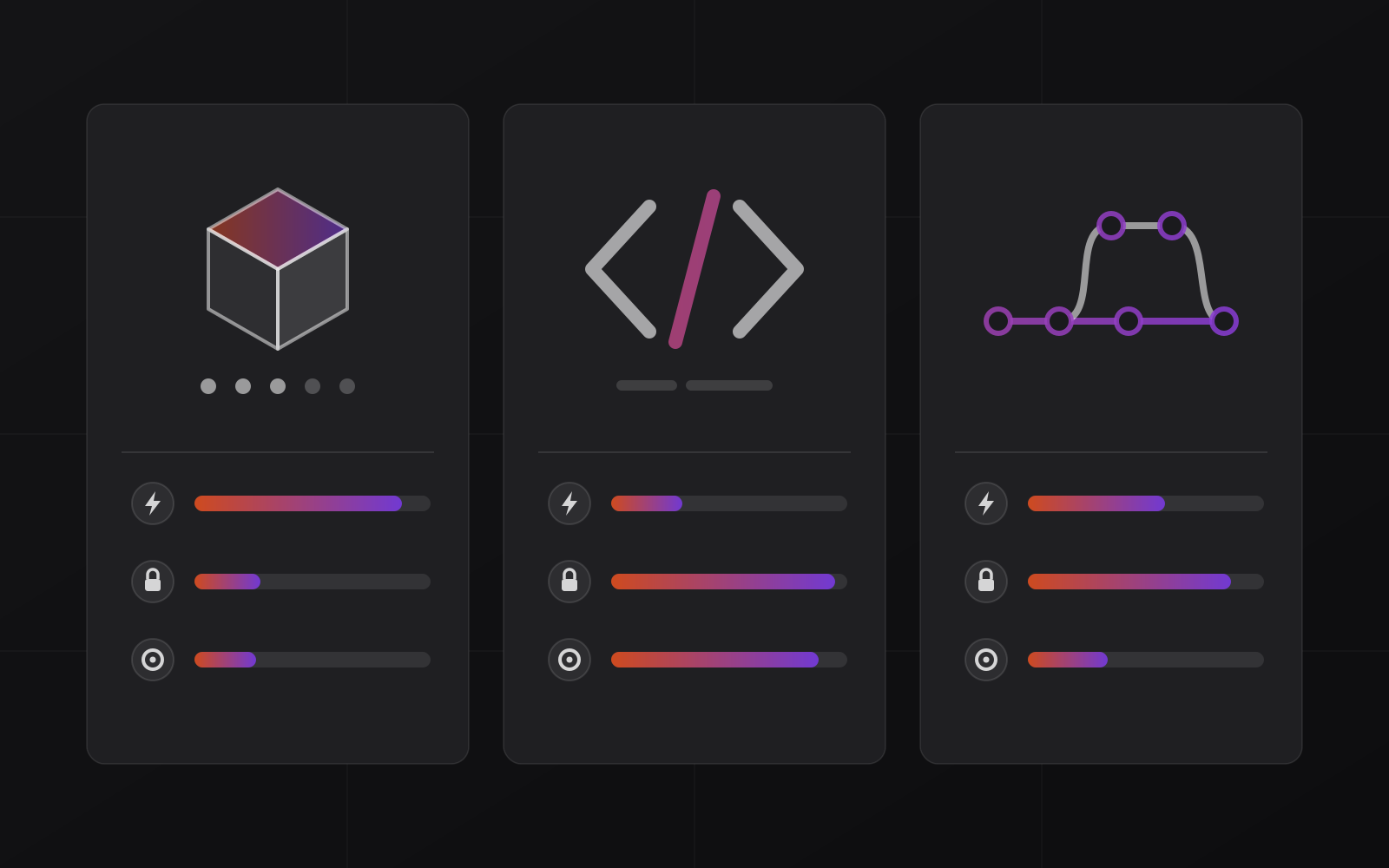
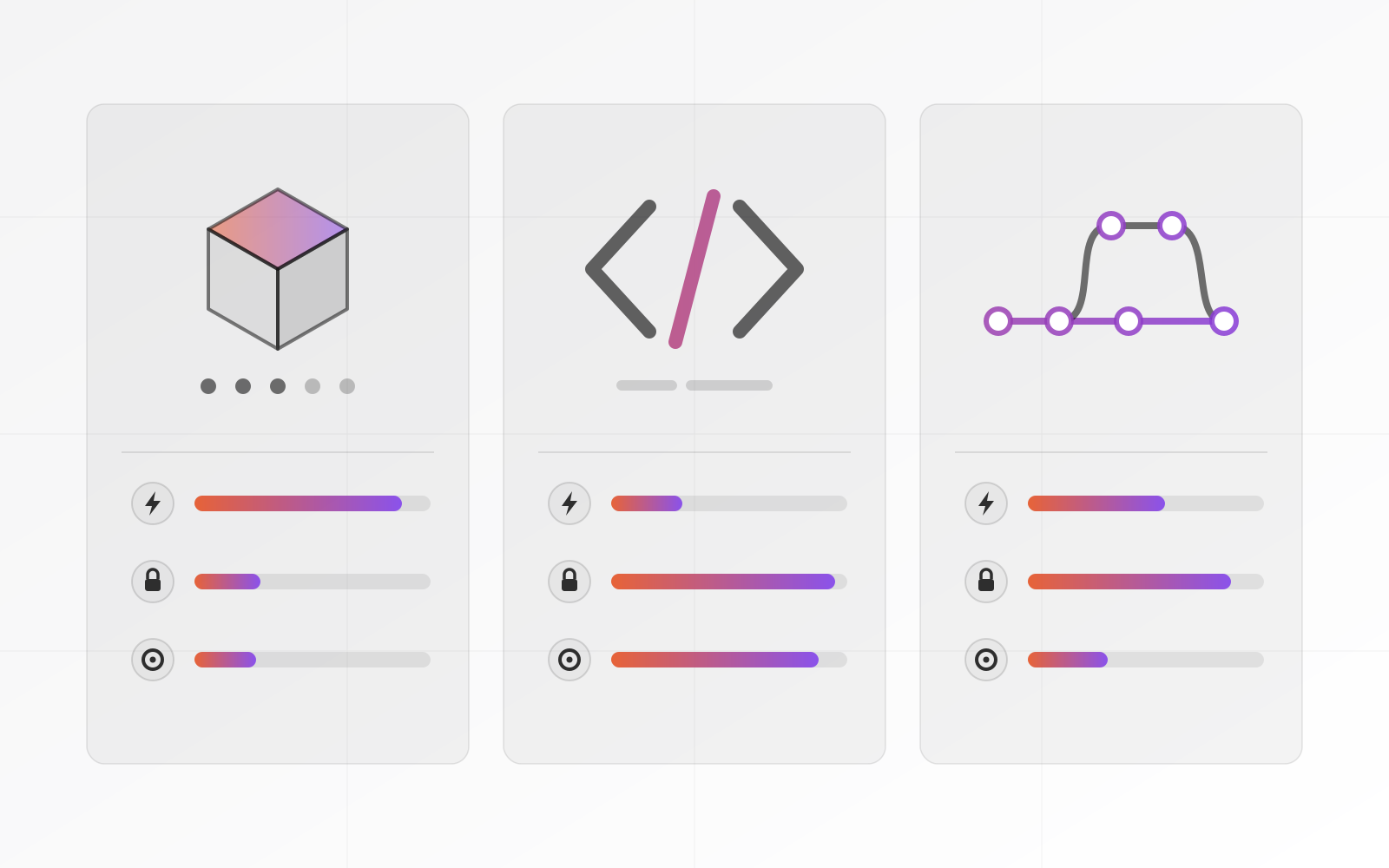
There are three ways to get an ERP. Each one trades money, speed and control differently.
Off-the-shelf software
You subscribe to a finished product. It starts quickly and updates itself. The costs are less visible: most vendors charge per user each month, so every hire raises the bill. You also follow the vendor's way of working, and your data sits on their servers. Local tax add-ons are often extra.
Custom-built ERP
A developer builds the system around the way you work. It fits exactly, and you can own the code. The price is time and budget. A custom build takes longer than a package, and you depend on the people who wrote it. Choose custom only when your process is truly unusual, such as a workshop that tracks gold by the gram.
Open-source ERP
Dolibarr and the Community edition of Odoo are free to download, and their code is public. You still pay for hosting, setup, upgrades and support, either with your own time or with a partner. Free to download is not free to run.
Two routes we offer
RIVER ERP is our own self-hosted system: 23 modules in one install, licensed per domain, so another cashier or clerk costs nothing extra. It is built and supported by one engineer, and it has no published price list, so ask for a demo first. Business ERP is the quick route: Dolibarr 22 with 57 modules selected, a French menu, and hosting and upgrades handled by us. Its accounting runs in simplified mode and it does not compute payslips, so check those two points against your needs.
A checklist before you choose
Work through these before you book a single demo:
- List the five tasks that waste the most time, in order.
- Count who needs a login now and in 2 years. Per-user pricing grows with every hire.
- Decide where your data must live. Some businesses need it on their own server.
- Check the local rules: VAT returns, e-invoicing and payroll contributions.
- Ask what leaving costs. You should be able to export every table whenever you want.
- Plan a staged rollout: invoicing first, then stock, then purchasing.
- Name one person on your side who owns the project.
- Test with your own documents: a real quote, a real invoice and your product list.
Frequently asked questions about ERP
What is ERP software in simple terms?
ERP software connects invoicing, stock, purchasing, payroll and accounting through one database. Each piece of information is entered once, and every team sees the same numbers.
Is ERP worth it for a small business?
It is worth it when manual work and errors cost you more than the system would. A practical threshold: more than one person touches stock, invoices or purchases every day, and you no longer trust your numbers.
How much does ERP cost?
It varies widely, so compare the full cost over 3 years: subscription or licence, setup, data migration, training, hosting and support. Per-user subscriptions rise with headcount. A per-domain licence or a one-off build does not.
How long does an ERP rollout take?
A packaged ERP can be running in days or weeks if you stage it: invoicing first, then stock, then purchasing. Custom builds take longer because someone has to design and write them. Moving your old data in cleanly is often the slowest part.
Should I choose cloud or self-hosted ERP?
Cloud is easier: someone else runs the servers and the backups. Self-hosted gives you control of the data and a predictable cost, but you or a partner must run backups, security and upgrades. Either way, make sure you can export your data.
Is open-source ERP safe for a business?
Yes, if someone keeps it patched. Dolibarr and Odoo Community are widely used, and anyone can review their code. The risk is neglect: an unmaintained server is unsafe whatever software runs on it.
Where to go next
If you want a second opinion, send us your invoice, your stock list and the tool you use today. We will tell you honestly whether you need an ERP yet, and which route fits. You can read about custom ERP development, see what ERP software for small business really needs, or book a call.
Related articles