
To choose a CRM for a small business, start with your sales process, not the feature list. Write down how a lead becomes a paying customer, then pick the system that fits that path with the fewest extra steps. Test data export and the real cost per seat before you sign.
Most CRM purchases fail for a boring reason. The tool is fine, but nobody uses it, or it cannot talk to the systems the business already runs on. This guide is for owners and office managers who want to avoid that, with or without a technical person in the room.
Start with your sales process, not the feature list
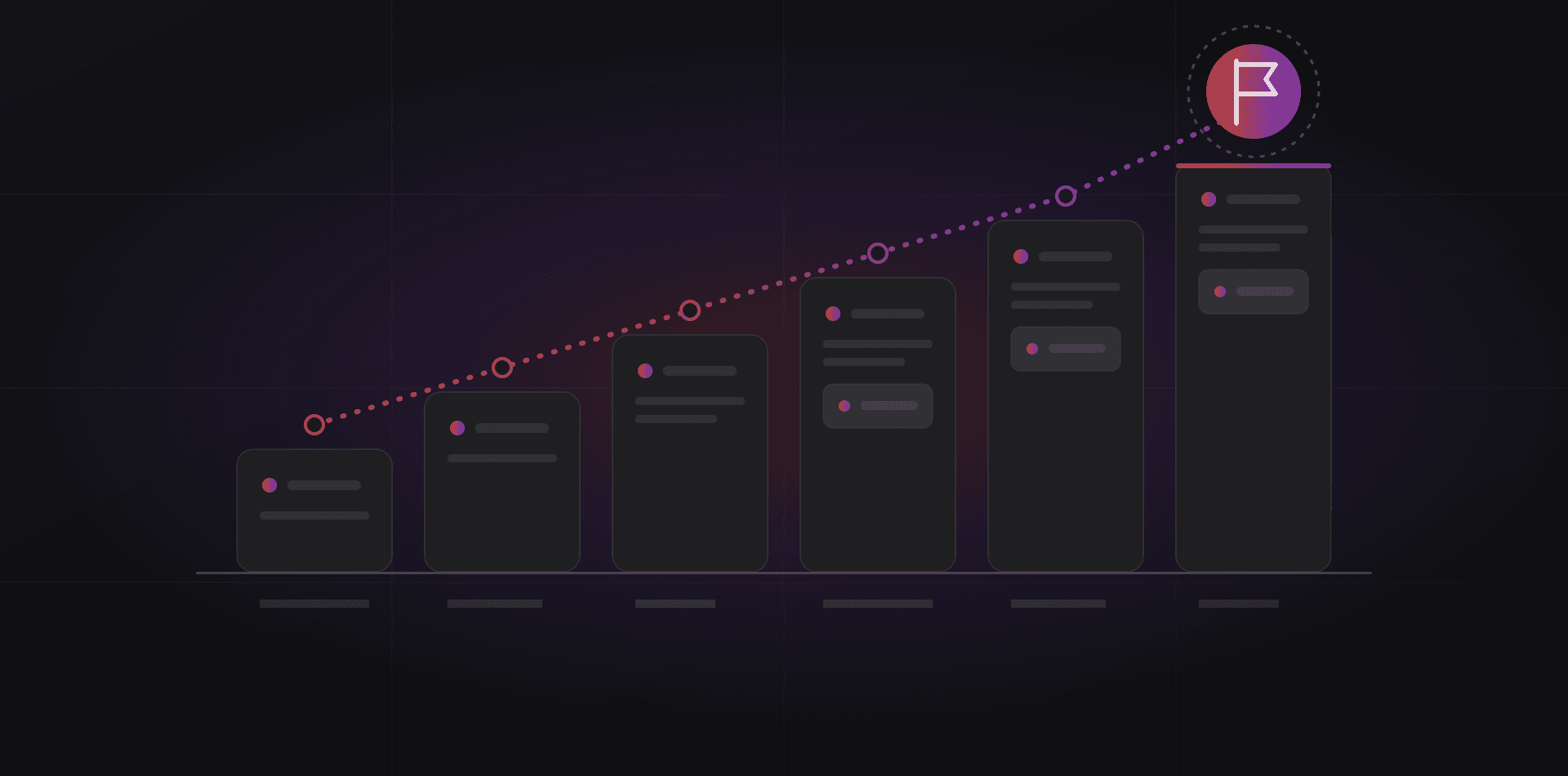
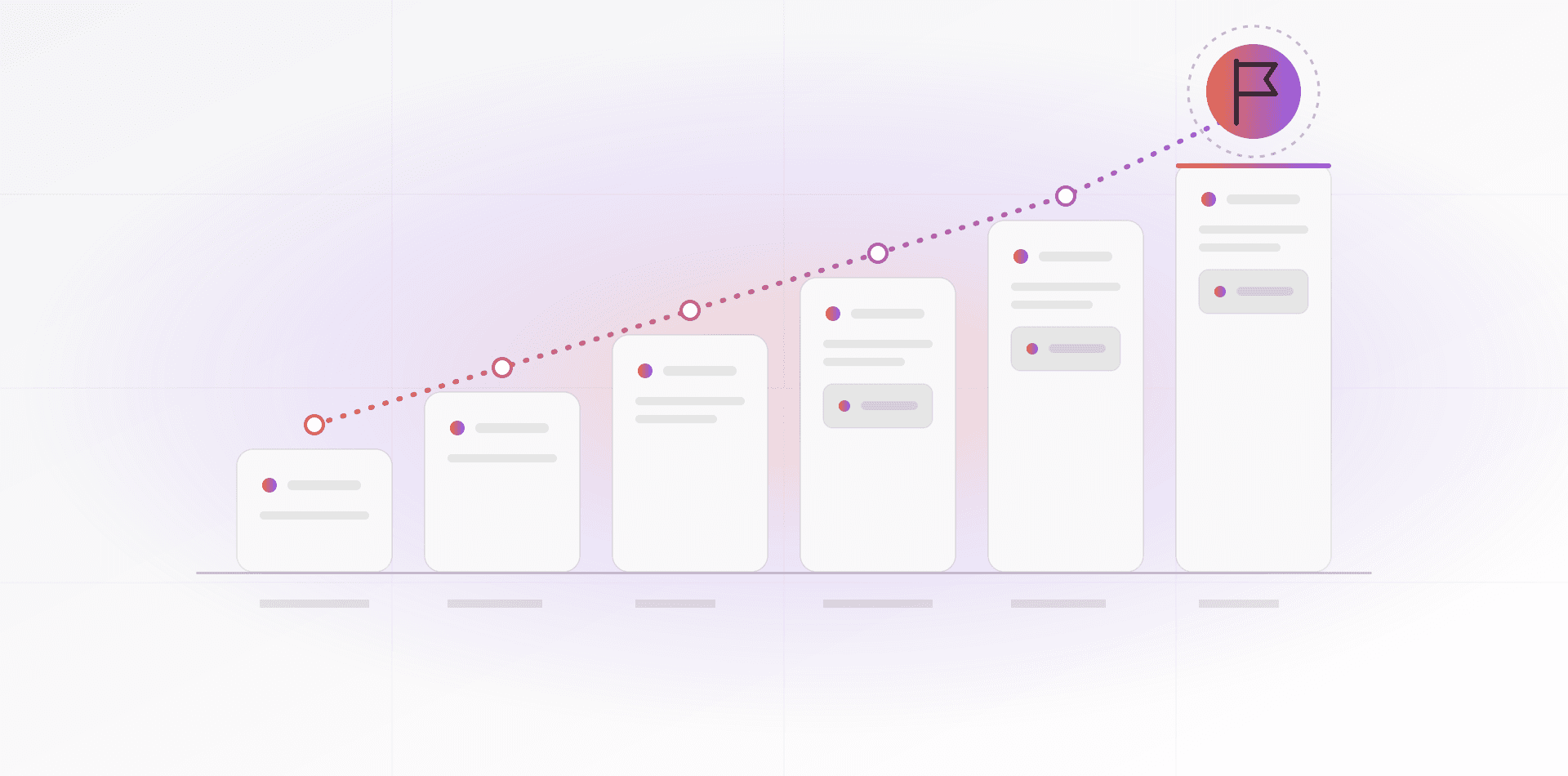
Open a blank page and draw the path a customer takes. First contact, qualification, quote, follow-up, won or lost, then delivery. Five to seven stages is enough for most small teams. Write yours, not the ones in a vendor's demo.
Then mark where deals stall today. Are quotes waiting days for approval? Do leads arrive on WhatsApp and never reach a spreadsheet? Those stalls are what the CRM must fix. A feature that does not touch a stall is decoration.
Count the people as well. Who enters data, who only reads it, and who needs to see everything? That decides how many paid seats you need, and how much complexity your team will tolerate.
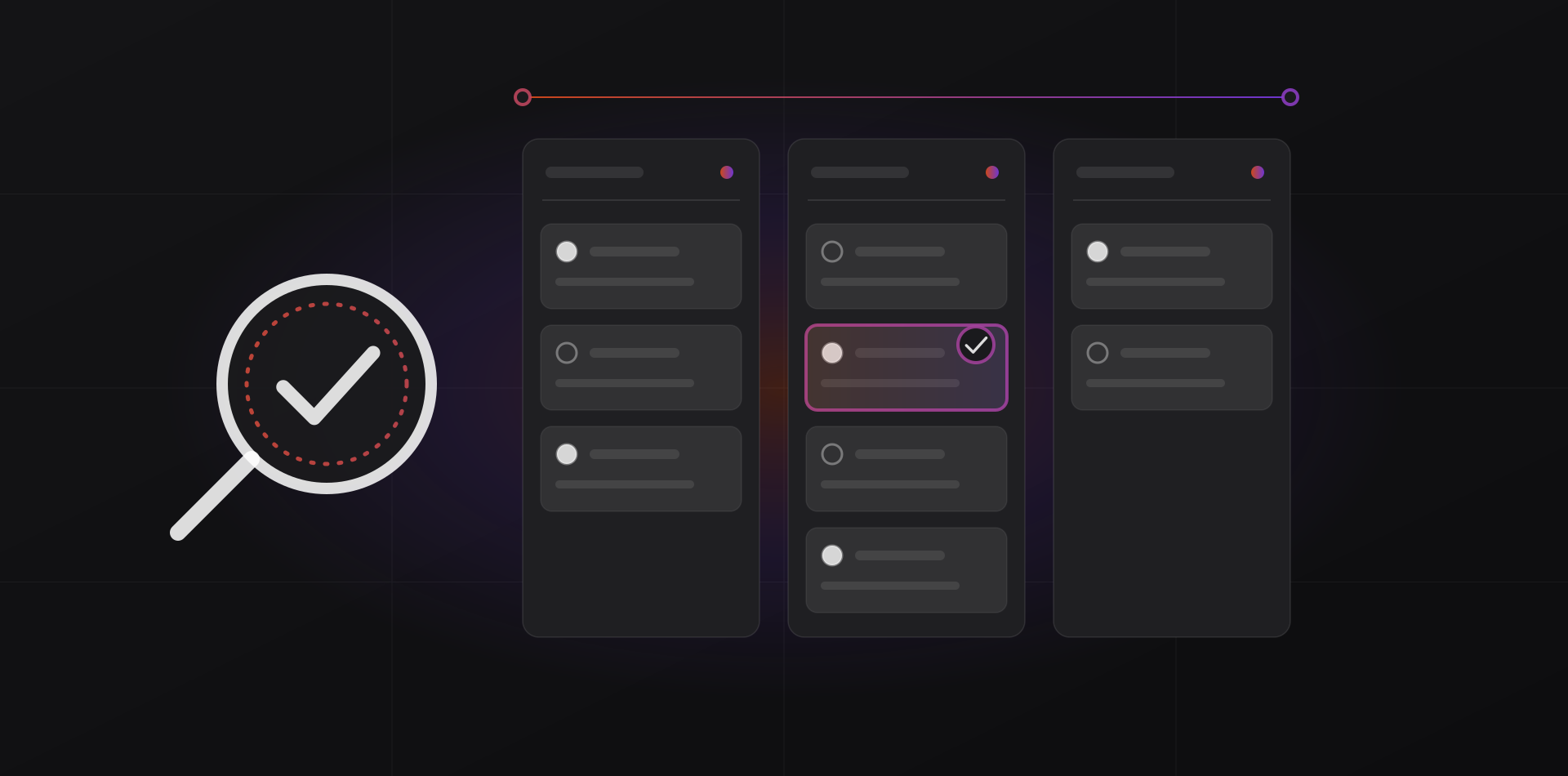
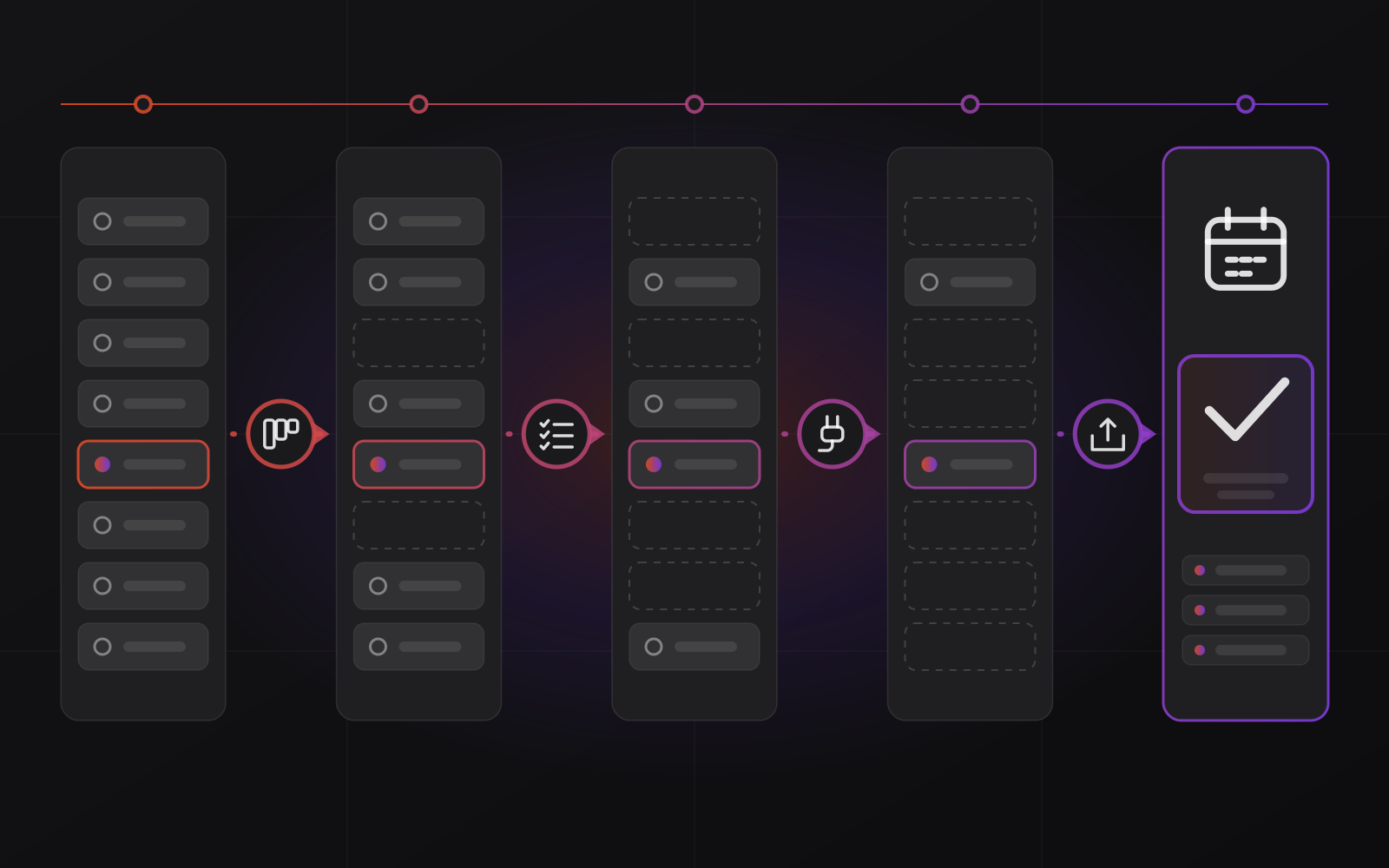
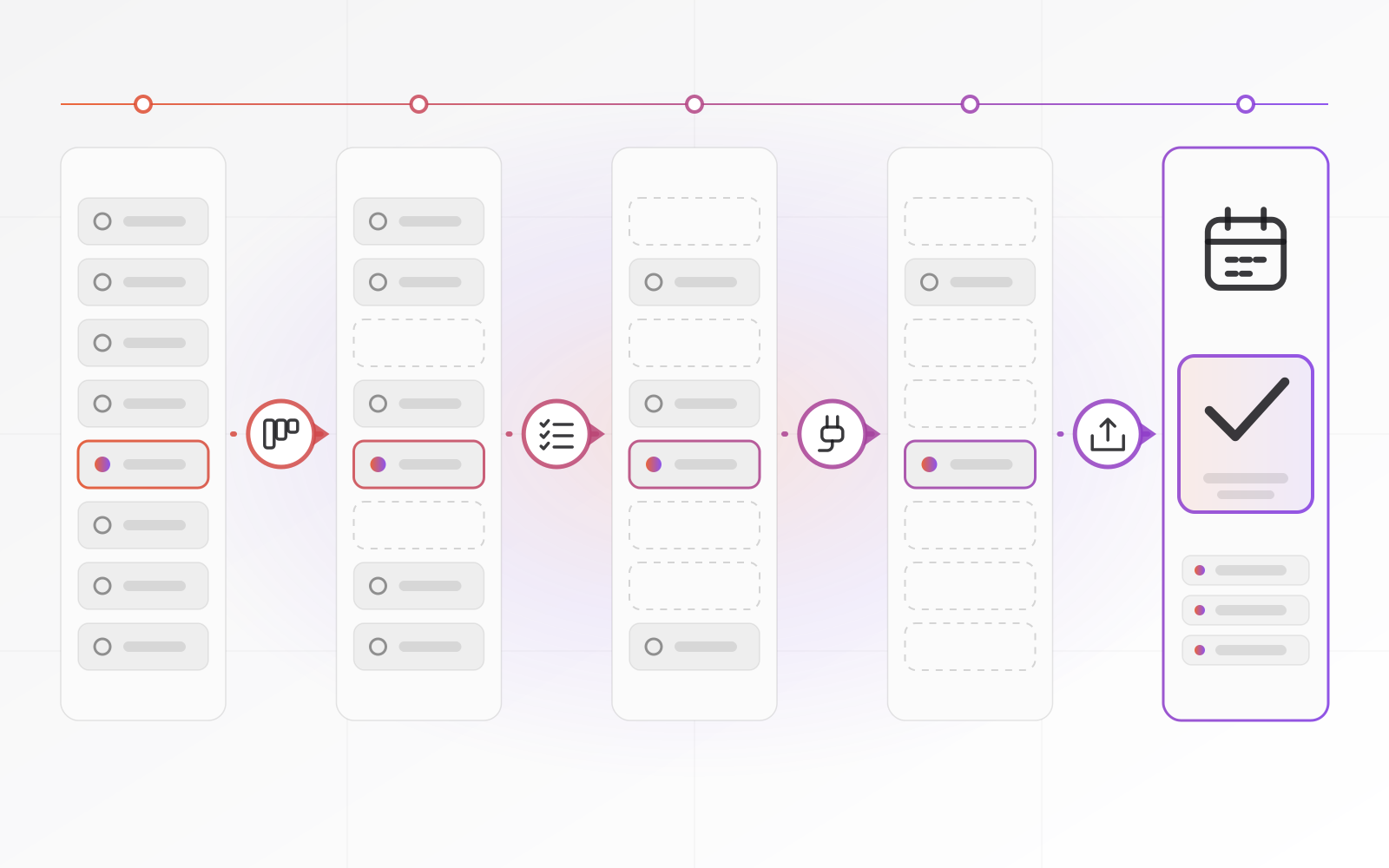
Then work in a fixed order. Each check removes candidates, and the last two take the most time, so run them only on a short list.
The features a small business actually needs
Every CRM demo shows dozens of features. A small team needs a handful. Use this as your checklist and mark each one as required, nice to have or not needed.
- Contacts and companies: one record per person and per company, with the full history attached
- A pipeline you can change: stages you name yourself, drag and drop, a value on every deal
- Tasks and reminders: every open deal has a next step with a date
- Email logging: sent and received messages attach to the right contact without copy and paste
- WhatsApp and call notes: conversations land on the same timeline as everything else
- Quotes: create one from a deal, send it and track its status
- Reports: deals by stage, by owner and by month, without exporting to a spreadsheet first
- Permissions: salespeople see their own deals, managers see everything
Notice what is missing: marketing automation, lead scoring, AI forecasts. They can help later. In the first year they mostly add screens nobody opens.
WhatsApp deserves a closer look, because in Morocco and the Gulf a lot of selling happens in chat. The free WhatsApp Business app cannot be connected to a CRM. Automatic logging needs the WhatsApp Business Platform, usually through a provider, with its own setup and message rules. Ask every vendor to show you a real conversation appearing on a contact record.
Integrations and data ownership
Integrations
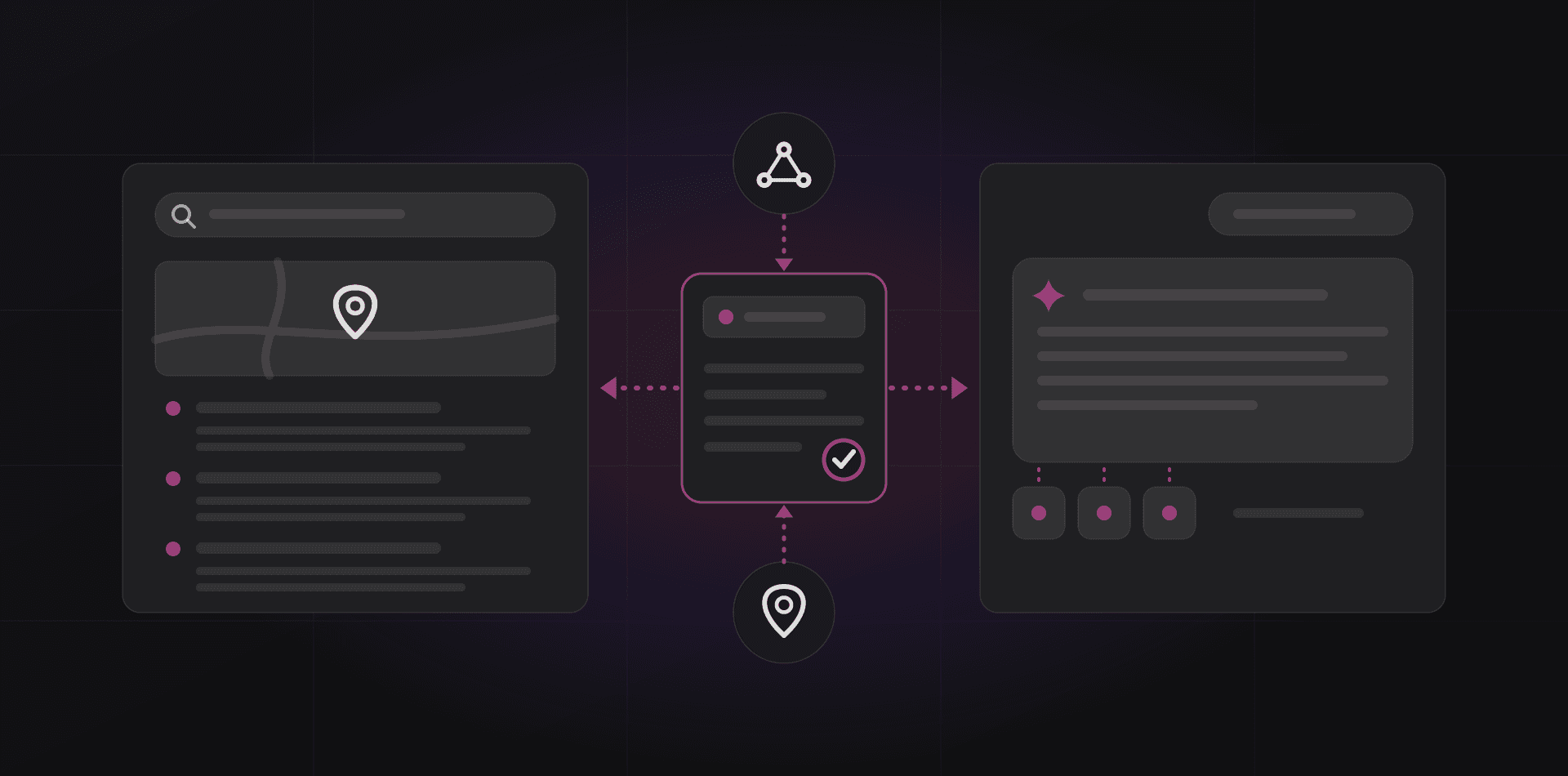
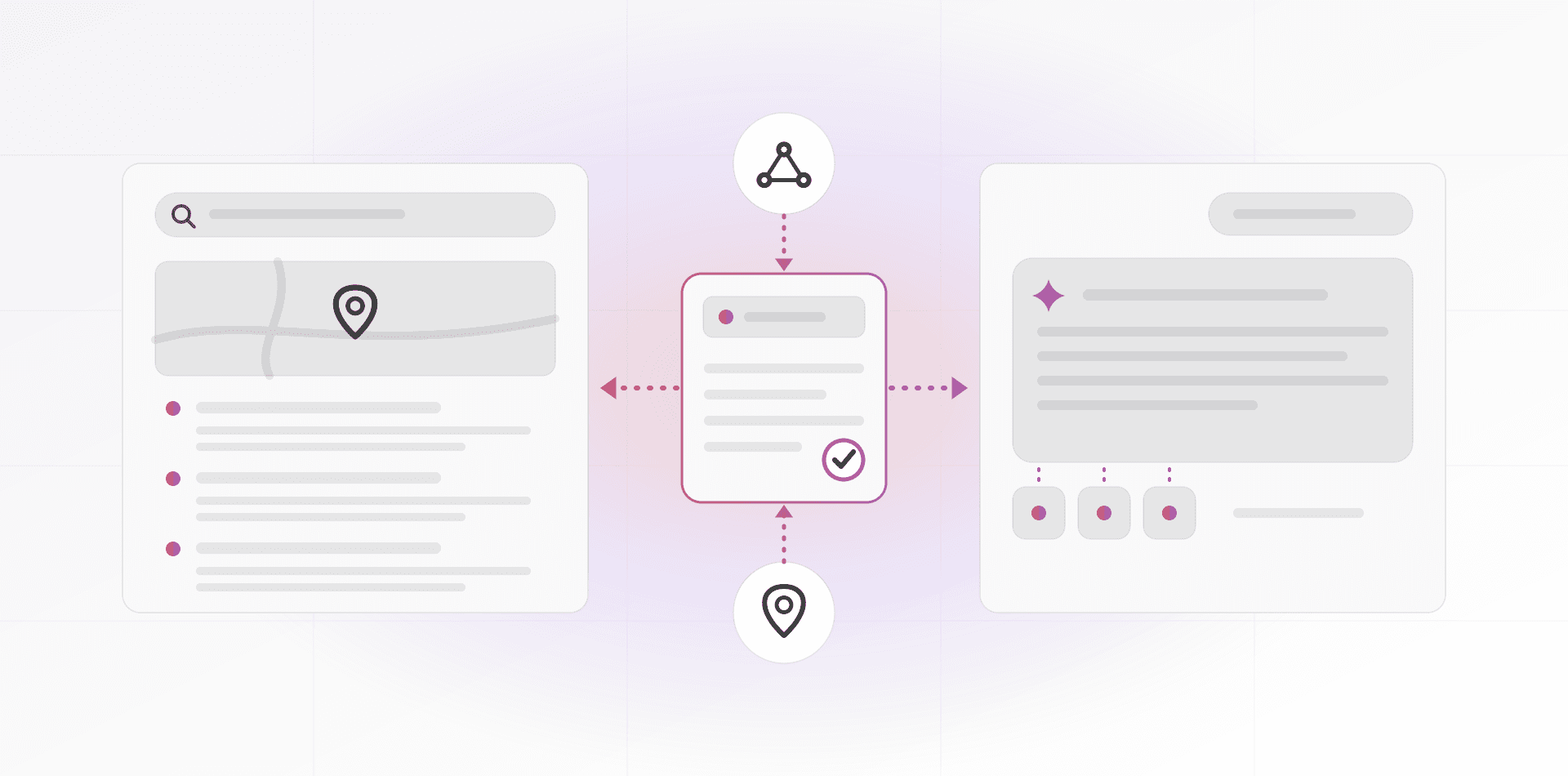
A CRM that sits alone becomes a second place to type. List the systems it must connect to: your mailbox, calendar, invoicing or accounting tool, website forms and shop. For each one, ask how the link works. A native connector, a ready-made Zapier or Make scenario and an open API are three very different levels of effort.
Also ask what happens when a connection breaks. Who notices, and who fixes it? A sync that fails silently for a month is worse than no sync at all.
Data ownership and export
Your customer list is the most valuable data you own, so the exit door matters more than the front door. During the trial, export a sample and open it. Check that notes, activities, attachments and the links between contacts, companies and deals are all there. A plain format such as CSV, described in RFC 4180, is the minimum.
Then ask three questions. Where is the data stored, and in which country? What does the vendor do with it when you cancel? Can you take a complete copy at any time without opening a support ticket? Customer records are personal data. If you serve customers under Morocco's Law 09-08 or the EU's GDPR, you stay responsible for that data even when a vendor stores it.
Per-seat SaaS or a CRM you own
Most CRMs are software as a service, billed per user per month. That is a fair model for a team of three. It feels different at fifteen, because the bill grows with every hire and with every part-timer who only needs to read.
The alternative is a CRM you own and run: open-source software on your own server or in a private hosting account. You pay for the server and for whoever looks after it. The licence does not grow with headcount, and you decide where the data lives.
This is not free of effort. Someone must update it, back it up and fix it when it breaks. If you have nobody for that, pick SaaS or pay a partner to run it. Our Entreprise CRM is the second option: a private copy of the open-source Twenty CRM, installed on your own server and kept updated and backed up for you. For what that costs, see pricing.
Your customer list is the most valuable data you own, so the exit door matters more than the front door.
As a rule of thumb, SaaS wins when the team is small and stable and speed matters. Owning wins when the team is growing, data location matters, or the CRM has to connect to internal systems.
Run a two-week trial with real data
Demo data hides every problem. Import real contacts and real open deals, and let the people who will use the system run a normal working week. Two weeks is enough to see whether it fits.
- Import a real slice of your contact list, duplicates and typos included
- Recreate your actual pipeline stages, not the template's
- Connect your real mailbox and, if you sell on it, WhatsApp
- Log every new lead in the CRM for the whole trial
- Create a quote from a deal, start to finish
- Export everything, then open the file and check it
- Watch your least technical user do a normal day and note where they hesitate
Score each candidate on three things. Did people use it without being chased? Did the data go in cleanly? Did the export come out complete? Decide on that score, not on the demo. If two tie, pick the one with the shorter path from a new lead to a next step with a date.
Frequently asked questions about choosing a CRM
How much should a small business spend on a CRM?
Price the whole cost, not the headline. For per-seat software, multiply the seat price by every person who needs access, then add setup, import and training time. For owned software, add the server and maintenance. Compare both over three years. For our own rates, see the pricing page.
Do I need a CRM if I only have a few customers?
Not always. A shared spreadsheet works while one person remembers every conversation. Move to a CRM when deals are lost because nobody followed up, when two people contact the same customer, or when you cannot say how many quotes are open in under a minute.
Can a CRM log WhatsApp messages automatically?
Yes, but not through the free WhatsApp Business app. Automatic logging uses the WhatsApp Business Platform, normally set up through a provider. Messages you start after the 24-hour reply window must use approved templates. Ask the vendor to demonstrate it with a real conversation.
What is the difference between a CRM and an ERP?
A CRM manages relationships and sales: contacts, deals and follow-ups. An ERP manages operations: stock, purchasing, invoicing and accounting. They overlap at quotes and invoices. Many small businesses start with a CRM and add an ERP later, or choose an ERP that includes a CRM module.
How hard is it to switch CRMs later?
It is a small job if your export is complete and a painful one if it is not. The size of the job also depends on how many integrations you built around the old system. That is why the export test in your trial matters more than any feature.
Where to go next
If you want help shortlisting, our CRM and ERP service covers choice, setup and migration, and the CRM software for small business page shows what a typical setup includes. Once you have picked a system, read how to get a sales team to use it. Or book a call and bring your pipeline sketch.
Related articles