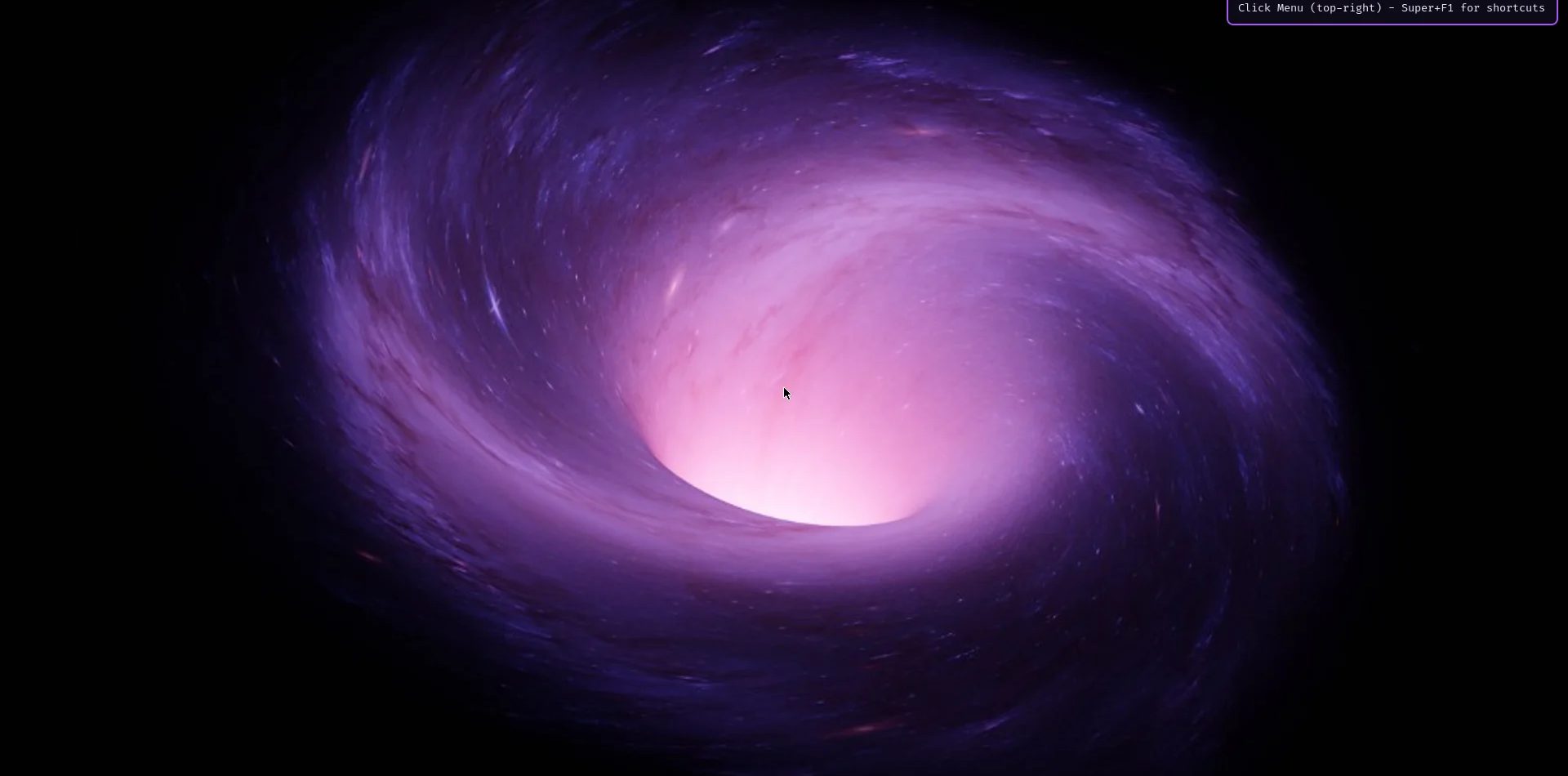
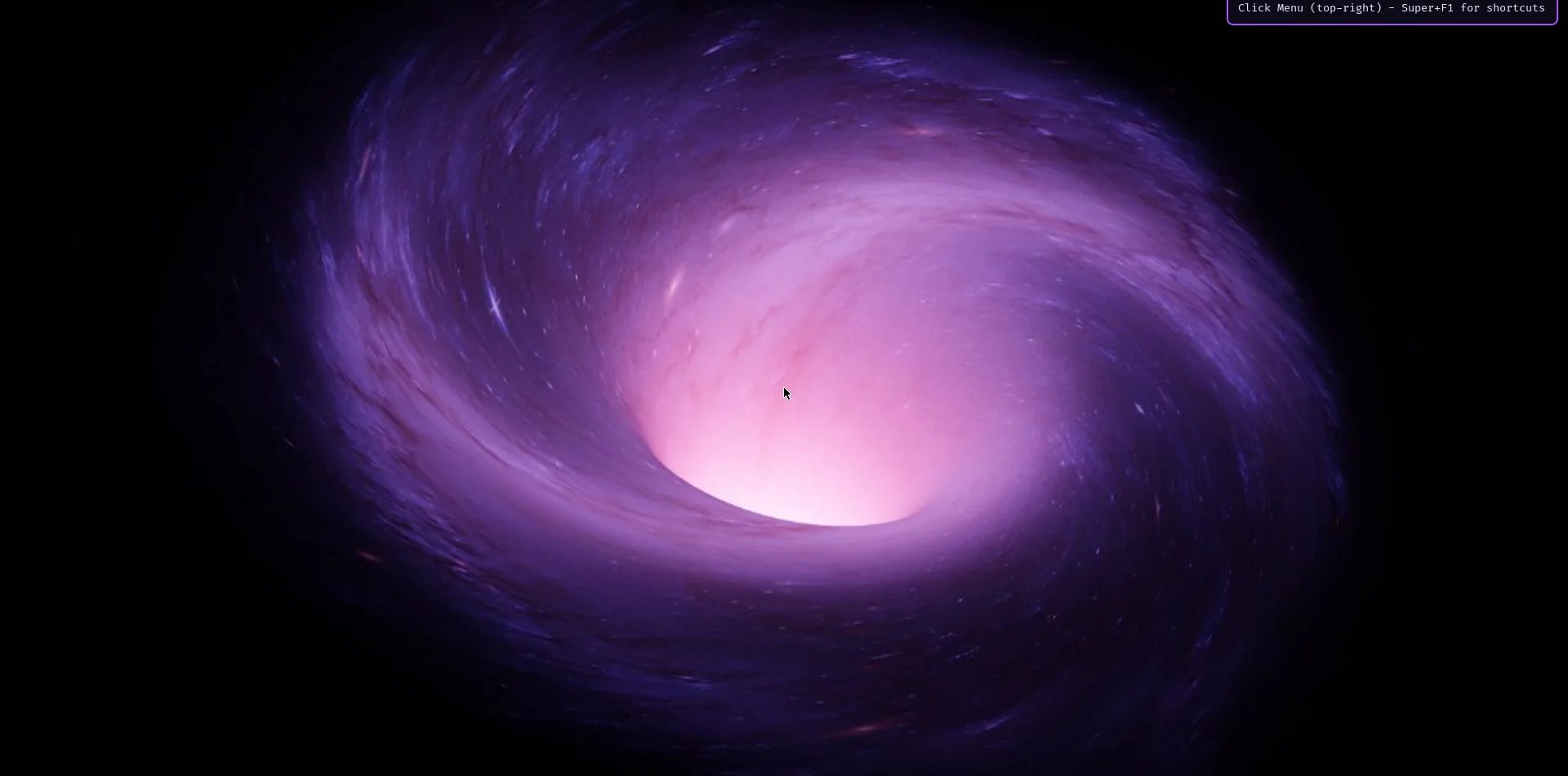
Abyss Linux is a systemd-free Linux desktop built on Void Linux and the suckless tools. It is free, rolling-release and small: the idle desktop uses about 300 MB of RAM. It runs the dwm window manager, uses runit instead of systemd, and ships as a ready-to-boot ISO.
It is made by MrZaKaRiA, and it is for people tired of heavy desktops: developers, sysadmins and curious owners who want a computer that does only what they ask. This post covers the idea, the daily workflow, updates, what is new in release 27.1, installation and the honest limits.
What Abyss Linux is, and why it exists
The creator spent years hopping between distributions, looking for a daily driver that fit a terminal-heavy day of code, servers and design. The search ended with a short list of hard requirements. Abyss is the desktop built to meet them, packaged so anyone can boot it.
- It has to suck less: small programs you can read in an afternoon, configured in C and compiled in.
- Rolling release: no big upgrade every six months, one command keeps everything current.
- No systemd: an init you can understand, a few shell scripts and a supervisor.
- Minimal by default: start from almost nothing and add only what you need.
- Not a fork: independent underneath, with its own package manager and build system.
Most distributions miss at least one of these. Some are rolling but run systemd. Some are minimal but are forks of forks. Some skip systemd but ship fixed releases. Void Linux met all five, so Abyss stays 100% Void underneath: Void's repositories, kernel and tools. Abyss adds a desktop layer and a small signed repository of its own.
The product page, Abyss Linux, has the downloads. Source, releases and the package repository are on GitHub.
The desktop: dwm, one bar, one Menu
The window manager is dwm, patched and themed in Abyss purple. The terminal is st, the launcher is dmenu, the screen locker is slock, and tabbed handles tabs. The suckless philosophy behind them is simplicity, clarity and frugality. dwm is about 2,000 lines of C.
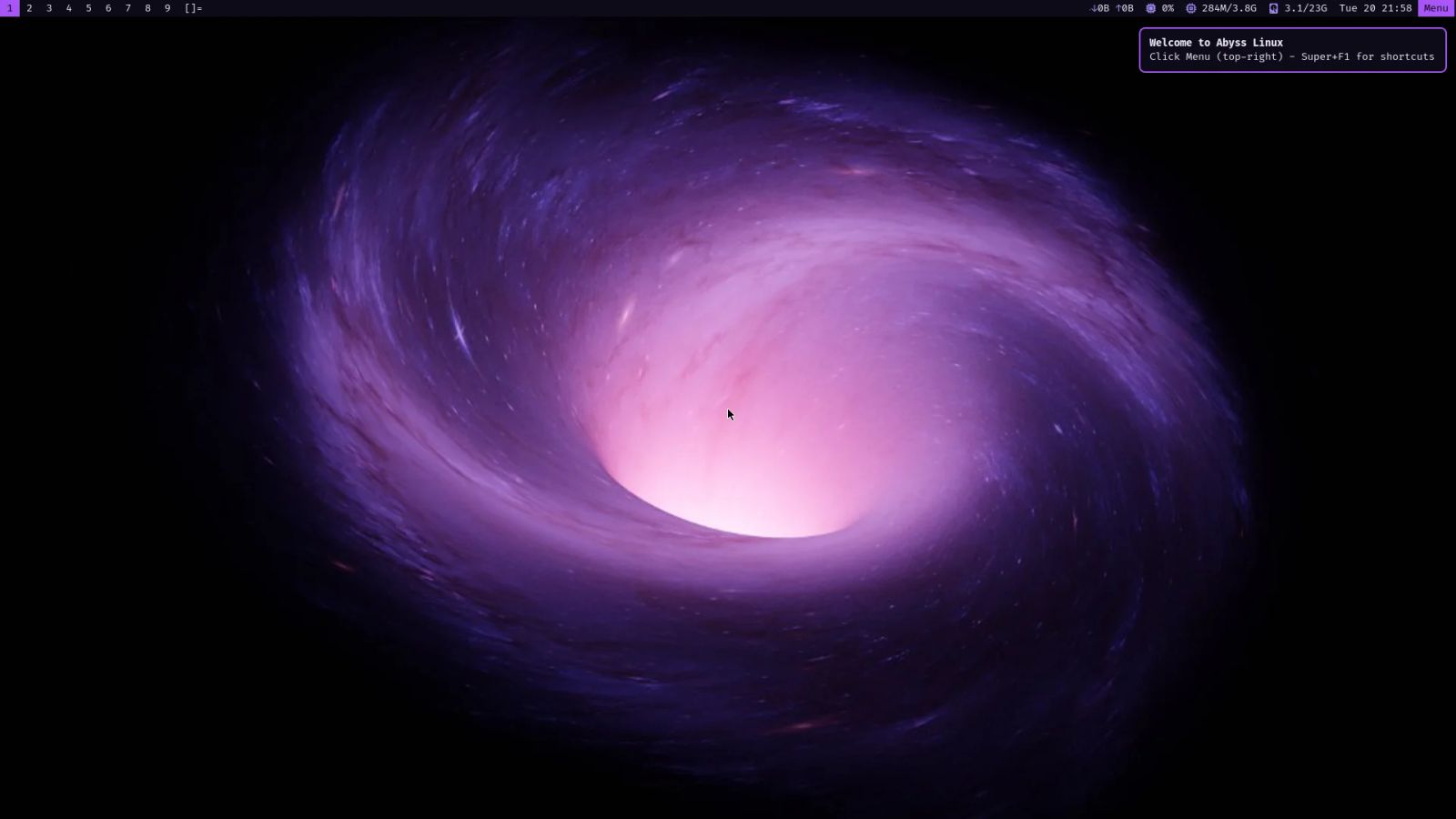
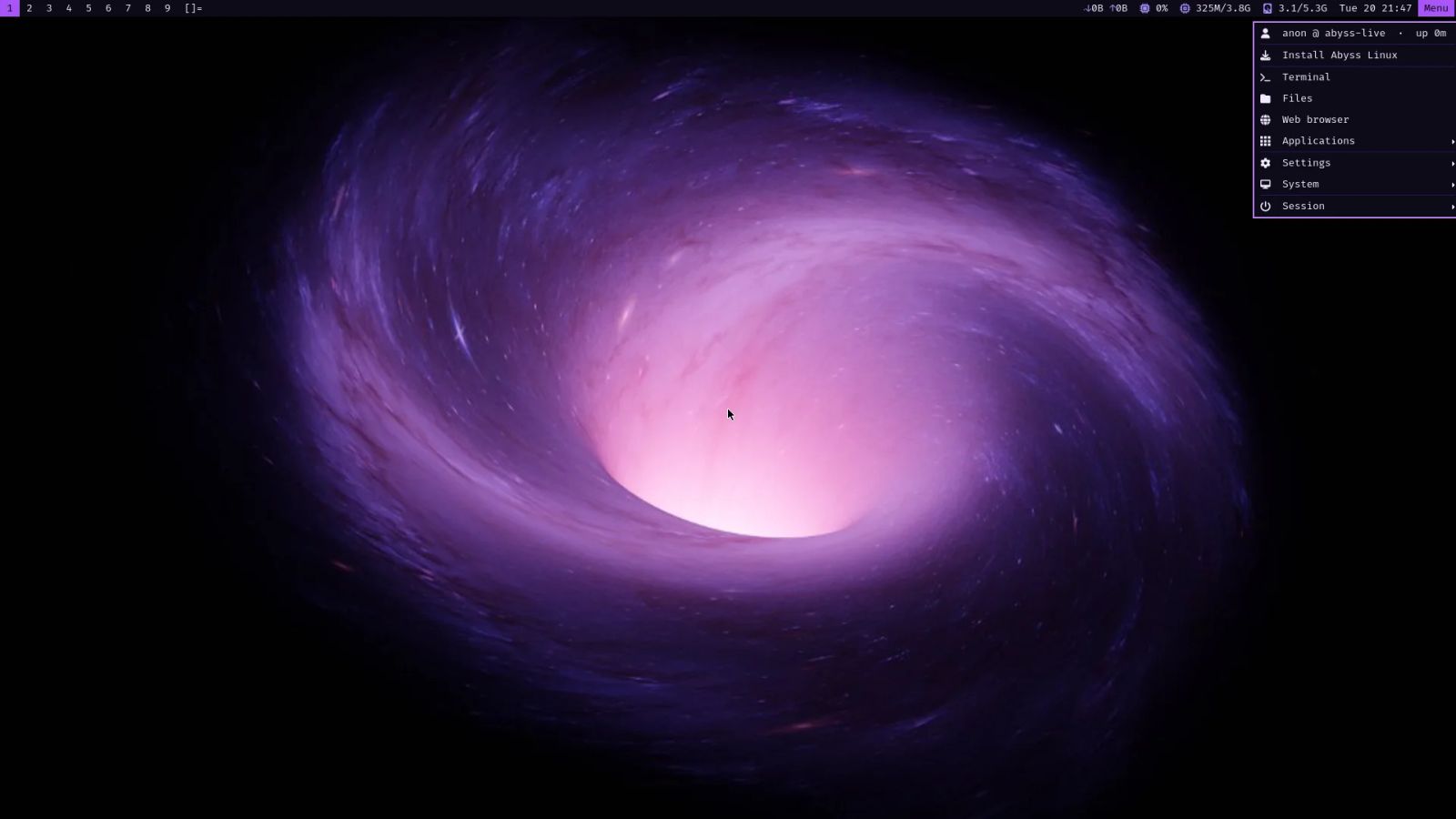
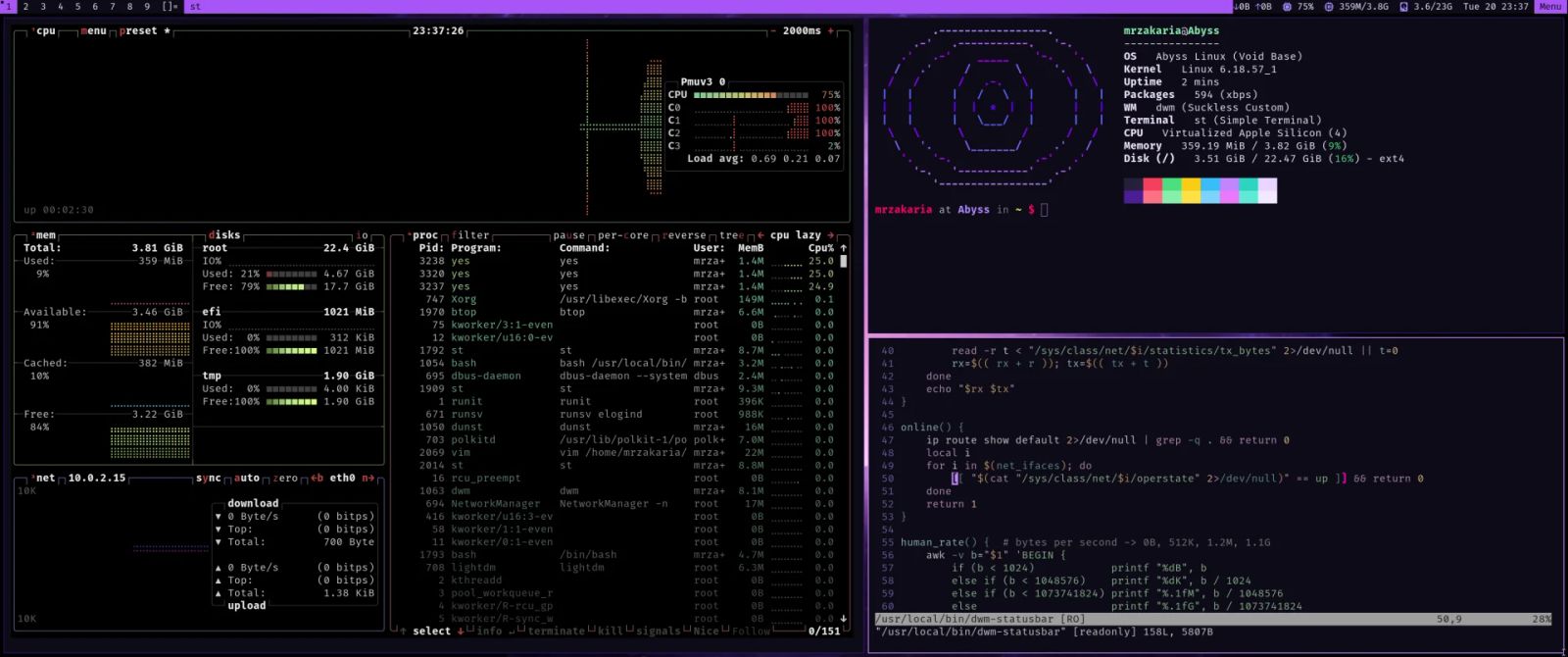
A compact status bar shows network speed, CPU with temperature, RAM, disk and the clock. One Menu button at the top right holds everything else: installer, terminal, files, browser, apps, settings, system and session. Super+Esc opens the same menu.
GTK apps such as the Thunar file manager follow a dark Abyss theme with violet folders. On first boot a notice points you to the Menu and to Super+F1 for the shortcut list. Nothing else greets you.
Why no systemd matters here
Abyss uses runit, as Void does. A service is a directory with a run script. The site shows the idea: the sshd service is a two-line shell script that starts the daemon. If you can read a shell script, you can read your init. See the Void documentation for how services are enabled.
A service is a directory with a run script. If you can read a shell script, you can read your init.
A keyboard-first workflow
Super is the mod key, and it is Cmd on a Mac. dwm tiles your windows, so there is no dragging and resizing. Press Super+F1 at any time for the full list. These are the ones you will use on day one.
- Super+Return: open a terminal.
- Super+Esc: open the Abyss menu.
- Super+b: open the web browser.
- Super+p: run any program through dmenu.
- Super+Left or Right: switch desktops.
- Super+Shift+Left or Right: carry the window to the next desktop.
- Super+Shift+j or k: move a window down or up the stack.
- Super+Shift+l: lock the screen.
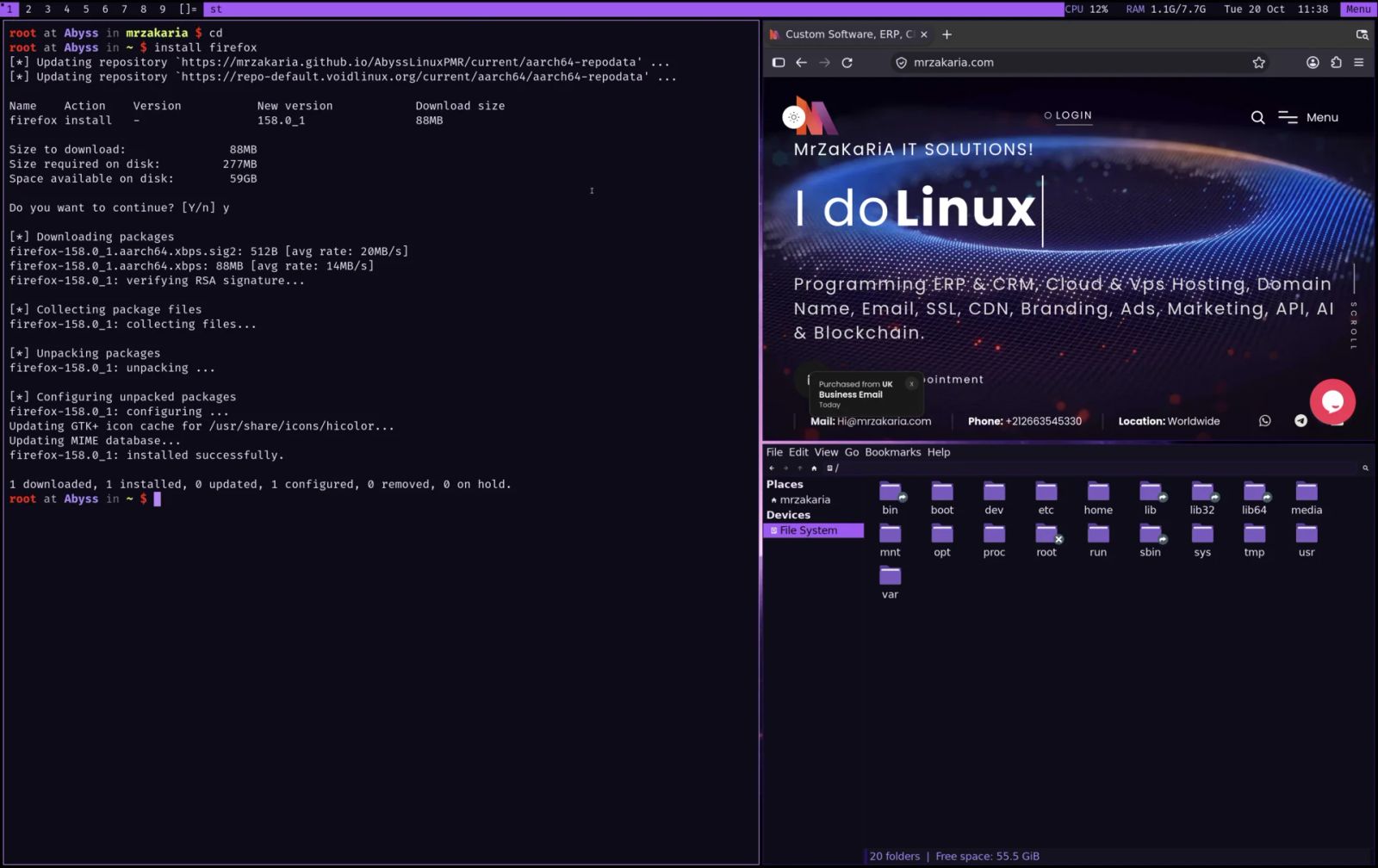
Audio and media keys work through PipeWire. The layouts are US and Arabic, switched with Alt+Shift, and Caps Lock acts as Escape. If a virtual machine captures the Command key, Super+Alt+k swaps Super onto Left Alt.
The screenshot above shows the working loop: a terminal installs Firefox with xbps, the browser opens beside it, and dwm tiles both.
Rolling updates and the signed package repo
One command updates the Void base, your apps and the Abyss builds together: sudo xbps-install -Su. XBPS is Void's own package manager, and the Void handbook documents it.
The patched dwm, st and dmenu come from the Abyss package repository, the PMR. It is a signed XBPS repository built by GitHub Actions. Because it is separate from the ISO, new features such as the dark GTK theme and keyboard window moves arrive as updates, without a new image.
That is a real advantage for a small project. You install once and keep current. It also means you depend on one maintainer's repository for those packages, so read the project's source before you trust it with a work machine.
What is new in 27.1
Release 27.1 came out on October 21, 2026, one day after 27.0. If you are already on 27.0, run the update command and you get the package changes below. The rest is in the new install image.
- Dark everywhere: Thunar and other GTK apps follow the Abyss theme, with Papirus-Dark icons and violet folders.
- Move windows from the keyboard: Super+Shift+j and k reorder the stack, and Super+Shift with the arrows carries a window to another desktop.
- Super+b opens the browser, or shows a notice that tells you how to install one.
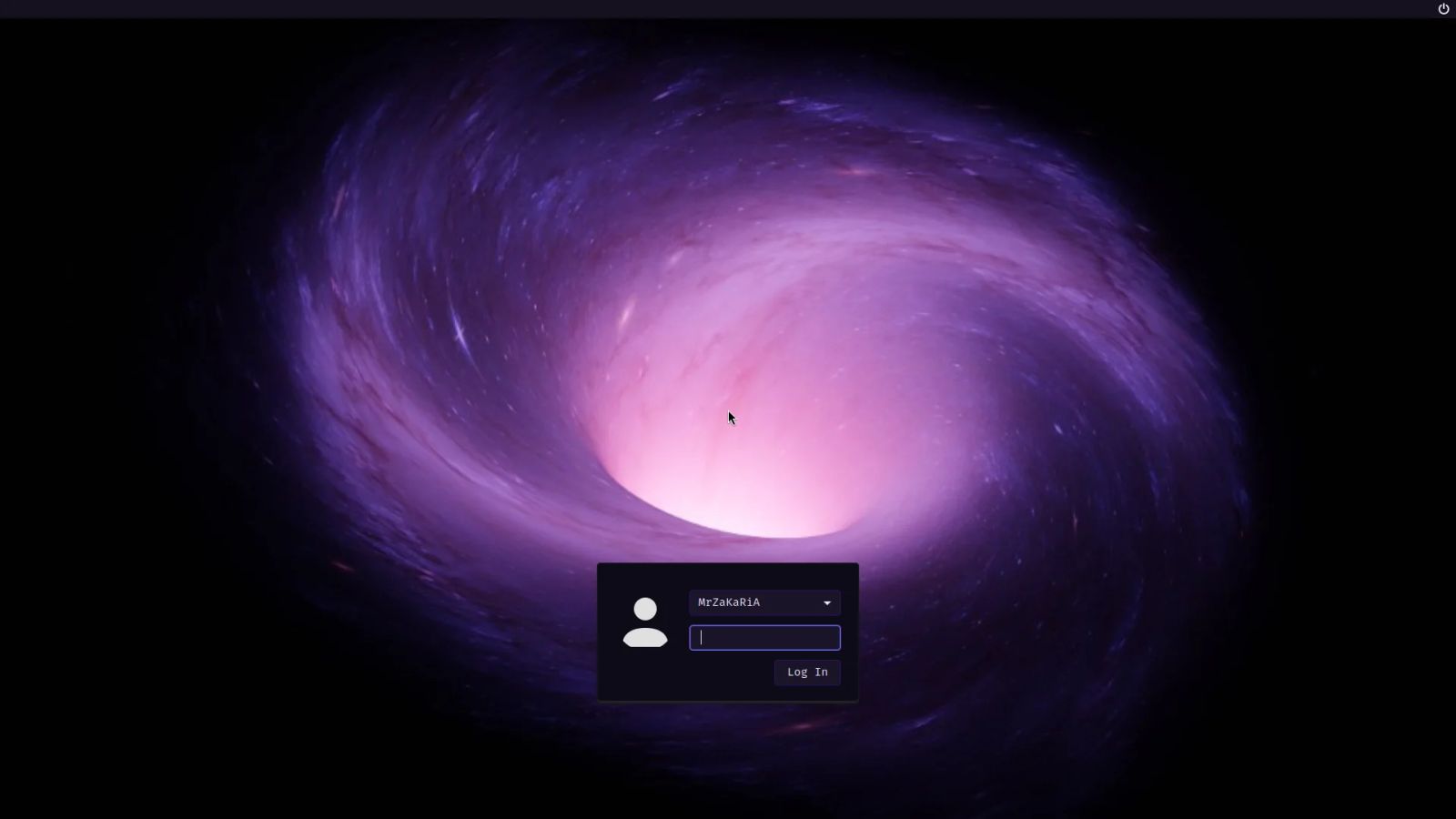
- Boot to desktop in one picture: a Plymouth Abyss splash, then a LightDM login with your user preselected.
- Shutdown fixed: poweroff and reboot no longer fail with an error about /etc/runit/stopit.
- A reorganised menu, an icon status bar, rofi search with app icons, and an installer in Abyss colours.
Install in five steps
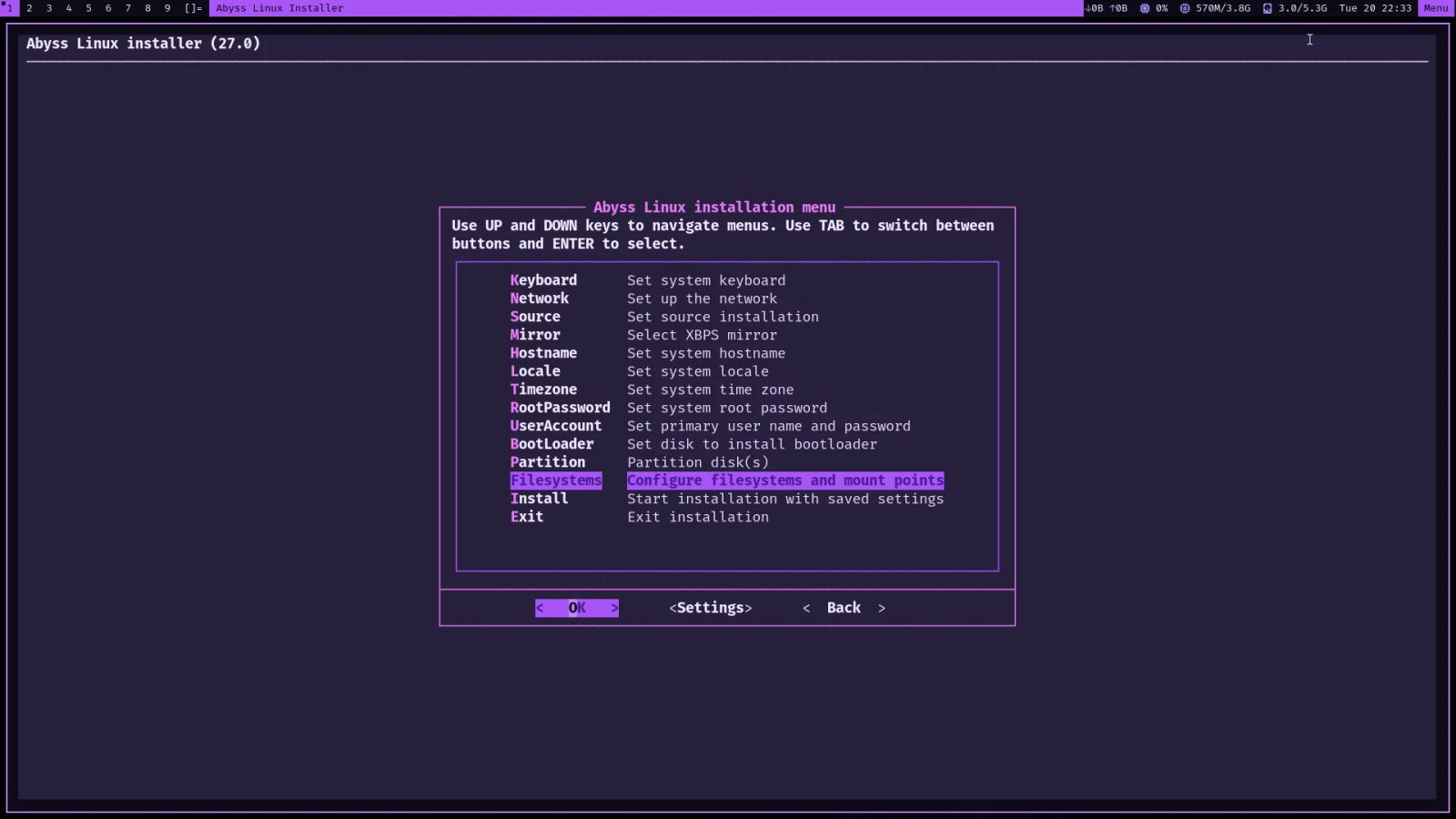
The installer is Void's own void-installer with Abyss changes. It offers one-step automatic UEFI partitioning and a removable EFI fallback for virtual machines that forget their boot entries. The project says it takes about five minutes.
- Boot the ISO. It boots silently and lands on the desktop. Hold Esc or Shift to see the GRUB menu.
- Open Menu at the top right and choose Install Abyss Linux. The installer opens in a large dark terminal.
- Answer three questions: hostname, root password and your user. Then choose Partition, then auto.
- Install. This creates a GPT table, a 1 GB EFI partition and an ext4 root. The live system is copied, so no network is needed.
- Reboot, remove the ISO and sign in at the Abyss login screen. dwm starts right away.
Verify the download first. Each release publishes a SHA256SUMS file, and sha256sum -c SHA256SUMS checks it on Linux. On macOS use shasum -a 256 -c SHA256SUMS.
Requirements and the Apple Silicon ISO
You need 2 CPU cores, 2 GB of RAM (4 GB recommended) and 16 GB of disk. x86_64 machines boot with UEFI or BIOS. The x86_64 ISO is 1.64 GB and suits PCs, laptops, VirtualBox, VMware, QEMU/KVM and Hyper-V.
There is also an aarch64 ISO, 1.62 GB, with UEFI boot. It targets Apple Silicon virtual machines (Apple Virtualization, UTM, Parallels), plus ARM64 servers and boards. On a Mac, Lumen VM is our own app for running it, and the guest scales text to 2× automatically.
Honest limits
- It is keyboard-driven. If you want a point-and-click desktop like GNOME or KDE, Abyss is the wrong choice.
- It is a community project, not affiliated with Void Linux or suckless.org.
- It is young. The first public release, 27.0, is dated October 20, 2026, so it has no long track record.
- The patched suckless packages come from one project repository, not from Void's own.
- The live session uses a published password, so set your own during installation.
Picture a developer who deploys to Linux servers and wants the same tools on a laptop. Abyss fits that well. If instead you need Linux run for you in production, that is server management work, and you can get in touch about it.
Frequently asked questions about a systemd-free Linux desktop
What is a systemd-free Linux desktop?
It is a Linux desktop that starts and supervises services with a different init system instead of systemd. Abyss Linux uses runit, where each service is a directory holding a run script. Void Linux, which Abyss is built on, ships runit by default.
Is Abyss Linux free?
Yes. You can download the ISOs from GitHub at no cost. The project's scripts, overlay and documentation are MIT licensed. The base is Void Linux, and the suckless tools carry their own licences, as the project's credits list.
Does Abyss Linux run on Apple Silicon Macs?
As a virtual machine, yes. The aarch64 ISO is meant for Apple Silicon through Apple Virtualization, UTM or Parallels. It is not a native install on the Mac hardware. Lumen VM is the author's own app for running it.
How do I update Abyss Linux?
Run sudo xbps-install -Su. That one command updates the Void base, your applications and the Abyss builds of dwm, st and dmenu. There is no separate upgrade every six months, because the release model is rolling.
Is Abyss Linux affiliated with Void Linux?
No. It is a community project and is not affiliated with Void Linux or suckless.org. It builds on Void's official repositories, kernel and tools, and on the suckless programs, and it credits both projects.
Where to go next
Download the ISO and read the screenshots on the Abyss Linux page, and try it in a virtual machine first. On a Mac, Lumen VM runs it in a window. If your business needs Linux servers set up and looked after, see our server services or contact us.
Related articles