
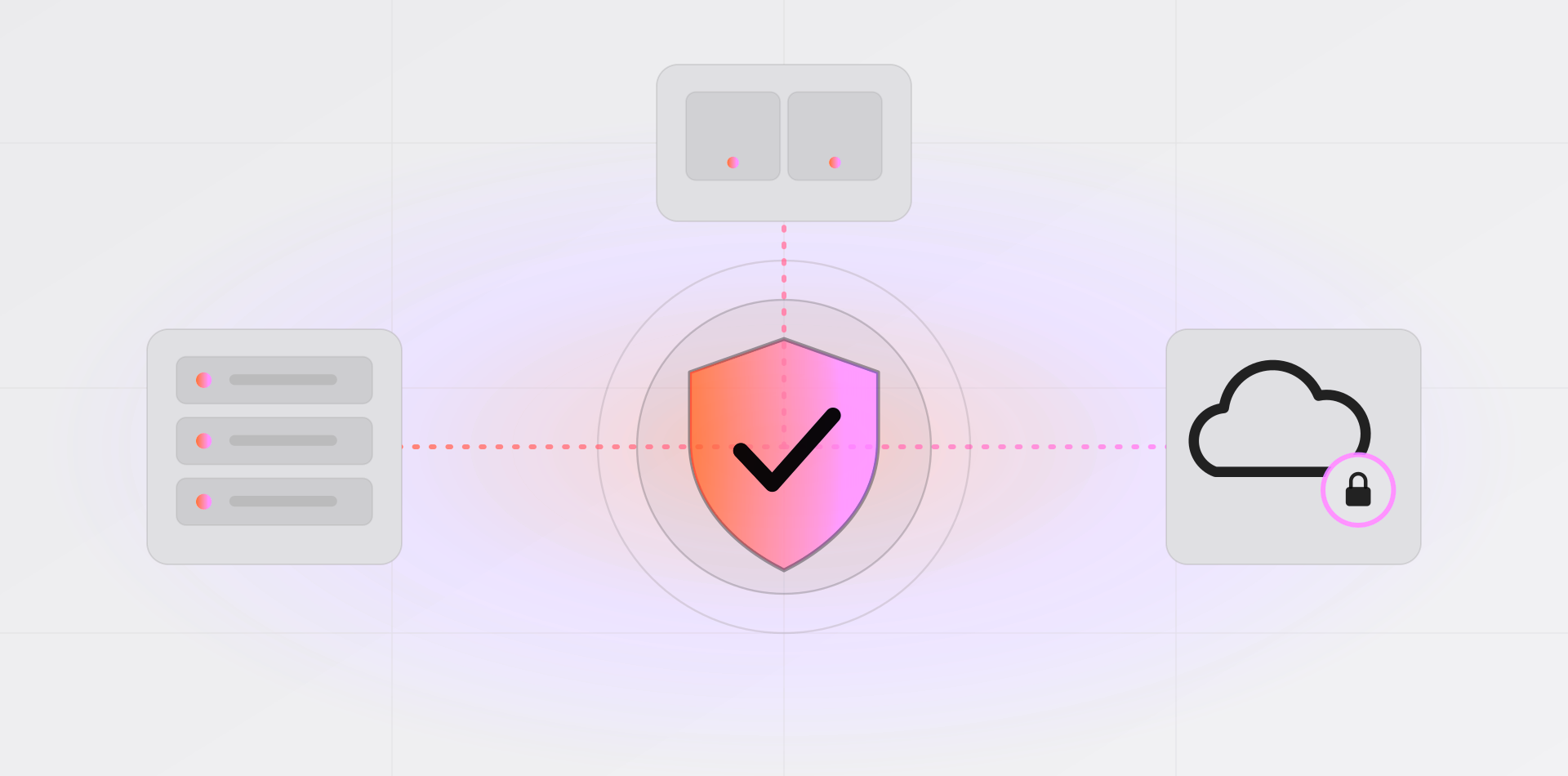
What is a business backup system?
A backup system copies your important data on a schedule and keeps older versions. When something goes wrong, you restore the last good copy. It is not the same as a sync folder or a RAID disk set. Both repeat your mistakes as faithfully as your good data.
Four events take most small businesses offline:
- Hardware failure, such as a dead disk or server.
- Accidental deletion or a bad update.
- Ransomware, which encrypts files and often the backups stored beside them.
- Loss of a whole site through fire, theft or flood.
Data protection: what a backup protects you from
A backup is your last line of defence. Antivirus tries to stop an attack. A backup lets you recover when it fails. Keep versions as well as copies, so you can go back to a time before a file was damaged.
Ransomware makes this urgent. Attackers look for backup shares and encrypt or delete them first. Keep one copy that the accounts on your network cannot change or delete.
Business continuity: how fast must you recover?
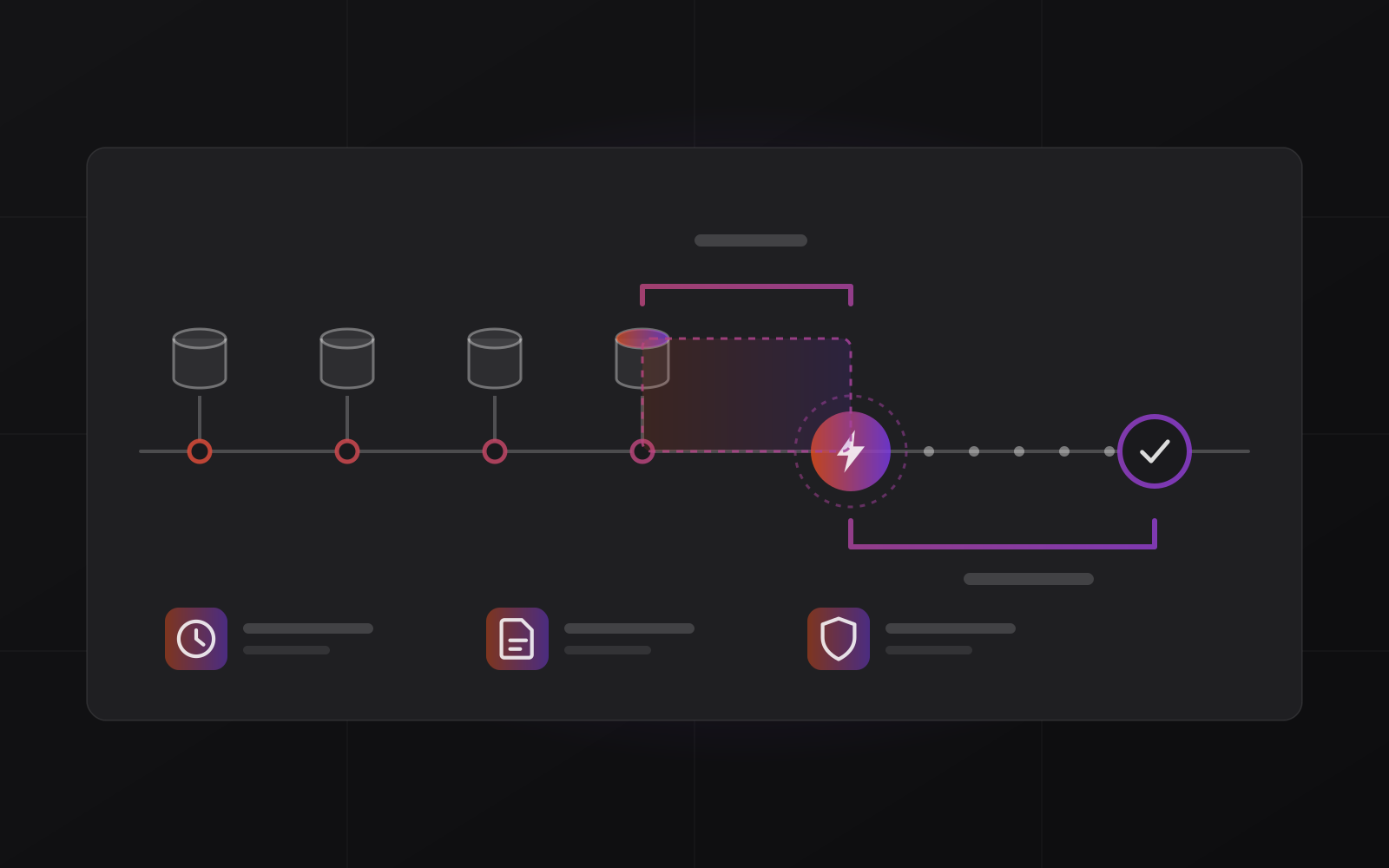
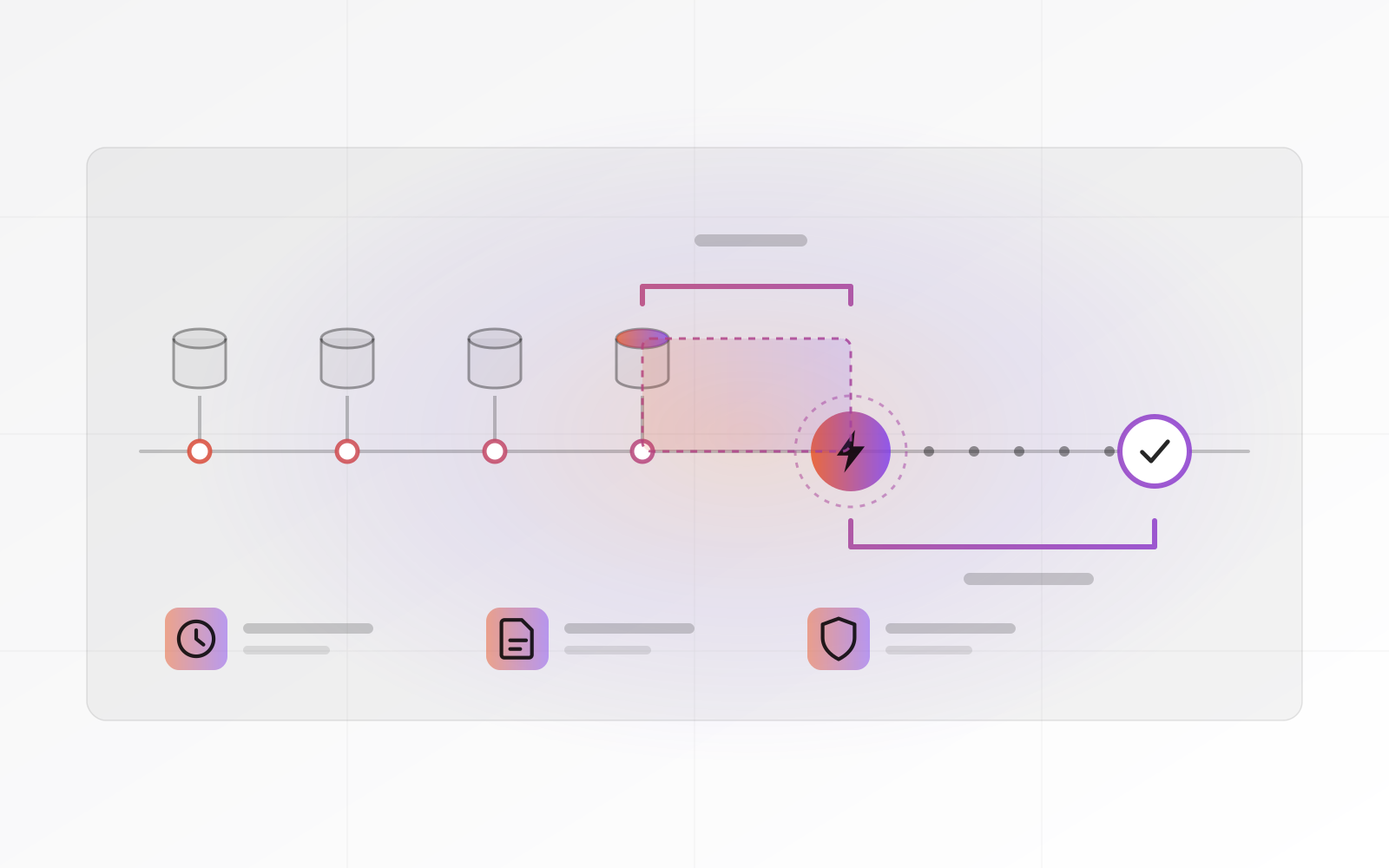
Two numbers turn a vague plan into a real one. The recovery point objective (RPO) is how much data you can afford to lose, measured in time. The recovery time objective (RTO) is how long you can afford to be down.
A shop that takes live sales may need an RPO of minutes and an RTO of hours. A small accounting firm may accept 24 hours of lost work, and a week to restore a system that does not handle billing.
Work backwards from those numbers. The RPO sets how often you copy. The RTO sets how you restore.
A backup you have never restored is a hope, not a backup.
Compliance requirements
Many rules expect you to protect and recover data. The EU's GDPR, for example, asks organisations to be able to restore access to personal data in good time after an incident (Article 32). Finance, health and other sectors add their own rules.
A documented backup and a tested restore are the evidence an auditor looks for. Check which rules apply to you, and keep the log of every restore test.
Cost: what a backup system really costs
A backup costs storage, a little software and some time to monitor it. Downtime costs sales, wages and customer trust, and lost data can cost far more. Compare the two before you decide.
Off-site storage is cheap today. Object-storage services such as Amazon S3 and Backblaze B2, or a self-hosted MinIO server, can hold encrypted copies for a monthly fee that grows with the data you store.
The 3-2-1 rule, step by step
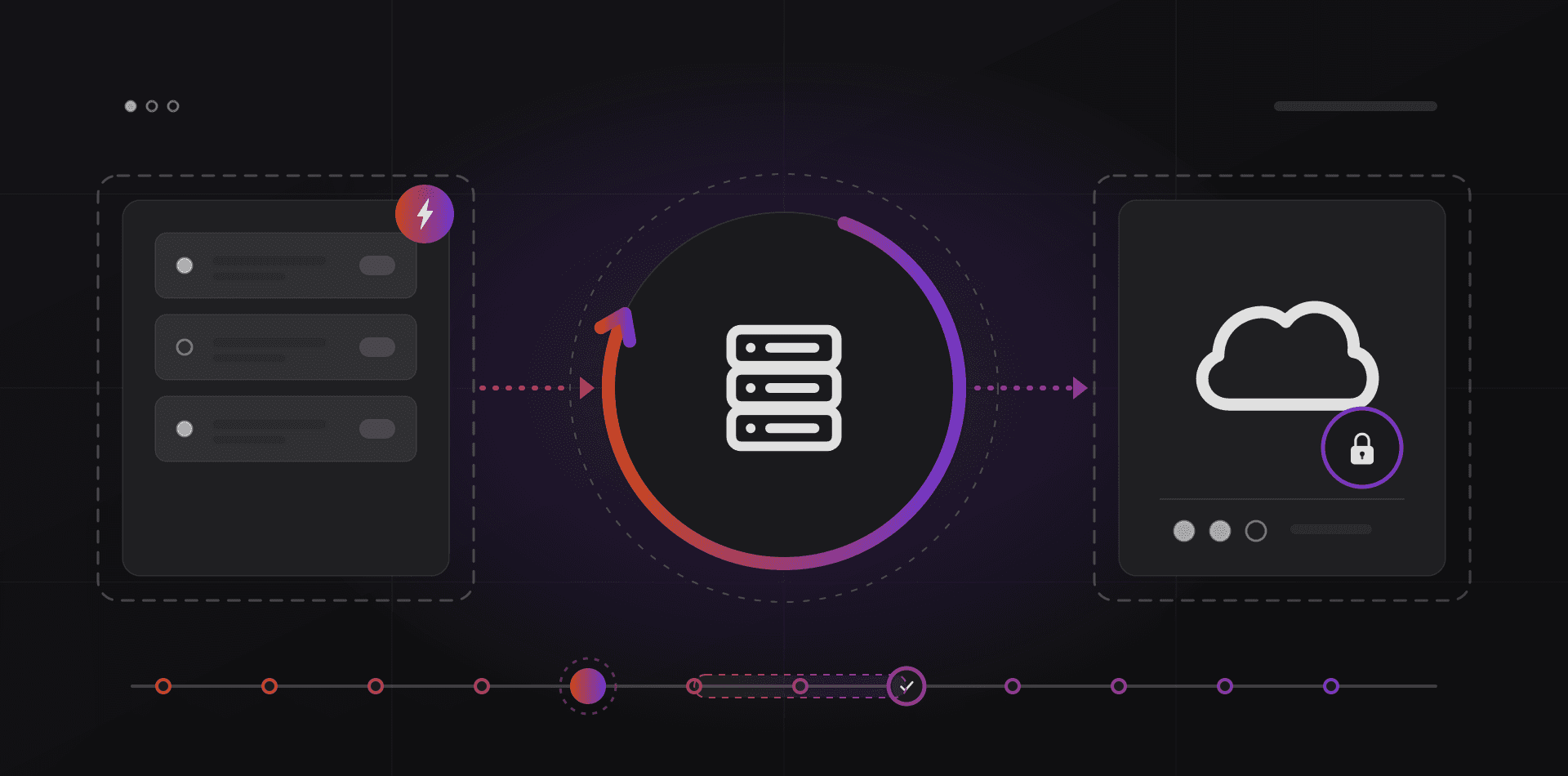
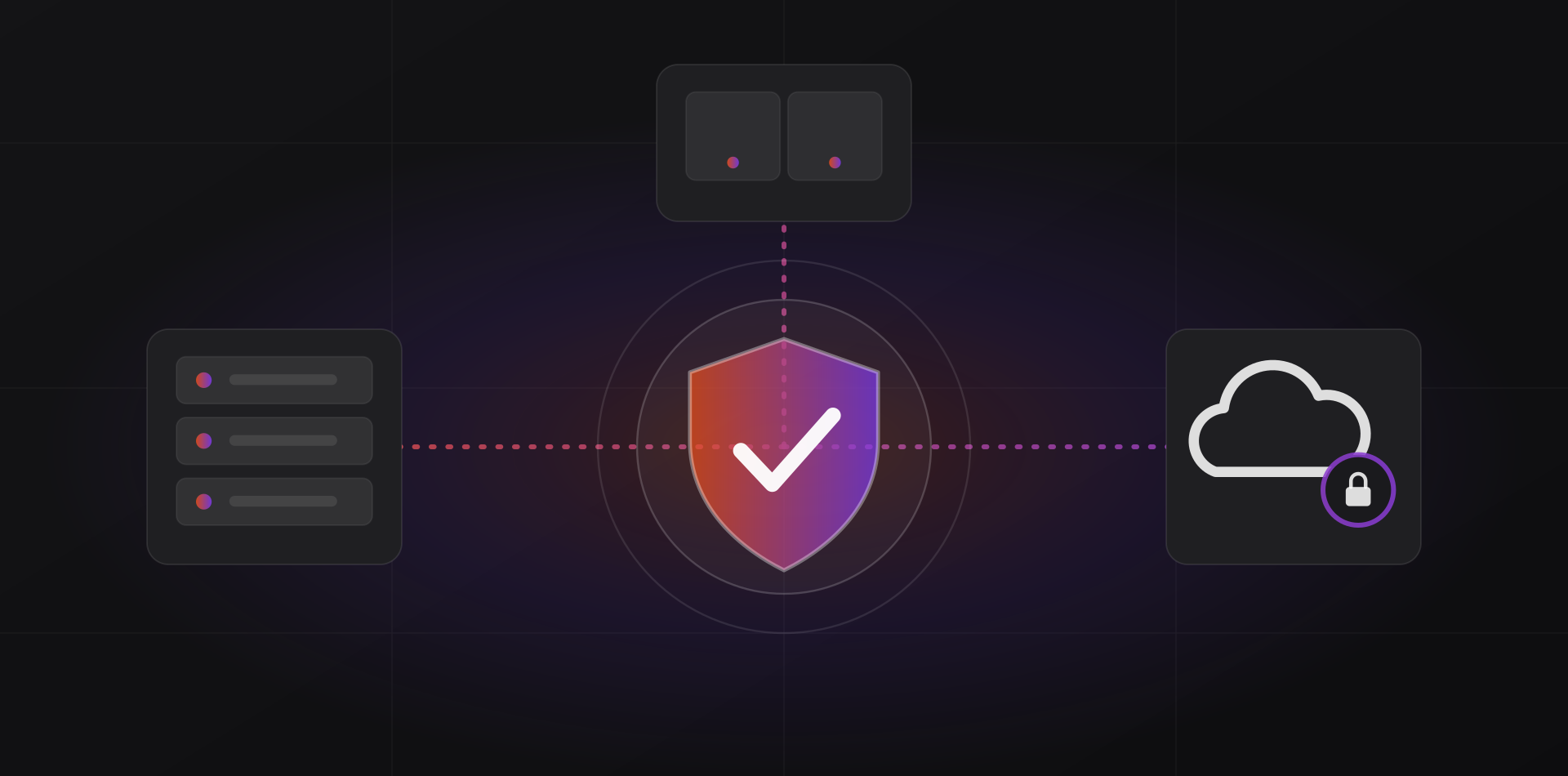
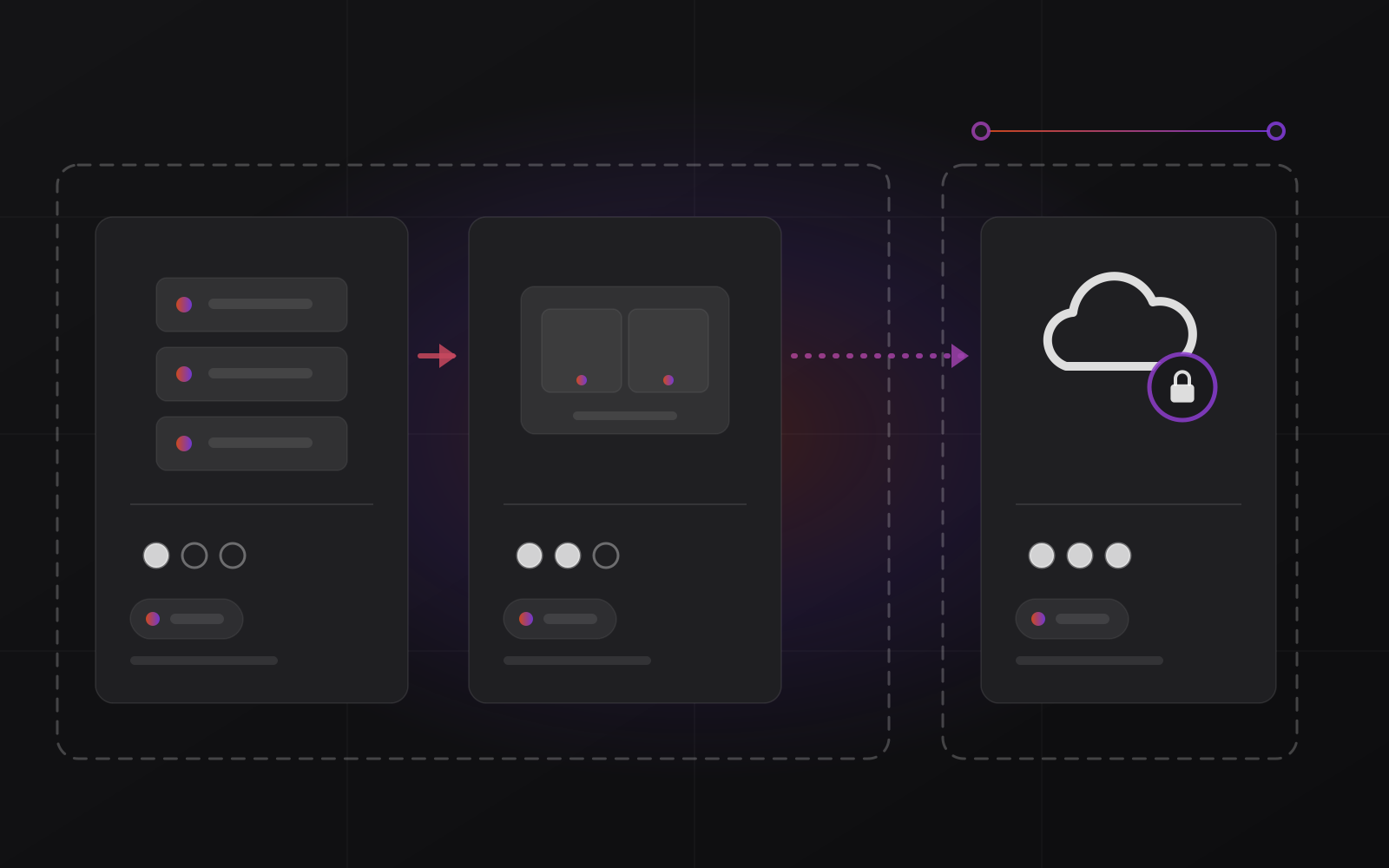
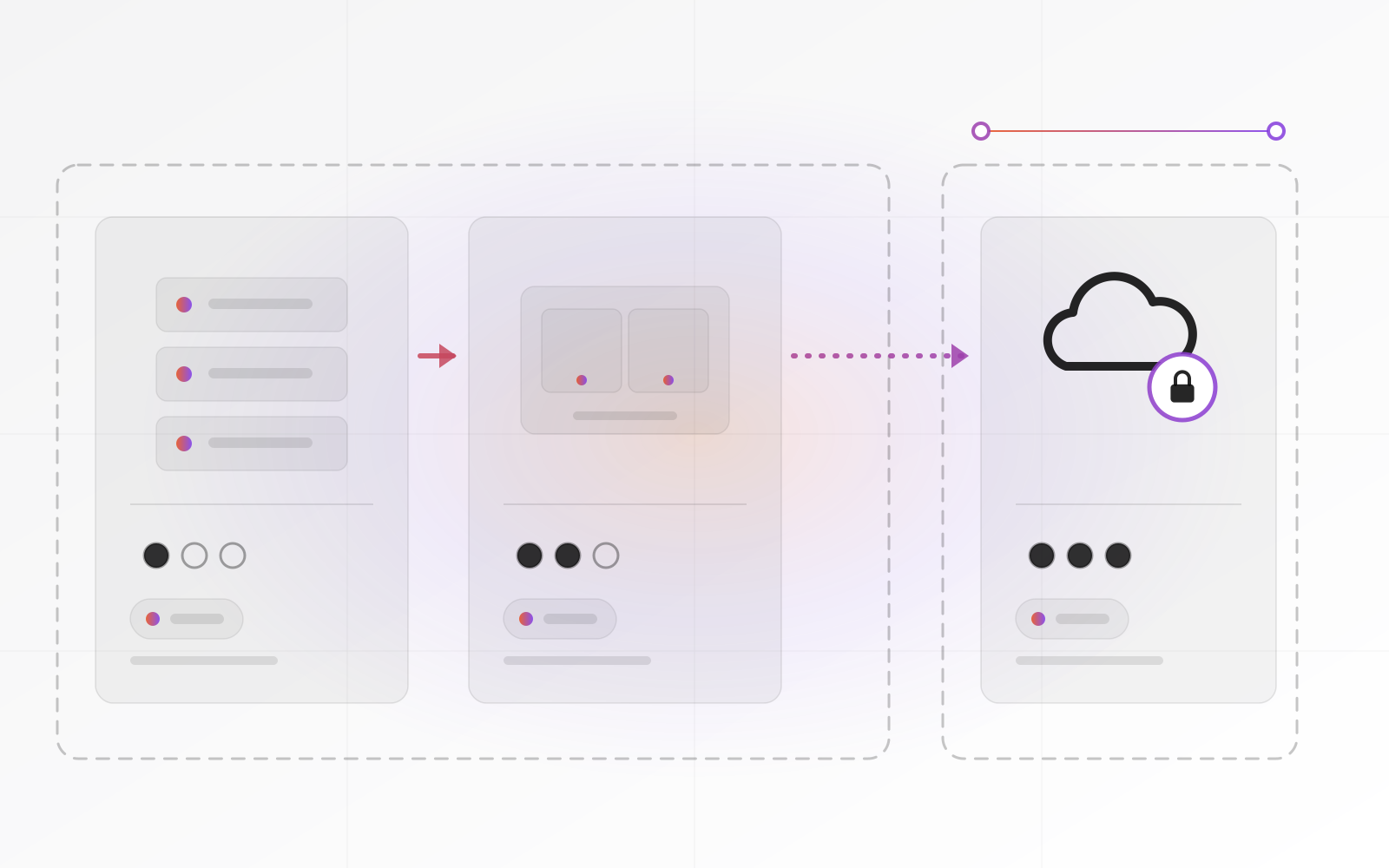
The 3-2-1 rule is simple and widely used. Keep three copies of your data, on two different kinds of storage, with one copy off-site.
- Copy 1: the live data on your server or laptop.
- Copy 2: a local backup on a different device, such as a NAS, for fast restores.
- Copy 3: an off-site copy in another city or cloud region, ideally one that cannot be changed.
- Add a habit: test a restore every quarter and write down the result.
What to back up first
Not everything needs the same protection. Start with the systems that hurt most to lose:
- Production databases (CRM, ERP, billing): every 15 minutes to 1 hour.
- Shared files and user folders: daily.
- Email mailboxes: daily, kept for 30 days or more.
- Server configuration and code: after every change.
- Archives: weekly or monthly.
On our managed hosting, backups run daily at 02:00. They are versioned, stored off-site and kept for 30 days.
A 10-minute backup check
- List where your data lives: servers, laptops, cloud apps and email.
- Write down the last time each one was backed up.
- Check that one copy is off-site and one is out of reach of your everyday accounts.
- Restore one file from each backup, and time how long it takes.
- Set a calendar reminder to repeat the test every quarter.
If you cannot do step 4 today, you do not yet have a backup you can rely on.
Frequently asked questions about backup systems
How often should a business back up its data?
It depends on how much data loss you can accept. Busy databases are backed up every 15 minutes to an hour. Shared files are usually backed up nightly. Archives can wait a week.
Is cloud sync, like Dropbox or OneDrive, a backup?
Not by itself. A sync mirrors changes, including deletions and encrypted files. A backup keeps point-in-time copies that survive whatever happened to the source. Some sync tools keep old versions for a limited time, so check how long.
Where should I keep the off-site copy?
Far enough away to survive a local disaster: another building, another city or another cloud region. Encrypt it before it leaves your network, and keep the keys somewhere else.
How do I know my backups work?
Restore from them on a schedule. A green tick in the backup software only says that the job ran. A restore test proves that the data comes back and tells you how long it takes.
How much does a backup system cost?
It varies with the amount of data, how long you keep versions and how fast you must recover. Compare the yearly cost of storage and monitoring with the cost of one day of downtime. A backup audit is the quickest way to scope it.
Do I still need backups if I use a cloud host?
Yes. A cloud provider protects its platform, not your mistakes. If you delete a database or an attacker takes over your account, the platform keeps running with the damage in place. Keep your own copy in a separate account.
Where to go next
Read our guide to disaster recovery and backup solutions for the full architecture. Managed cloud hosting covers larger setups. When you are ready, book a call and we will look at your current backups together.
Related articles