
A disaster recovery plan for small business is a short written answer to one question: when the systems stop, what comes back first, how fast, and who does it? Two numbers anchor it, RPO and RTO. Everything else is a list, a runbook and a test.
Most disasters are mundane. A deleted shared folder, a dead disk, a bad update, a ransomware note, a burst pipe above the server closet. The plan is the same for all of them, and it runs to a few pages, not a binder. This is for owners and office managers who have backups and suspect that is not the same thing as a plan.
RPO and RTO in plain words
RPO is how much work you can afford to lose. RTO is how long you can afford to be down. Put them to the business as one question: if we lose everything since last night and the system stays dead until Thursday, what do people do on Wednesday?
Your backup schedule sets your real RPO. The last good copy is from 2 in the morning, the server dies at 3 in the afternoon, and you have lost thirteen hours of orders and email. Your restore method sets your real RTO. One terabyte over a 100 Mbit/s line takes about 22 hours at full speed, and you will not get full speed.
NIST's contingency planning guide, SP 800-34, uses the same two terms and adds a third: maximum tolerable downtime, the point where an outage starts to threaten the business itself. Your RTO has to sit inside it.
Ask the people who do the work, not only IT. The accountant knows how many days of invoices she can re-key. The warehouse knows what happens when pick lists stop printing.
Start with a business impact list
Before you plan the recovery, decide what matters. NIST calls this a business impact analysis. In a small company it is one page, with a row for every system and service you would miss. Each row answers six questions.
- What it is and who owns it
- What stops when it is down: orders, invoices, payroll, deliveries
- How long you can live without it (the RTO)
- How much recent data you can afford to lose (the RPO)
- What it depends on: the internet line, the domain name, a server, a supplier, one person
- Where the data lives, and where the copies live
The dependency column is where plans break. The ERP needs the database, which needs the server, which needs the network and the DNS records at your registrar. Whoever holds the registrar login is part of your recovery plan, whether they know it or not.
Sort everything into three tiers
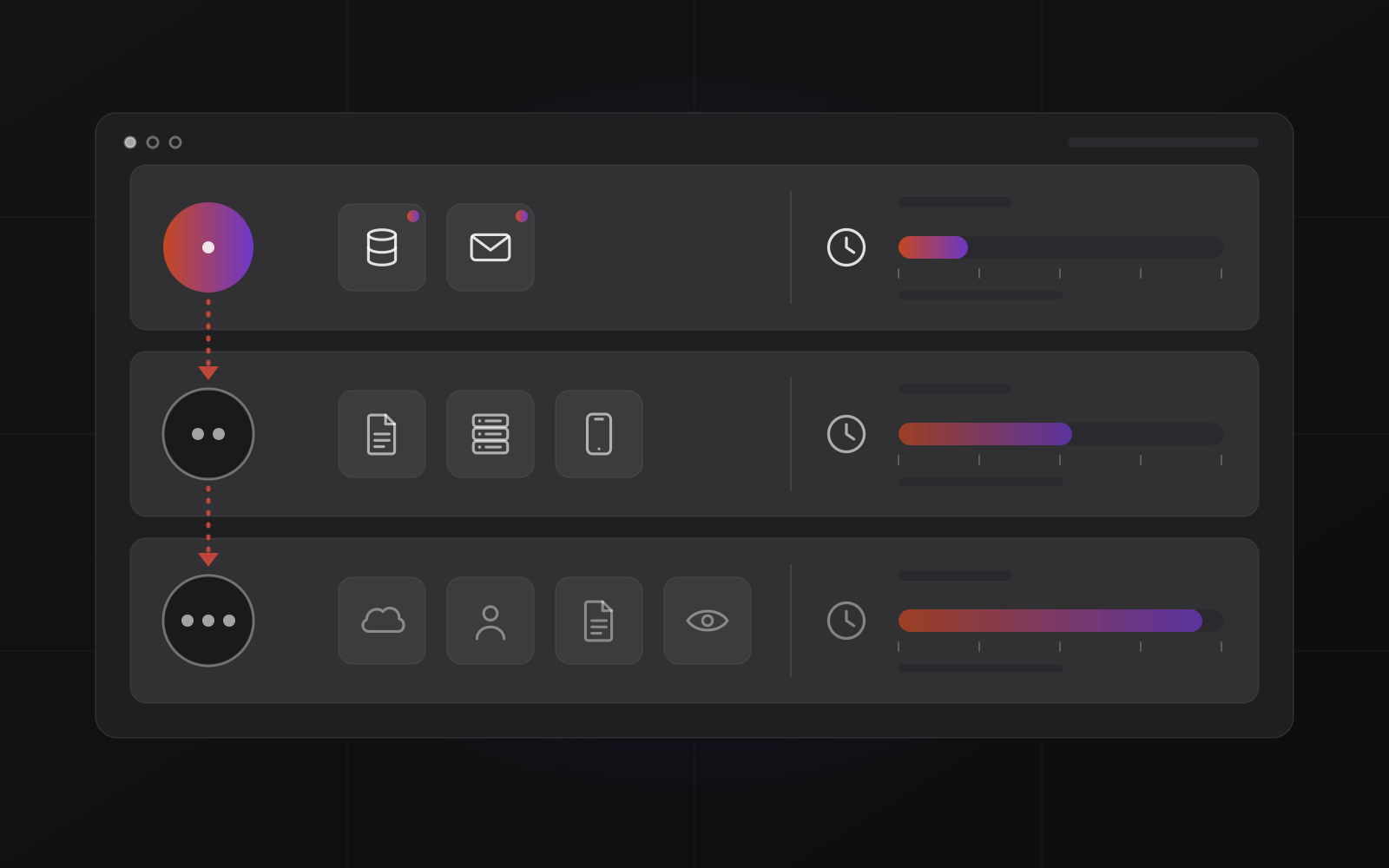
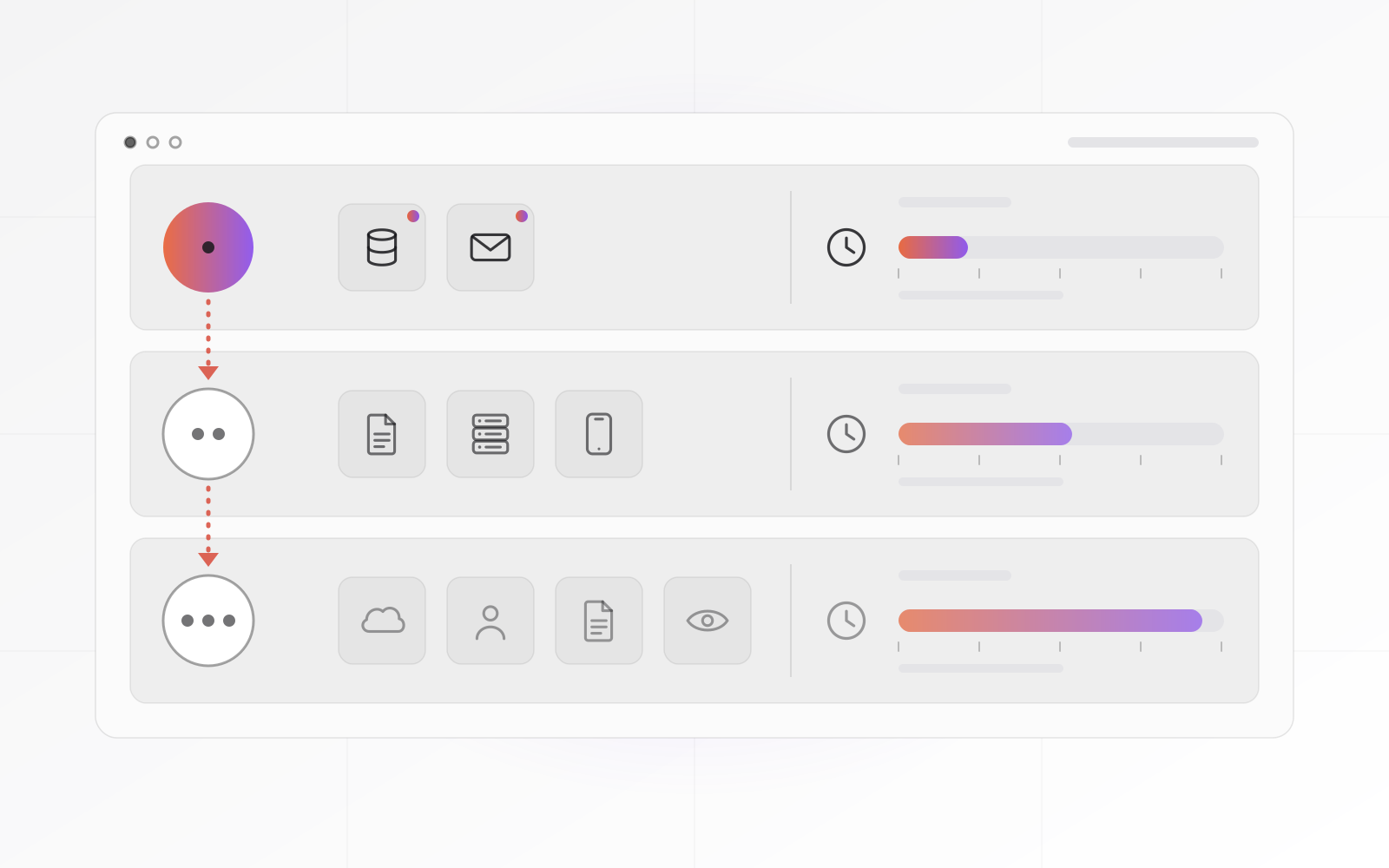
Three tiers are enough. Tier 1 comes back in hours: email, telephone, internet, order entry, accounting. Tier 2 can wait a day or two: shared files, the CRM, reporting. Tier 3 can wait a week: archives, old projects, test systems.
If everything is Tier 1, nothing is.
Picture a 12-person distributor. Its ERP is Tier 1, because no ERP means no picking and no invoicing. The shared drive of old brochures is Tier 3. That one decision tells the person restoring at midnight where to start.
Write the runbook for the worst day
A runbook is a numbered list of steps, written for someone who did not build the system. Assume the reader is tired, stressed and not your usual IT contact. If a step needs a paragraph of explanation, split it.
- Declare. Name who decides it is a disaster, and on what signs.
- Contain. Disconnect affected machines and disable compromised accounts.
- Communicate. Tell staff first, then customers and suppliers, from the contact sheet.
- Restore in tier order. Tier 1 first, with the exact steps and the location of the backups.
- Verify. Define "working" for each system: place a test order, send a test invoice, open last week's file.
- Return to normal. Plan the move back and keep notes of everything you changed.
- Review. Within a week, write down what slowed you down and fix the plan.
Next to each step, write an owner, a deadline taken from the RTO, and where the logins live. Include the boring details: license keys, the order services start in, and which backup version to trust. Keep a printed copy in the office and another off site. A runbook saved only on the server that just died is a short and unhelpful document.
A backup is a copy of your data. A recovery plan is knowing what to restore first, in what order, and who does it.
Decide who does what
A plan without names is a wish. Assign five jobs, and give each a deputy for the day the owner is on a plane. In a small company one person may hold two jobs. Nobody should hold all five.
- Decision-maker: declares the disaster and approves spending. Usually the owner.
- Technical lead: runs the restore. Your IT person or your provider.
- Communicator: tells staff, customers and suppliers what is happening.
- Scribe: keeps a timestamped log, which you will want for insurance and for the review.
- Deputies: one named backup for each of the above.
Then build a one-page contact sheet. Personal mobile numbers, your internet provider's support line, the domain registrar, hosting and software vendors, your insurer. Add a way to talk that does not depend on your own systems, such as a WhatsApp group on personal phones. Email may be the thing that is down.
If an outside company runs your IT, put its name, hours and response time in the plan. Take the response time from the contract, not the sales page.
Test the restore, not the backup
A backup job that reports success proves the job ran. It does not prove you can restore. The only evidence is a restore you have done and timed. Test at three levels.
- Monthly: restore one file and one database to a different location, and open them.
- Quarterly: restore a whole system onto a spare machine or virtual machine, and time it. That time is your real RTO.
- Yearly: run a tabletop exercise. Gather the roles for 45 minutes. It is Tuesday morning, the file server is dead, go. NIST's guide calls this a tabletop exercise.
Write the measured time next to the target in the plan. If the quarterly test takes nine hours and your RTO says four, you learned something for the price of an afternoon. Update the plan whenever you add a system, change a supplier, move offices or lose a key person.
We set up and test backups for small businesses; see our backup and disaster recovery work. The 3-2-1 rule covers where the copies you restore from should live.
Use the cost of downtime to decide how much to spend
Recovery speed costs money. A spare server and a replicated database are faster than a nightly copy to a disk, and pricier too. The way to decide is to work out what an hour of downtime costs you, then buy speed only where it pays for itself. Add up four things for one hour of outage.
- Revenue you cannot book while systems are down
- Wages you pay for people who cannot work
- Extra costs: overtime, couriers, manual workarounds
- Later costs: late-payment penalties, refunds, customers who quietly leave
Add the cost of re-entering any data lost since the last copy. Your numbers will be rough. A rough number still beats none, because it turns "should we spend on this?" into arithmetic.
Now compare. If an upgrade turns a two-day outage into a four-hour one, it is worth up to the downtime it avoids, discounted by how likely that bad day is.
This is why tiers matter. Put Tier 1 on fast recovery and Tier 3 on cheap storage. A ten-person office whose RTO is "next business day" does not need a hot standby site. For what our backup and recovery work costs, see pricing.
Frequently asked questions about disaster recovery planning
What is the difference between a backup and a disaster recovery plan?
A backup is a copy of your data. A recovery plan is knowing what to restore first, in what order, and who does it. You need both. The backup gives you something to restore, and the plan decides how long you stay down while you do it.
How long should a disaster recovery plan be?
For a small business, five to ten pages is plenty: the impact list, the runbook, the roles and contact sheet, and the test log. A plan nobody can read on a bad morning has failed. Short, current and tested beats thorough and out of date.
How often should a small business test its plan?
Restore a file and a database every month, restore a full system every quarter, and run a tabletop exercise once a year. Test again after any big change, such as a new server, a new accounting system or an office move. A plan untested for two years is a guess.
Do I need a plan if I use Microsoft 365 or Google Workspace?
Yes, a lighter one. The provider keeps the service running, but your data, accounts and settings are your responsibility. Retention windows are limited, so do not treat the recycle bin as a backup. Plan for deleted mailboxes, overwritten files and a compromised admin account.
What is a good RPO and RTO for a small business?
There is no universal number. A shop taking orders all day may need an RPO of an hour. An accounting office that closes at five may live with a day. Set both from your business impact list, then check that your backups and restore speed can deliver them.
Where to go next
Read how ransomware gets in and how to recover without paying, since it tests every part of this plan at once. If you want help writing the impact list and running a first restore test, start with our backup and disaster recovery work or get in touch.
Related articles