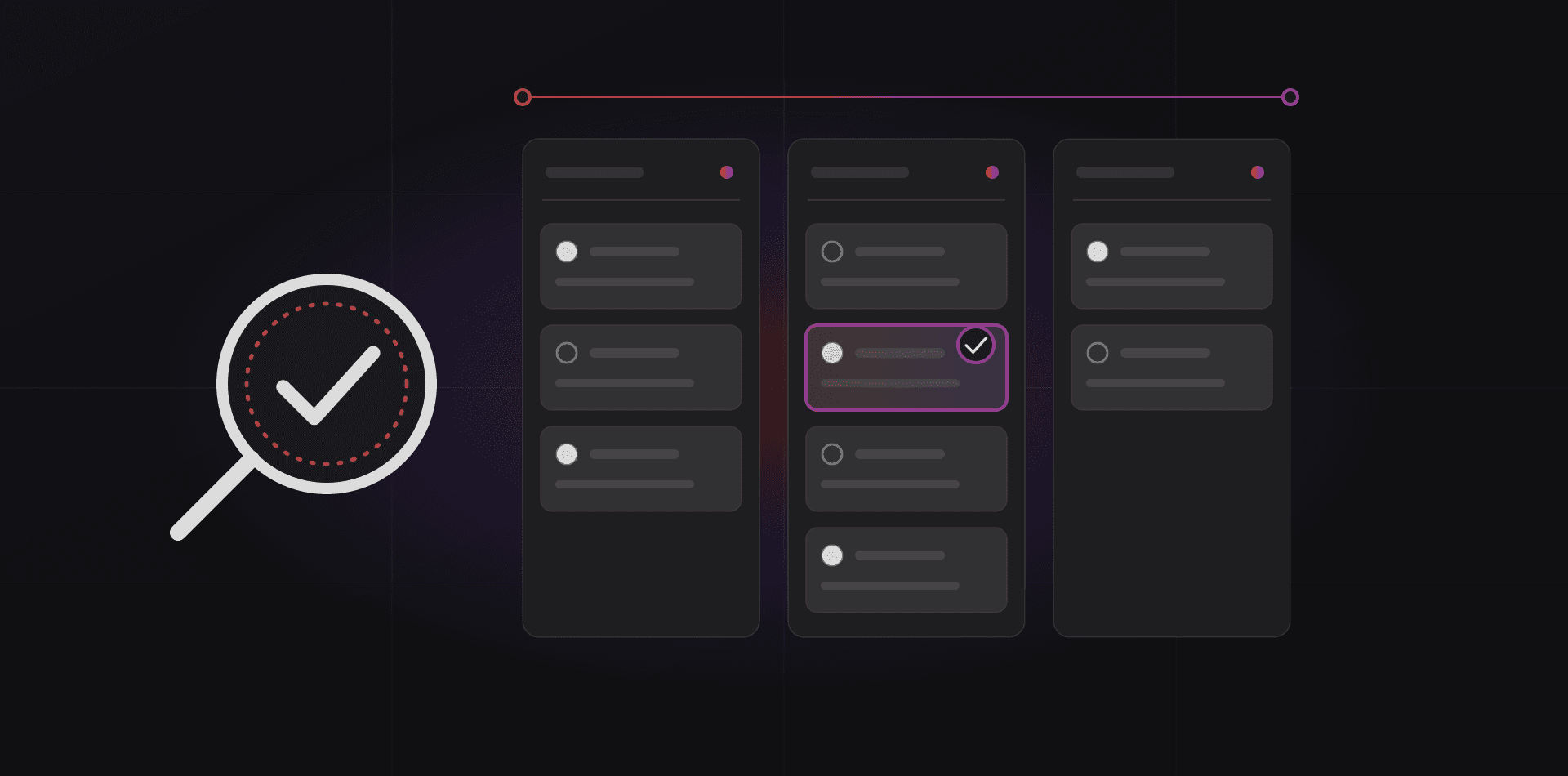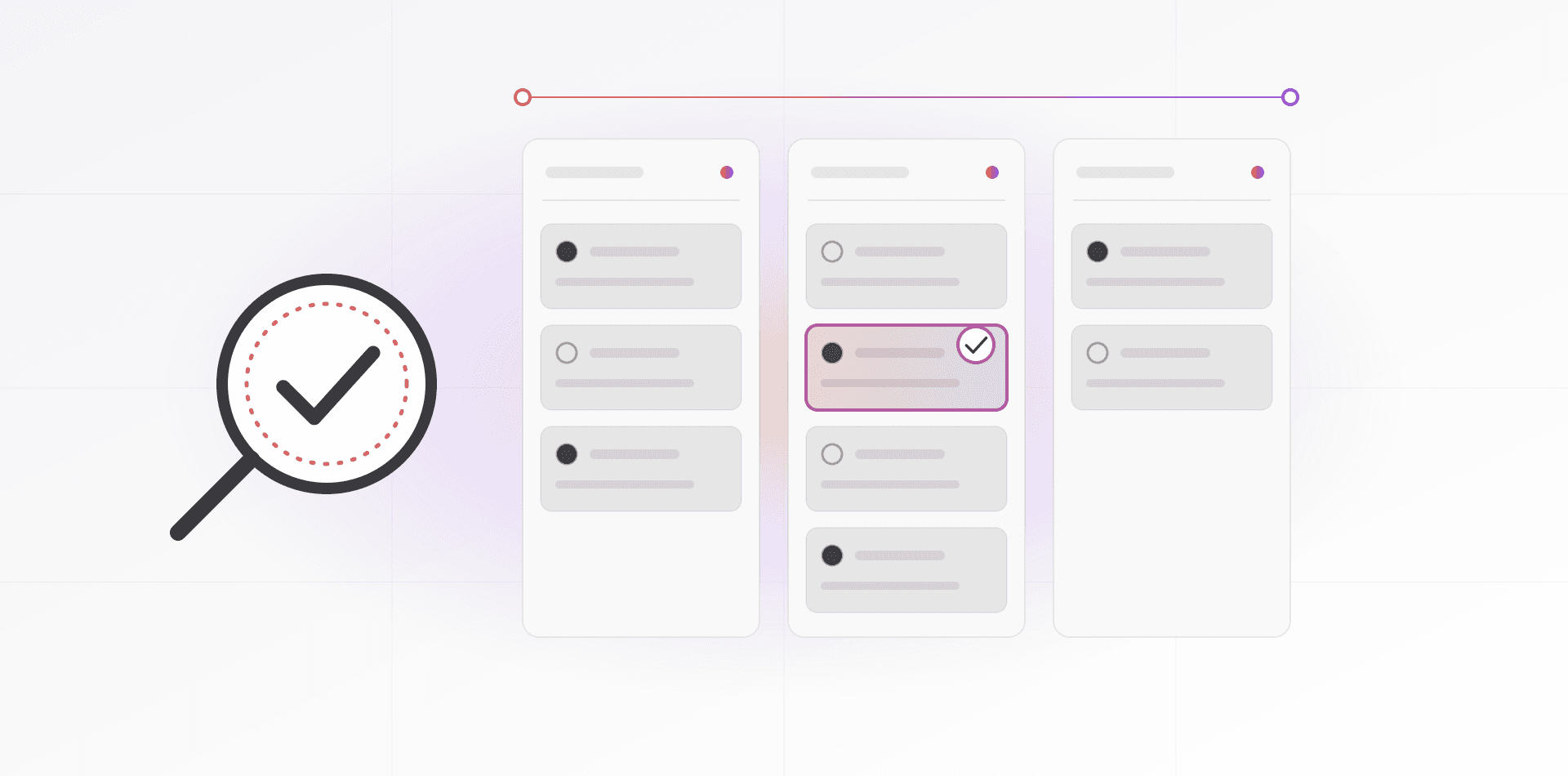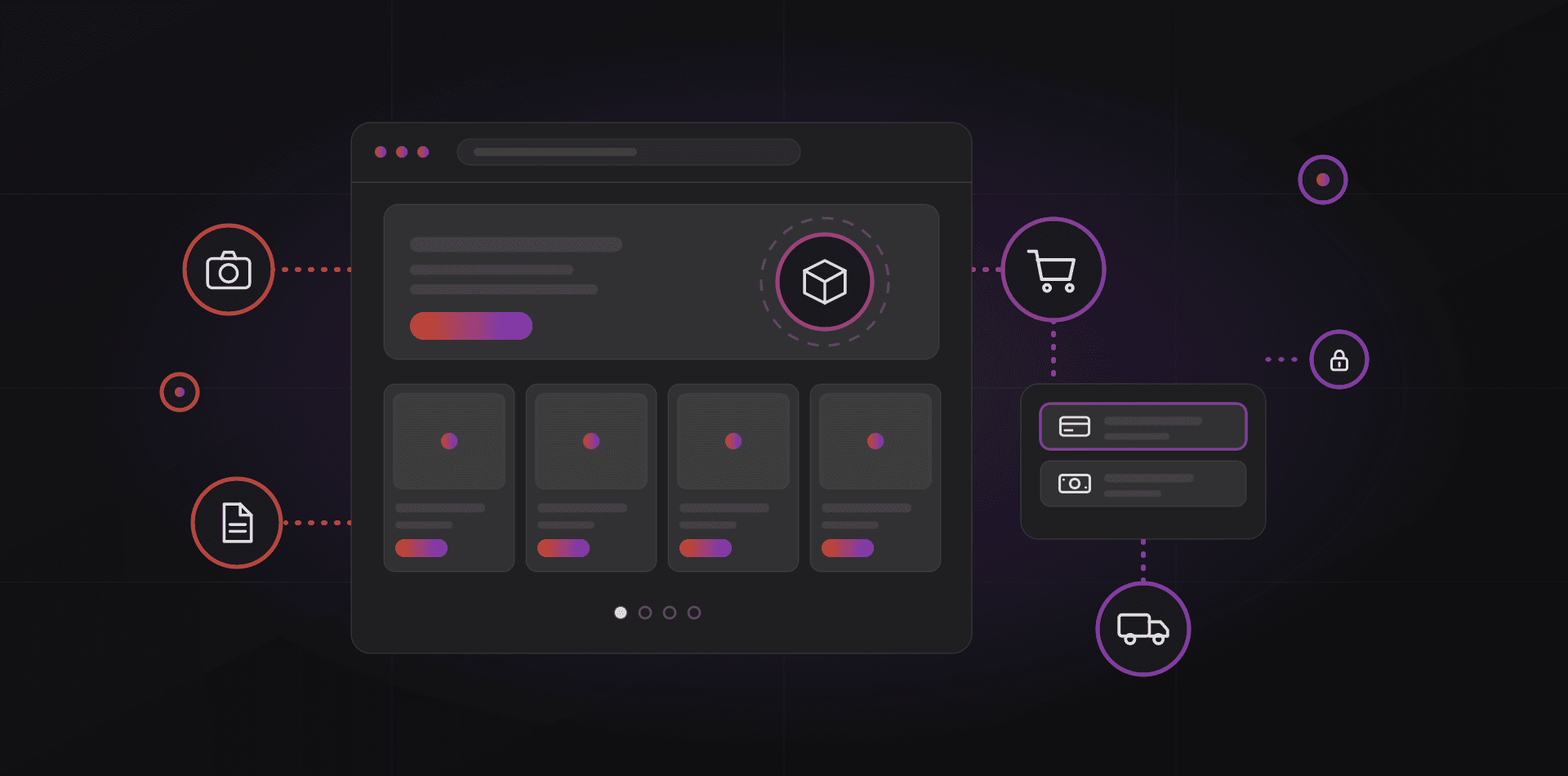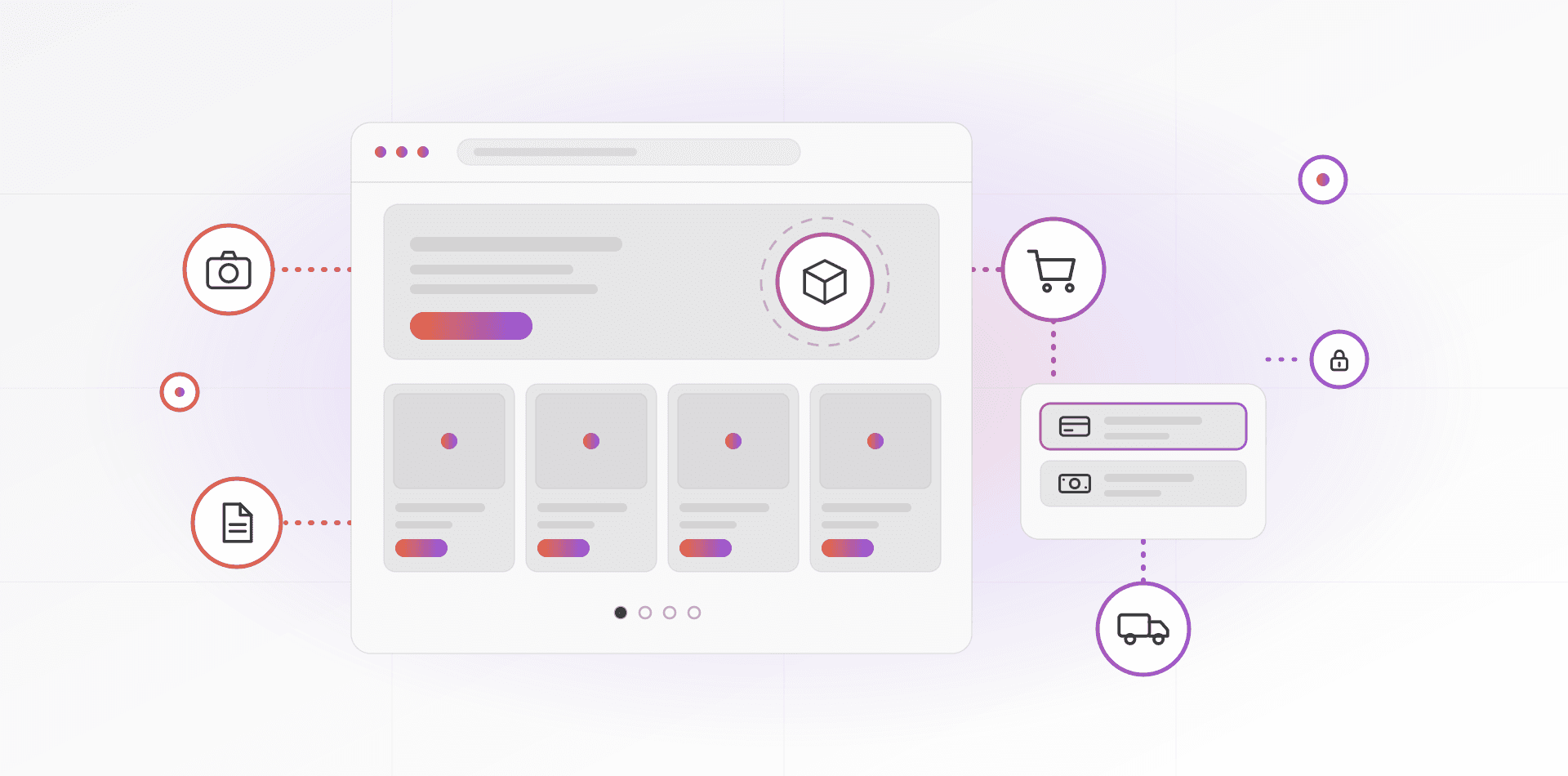

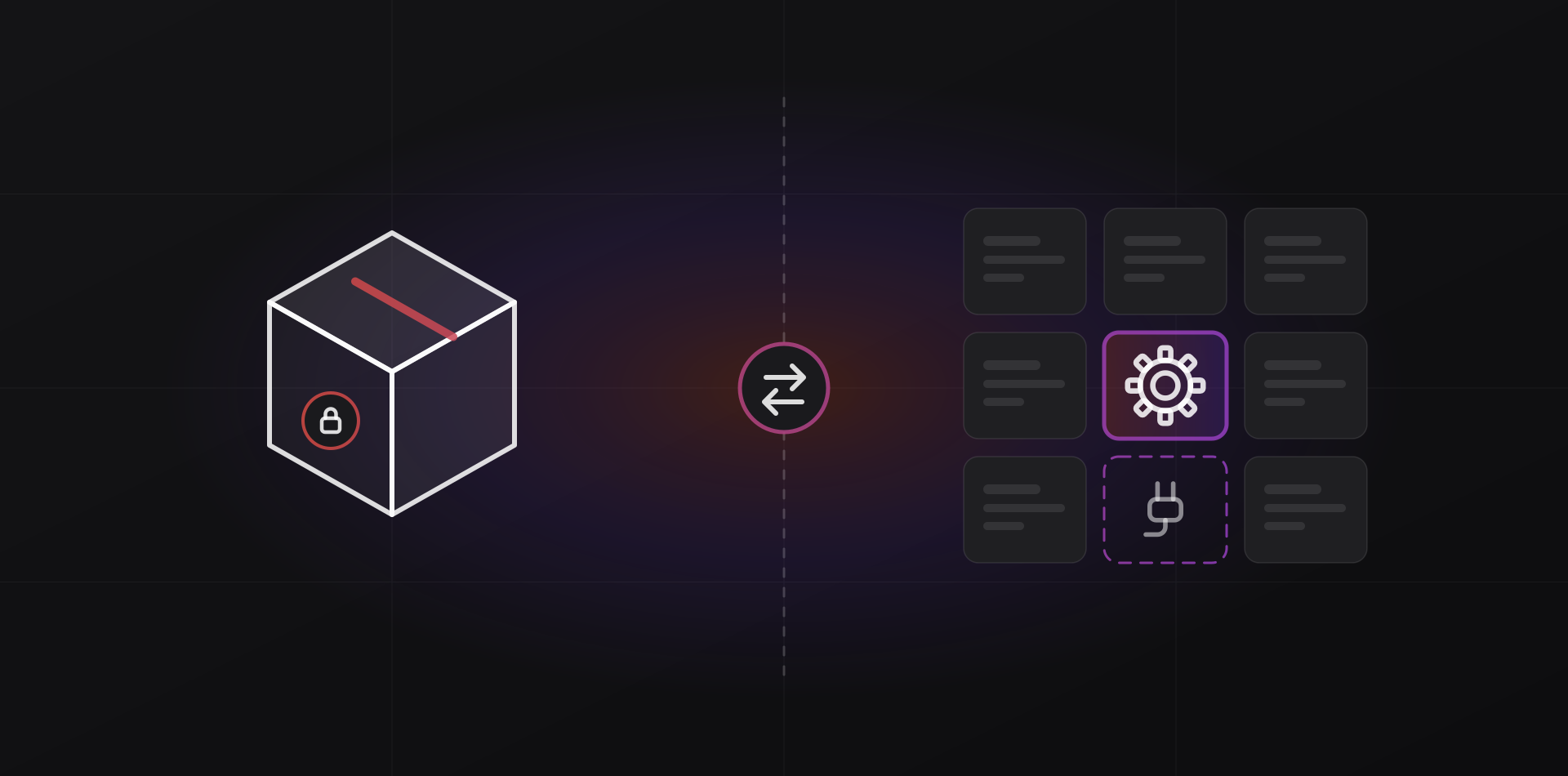
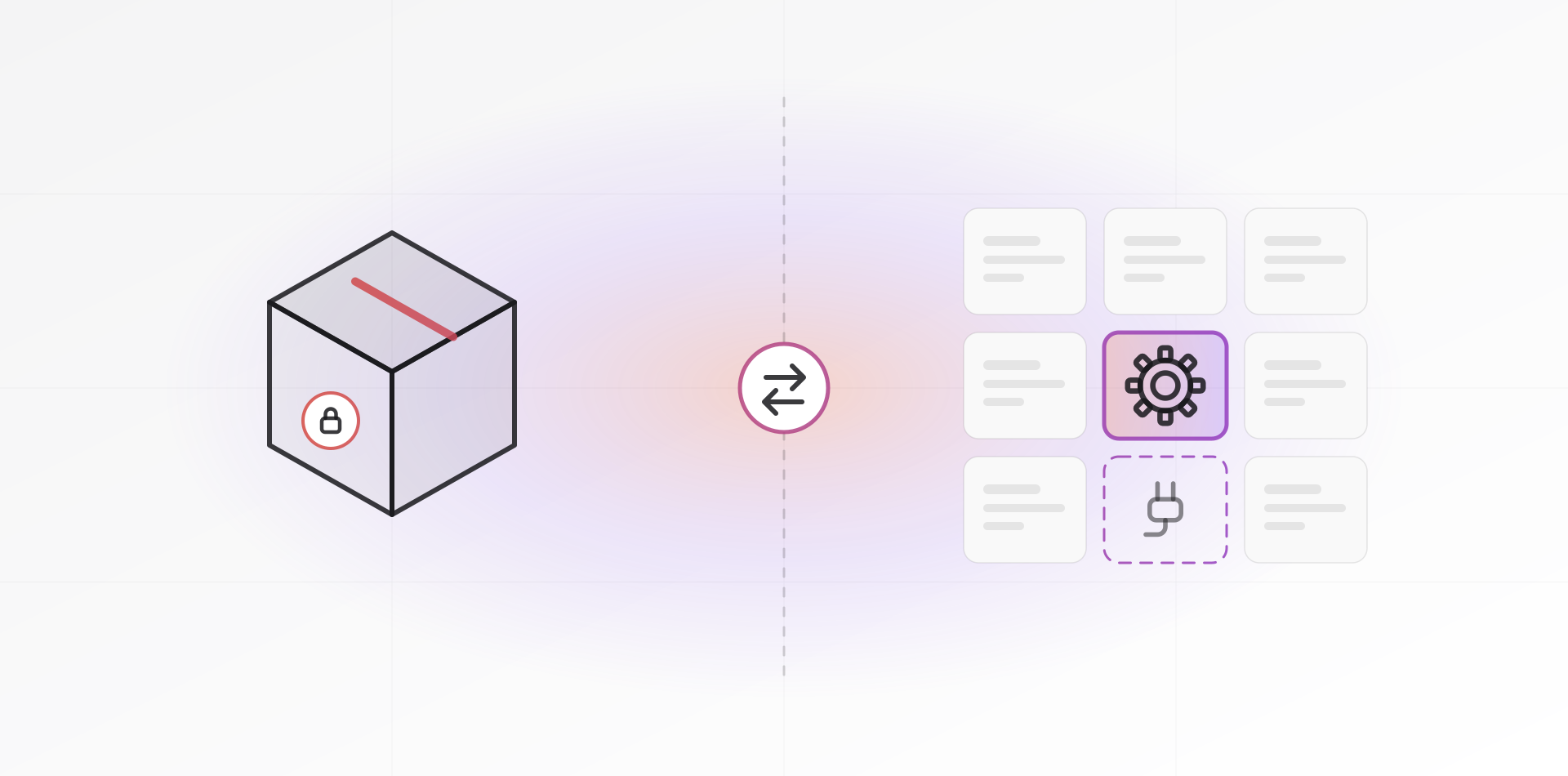
In the custom software vs off-the-shelf decision, buy when a product fits most of your process, and build when the process itself is your advantage. Often the best answer is both: a ready-made core with custom integrations. Judge by fit and by total cost over three to five years.
The question usually arrives as a quote. Someone offers to build exactly what you described, and you wonder whether a subscription would have done. Both can be right. They suit different businesses, and the costs land in different years.
Fit to your process: where the real difference lies
Off-the-shelf software encodes someone else's idea of a typical business. If your process matches, you get years of testing for a fraction of the build cost. If it does not, you bend your process to the tool, or you bend the tool with workarounds.
Here is a test. Take your five most important workflows. For each one, ask whether the product does it out of the box, with configuration, with a workaround, or not at all. Count the workarounds. If core workflows need more than a couple, the fit is poor.
Custom software pays off when the process is how you make money: an unusual pricing rule, a booking flow nobody else has, a report your sector's regulator expects. It is a poor choice for commodity needs such as accounting, payroll or email. Nobody gains an edge by rewriting those.
Total cost over three to five years
First-year prices mislead in both directions. Off-the-shelf looks cheap and custom looks expensive. Over three to five years the picture shifts, and what decides it is a list of cost lines that most quotes leave out. No prices here, because they depend on your case. What matters is that every line appears in the quote.
What off-the-shelf really costs
- Licences or subscriptions, which grow with every seat and every price rise
- Setup, data import and configuration
- Paid add-ons for whatever the product lacks
- Integration work to connect it to your other systems
- Training, plus the staff hours lost to workarounds
- The cost of leaving: exporting data and re-entering what does not export
What custom really costs
- Analysis and design before any code exists
- Build and testing, including the changes you will request halfway
- Hosting, monitoring and backups
- Maintenance: library updates, security fixes and small improvements
- Documentation, and a second person who understands the system
- The risk of depending on one developer or one firm
Custom software has no licence that grows with headcount, but its maintenance bill never reaches zero. Plan for steady care every year after launch. Treating the build as the whole cost is a common budgeting mistake.
Ask each supplier to price both options over the full period, one row per cost line above. Compare the totals, then compare the risks. For our own rates, see pricing.
Lock-in, maintenance and security
Lock-in
Off-the-shelf locks you in through your data and habits. The export is incomplete, the workflows are proprietary, and leaving is expensive, which gives the vendor room to raise prices. Custom locks you in to whoever understands the code.
Defend yourself in both cases. Insist on owning the source code and the repository for custom work. Prefer common technologies, written documentation, and hosting accounts that are in your name.
Maintenance
Software is never finished. Dependencies age, browsers change, and tax rules move. Vendors spread that cost across thousands of customers. With custom software you pay it directly, so the contract must say who does updates and how fast they respond.
Security
A popular product attracts more attacks, but it also has a security team, a disclosure process and regular patches. Custom code is a smaller target that gets less scrutiny, and it repeats familiar mistakes, such as broken access control and injection flaws, both listed in the OWASP Top 10.
Whichever you choose, ask four things. How are updates delivered? Who watches for vulnerabilities? Where are the backups? How is access controlled and reviewed?
The hybrid: an off-the-shelf core with custom integrations
Most businesses end up here, and it is often the best answer. Buy the parts everybody has. Build the part only you have. Use a mature product for the standard functions, such as contacts, stock, invoicing and accounting, and write custom code only at the edges.
Those edges are things like the connector to your courier, a WhatsApp flow, the report your accountant wants, or the import from an old database. The core keeps being maintained by its vendor or community, so your custom code stays small and easy to read. If you replace the core in five years, the connectors move with it. The whole system does not need a rewrite.
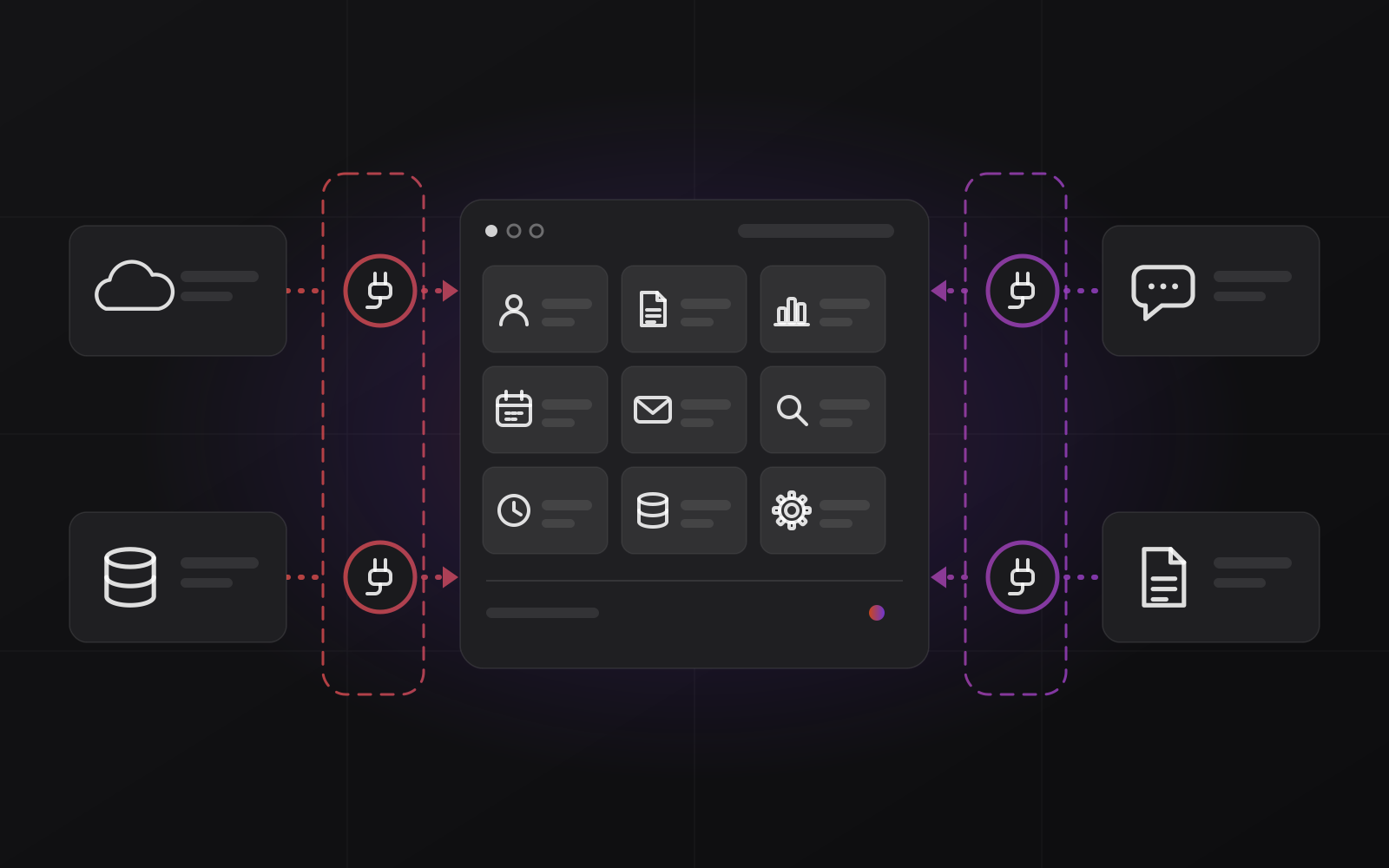
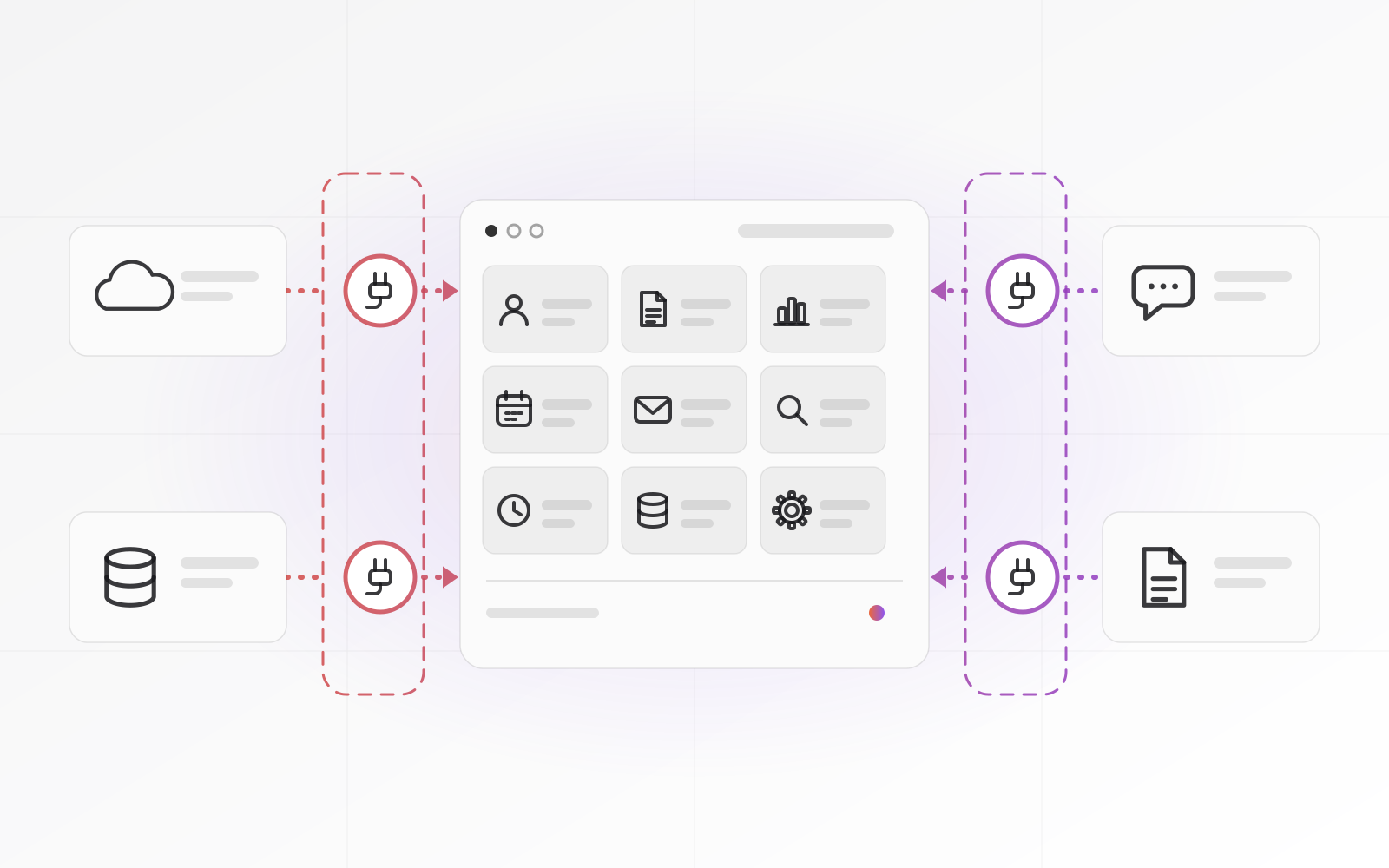
Three rules keep a hybrid healthy. Custom code talks to the core only through its documented API or plug-in system, never by editing the product's own code. Every connector has an owner, a log and an alert, as described in our automation guide. And a short document lists what is custom.
Our Entreprise CRM follows this idea: an open-source core, hosted and maintained for you, with custom work added only where your business needs it.
Buy the parts everybody has. Build the part only you have.
Questions to ask before you decide
Answer these honestly, in writing, with the people who will use the system.
- Does the product cover our five core workflows without workarounds?
- Is this process a competitive advantage, or a commodity?
- Who maintains it in year three, and what happens if they disappear?
- Can we export all our data in a documented format?
- Do we own the source code, the repository and the hosting accounts?
- What does an update cost, in money and in downtime?
- How are security fixes delivered, and who watches for them?
- Can a smaller step, such as an integration instead of a rebuild, solve most of the pain?
If you can answer most of these well for an off-the-shelf product, buy it. If the answers keep ending in a workaround, or the process is the heart of your business, price a custom build and start small. A thin prototype of the one workflow that does not fit is a cheap way to find out. If it feels right after a few weeks of real use, extend it.
Frequently asked questions about custom software vs off-the-shelf
Is custom software always more expensive than off-the-shelf?
Not always, but it usually costs more at the start. Over three to five years the gap narrows when licences grow with headcount and workarounds eat staff time. It widens when maintenance is neglected. Compare both across the whole period, with each cost line listed.
What is a hybrid software approach?
A hybrid uses a mature off-the-shelf product for standard functions and adds custom code only at the edges, usually integrations, reports and one or two special workflows. Custom code talks to the product through its API, so the core stays upgradeable and your custom part stays small.
Who owns the code when a developer builds custom software for me?
That depends on the contract, so write it down. Agree that you own the source code and the repository, hold the hosting and domain accounts yourself, and receive documentation. Ask a lawyer to review the clause. This article is not legal advice.
Is open-source software off-the-shelf or custom?
It sits between the two. You get a finished product without per-seat licences, and you can change it. You also take on hosting and upgrades, unless a partner runs it for you. Read the licence terms before you modify anything.
When should a small business choose custom software?
When the workflow is how you make money, no product covers it without painful workarounds, and you can fund maintenance after launch. If you only need a report or a link between two tools, build that piece alone and keep everything else off-the-shelf.
Where to go next
If you are weighing a build, our software development page explains how we work, and custom web platforms covers browser-based systems. For a ready-made option, look at River ERP. To keep the connections between tools reliable, start with the automation guide.
Related articles