
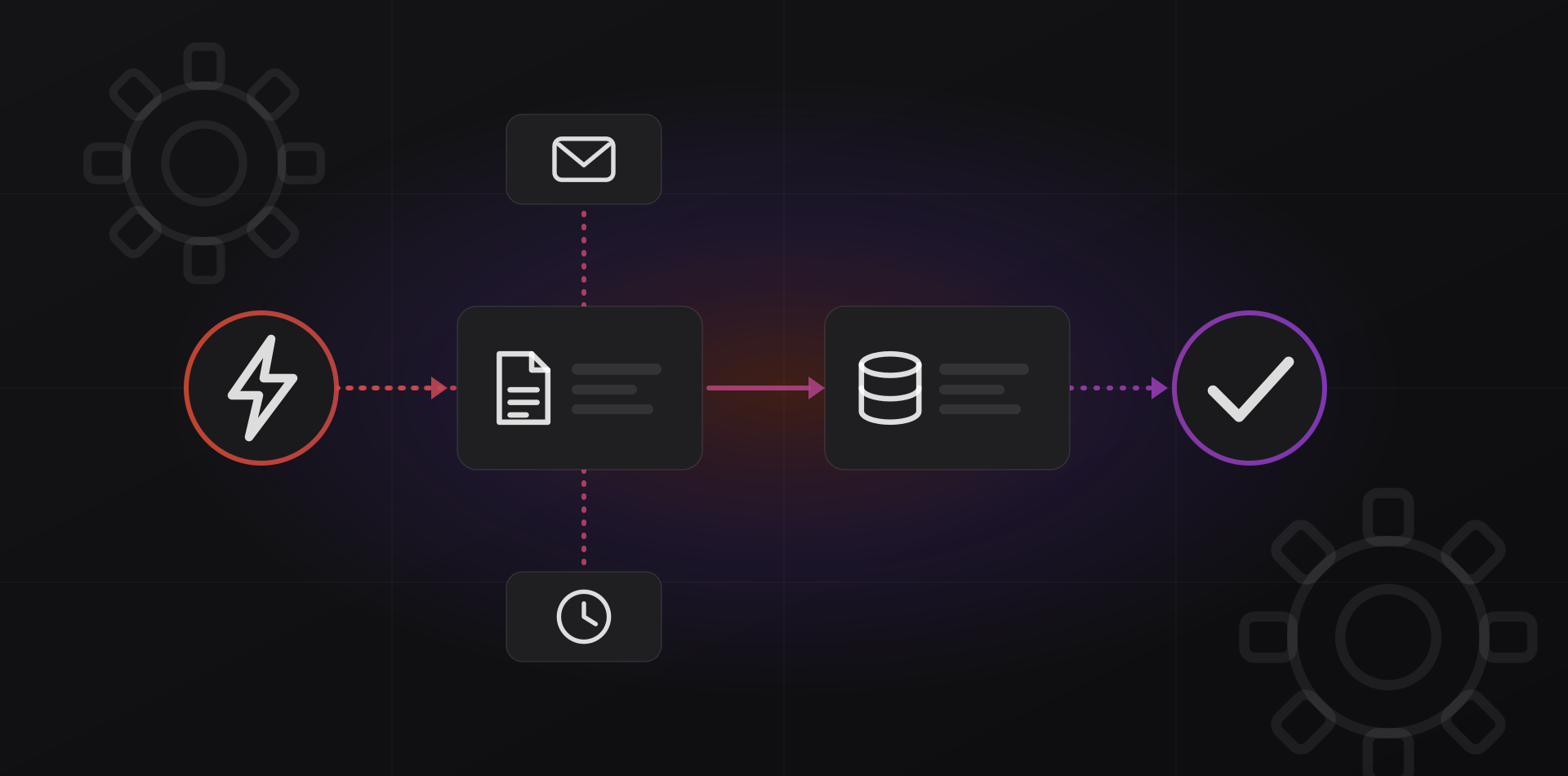
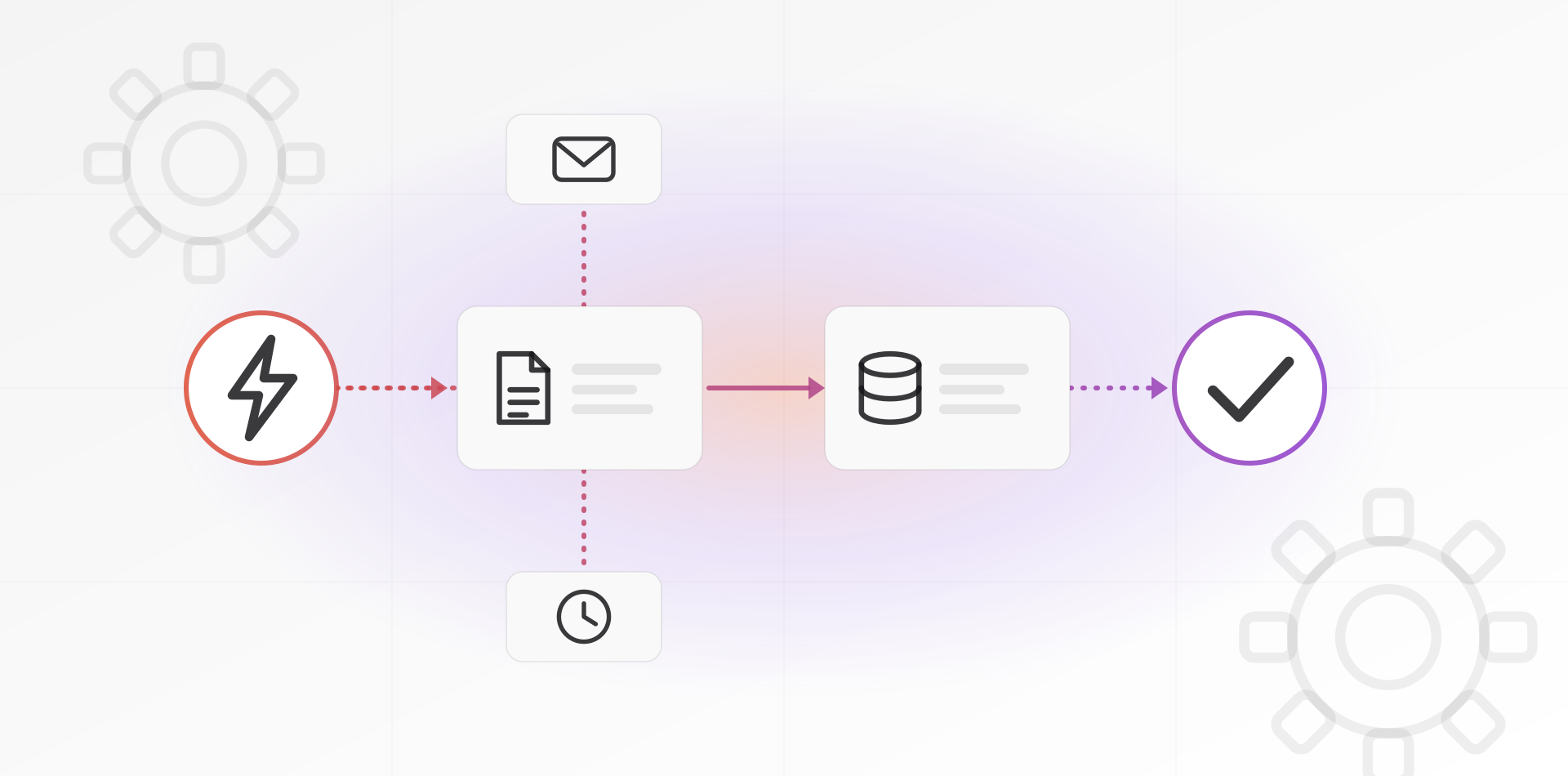
Business process automation means letting software do repetitive steps that follow clear rules. Start with tasks that are frequent, slow and costly when wrong, such as invoice entry, onboarding and lead routing. Pick a tool your team can maintain, plan for failures, and give every automation a named owner.
This is for owners and operations managers who suspect their team loses hours to copying, chasing and retyping. The goal is not to automate everything. It is to automate the few things that give hours back, and to build them so they do not break quietly.
How to spot what is worth automating
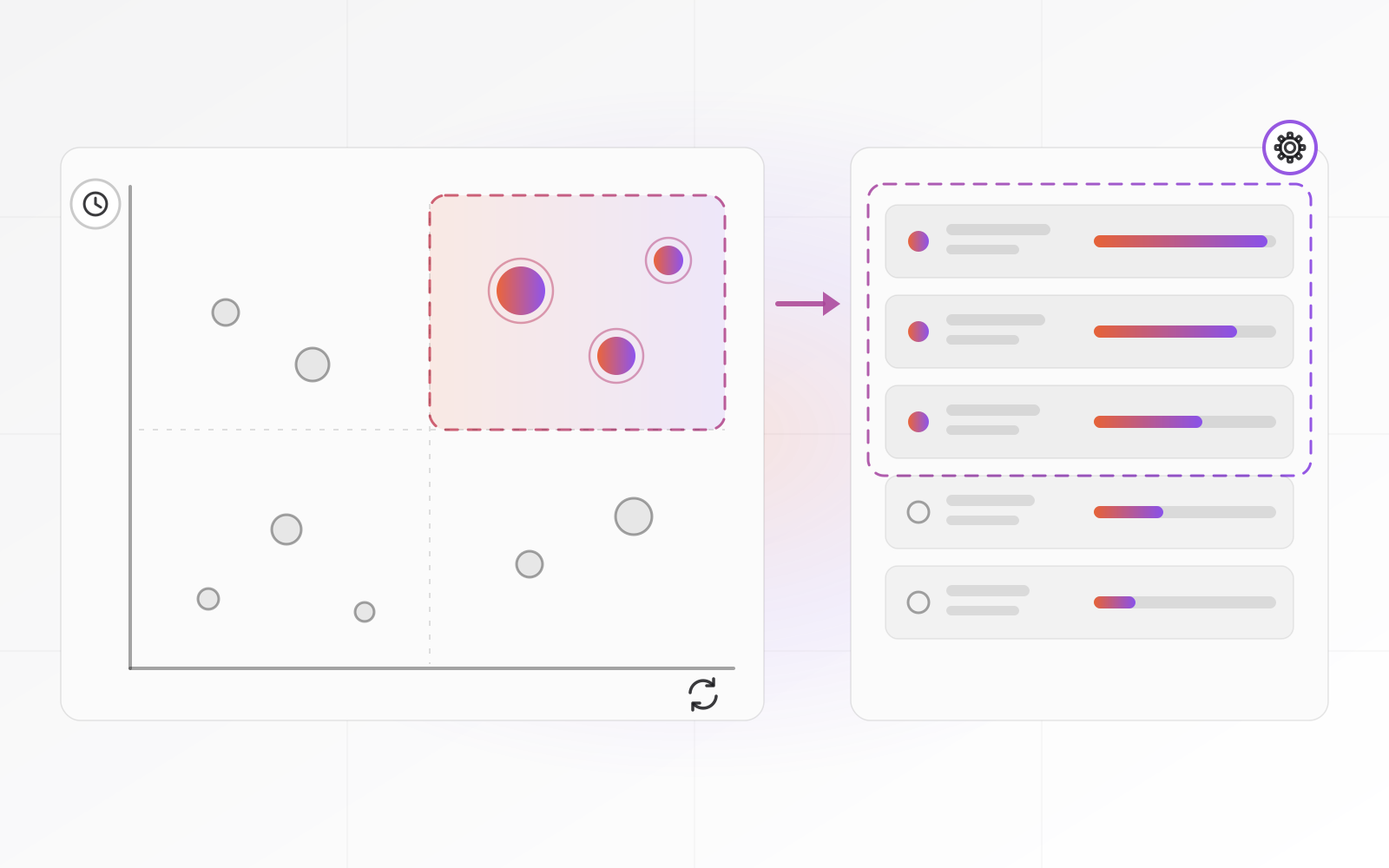
Write down every repetitive task your team does in a week. Ask the people doing the work, because they know where the time goes. Then score each task on a few simple factors.
- Frequency: how many times a week does it run?
- Time: how many minutes of human work does each run take?
- Error cost: what happens when it goes wrong, such as a late invoice, a lost lead or a compliance problem?
- Stability: do the steps follow the same rules every time?
- Input quality: is the data structured, or is it free text in a scanned PDF?
Multiply frequency by time to get the hours at stake. Then weight the result by error cost. A task that runs twice a month but causes a tax problem when wrong can outrank one that runs daily and costs nothing when wrong.
Then apply the new-hire test. If you can explain the task to a new colleague as plain if-then steps, a machine can do it. If the honest answer is that it depends and you just know, do not automate it yet.

Four examples that usually pay off
Invoices and payments
Pick up supplier invoices from a shared mailbox, read the fields, match them to a purchase order and send them to accounting. A person approves only the exceptions. On the sales side, create the invoice when a deal is marked won, and send reminders for overdue ones on a fixed schedule.
Customer and employee onboarding
A signed contract triggers a project folder, account creation, a welcome email and a checklist task for each team. The gain is consistency. Nothing gets forgotten, and the new customer or hire sees the same quality every time.
Lead routing
A web form, WhatsApp message or email creates a lead in the CRM, assigns it by region or product and notifies the owner at once. If nobody responds within the agreed time, it reminds the owner and then the manager. A fast first reply matters, and routing is what makes it possible.
Reports
Weekly sales, stock and cash reports are often assembled by hand from three exports. Schedule the queries, format the result and email it on Monday morning. This is frequently the cheapest first win, because it only reads data and cannot damage anything.
Choosing a tool: Zapier, Make, n8n, Power Automate or custom code
There is no best tool, only the one that fits who will maintain it. A workflow nobody on your team can read becomes a liability the day its author leaves. Here is how the common options differ.
- Zapier: the quickest to start, with a huge catalogue of app connectors, designed for non-technical staff. Hosted tools like this bill by how much runs, so cost grows with volume
- Make: visual scenarios with more control over branching and data handling. Also hosted and billed by usage
- n8n: a workflow tool you can host yourself. Its code is source-available, and on your own server you pay for the server, not per run. You also take on updates and backups. See the n8n documentation
- Power Automate: the natural choice if your team lives in Microsoft 365. Standard connectors come with many plans, while premium connectors need extra licensing. See the Power Automate documentation
- Custom code: a script or small service you own. Best when the logic is specific, the volume is high or the data is sensitive, and the most work to maintain
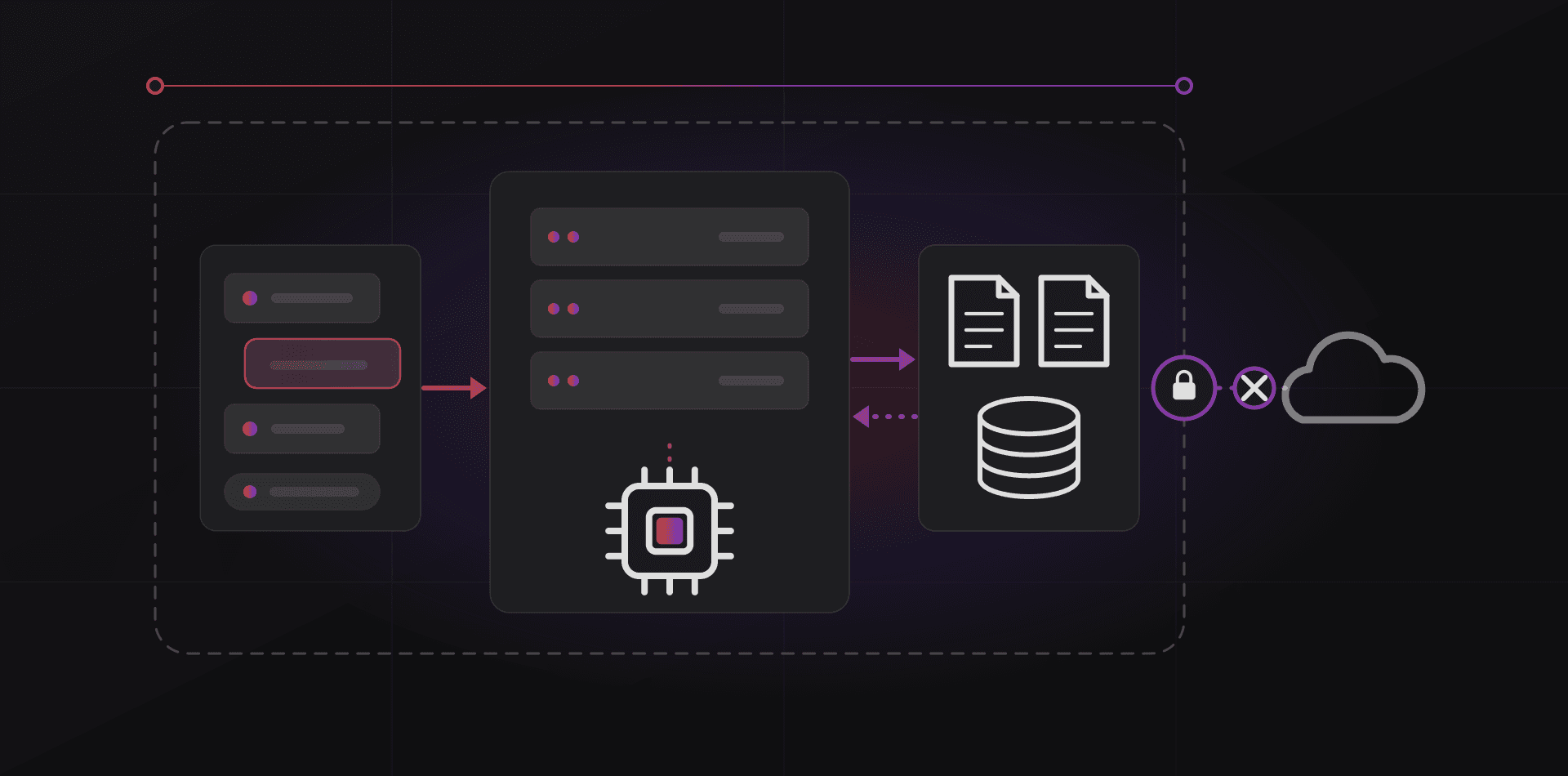
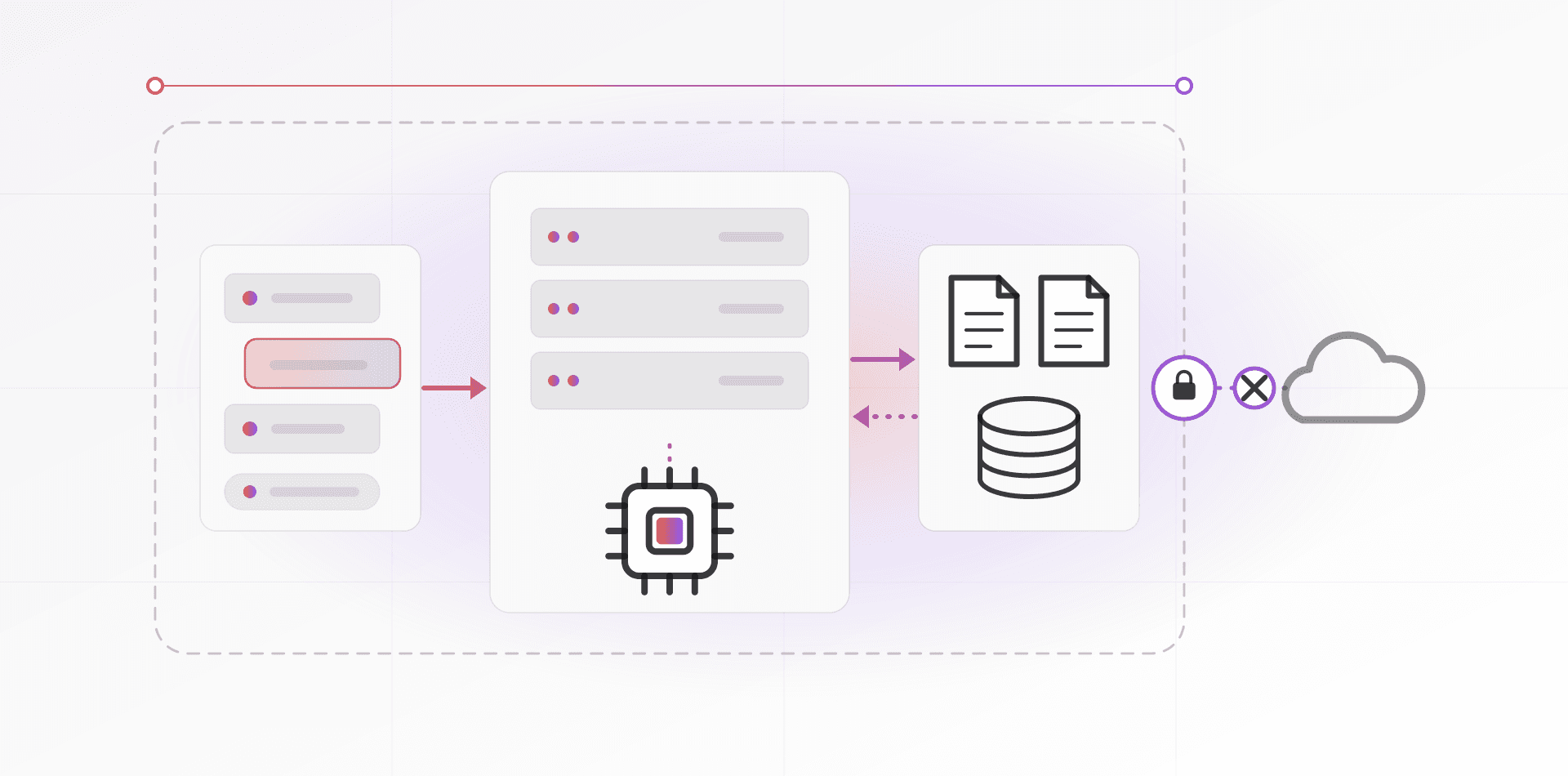
Many businesses end up with two layers: a no-code tool for simple links between apps, and code for the rest. Wherever you land, ask where the data travels. A hosted tool passes your customer records through someone else's servers, so check the contract and the region. Our guide to self-hosting business tools covers the alternative.
Failure handling and ownership
Every automation breaks eventually. An API changes, a password expires, a supplier sends a PDF in a new layout. Design for that day before it arrives.
- Retries: try again after a short wait when a service is briefly down, then stop after a few attempts
- No duplicates: running the same step twice must not create two invoices, so give each document a unique key
- A visible failure queue: failed items land in a list a person checks, not in the void
- Alerts to a human: an email or chat message with the item and the error, because silence is not success
- A log: what ran, when and with what input, so you can answer what happened to order 4812
- A manual fallback: a written note on how to do the task by hand while the automation is down
Then assign ownership. Every automation needs a named owner in the team that depends on it, a one-sentence purpose and a list of the systems it touches. Run it under a service account, not an employee's personal login, so it survives when that person leaves.
An automation nobody owns is a failure waiting for a date.
What not to automate
- A process you have not written down, or that changes every week: stabilize it first, because automating a mess only makes the mess faster
- Rare tasks: something done twice a year costs more to automate than to do
- Judgment calls, such as refunds above a limit or difficult customer conversations: automate the preparation, not the decision
- Irreversible actions without approval, such as payments, deletions and mass emails: add a human approval step
- Work that exists only because another process is broken: fix the root cause instead
A useful test: if this fails silently, how bad is it, and how soon would you notice? If the answer is very bad and not for weeks, add a check or leave it manual.
AI widens what you can automate, since it can read messy documents and draft replies. Treat its output as a draft, and keep a human check wherever a mistake costs money.
Frequently asked questions about business process automation
What is the difference between business process automation and RPA?
Business process automation connects systems through their APIs and clear rules. Robotic process automation (RPA) imitates a person clicking through screens. RPA helps when a system has no API, but it breaks when the screen changes. Prefer the API route whenever one exists.
Which automation tool should a small business start with?
Start with the one your team can maintain. Microsoft 365 users should try Power Automate first. Mixed toolsets and non-technical staff often start with Zapier or Make. If you want to avoid per-run fees and can host a server, n8n is worth a look.
How do I know an automation is worth the effort?
Estimate the hours saved each month, then subtract the time to build and maintain it. If it pays back within a few months and the task is stable, build it. If the payback depends on volume you only hope to reach, wait.
Can I automate with AI instead of fixed rules?
AI helps where the input is messy: reading invoices, sorting emails, drafting replies. Keep the surrounding workflow rule-based, so results land in the right place, and add a human check wherever a mistake is expensive. AI is a step inside the process, not a replacement for it.
Who should own an automation after it is built?
A named person in the team that depends on it, not only the developer. They approve changes, receive the alerts and know the manual fallback. The builder documents the flow, the credentials and the failure behavior, then hands it over.
Where to go next
To see what we build, read about our automation service and AI automation. Sales teams can pair this with a CRM, so leads route themselves, and our post on CRM adoption shows how to keep the data clean. If you are weighing code against ready-made tools, read custom software vs off-the-shelf.
Related articles