
CRM adoption fails when the system costs the team more effort than it saves them. Cut the fields, match the pipeline to how deals really move, log email and WhatsApp automatically, and run the weekly review from the CRM only. Do that and people use it because it helps.
This is for owners and sales managers who bought a CRM and found it half empty. The problem is rarely laziness. It is usually friction, a pipeline that does not match reality, or a manager who still asks for a spreadsheet. All three are fixable.
Why salespeople stop updating the CRM
Salespeople are paid to talk to customers. Every minute in a CRM is a minute not selling, so the CRM has to give something back. In many companies it does not. The manager gets reports, and the rep gets typing.
Reps notice that trade quickly. They enter the minimum, or they enter deals only after they close. Then the pipeline shows history instead of the future, and nobody trusts it.
Before you train anyone, sit with two reps for an afternoon. Watch what they open, what they copy and what they skip. You will find the friction faster than any survey will. Use this list to check how bad it is.
- A private spreadsheet or notebook still runs alongside the CRM
- Deals jump from an early stage straight to won
- Notes are empty and the last activity date is weeks old
- The manager asks for deal status by WhatsApp instead of opening the CRM
- Reps update records on Friday afternoon because someone asked
Fewer fields and one pipeline that matches reality
Cut the fields
Make a field mandatory only if someone uses it in a decision every week. For most small teams that means name, company, phone or email, source, deal value, stage, owner, next step and its date. Everything else goes into notes or stays optional. Each mandatory field you add is another reason to postpone the entry.
It is also the safer habit. The EU's GDPR asks that personal data be limited to what is necessary for the purpose. A short form is easier to defend than a long one.
Build one pipeline that matches reality
Rename the stages to match what actually happens: quote sent, site visit done, deposit paid. Define each stage by an event, not a feeling. A deal moves when something happens, such as a quote leaving the building, not when the rep feels optimistic.
Keep one pipeline per sales process, not one per salesperson. Add a short list of lost reasons, so you learn why deals die. If two people describe the same stage differently, the stage definition is the problem, not the people.
Log email, WhatsApp and calls without typing
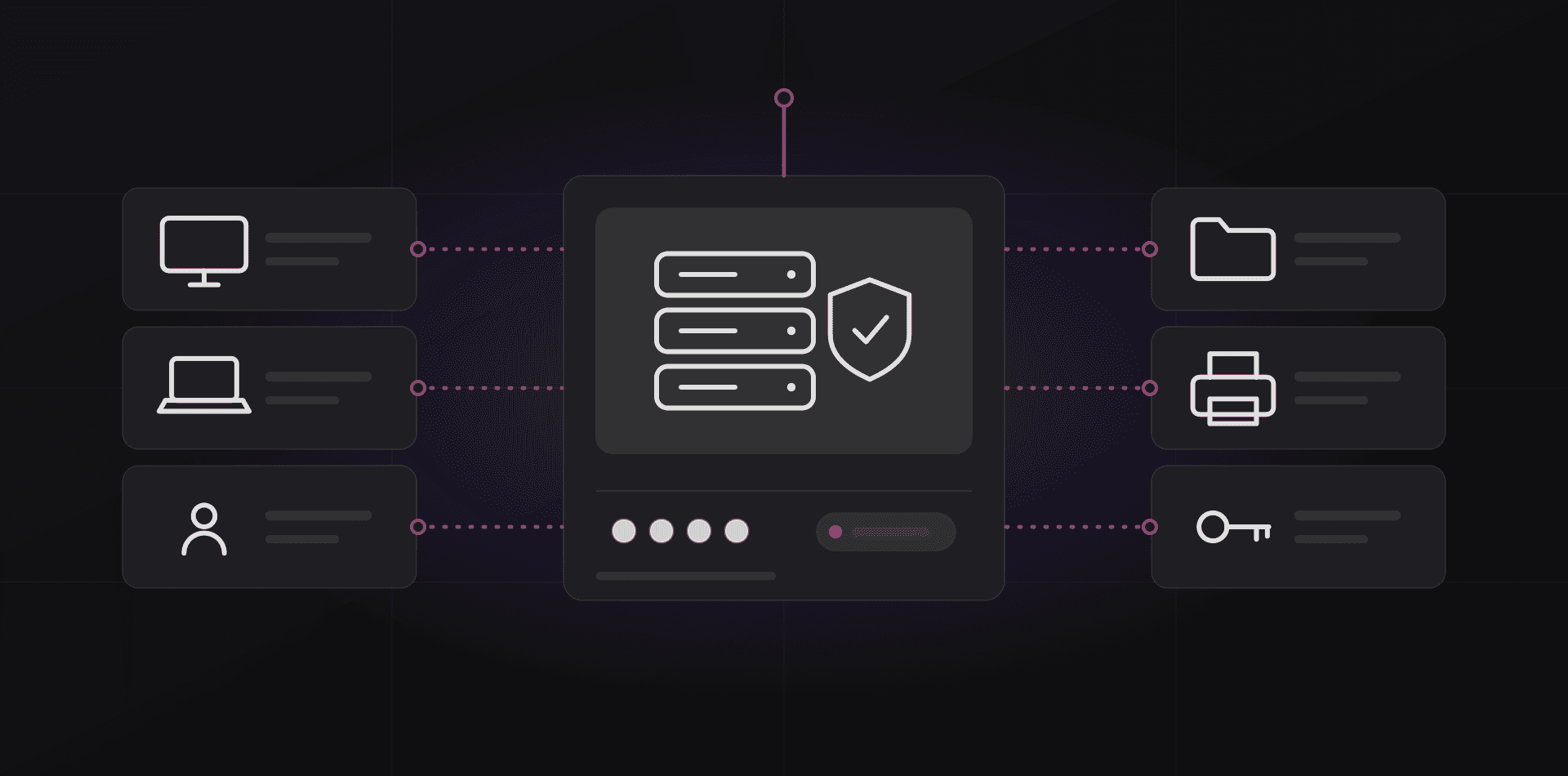
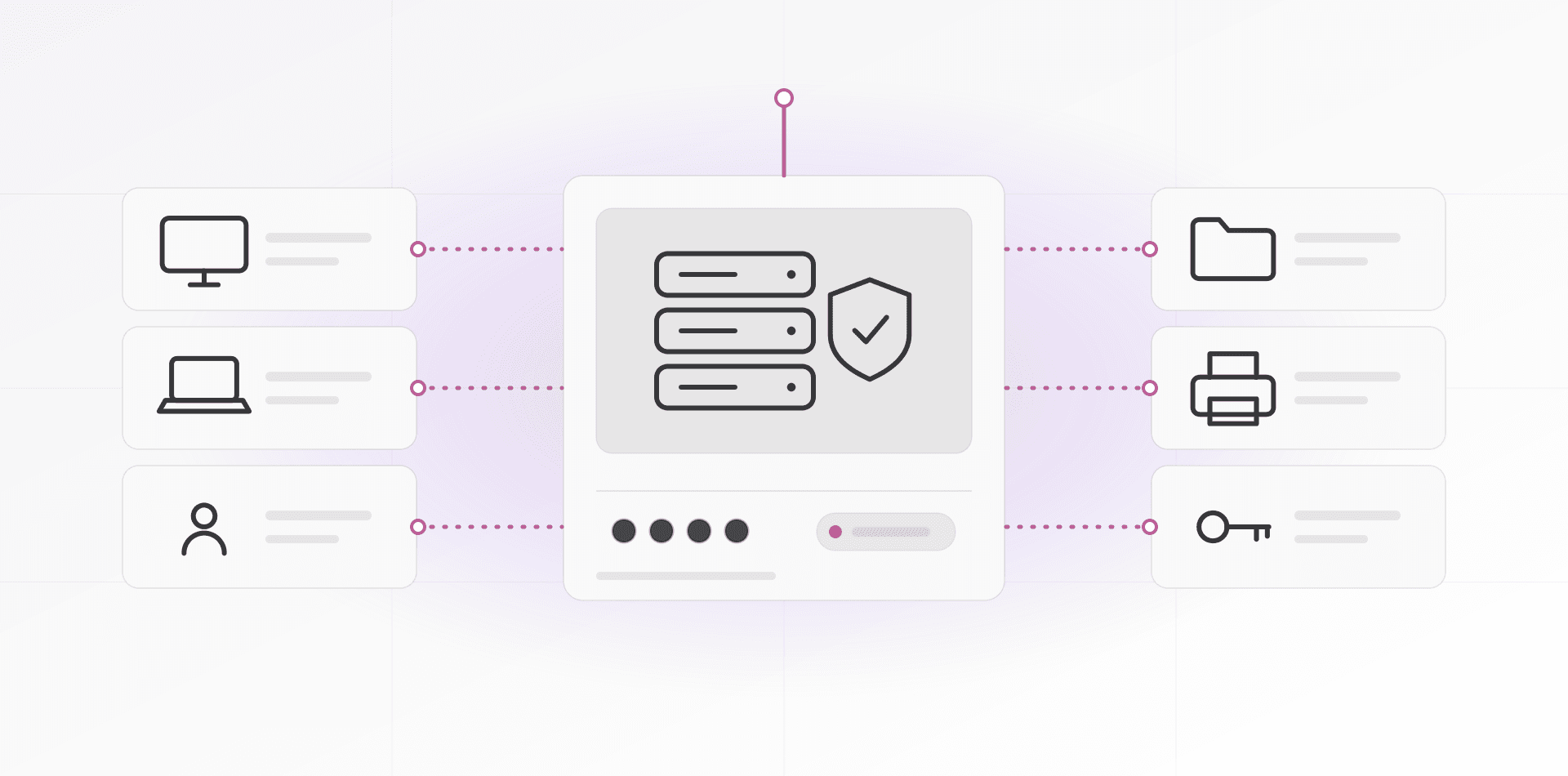
Manual logging is the first habit to die, so remove it. Connect each salesperson's mailbox through the CRM's built-in sync for Microsoft 365 or Google Workspace. Sent and received messages then attach to the contact by address. Set rules for private mail, so personal conversations are never synced.
WhatsApp needs a decision. The free WhatsApp Business app cannot be linked to a CRM. The WhatsApp Business Platform can, usually through a provider. If your team sells in chat, budget for that. Until it is in place, agree one rule: after a customer chat, the rep adds a one-line note and the next-step date.
Then check the phone. Reps work in cars, on sites and in shops. If the CRM is painful on a mobile screen, it will stay empty. The test is simple: standing in a car park, can you add a note and set the next step in under a minute?


Make the weekly review run from the CRM only
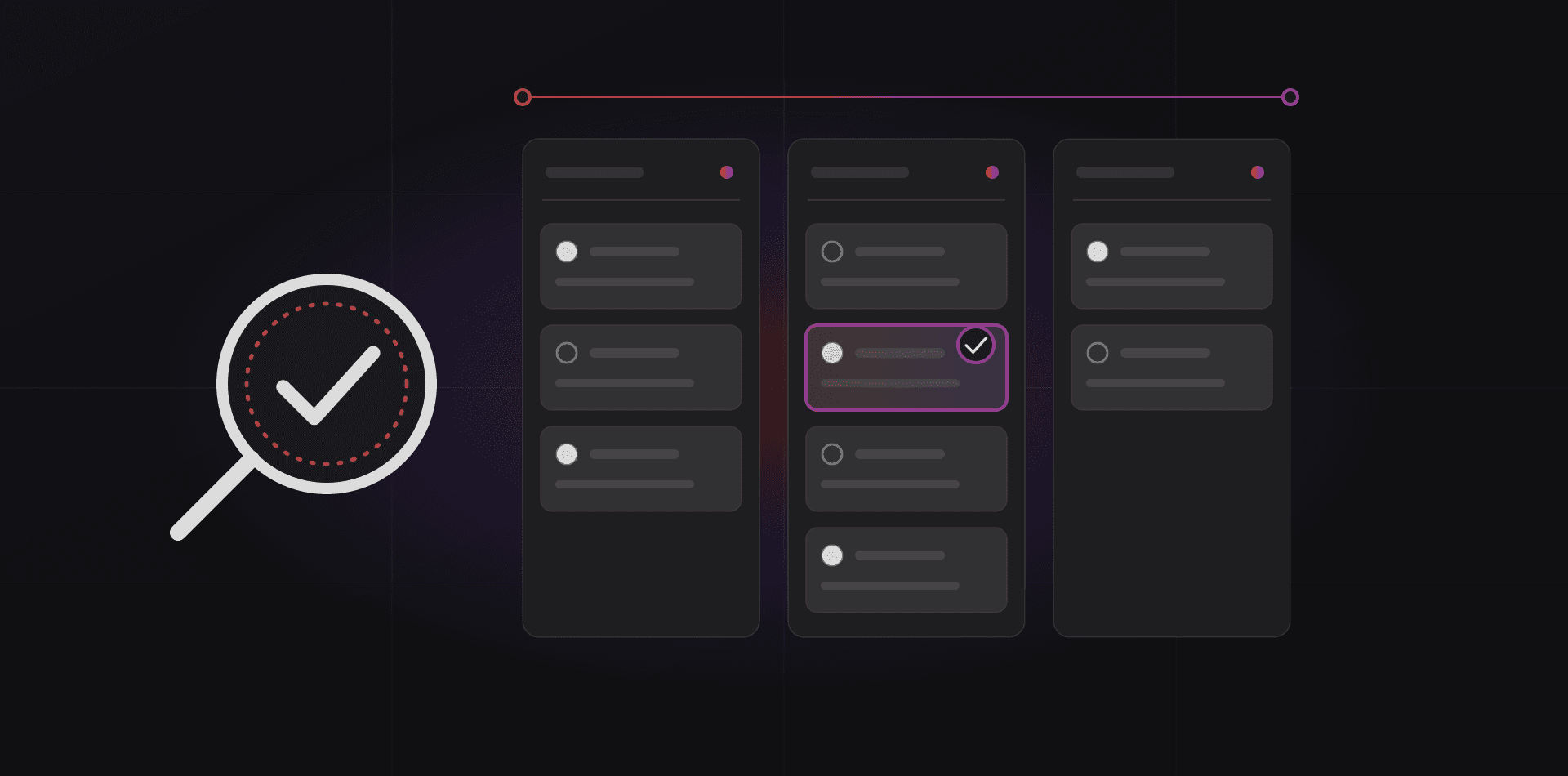
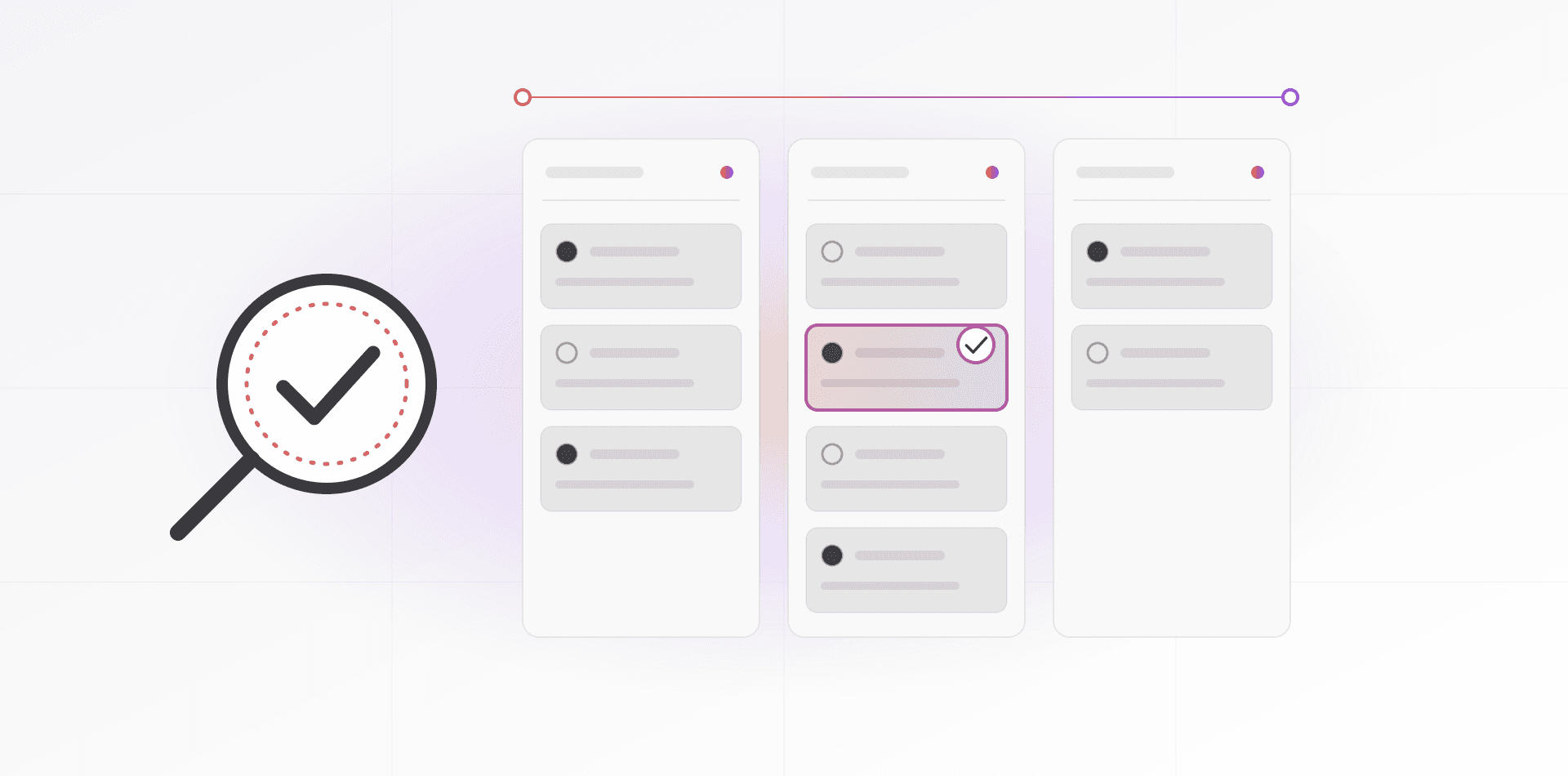
This is the rule that changes behavior fastest. In the weekly sales meeting, open the pipeline on screen. No slides, no spreadsheet, no verbal round-robin. If a deal is not in the CRM, it is not discussed.
If it is not in the CRM, it did not happen.
Go deal by deal, sorted by next-step date. Ask only two things: what is the next step, and when? A deal with no next step gets one in the meeting, while everyone watches. Within a few weeks, reps update records before the meeting because they know what is coming.
- Open the pipeline view sorted by next-step date
- Overdue next steps first, then deals with no next step
- Stale deals: no activity for the period you chose, such as two weeks
- Won and lost this week, each with its reason
- Next week's priorities, taken from the CRM and nowhere else
Stop accepting status updates by chat or in the corridor. Reply with a link to the record, or ask the rep to update it while you wait. Praise clean records in public, not only closed deals.
Training and data hygiene rules
Train on the job
A classroom day is forgotten by Thursday. Run one short session per task, using the rep's own deals. Name one champion per team who answers questions during the first month. Record a two-minute screen video for each of the five most common tasks, and keep them in one shared place.
Five rules that keep data clean
- One record per person: search before you create, and merge duplicates every month
- Every open deal has an owner, a value and a next step with a date
- Close deals within a week of the outcome, with a lost reason
- Phone numbers in international format, for example starting with +212
- Only the admin deletes records; everyone else archives
Give hygiene an owner, usually the sales manager or office manager. Fifteen minutes a week spent merging duplicates and chasing stale deals beats an annual clean-up. Review the field list every quarter, and remove any field nobody reads.
Frequently asked questions about CRM adoption
Why do salespeople resist using a CRM?
Because it costs them time and mainly benefits someone else. Entering data feels like admin, the pipeline does not match their real process, and the CRM often duplicates the spreadsheet they already trust. Fix the friction first. Resistance usually drops when the system saves effort.
How many fields should a CRM contact form have?
As few as your weekly decisions need. Eight to ten covers most small teams: name, company, contact details, source, deal value, stage, owner, next step and date. Put the rest in notes. If nobody reads a field in the weekly review, remove it.
Should CRM use be mandatory?
Make the CRM the only source for the weekly review and for any bonus calculation. A mandate alone produces junk data, so make it quick first, then make it the rule. People follow a rule that saves them time and ignore one that costs them time.
How long does it take a team to adopt a CRM?
The habit forms around the weekly review. Run it from the CRM every week without exception, and use becomes routine within a few cycles. Skip it for two weeks and the habit slides back. Consistency from the manager matters more than the training budget.
What if my team does all its selling on WhatsApp?
Then connect WhatsApp to the CRM instead of banning it. The free WhatsApp Business app cannot be linked, but the WhatsApp Business Platform can, usually through a provider. Until then, require a one-line note and a next-step date after every customer conversation.
Where to go next
If you are still choosing a system, start with how to choose a CRM. If you want one set up around your process, see our CRM and ERP service or the Entreprise CRM. To automate the logging and follow-up steps, read the automation guide.
Related articles