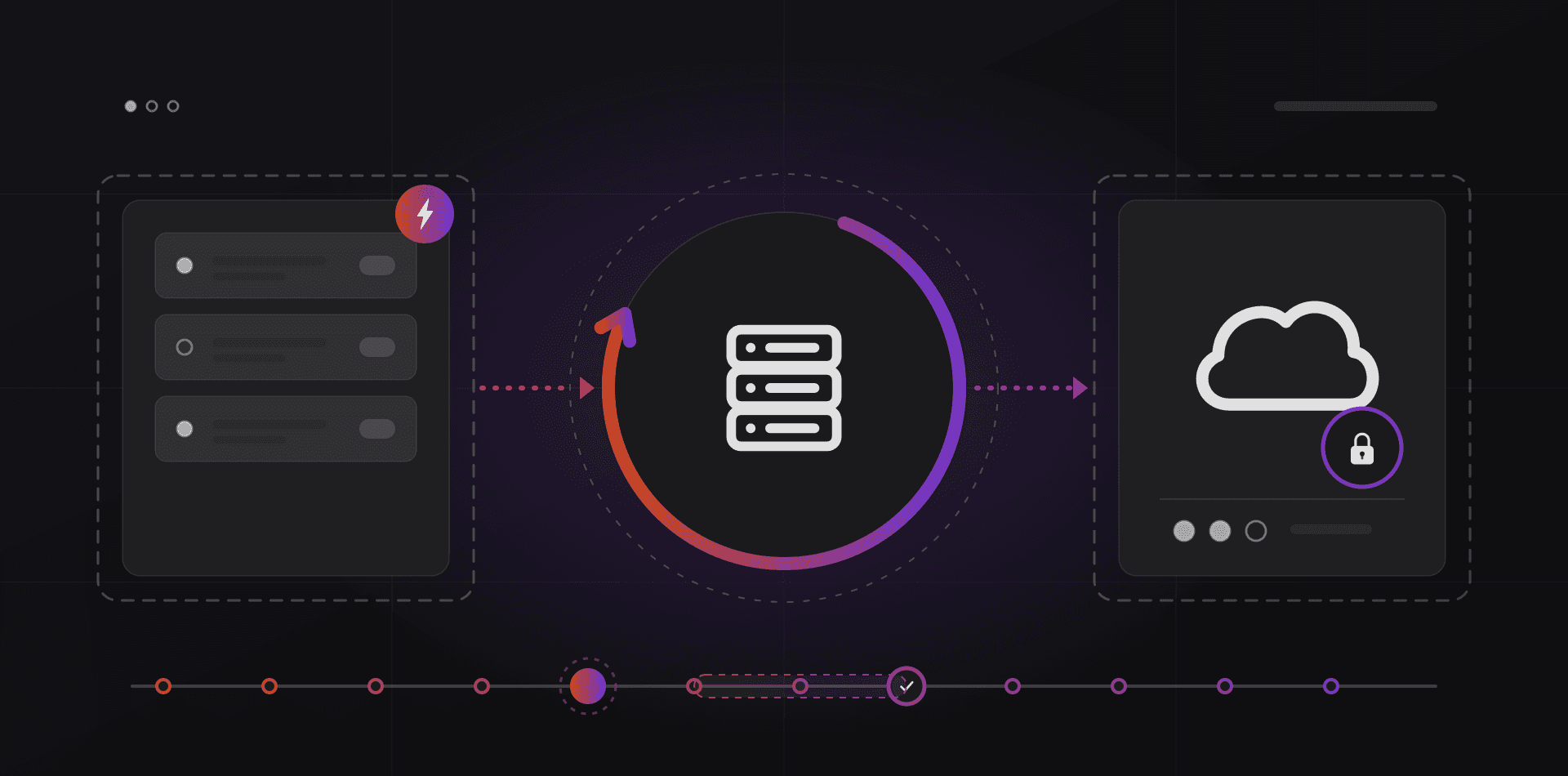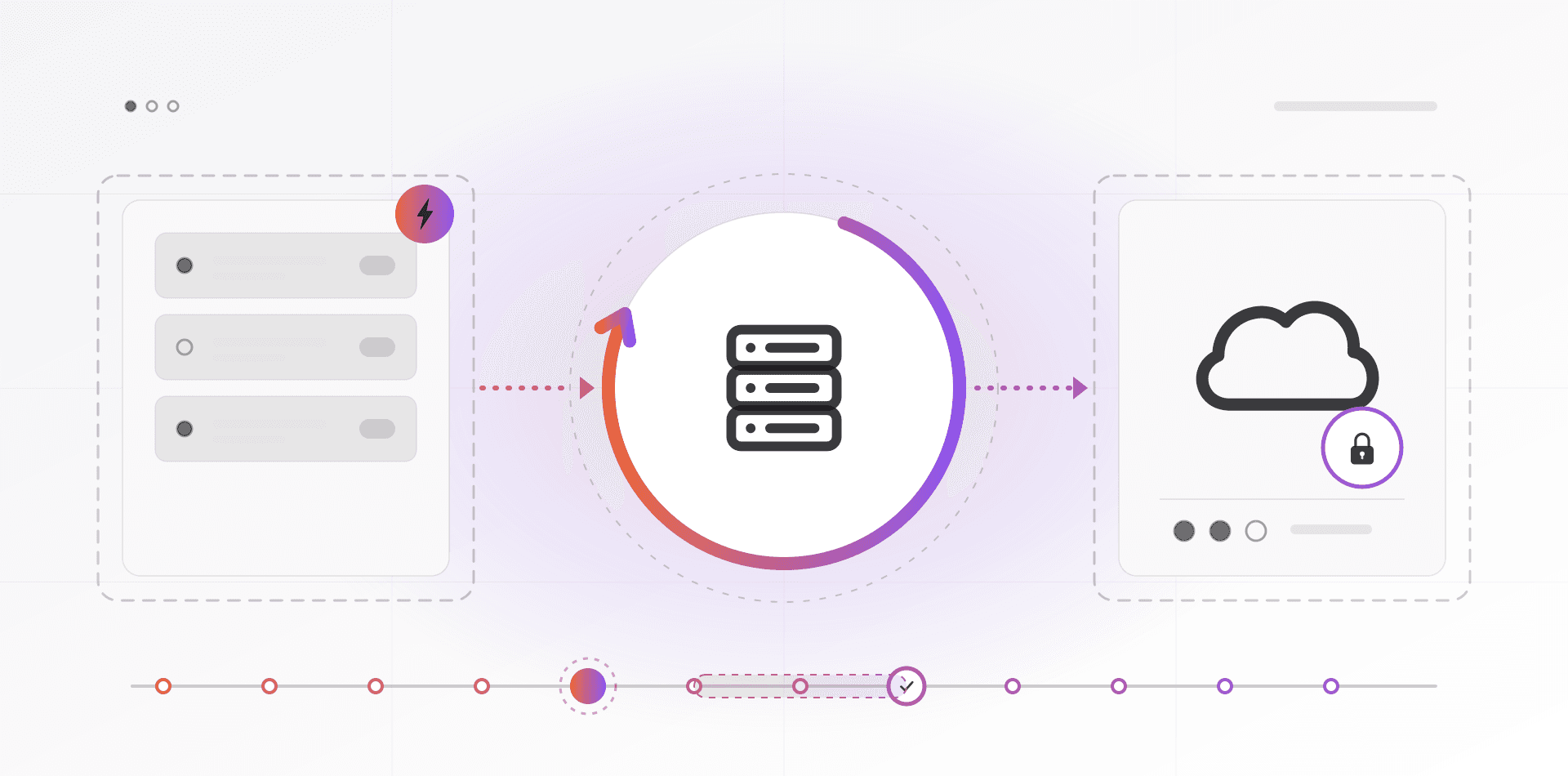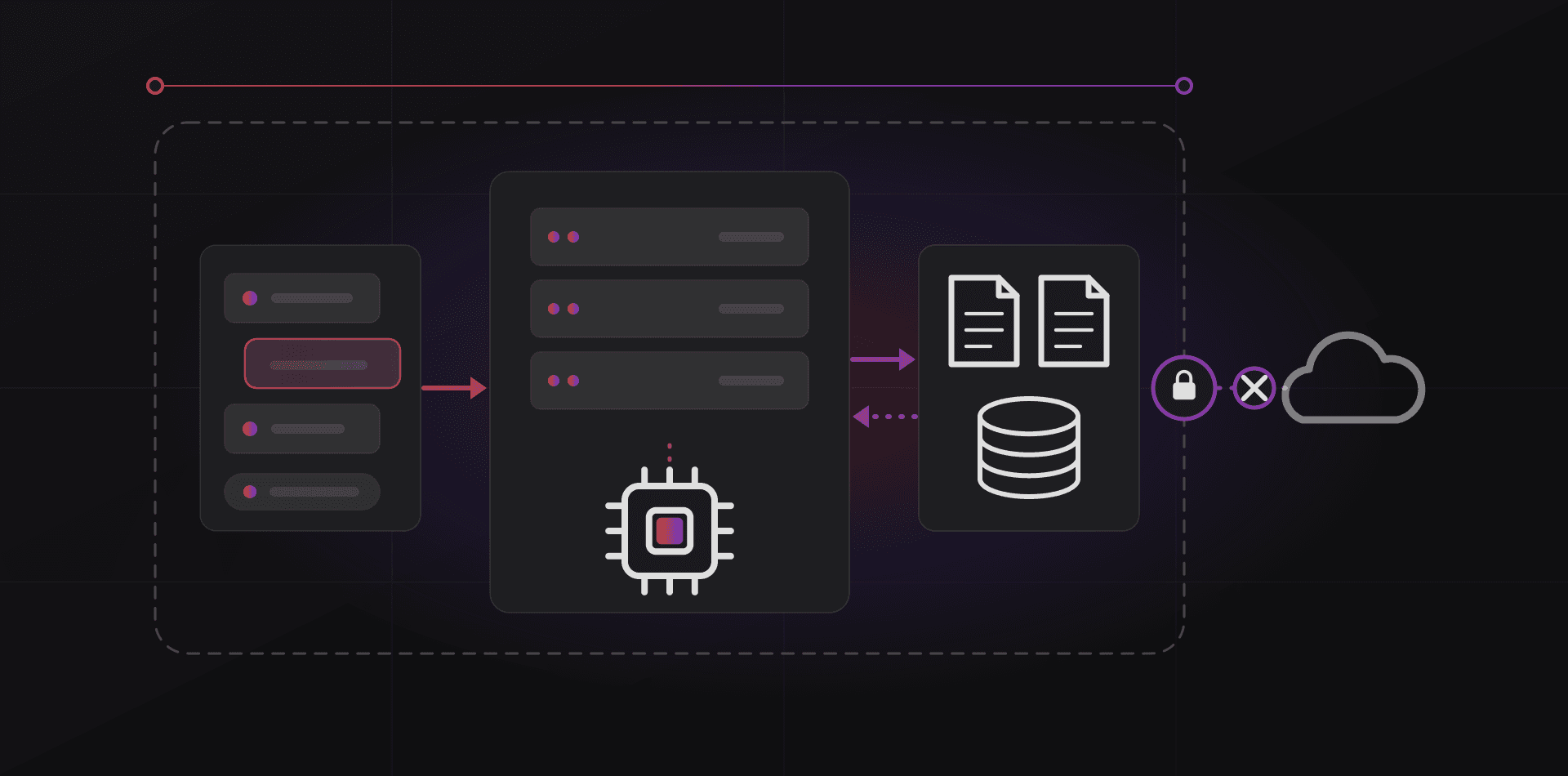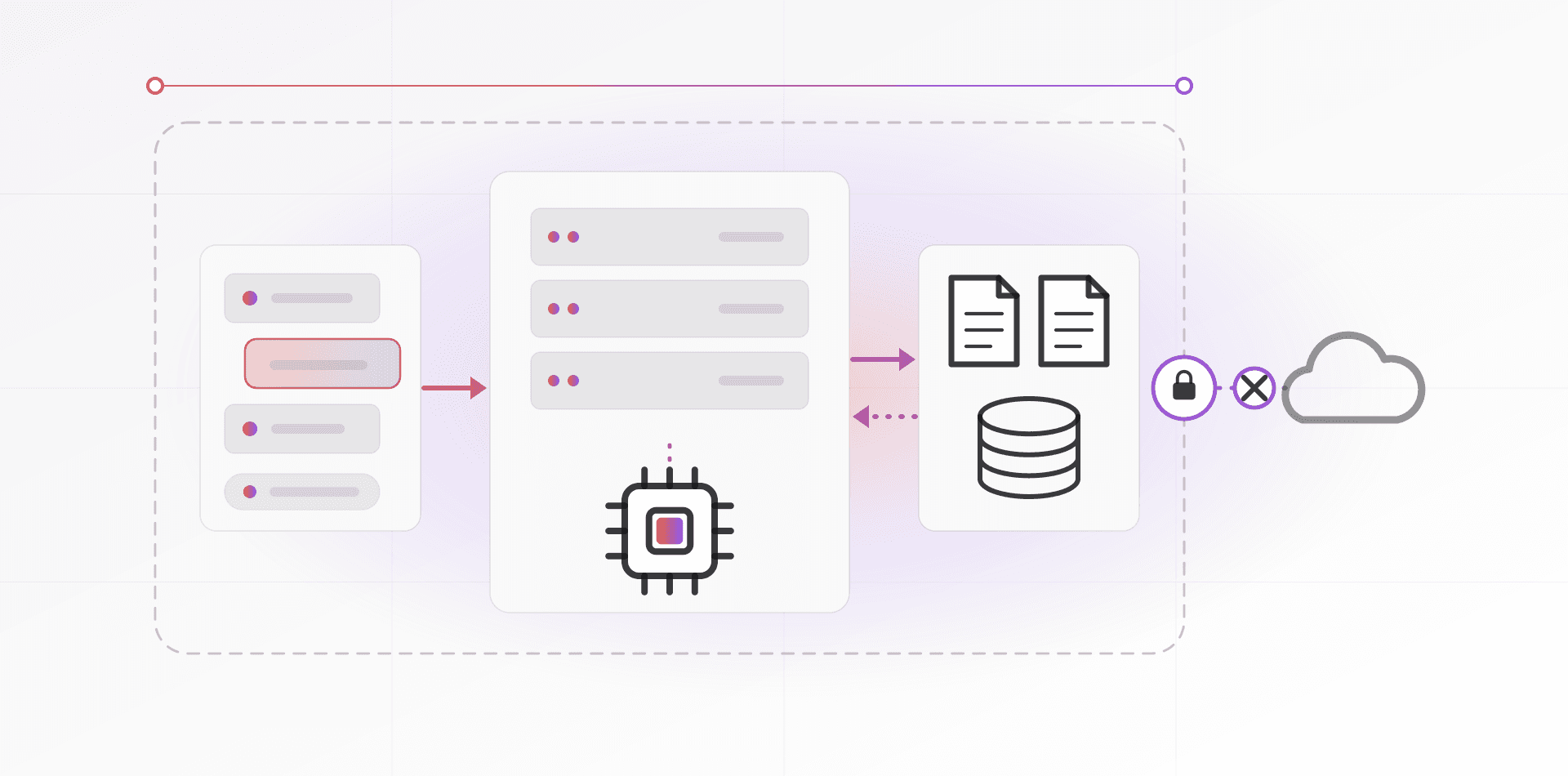

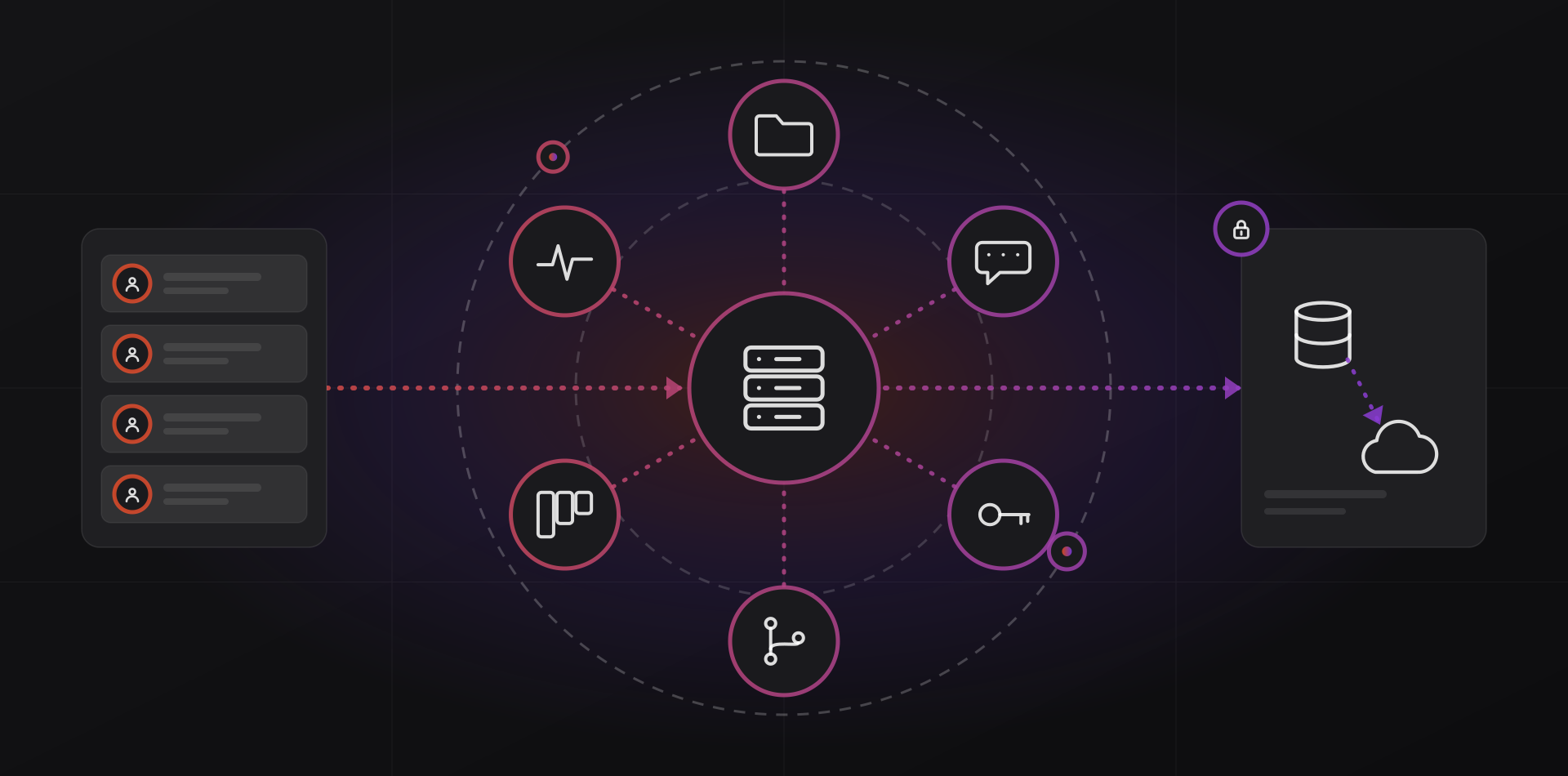
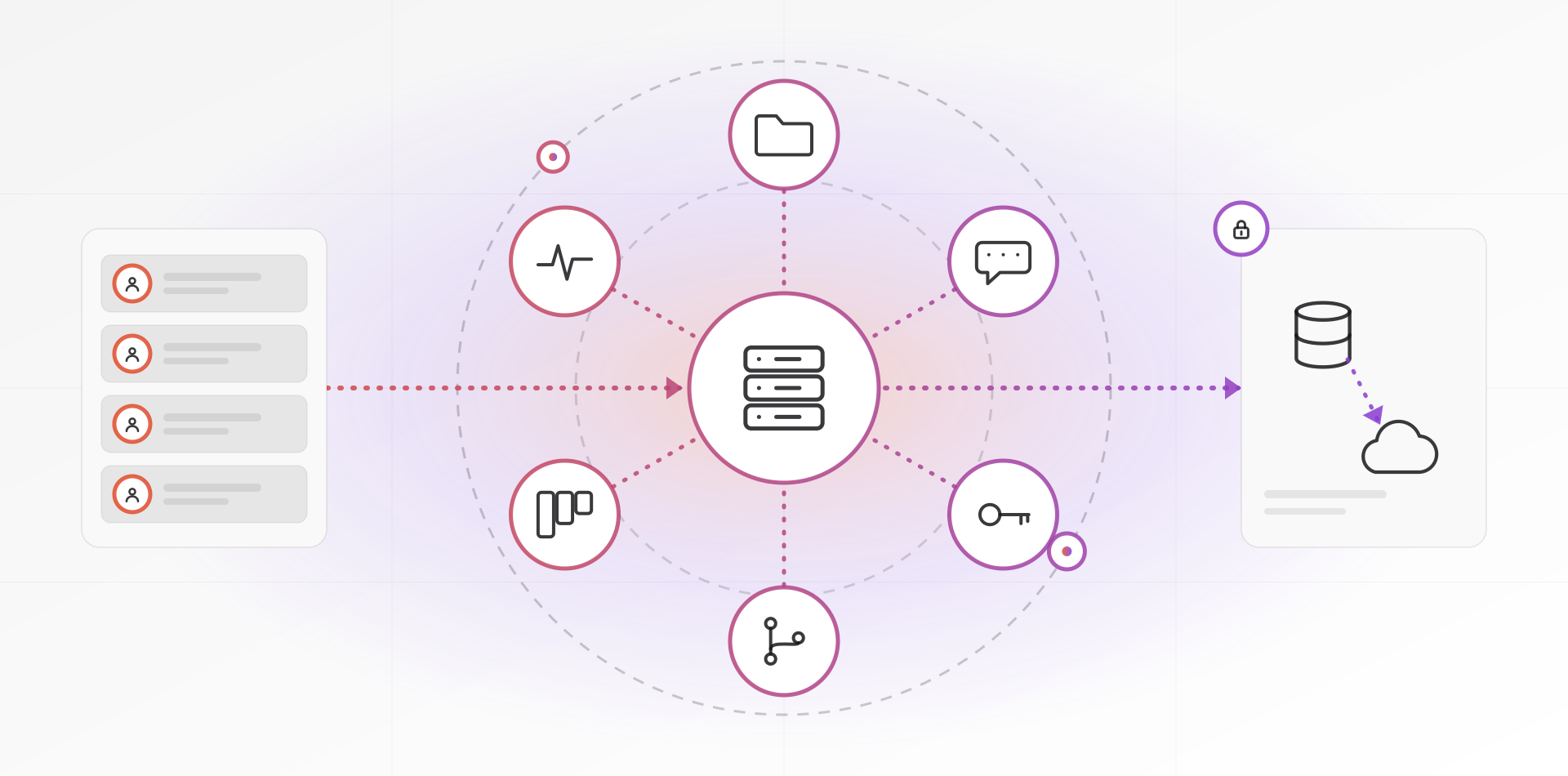
Self-hosted business tools are applications you run on a server you control, usually a VPS, instead of renting seats from a software vendor. Files, team chat, passwords, git and project boards all run well this way. You swap a per-user bill for a flat server cost, and you take on updates, backups and uptime.
This guide is for owners and office managers who watch the subscription list grow with every new hire. It is honest about the work involved. Self-hosting suits some teams well and others badly, and we say which is which.
What per-seat pricing really costs
Per-seat pricing grows with headcount. Hire five people and every tool on the list adds five seats, whether they use it daily or twice a year. Add chat, files, a password manager, a wiki and a board, and the total becomes noticeable.
A VPS bills for the server, not the people. Whether ten or forty people use your file server, the monthly cost barely changes until the machine runs short of memory or disk. That is the real case for self-hosting. The break-even depends on your headcount, the tools you replace and what your time is worth, so work it out with your own numbers.
Cost is not the only reason. Self-hosting also gives you control over where data lives. No vendor can change the terms or retire a product on you. And you can always export everything, because you own the database.
What you can self-host well
These categories have mature open-source software, active development and apps for phones and desktops.
Files, calendars and contacts
Nextcloud syncs and shares files, and also offers calendars, contacts, document editing and a chat and calls app called Talk. It is the usual answer when a team wants to replace cloud file storage and keep the data.
Passwords
Vaultwarden is a lightweight server that works with the official Bitwarden apps and browser extensions. Read the project's README first: it is an independent project, not made by Bitwarden. Bitwarden also publishes its own self-hosted option, so compare the two before you choose.
Team chat
Mattermost and Rocket.Chat are established chat servers with channels, threads and mobile apps. Matrix, with a client such as Element, is a federated alternative. For a small team, the chat built into Nextcloud may be enough.
Git and project boards
Gitea and Forgejo host git repositories with issues, pull requests and built-in automation. For boards and tasks, Planka offers kanban and Vikunja offers task lists. Add Uptime Kuma to watch all of it and message you when something stops responding.
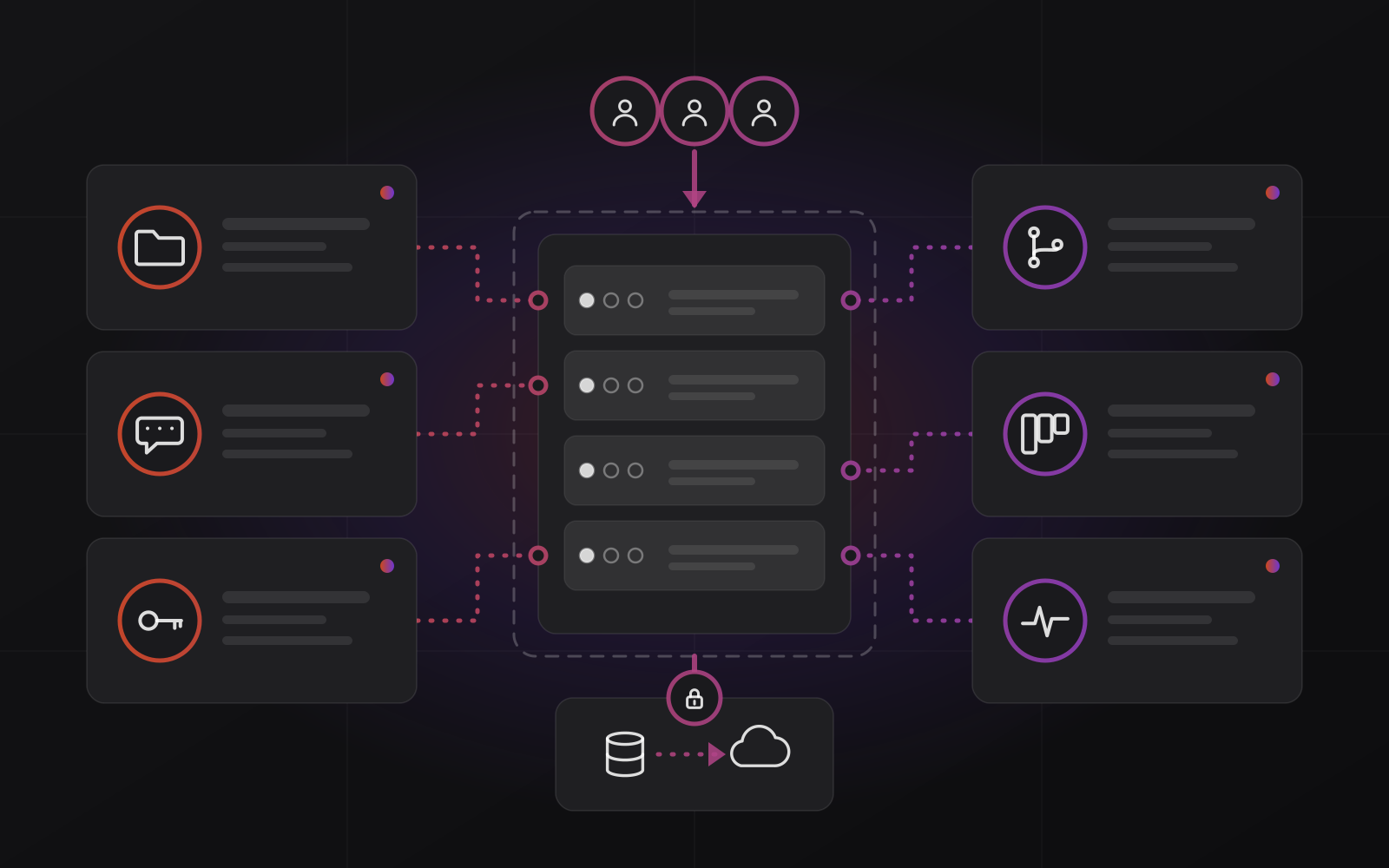
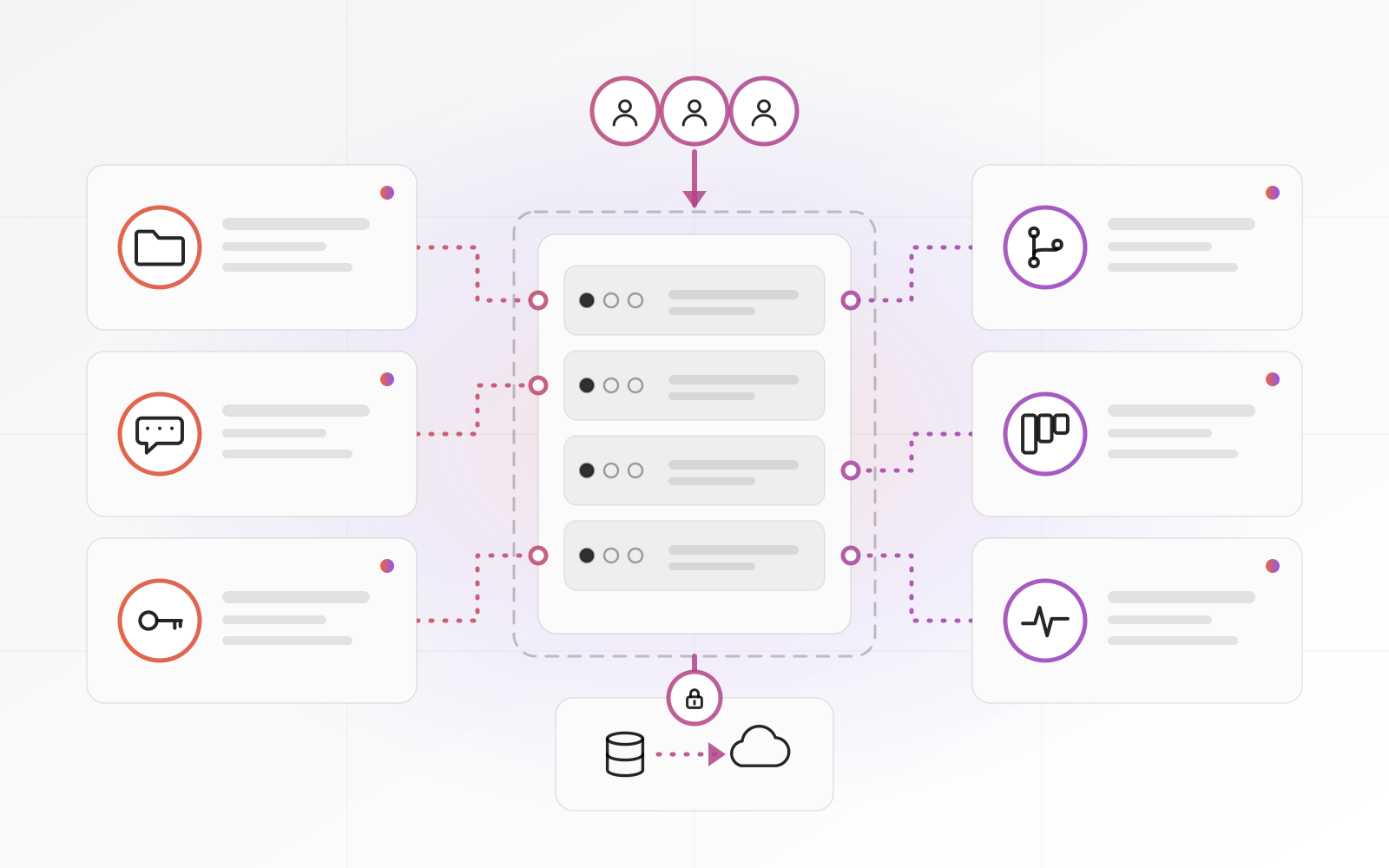
Some things you should not self-host. Business email tops the list. Mail servers need constant attention to stay trusted by the big providers, and a mistake costs you delivered mail. Use a dedicated service and set it up properly, as we describe in our page on domain and professional email setup.
What you take on
Self-hosting trades subscription fees for responsibility. Four jobs appear, and none of them is optional.
Updates
The operating system and every app need regular updates. Security fixes are urgent. Feature releases can wait a little. Upgrades can also be fussy: the Nextcloud manual states that you cannot skip major releases, so a year of postponed updates becomes several steps. See its upgrade guide. Turn on automatic security updates for the host and book a monthly slot for the rest.
Backups
A snapshot at your VPS provider is convenient, but it lives in the same account as the server. If the account is compromised or suspended, the snapshot goes with it. Keep encrypted copies off-site with a tool such as restic or BorgBackup, and restore one to a spare machine to prove it works. Our page on disaster recovery and backup covers the method.
Security
Expose only what people need. Use SSH keys instead of passwords, run a firewall, and put every app behind a reverse proxy such as Caddy or nginx with a TLS certificate. Turn on two-factor sign-in for every administrator. Keep admin panels reachable only by VPN where you can.
Uptime
One VPS is one machine. Providers schedule maintenance, disks fill up, and a bad update can break the login page. Decide how long your team can work without chat or files. If an hour is acceptable, one server is fine. If not, plan a second server or choose a managed arrangement.
Whatever you run, put a monthly routine in the calendar:
- Apply operating system and app updates, one app at a time.
- Check disk space and memory trends.
- Confirm last night's backup ran, and restore one file from it.
- Review administrator accounts and remove people who have left.
- Read the uptime monitor's incident log.
- Confirm TLS certificates are renewing on their own.
Self-hosting does not remove the subscription. It turns it into maintenance, and someone has to own that.
A sensible way to start
Start with one tool, not six. Pick something that causes little harm if it is down for an hour, such as file sharing, a wiki or a project board. Run it for a quarter. If the maintenance feels light, add the next one.
Run each app in a container, with Docker Compose files kept in a repository, so every setup is a file you can read, copy and redeploy elsewhere. Put the apps behind one reverse proxy with automatic Let's Encrypt certificates. Write the setup notes in a document that a colleague could follow without you.
Move critical tools last, such as the password vault, and only after your backups and monitoring have proved themselves. If one outage would stop the whole office, split tools across two servers.
The managed middle ground
Many businesses want the ownership without the admin. A managed arrangement splits the work. Your tools run on your own VPS, in your name, and a provider installs, hardens, backs up, updates and monitors them. You keep the data and the exit. You stop being the on-call person.
That is how our self-hosted business tools on a VPS service works: we deploy and manage the stack on a server you own, for a flat monthly fee. Whoever you choose, ask who holds the administrator credentials, where the backups go, how quickly they patch, and how you leave if you want to. For the hosting basics behind it, read our guide to web hosting for business.
Frequently asked questions about self-hosted business tools
Is self-hosting cheaper than software subscriptions?
Often, for larger teams or several tools, because the server cost does not grow with every seat. But count the time for maintenance. For a team of three using one tool, a subscription can cost less overall. Calculate with your own headcount and tool list.
Is self-hosted software less secure?
Not by nature. It is as secure as you keep it. A vendor patches its cloud for you. On your own VPS you apply updates, restrict access and enforce two-factor sign-in. An unpatched server is a risk, and a maintained one is fine.
Which tool should I self-host first?
Start with a tool that hurts little if it is down: file sharing, a wiki or a board. Learn the update and backup routine on that. Move critical tools, such as the password vault, once your backups and monitoring have proved themselves.
Can I self-host my business email?
You can, but we advise against it. Mail servers need constant attention to stay trusted by large providers, and delivery problems hit customers directly. Use a dedicated email service and keep it separate from your servers.
What happens if my VPS provider has an outage?
Your tools go offline until it ends. Keep off-site backups at a different provider so you can restore elsewhere if needed. For tools your team cannot miss, plan a second server or choose a managed setup with a recovery plan.
Where to go next
Read about disaster recovery and backup before you move any data. If you would like help planning a deployment, see our cloud hosting and infrastructure services, or look at the self-hosted business tools on a VPS page for what we set up and manage.
Related articles