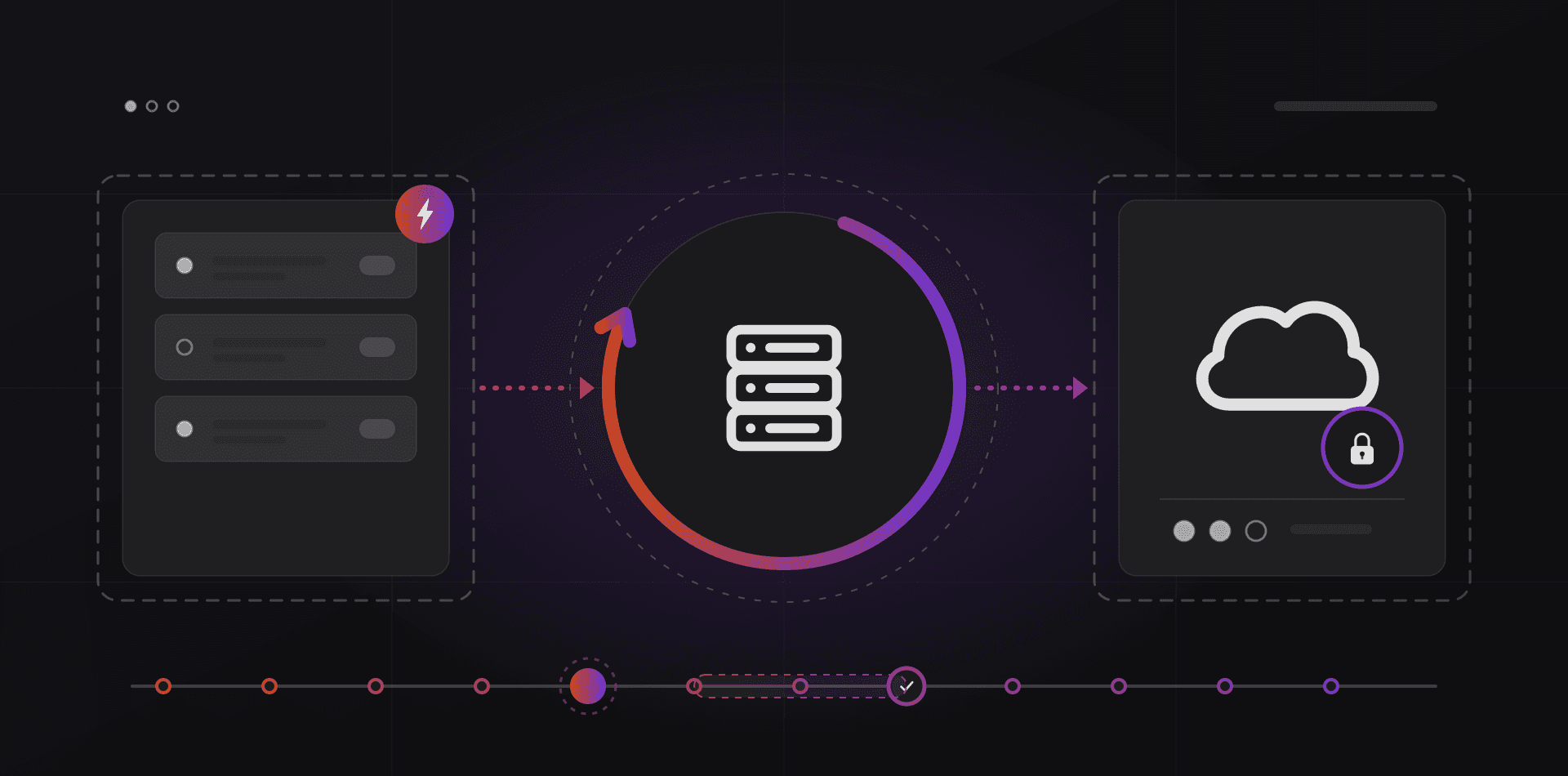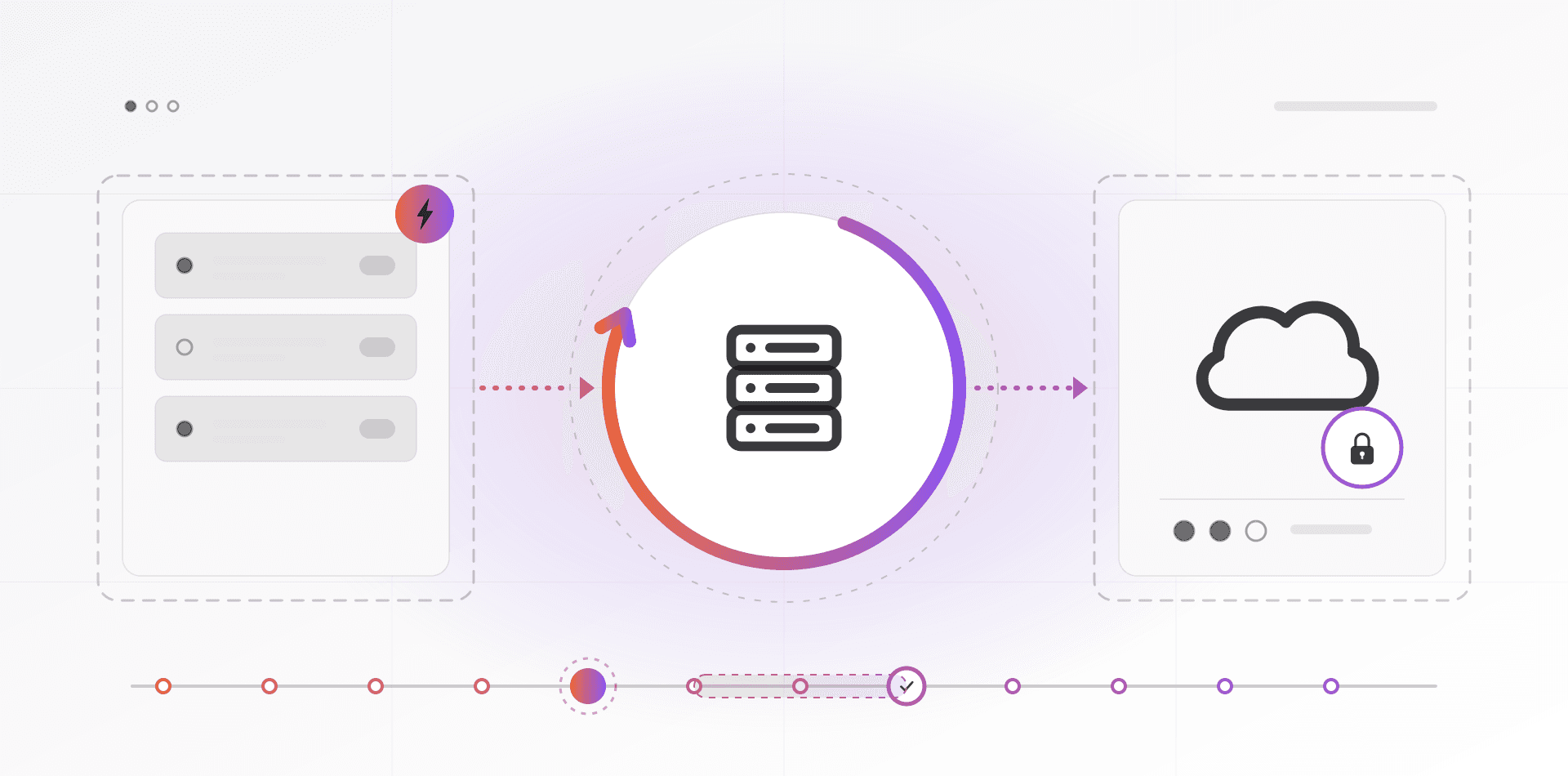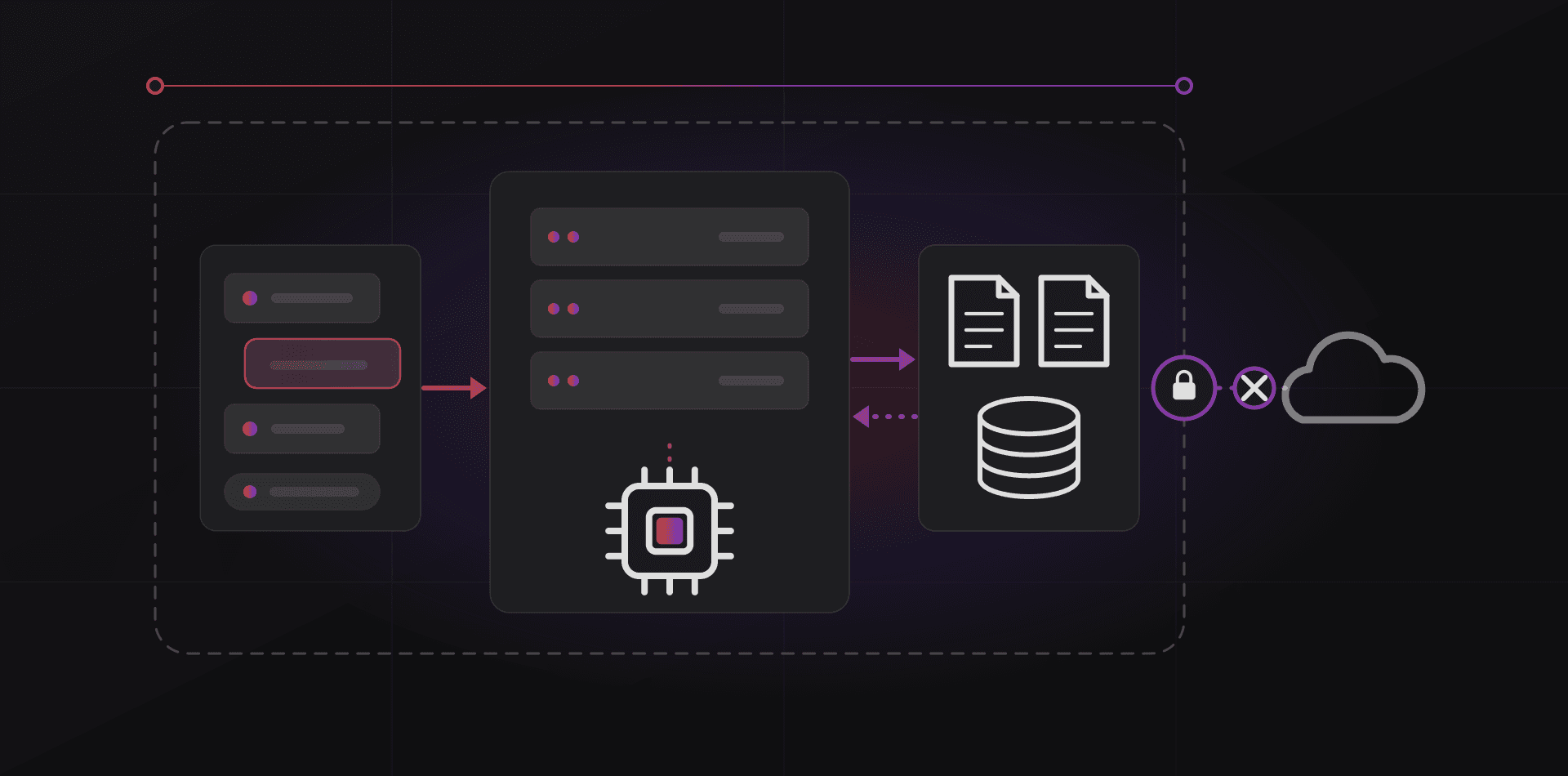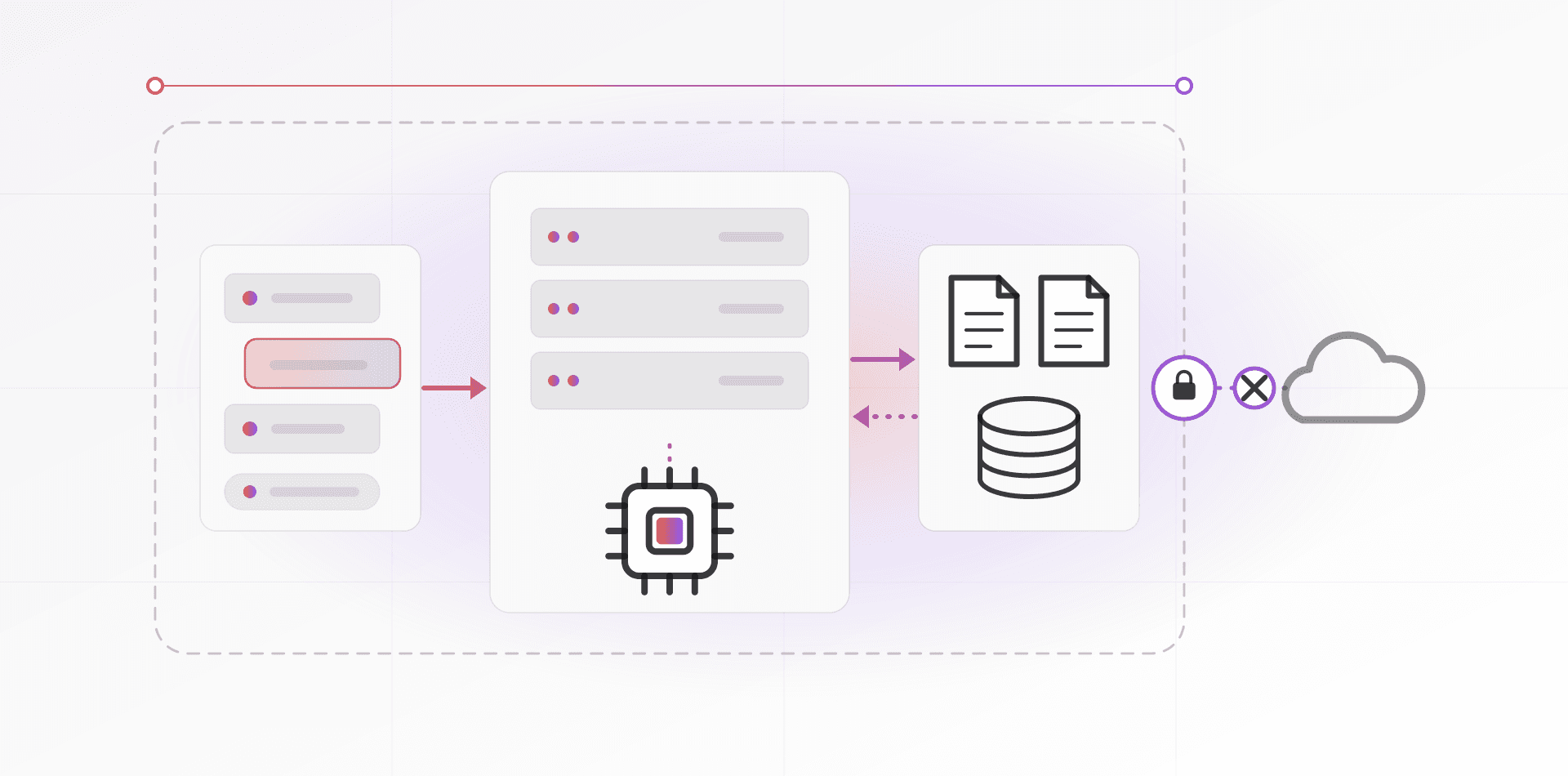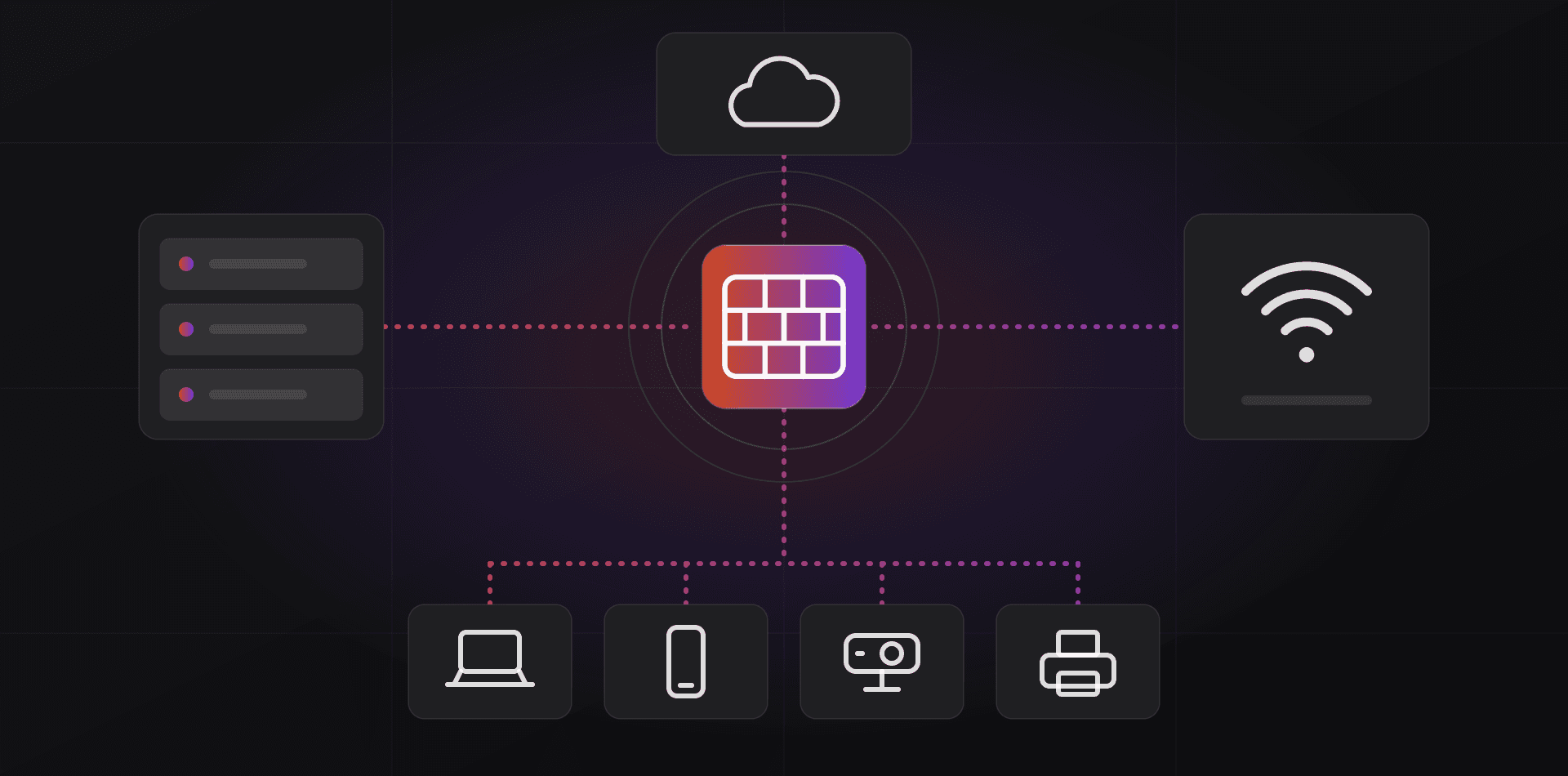

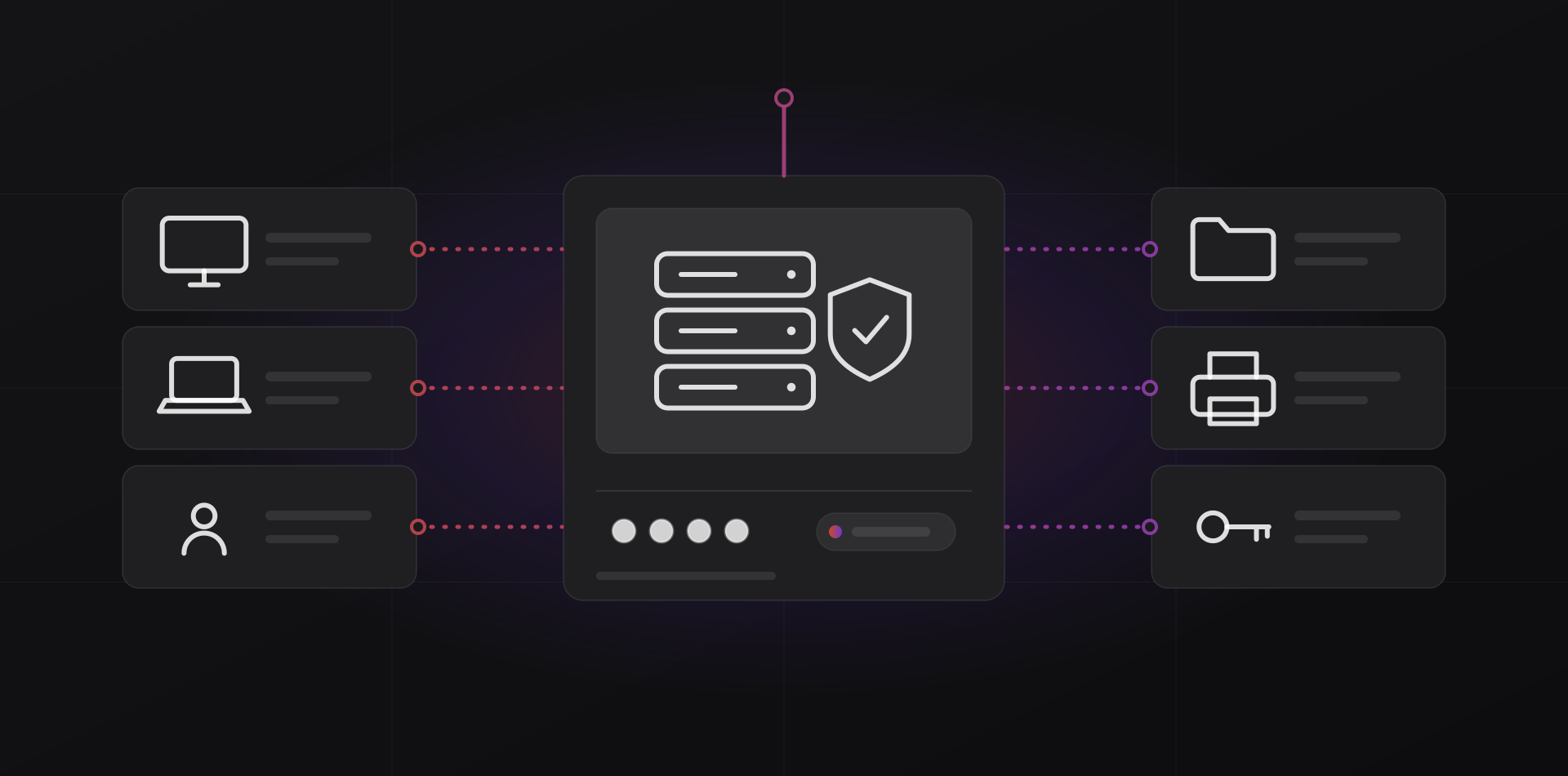
Active Directory for a small office gives you one login per person, one place to set rules for every PC, and shared folders and printers that follow job roles. It needs a Windows Server and someone to look after it. For a handful of PCs, or a cloud-first office, it can be overkill.
A domain is a set of accounts and rules kept on one or more servers called domain controllers. Microsoft's Active Directory Domain Services overview describes it as a directory of user accounts, computers, printers and shares, plus the sign-in and access control around them. This guide shows what that buys a small office and what it costs.
What a domain controller gives you
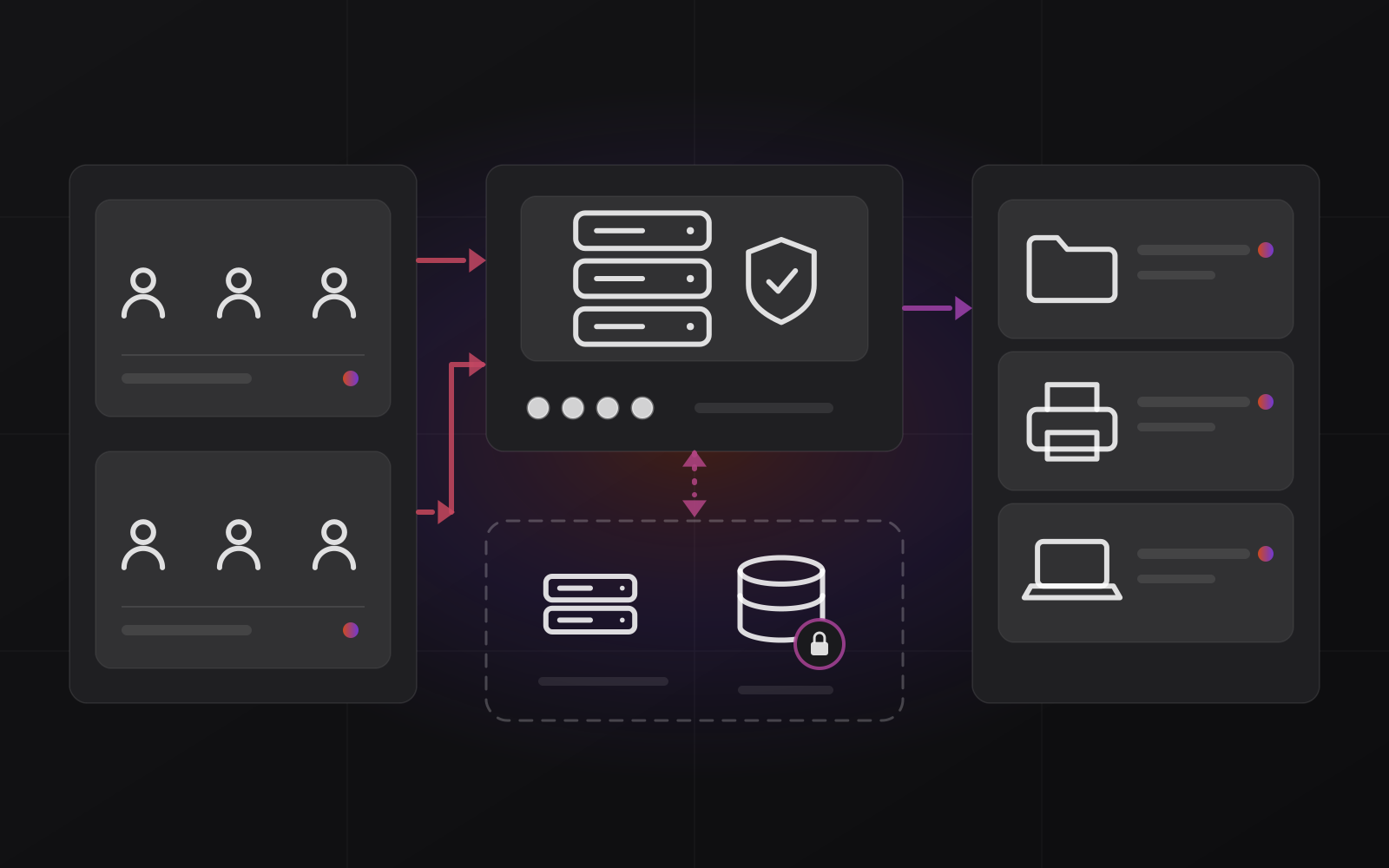
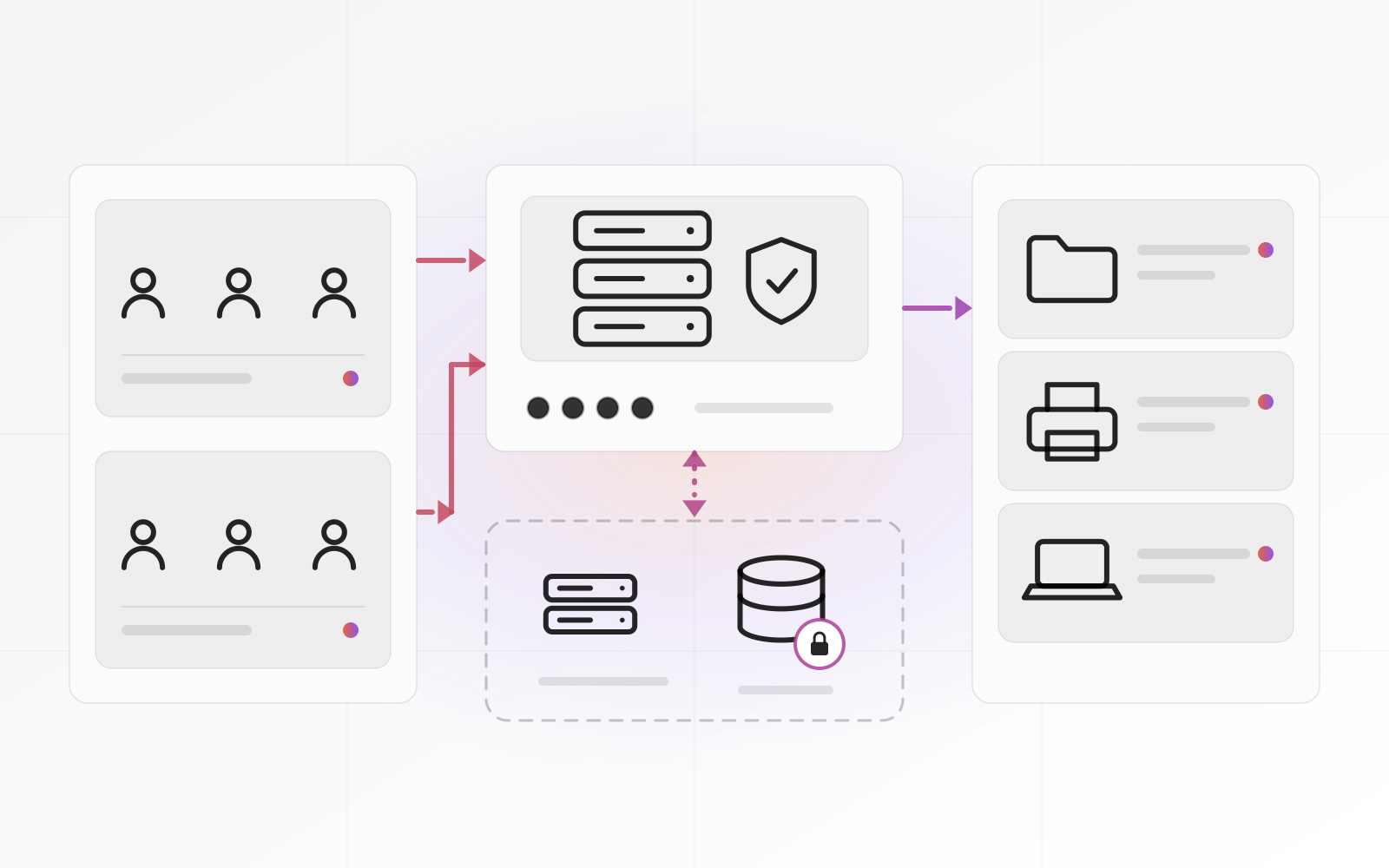
A domain controller (DC) is a Windows Server that holds the directory and decides who may sign in and what they may touch. Five practical things follow.
One login per person
Everyone signs in to any domain PC with the same account. Change a password once and it changes everywhere. A new hire gets an account in minutes, and nobody keeps a sticky note of local admin passwords.
Group Policy
Group Policy pushes settings to every PC and user from the server. Typical uses are screen-lock timeouts, mapped drives, default printers, blocked USB storage and Windows Update settings. You set it once, and a new PC inherits it the moment it joins the domain.
Shared drives and printers by group
Put people in groups such as Accounting or Sales, then give the group access to a folder or printer. When someone changes role, you change their group, not twenty permissions. It also answers "who can open payroll?" with a list instead of a guess.
One password policy for everyone
The domain enforces minimum length, lockout after repeated failures and password history. Current NIST guidance favors long passwords and advises against forced periodic changes. Our password and MFA guide sets out what to enforce.
Closing the door when someone leaves
Disable the account in one place and it stops working for domain sign-ins, shared folders and printers. Two caveats matter. A laptop that is offline can still accept the last password it cached until it next reaches the server. And your cloud apps, email and VPN keep working unless they are tied to the directory or switched off too.
- Disable the account. Do not delete it yet.
- Reset the password to a random value.
- Remove the person from groups, the VPN and any cloud apps that are not tied to the domain.
- Collect the laptop. If it was offline, wipe it, since the cached sign-in may still work.
- Hand their files and mail to a successor, then delete the account after your retention period.
What it takes to run one
A domain needs a server, licenses and PCs that can join it. Windows 10 and 11 Home cannot join a domain. You need Pro, Enterprise or Education, so check before you buy ten new laptops.
The two current releases are Windows Server 2022 and Windows Server 2025. For a new build, pick 2025 unless a software vendor tells you otherwise. Two editions matter to a small office. The details below come from Microsoft's published licensing, which changes, so confirm them with your reseller before buying.
- Essentials is built for very small offices. It is limited to 25 users and 50 devices, comes with new server hardware from OEM partners, and does not need client access licenses. Past the limit you move to Standard.
- Standard is the normal choice beyond that. It is licensed per core, with a 16-core minimum per server, plus a client access license (CAL) for every user or device that connects. One license also covers two virtual machines, enough for a domain controller and a file server on the same hardware.
Datacenter exists too, but unless you run a rack of virtual machines you can ignore it.
Keep the domain controller boring. Give it the directory and DNS, and little else if you can. Small offices often put files, printing and a database on the same server as the DC. It works until one of those roles needs a restart at the wrong moment, which is why two virtual machines beat one big server.
Three settings cause most early trouble. PCs must use the DC for DNS, not the router. Clocks must agree, because Kerberos sign-in fails when they drift more than five minutes apart by default. And pick a domain name you own, such as ad.yourcompany.com, rather than a made-up .local name.
When a domain is overkill
Not every office needs one. A domain adds a server to patch, back up and secure, so it has to earn its keep. Skip it when most of these are true.
- You have five or six PCs, and your files live in SharePoint, OneDrive or Google Drive.
- Most staff work from home or on the road. Domain-joined laptops need the VPN or an internet-facing setup to pick up policy changes and password resets.
- Your software is browser-based, and there is no on-site file server or printer sharing worth managing.
- Nobody in the company, and no outside partner, will look after the server every month.
The risk side deserves honesty. Whoever controls the directory controls every domain PC, which is why attackers aim at it. An unpatched, unbacked-up domain controller is worse than having no domain.
You probably do need one when permissions are managed person by person on every share, when finding everything a leaver can reach is a manual hunt, or when a client or insurer asks for enforced policies.
The cloud-first alternative: Microsoft Entra ID and hybrid
Microsoft Entra ID is the cloud directory behind Microsoft 365. It was called Azure Active Directory until Microsoft renamed it. It is not a domain controller in the cloud, even though the names sound alike.
A cloud-first office can join laptops to Entra ID directly, manage them with Intune, keep files in SharePoint and OneDrive, and apply settings through Intune policies instead of Group Policy. There is no server to patch. Intune is included in some Microsoft 365 business plans, so check which plan you pay for before you assume a new bill.
Hybrid sits in between. You keep Active Directory on-site for the file server or an older application, and sync accounts to Entra ID so people use one password for both. Microsoft explains the options in its hybrid identity documentation.
Choose hybrid when an on-site application needs Kerberos or LDAP sign-in. Choose cloud-only when everything you use already talks to Entra ID.
Protecting the domain: a second DC and backups
One domain controller is one point of failure. If it dies, sign-ins to shares fail, and DNS often fails with it, so even websites can stop loading. A second domain controller fixes this. Microsoft notes that every DC in a domain holds a full copy of the directory and replicates changes to the others.
A second DC protects you from a dead server. Only a backup protects you from a bad day. A deleted account or a bad change replicates to every controller quickly, and ransomware with admin rights can hit both servers.
A second domain controller protects you from a dead server. Only a backup protects you from a bad day.
- Run the second DC on different hardware or a different host. A second virtual machine on the same box survives a broken operating system, not a broken machine.
- Back up the system state of at least one DC every night with an AD-aware backup tool, and copy it off-site.
- Turn on the Active Directory Recycle Bin. It is off by default, and it lets you restore deleted accounts and groups with their settings.
- Write down the Directory Services Restore Mode password and store it safely. You need it to restore.
- Do not rely on virtual machine snapshots as backups of a domain controller.
- Test a restore on an isolated network at least once a year.
Our backup guide covers the 3-2-1 rule that applies here too. Patch the controllers promptly and one at a time. Our patch management guide shows a routine that fits.
Frequently asked questions about Active Directory for a small office
Do I need Windows Server to use Active Directory?
For Microsoft's Active Directory Domain Services, yes. The domain controller role runs on Windows Server. Samba can act as an Active Directory-compatible domain controller on Linux, and some offices use it. For a Windows-heavy office, the native server is the less surprising choice and the easier one to get support for.
How many users can Windows Server Essentials support?
Windows Server Essentials is limited to 25 users and 50 devices, and it is sold with new hardware rather than as a separate retail purchase. If you may pass those limits within the server's lifetime, buy Standard instead. Confirm the current licensing terms with Microsoft or your reseller first.
Can a Windows 11 Home PC join a domain?
No. Windows Home editions cannot join an Active Directory domain. You need Pro, Enterprise or Education. If you have Home PCs, upgrading them to Pro is part of the project, so count them before you plan the budget.
Is Active Directory the same as Microsoft Entra ID?
No. Active Directory Domain Services runs on your own servers and uses Kerberos and Group Policy. Microsoft Entra ID is a cloud identity service for Microsoft 365 and web apps. They can be connected so one account works in both, which Microsoft calls hybrid identity.
What happens if the domain controller is switched off?
People already signed in can usually carry on for a while, and PCs accept recent passwords from cache. New sign-ins to shares, printers and domain apps fail. If the DC also provides DNS, name lookups fail too. That is why offices that depend on the domain run a second DC.
Where to go next
Setting up a domain properly takes planning for DNS, naming, backups and updates. Our server page describes what we build and run, and our security page covers the hardening around it. If you would rather talk it through, contact us.
Related articles