
Inventory management in ERP means every movement of stock, from receiving to picking to sale, is recorded once in a single ledger. The quantity on screen is the sum of those movements, not a number someone typed. Set up items properly and count regularly, and the screen should match the shelf.
This guide is for owners who buy, store and sell physical goods and want to trust their stock figures. It covers how the system thinks about stock, how to set up items and locations, when to reorder, how to count and what valuation means. If your stock still lives in two spreadsheets, read why one shared database matters first.
How an ERP thinks about stock
A spreadsheet stores a quantity. An ERP stores movements. Each movement records the item, the amount, where it came from, where it went, the date, the reason and the document behind it. The quantity on hand is the sum of every movement for that item in that place.
That design makes stock auditable. Click any number and the system shows the receipts, deliveries, transfers and adjustments behind it. It also means you never type over a quantity. If the shelf disagrees with the screen, you post an adjustment with a reason, and the trail stays intact.
Learn four terms, because reports use them constantly:
- On hand: what is physically there
- Reserved: promised to open customer orders
- Available: on hand minus reserved
- Incoming: on open purchase orders, not yet received
Salespeople quote from available. Buyers plan from available plus incoming.
Never type over a stock quantity. Post a movement and give it a reason.
Set up items, variants and units of measure
Most stock errors start in the item master, long before anyone counts anything. Each item needs a code that never changes, a name, a category, a cost, a price, a supplier and its units. Add a barcode for every sellable unit, and decide whether the item is tracked by batch or serial number.
Variants
If a shirt comes in five sizes and four colors, create one product with two attributes, not twenty unrelated items. Each combination becomes its own stock-keeping unit with its own quantity and barcode. Shared details, such as the description and supplier, live once on the parent. Do not use variants for differences that change neither stock nor price.
Units of measure
Define a stock unit, a purchase unit and a sales unit, with the conversion between them set once. You buy cartons of 12, stock single pieces and sell single pieces, so the conversion is 12. A wrong factor inflates stock twelvefold, so test it with one real delivery. For goods sold by weight or length, store in the smallest sensible unit.
Batch and serial tracking add scanning work at every step. Use batches where expiry or recalls matter, such as food, cosmetics and chemicals. Use serial numbers where warranty or theft matters. Leave both off for screws.
- A code that never changes, even when the product name does
- One barcode per sellable unit, from the manufacturer or printed by you
- Stock, purchase and sales units, with the conversion tested on a real delivery
- A reorder point and a main supplier with its lead time
- Batch or serial tracking only where expiry, recalls or warranty need it
- A category that maps to the right inventory account in the books
Warehouses, locations, barcodes, receiving and picking
Model what you actually search for. The usual hierarchy is company, then warehouse, then location. A warehouse is a physically separate place: a depot, a shop, a van.
A location is a spot inside it, such as aisle A, rack 3, shelf 2. A small shop may need only one per warehouse, so add bins when people start losing things.
Create a few virtual locations early: in transit between sites, damaged, and returns waiting for inspection. Stock there is counted but not sellable, so it never shows as available.
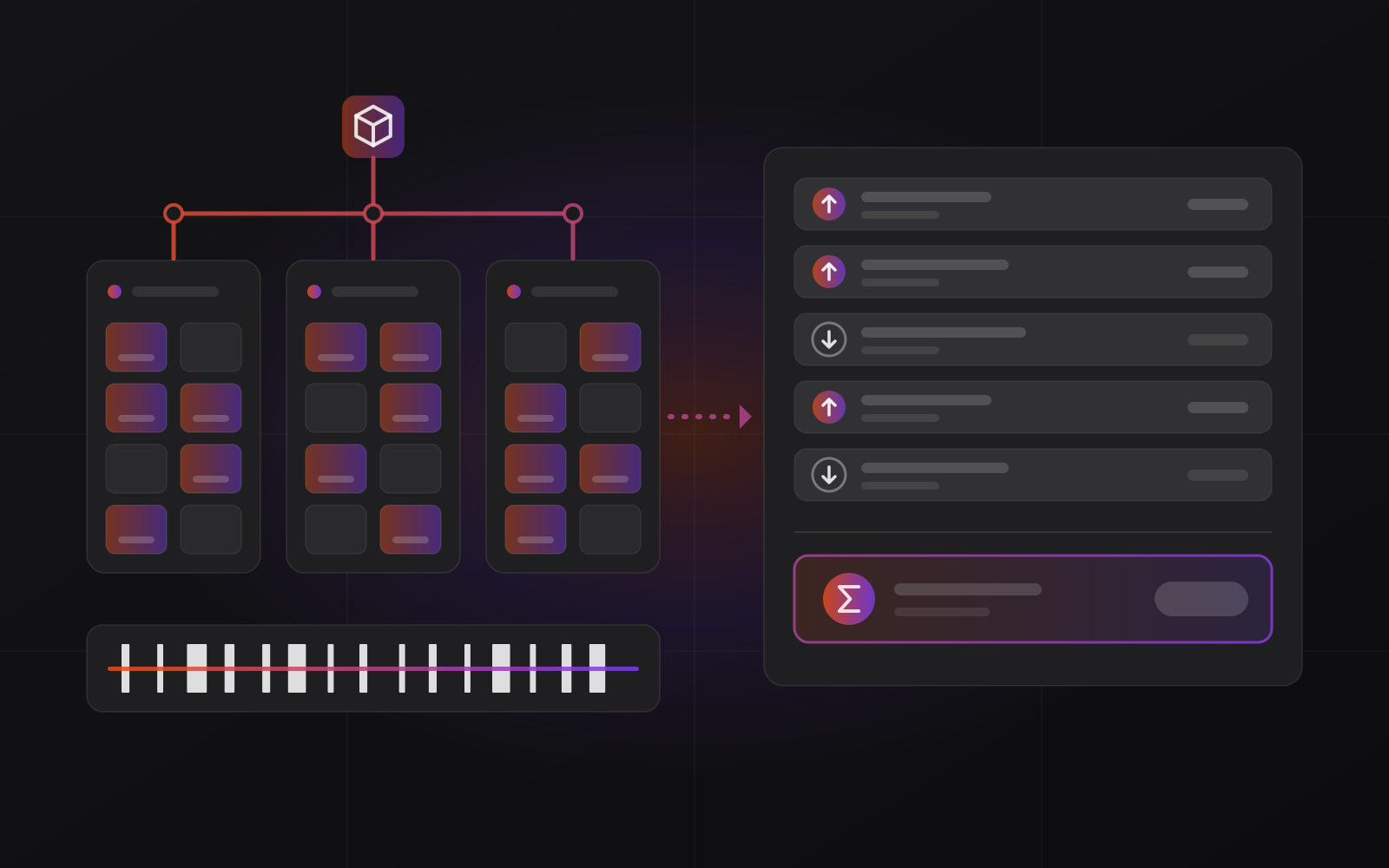
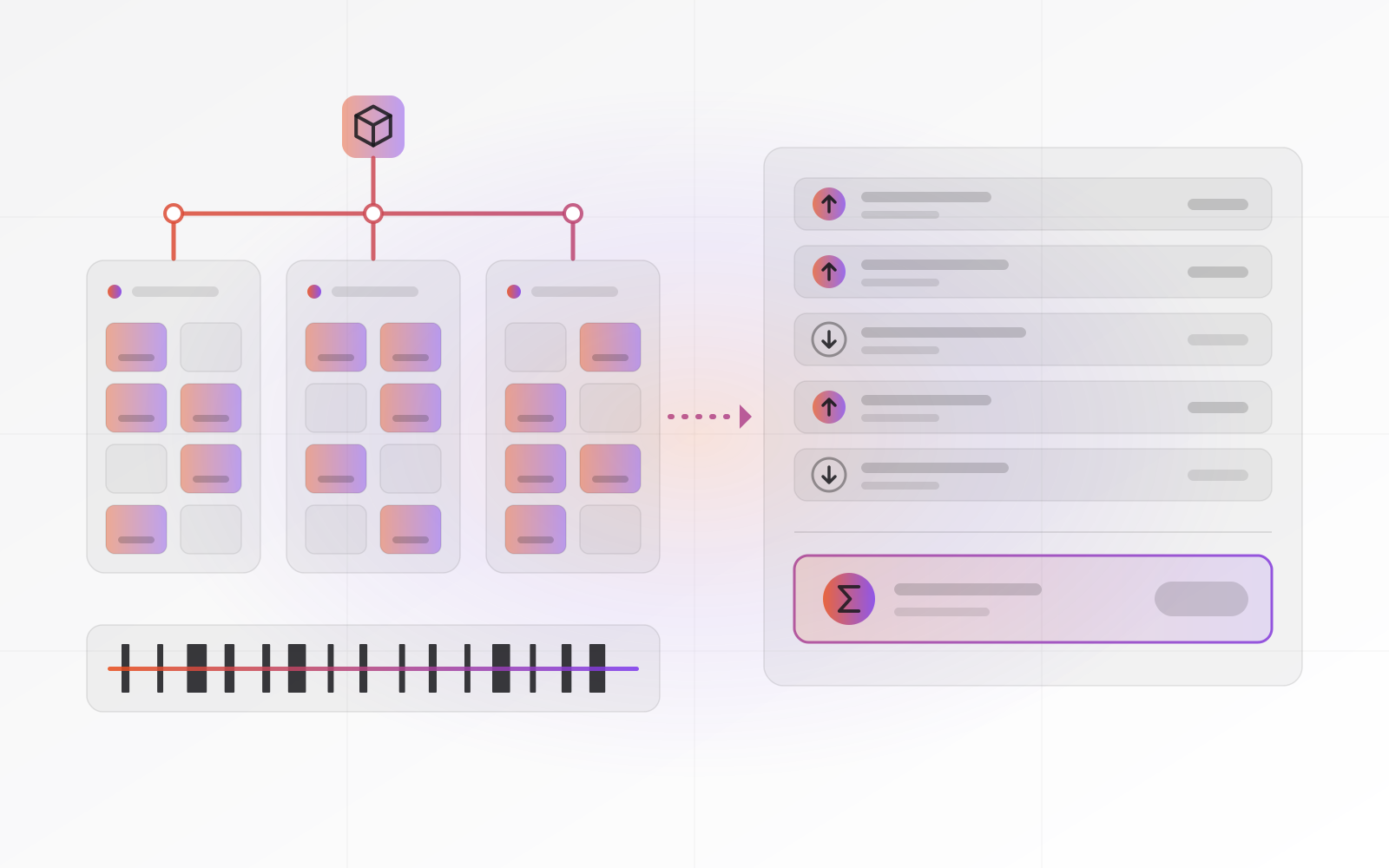
Barcodes are the cheapest accuracy upgrade in a warehouse. Retail goods in Europe and Morocco carry an EAN-13 code: 13 digits, the last one a check digit that catches most typing and scanning errors. If you resell branded goods, use the manufacturer's barcode instead of relabeling. For your own products and for rack locations, print your own labels.
A scanner behaves like a keyboard that types the digits and presses Enter, so it works in any ERP field.
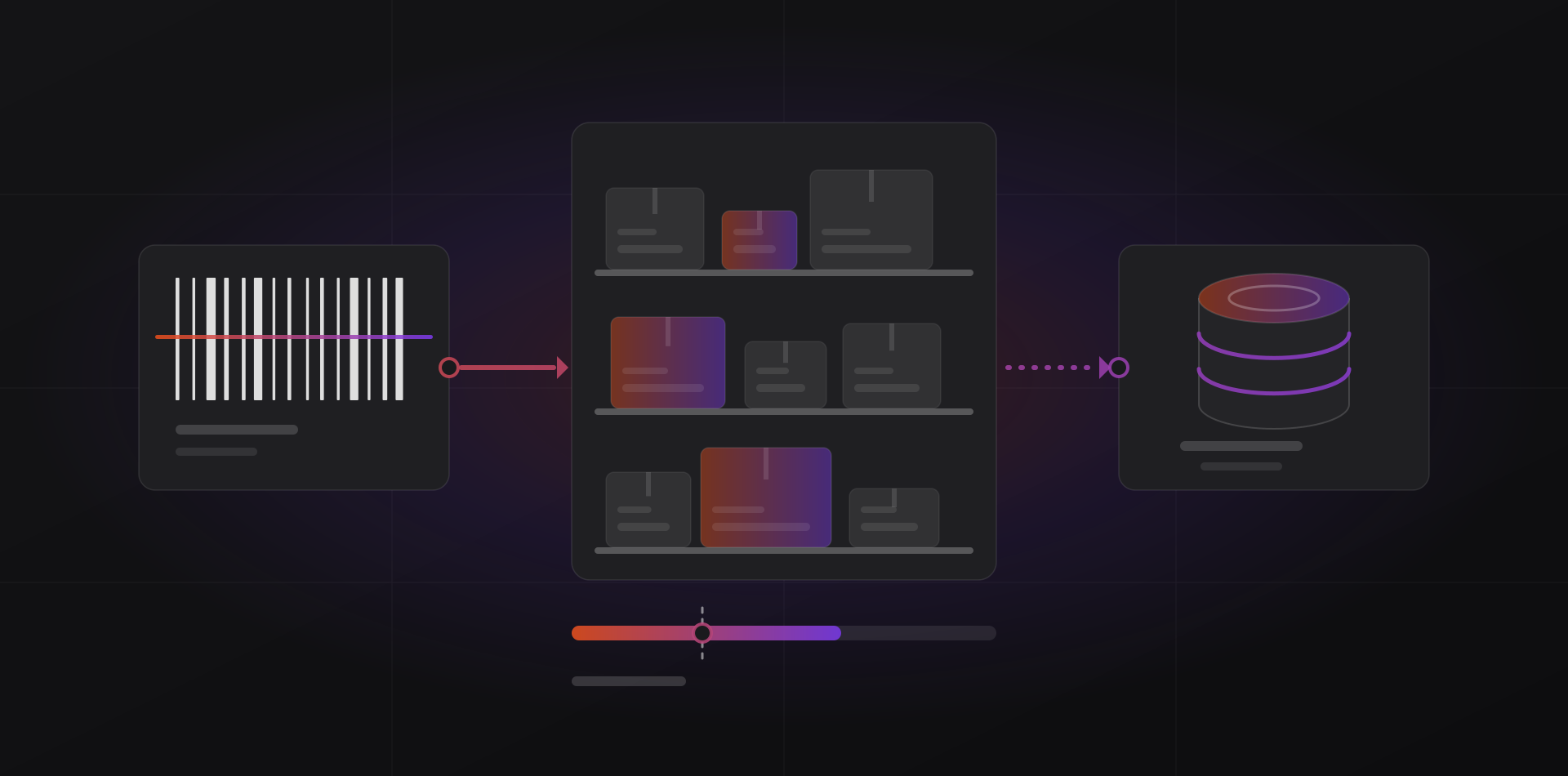
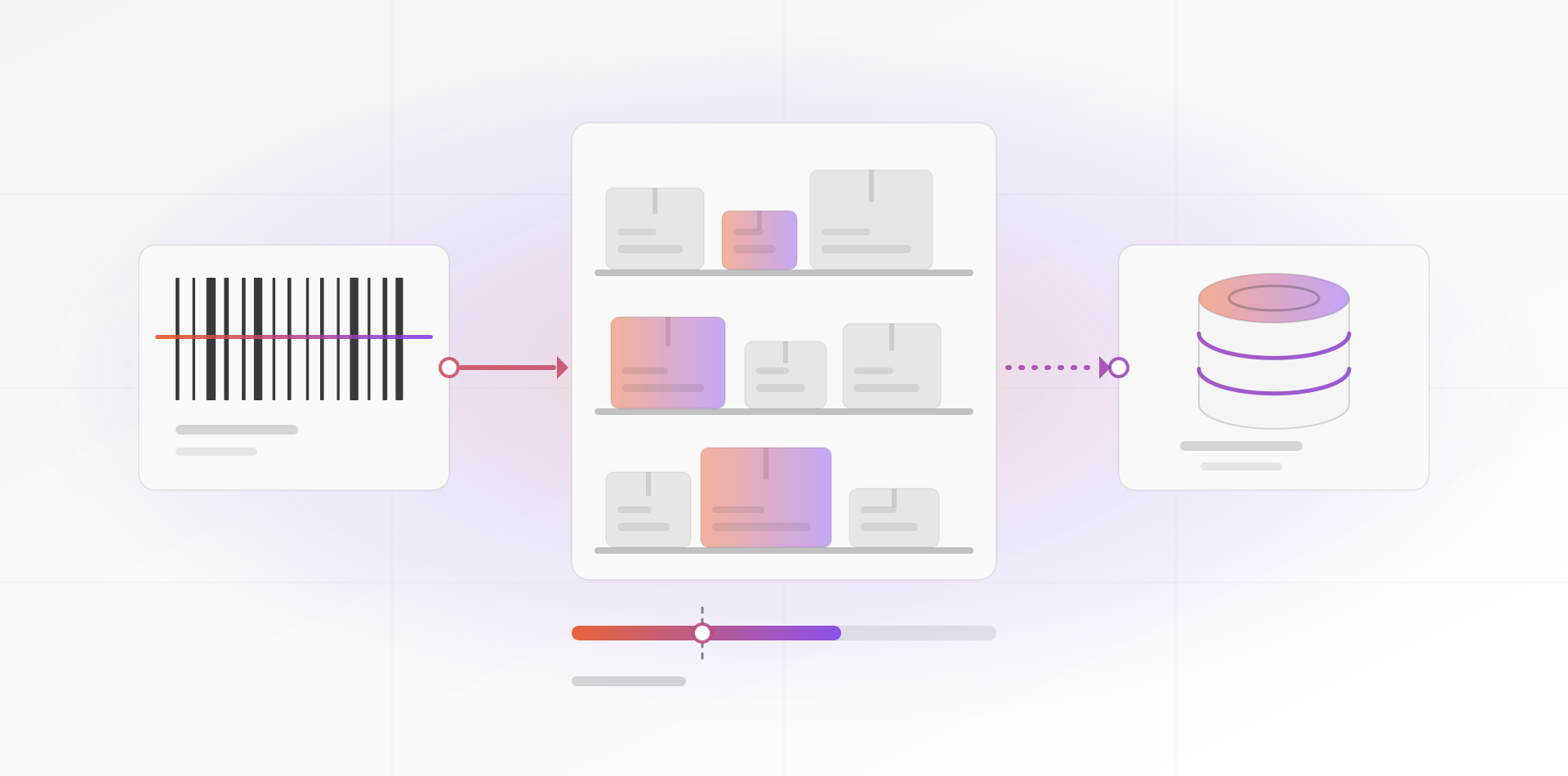
Receiving works against a purchase order. Scan each item, enter the quantity, and let the system compare it with what you ordered. Record shortages and damage at the door, with a photo of the delivery note, while the driver is still there. Then put the goods away to a location.
Picking runs the other way. A sales order produces a pick list sorted by location, scanning confirms each line, and shipping reduces stock.
Reorder points, safety stock and counts
A reorder point tells the system when to suggest buying. The formula is average daily sales multiplied by the supplier's lead time in days, plus safety stock. Say you sell 6 units a day and the supplier needs 10 days. That is 60 units of demand while you wait. Add 30 units of safety stock, and you reorder when stock reaches 90.
Safety stock covers surprises: a busy week, a late truck. Start with a few days of sales and adjust after you see real stock-outs. Compare the reorder point with available plus incoming stock. Otherwise the system keeps suggesting the same purchase while the first order is still at sea.
Do not set reorder points for everything on day one. A small share of your items usually brings most of your sales, so do those first.
Cycle counts versus the annual count
An annual count means counting everything on one day, often with the business closed. It finds errors that built up over twelve months, but it cannot tell you when or why they happened, and tired people count badly.
Cycle counting spreads the work. Count a few locations or items every day or week, so that everything is covered over a set period. Count fast movers and expensive items more often. Investigate each difference while people still remember what happened.
Count blind: the counter sees the location, not the expected quantity. Freeze movements there during the count, recount any difference, then post the adjustment with a reason code. Ask your accountant and auditor whether documented cycle counts are enough at year-end. Some insist on a count on the balance-sheet date.
Valuation: FIFO and weighted average in plain words
Valuation answers two questions. What is the stock on the shelf worth in your accounts, and what did each sale cost you? The two common methods differ only in which purchase price they assume you sold first.
FIFO means first in, first out: the oldest cost leaves first. Weighted average blends all costs into one average after every receipt. Take a simple case. You buy 10 units at 100, then 10 more at 120, and you sell 10.
With FIFO, the sale costs 1,000 (the first batch) and the 10 left are worth 1,200. With weighted average, the unit cost is 110, so the sale costs 1,100 and the stock left is worth 1,100. The total is 2,200 either way. Only the split between cost of sales and stock on the balance sheet moves.
When prices rise, FIFO shows higher profit and a higher stock value. Weighted average smooths the swings. Accounting standards, including IFRS (IAS 2), accept either for interchangeable items. Your accountant knows which your local rules prefer.
Pick once, before go-live, because changing method later is an accounting-policy change. RIVER ERP, for example, has you choose FIFO or weighted average once.
The stock reports that matter
An ERP can produce dozens of stock reports. These are the ones worth a place in your weekly routine:
- Stock on hand by warehouse and location, with value
- Reorder report: what to buy this week, and from whom
- Movement history for one item, which is your audit trail
- Slow and dead stock: nothing moved for a set period, cash asleep on shelves
- Count variance by location and cause, which shows where shrinkage hides
- Stock value compared with the inventory account in the ledger
- Expiry report for batch-tracked items, earliest date first
Check the ledger comparison monthly. If the stock report and the inventory account disagree, a movement was posted without its accounting entry, or the other way around. Find it now, not at year-end.
Frequently asked questions about inventory management in ERP
What is inventory management in an ERP?
It is tracking every stock movement in one shared ledger, tied to the document that caused it. Purchase receipts add stock, deliveries and sales remove it, transfers move it, and counts correct it. Because invoicing and accounting read the same data, quantities, values and reports agree.
How do I choose between FIFO and weighted average?
Ask your accountant first, because local rules and your tax authority may prefer one. FIFO follows the physical flow of goods and suits perishable stock. Weighted average is simpler and smooths price swings, which suits many small distributors. Choose once before go-live and keep it.
How often should I count stock?
Count a rotating slice every week, or even daily, so every item is counted several times a year, and the fastest or most valuable ones more often. Add a full count only if your auditor requires one at year-end. Frequent small counts find errors while you can still trace them.
How do I calculate a reorder point?
Multiply average daily sales by the supplier's lead time in days, then add safety stock. If you sell 6 a day, the supplier takes 10 days and you keep 30 as a buffer, the reorder point is 90. Compare it with available plus incoming stock.
Do I need barcodes for a small warehouse?
Not always. With a few dozen items and one person who knows the shelves, clear labels and a tidy layout come first. Barcodes pay off when several people pick, when items look alike, or when picking mistakes cost you returns. Start with item barcodes, then label locations.
Where to go next
If your stock figures do not match your shelves, send us your item list and your current process, and we will say where the gaps are. See how a stock module fits into RIVER ERP, or read about ERP software for small business. Before you migrate your item list, read the ERP implementation steps. If you sell over a counter, see how a POS system for small retail feeds this ledger.
Related articles