
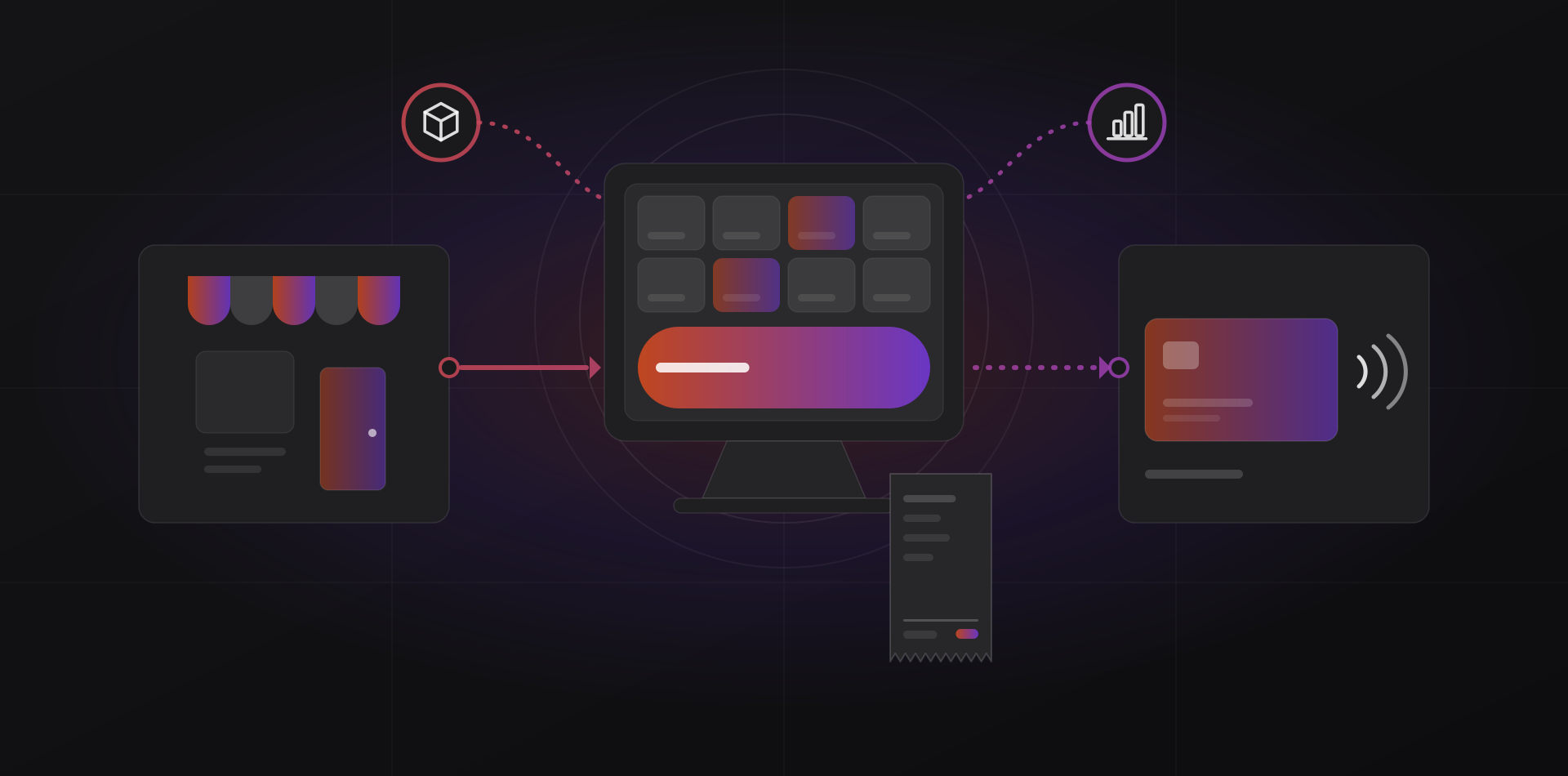
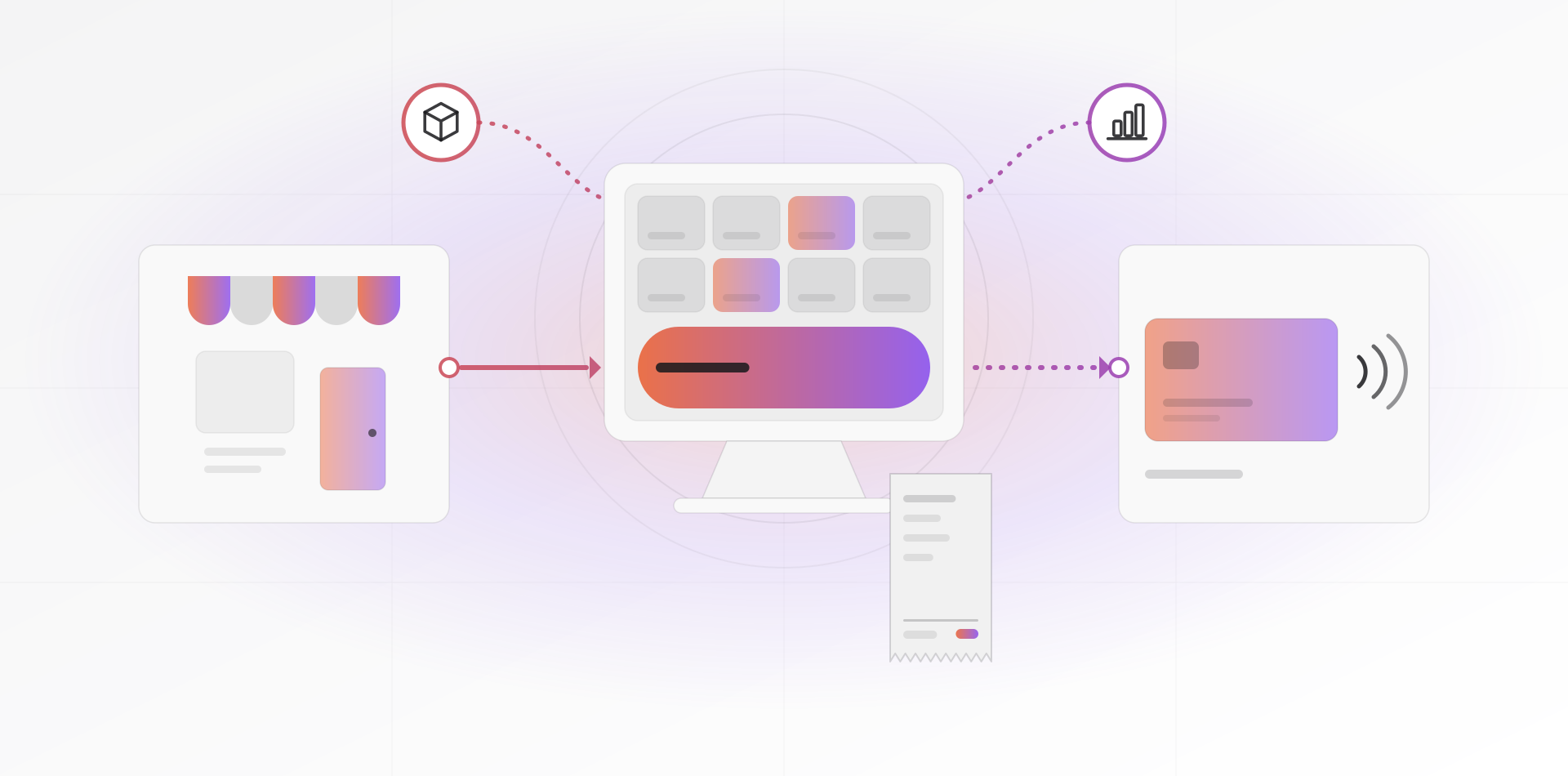
A good POS system for small business does one job beyond taking payment: it tells the rest of the company what happened. Every sale should reduce stock, post to the accounts and update the customer record, with nobody re-typing it. Choose for those connections first and the screen second.
This guide is for shop owners and office managers who run, or will soon open, a counter. It covers connections, hardware, offline mode, closing the day, multiple stores, and the choice between a standalone POS and one built into your ERP system. Picture a three-person homeware shop adding a second branch, or a boutique opening its first.
What a POS should connect to
A till that stands alone gives you a daily total and a lot of re-typing. Four connections make it part of the business.
Stock
Each sale reduces stock at that shop, and each return adds it back, as it happens. Without this link you keep two stock figures, and the shelf wins every argument. With it, you see low stock across shops, transfer goods between them and reorder from real sales. How stock works inside an ERP explains the ledger behind it.
Accounting
Your accountant needs sales split by tax rate, takings split by payment method, and any cash over or short. A good POS posts these as a daily summary, not line by line. If it only produces a CSV, someone re-keys it every day. That is the hidden cost of a standalone POS, and it grows with every shop.
Customers and loyalty
Linking a sale to a customer record, by phone number or card, enables points, store credit and gift cards. Collect only what you will use, and say why. Data-protection rules apply, such as Morocco's Law 09-08 or the EU's GDPR.
Online store
If you also sell online, the shop and the website must share one catalog and one stock pool. Otherwise you sell the last item twice: once at the counter and once to a customer waiting for a parcel. Our notes on running an online store cover the web side.
The hardware you actually need
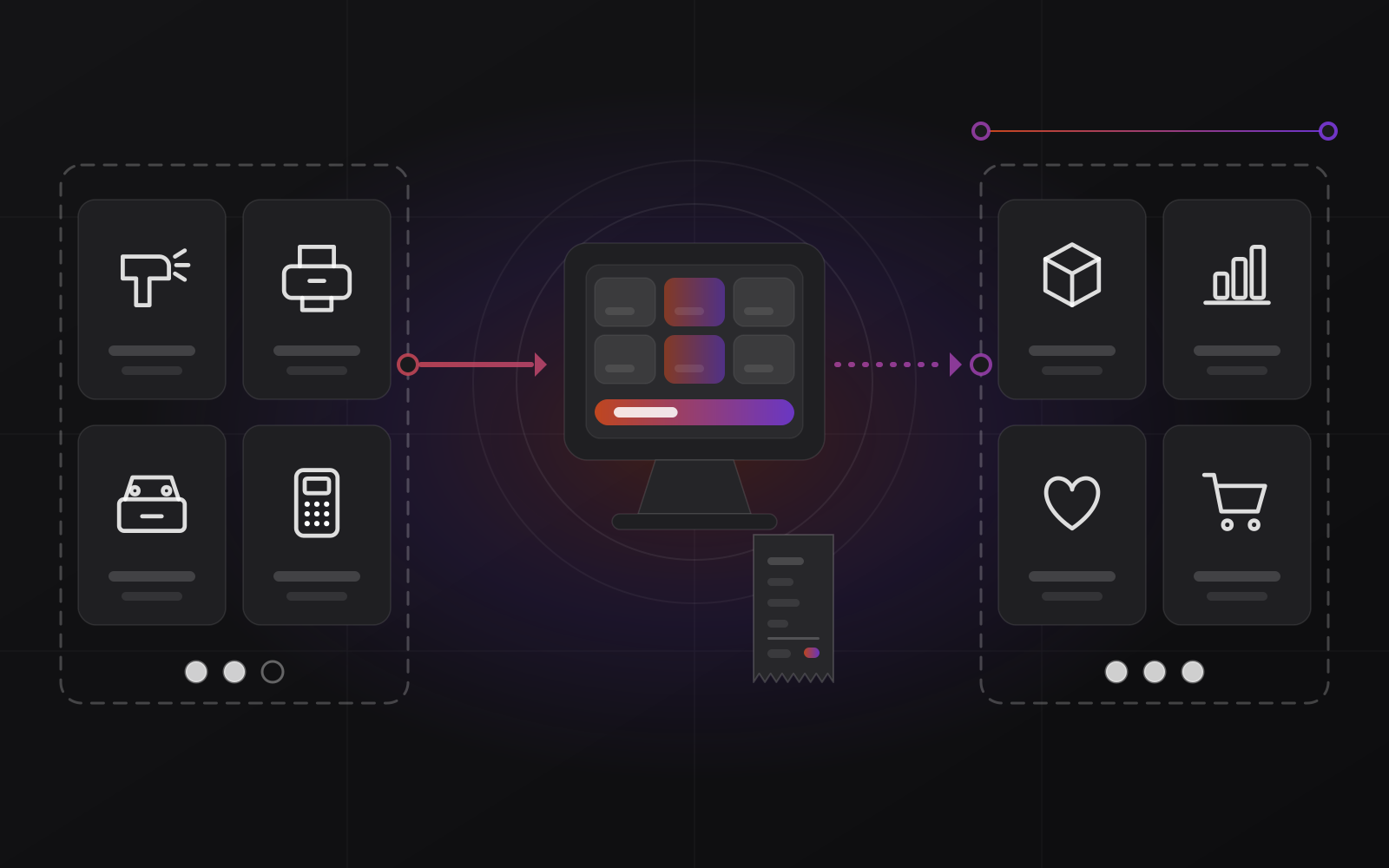
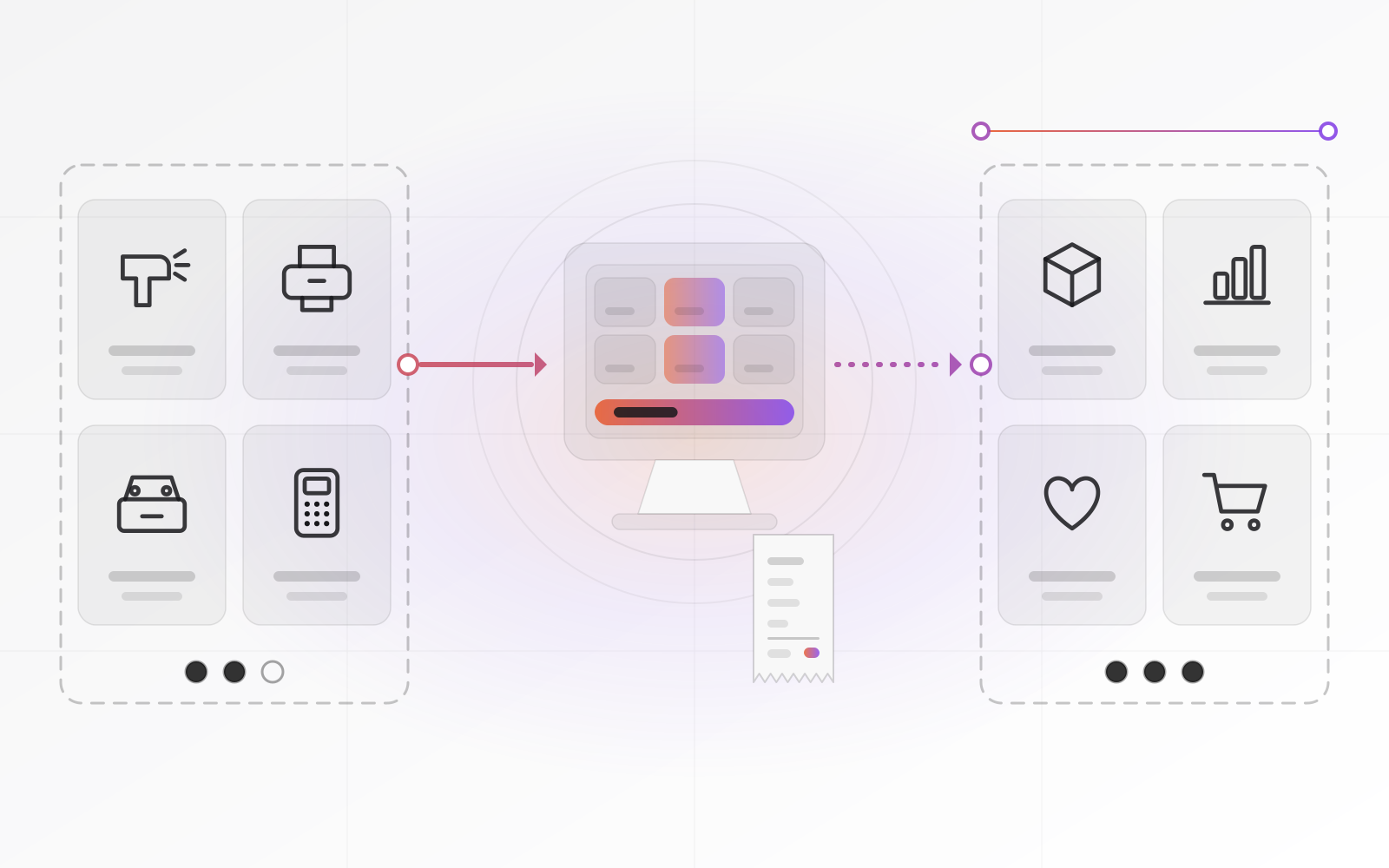
Check the software's supported-hardware list before you buy anything. Then build the counter from these parts:
- Terminal: a tablet, touchscreen all-in-one or small PC on a stable stand
- Barcode scanner: USB or Bluetooth, acts like a keyboard; pick a 2D model to scan phone screens and QR codes
- Receipt printer: thermal, 80 mm; many models speak the ESC/POS command set, and USB or wired network beats Bluetooth
- Cash drawer: opens on a command from the receipt printer when a cash sale closes
- Card terminal: a separate device from your bank or payment provider, ideally linked to the till
- A small battery backup (UPS) for the router, terminal and printer
The drawer usually plugs into the printer, not the computer, so a dead printer also means a locked drawer.
The card terminal deserves a longer look. With a standalone terminal, the cashier types the amount twice, once on the till and once on the terminal. Sooner or later someone types 140 instead of 410, and your card total disagrees with your sales total. An integrated terminal receives the amount from the till and returns the result automatically. Bank-supplied terminals are often closed devices, so ask whether yours can be integrated before you design the counter around it.
Either way, card numbers should never pass through your POS software. The terminal handles them, and the till sees only the result and a reference. The PCI Security Standards Council says PCI DSS applies to every business that handles card data, however small. It adds that a PCI-listed point-to-point encryption solution reduces the requirements without removing them.
Offline mode: what keeps working when the internet drops
Every shop loses its connection eventually, so ask what still works. A browser-based till with no offline support simply stops, and the shop closes. An offline-capable till stores sales on the device and sends them when the line returns. A till that talks to a small server in the shop keeps working on the local network and syncs with head office later.
Cash sales are the easy part. The hard parts need the network: loyalty balances, gift-card redemptions, online pick-ups, and returns of items sold at another shop. A gift card spent offline in two shops at once is a real way to lose money. Ask the vendor what the till refuses to do offline, and what it does when the line returns.
Then test it yourself. Pull the router's plug during a trial. Sell three items, take a cash payment, process a refund and close the day. Reconnect, and check that stock and accounts show each sale exactly once.
A phone hotspot as a second connection costs little and covers most outages. Some card terminals use their own mobile connection, so ask about yours.
Offline mode is a feature to test, not a checkbox on a brochure.
End-of-day reconciliation
Closing the day is where a POS earns its keep. Count the drawer blind: the cashier counts before seeing the expected figure. The system expects the opening float, plus cash sales, minus cash refunds and paid-outs. The difference is cash over or short, recorded with a name and a reason.
Next, print the Z-report. It totals the day's sales by tax rate and payment method and closes the session. Its counterpart, the X-report, shows the same totals mid-day without closing anything. Then compare the card terminal's batch total with the POS card total. A mismatch usually means a keying error, a declined payment recorded as paid, or a refund made on one device only.
Finally, bag the cash for deposit, keep the float, and make sure the day posts to stock and accounts. Card money reaches the bank a day or more later, minus fees. A good ledger holds it in a clearing account until the bank statement confirms it.
- Count the drawer blind, then compare it with the expected cash
- Record any over or short with the cashier's name and a reason
- Print the Z-report and check sales by tax rate
- Match the card terminal's batch total to the POS card total
- Seal the deposit, keep the float, and lock the safe
- Confirm the day posted to stock and accounts, and that the backup or sync ran
Multi-store: what changes with the second shop
A second shop turns a till problem into a data problem. You need one product catalog, with prices that can differ by shop. Each shop needs its own stock locations, and transfers need an in-transit stage, so goods are never in both shops or in neither. Roles should work per shop: a cashier cannot give discounts, a manager can, and head office sees everything.
Watch three trouble spots. Price changes must reach every shop at the same time. Returns bought at one shop and brought to another need a clear rule and software that can look up the sale. Loyalty balances need a central record, which means a connection. If a second shop is on your plan, choose software that supports it now, even if you switch it on later.
Standalone POS or one tied to your ERP?
A standalone POS gives you a fast start, a polished till and a vendor who handles hardware compatibility. The price is a seam. Stock sits in the POS, purchasing and accounting sit elsewhere, and a connector or a nightly export bridges them. Connectors cost monthly fees and break when one side changes. It fits a single shop with simple stock and an accountant happy with a daily summary.
A POS tied to your ERP posts each sale into stock and the ledger at once. One products table and one customer record serve the counter, the warehouse and the trade invoice. It needs more setup, because items, units, taxes and accounts must be right before the first sale. The till may look less polished than a specialist product. And if the ERP is down, so is the till, which makes offline behavior essential.
Lean toward the ERP route if most of these are true:
- You buy from suppliers and hold stock in more than one place
- You also invoice trade customers from the same catalog
- You run, or plan, more than one shop
- Your accountant re-keys POS totals every week
- You want reorder suggestions based on real sales
RIVER ERP includes a retail till with sessions, cash counts, Z-reports, returns, multi-payment and partial payments. Every closed sale becomes a stock movement and a ledger entry, on the same license. Ask any vendor, us included, to unplug the router while you watch the demo.
Whichever route you take, check your tax authority's rules on receipts. Some countries, France and Germany for example, regulate till software and require tamper-resistant records.
Frequently asked questions about POS systems for small business
What does a POS system do besides take payments?
It records each sale, updates stock, prints or sends receipts, handles returns and discounts, tracks cash sessions and cashiers, and produces the end-of-day report. Connected to stock and accounting, it also feeds purchasing and the ledger, so you stop re-typing takings.
Does a small shop need a POS that works offline?
If a lost connection would stop sales, yes. At minimum, the till should keep taking cash sales and sync later. Ask what it blocks offline, such as gift cards or loyalty balances, and keep a phone hotspot as a backup connection.
What hardware does a small shop need to start?
A terminal (tablet, touchscreen or PC), a barcode scanner, a thermal receipt printer, a cash drawer connected to the printer, and a card terminal. Add a small battery backup. Before buying, check that your POS software lists each model as supported.
Should I choose a standalone POS or one connected to my ERP?
Choose standalone for a single shop with simple stock and a daily summary for the accountant. Choose an ERP-tied POS when you hold stock in several places, invoice trade customers, run more than one shop, or re-type takings. The deciding cost is the daily re-keying.
How do I reconcile cash and card takings at the end of the day?
Count the drawer blind and compare it with the expected cash. Print the Z-report, and match the card terminal's batch total to the POS card total. Record any difference with a reason, deposit the cash, and confirm the day posted to stock and accounts.
Where to go next
If you are weighing a till against your stock and accounts, send us your current setup and we will show you where the seams are. You can look at RIVER ERP and its retail till, read about ERP software for small business, or book a call.
Related articles