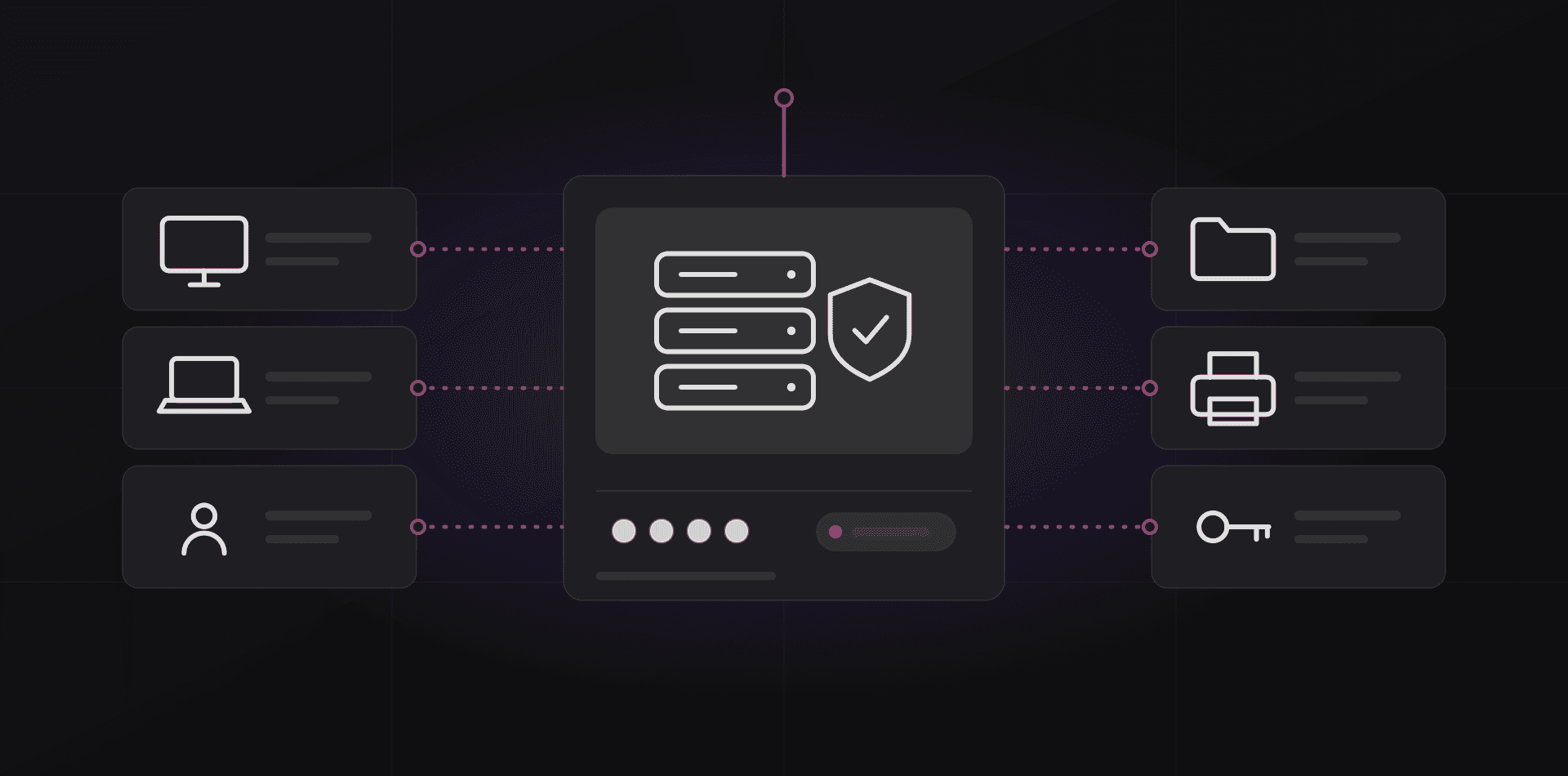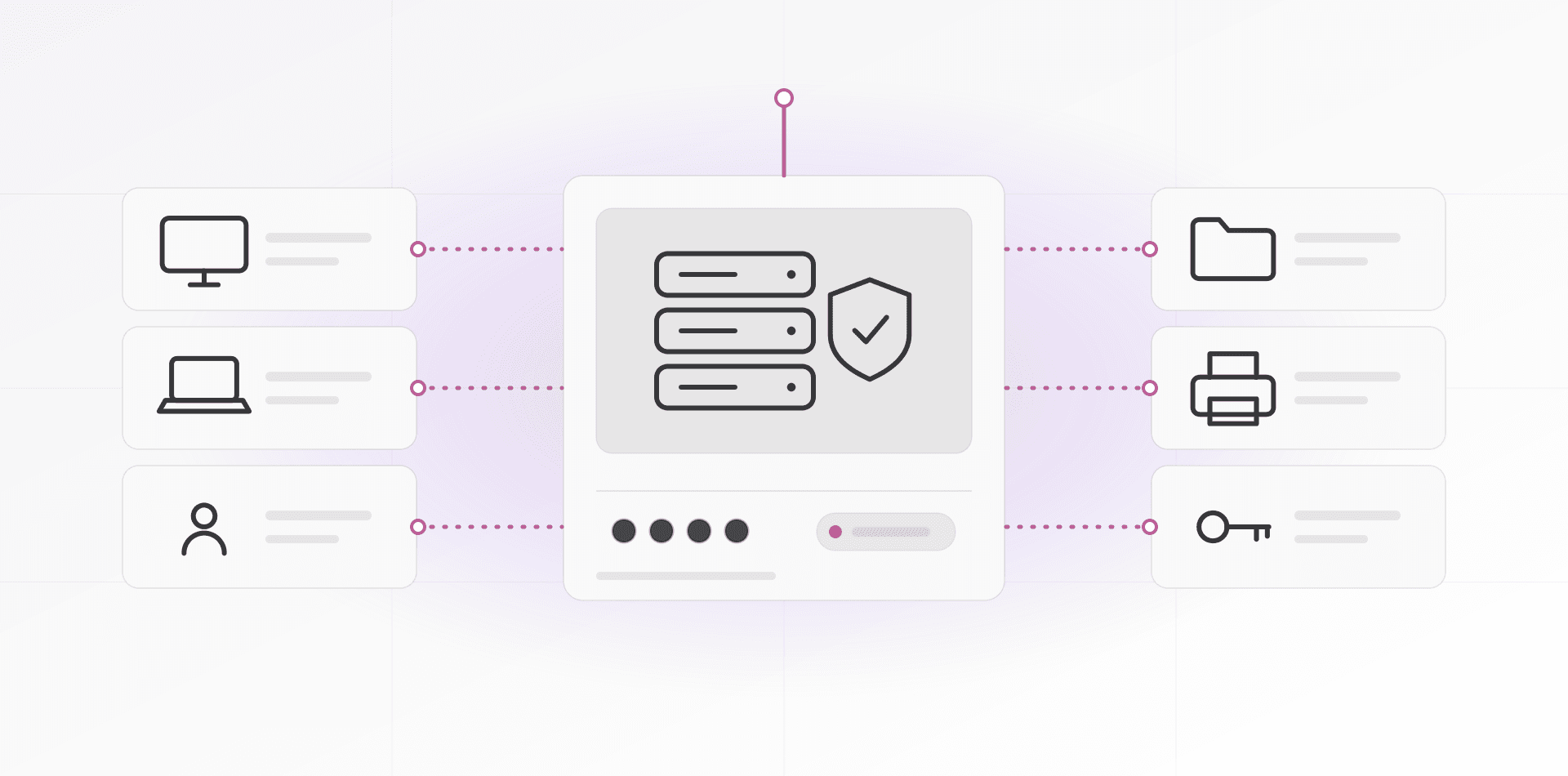

Secure remote access for small business means no open inbound ports. Staff connect through a VPN or an outbound-only tunnel such as Cloudflare Tunnel, sign in with multi-factor authentication, and reach only the systems they need. Forwarding RDP or a file share to the internet is the mistake to avoid.
The office server used to be something only the office could reach. Now everyone wants in: staff at home, an accountant across town, you on a phone. This guide assumes you have a file server, an ERP, a NAS or Windows desktops at the office, and a firewall that someone can configure.
Why forwarding RDP to the internet goes wrong
Port forwarding tells your router to pass traffic from the internet straight to a machine inside. The classic case is Remote Desktop Protocol (RDP) on TCP port 3389. It feels convenient. It also puts a Windows login screen in front of the whole world.
Internet-wide scanners look for open RDP ports all day, so an exposed one gets found. Then two things happen. Bots guess passwords against it around the clock, and any flaw in the service is exposed to everyone. BlueKeep (CVE-2019-0708), a wormable RDP flaw disclosed in 2019, was serious enough that Microsoft patched systems that were already out of support.
The agencies agree. CISA's #StopRansomware guide names RDP on TCP port 3389 as a service to disable when unused, and tells organizations to follow best practices for remote desktop services.
The same logic covers a NAS web page, a camera recorder, a database or a router admin screen. If it listens on the internet, someone will test it. Changing the port number slows nobody who scans every port. And many ISPs, especially on mobile and some fibre plans, put you behind carrier-grade NAT, so there may be no public address to forward to anyway.
Option 1: a VPN into the office network
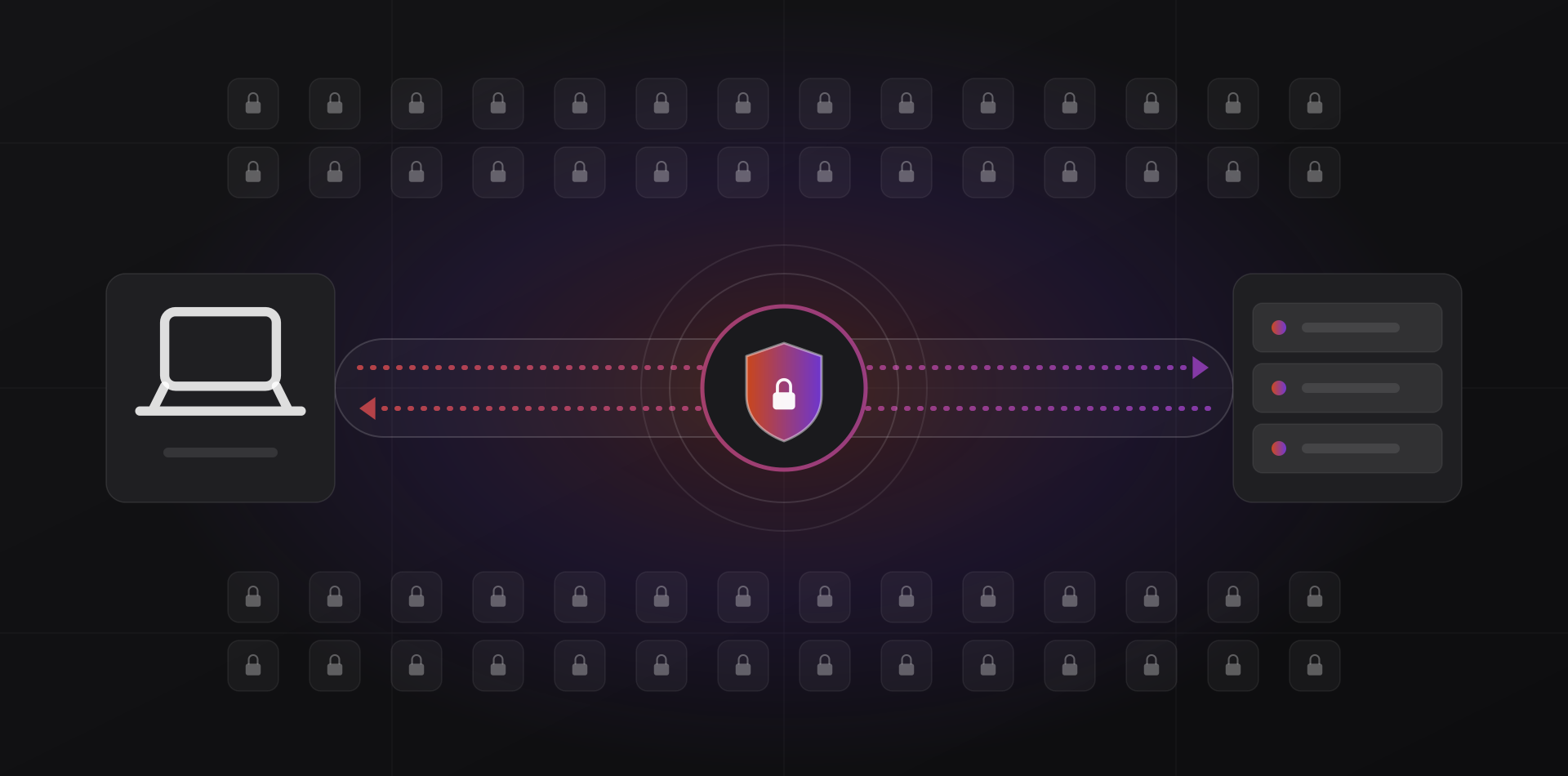
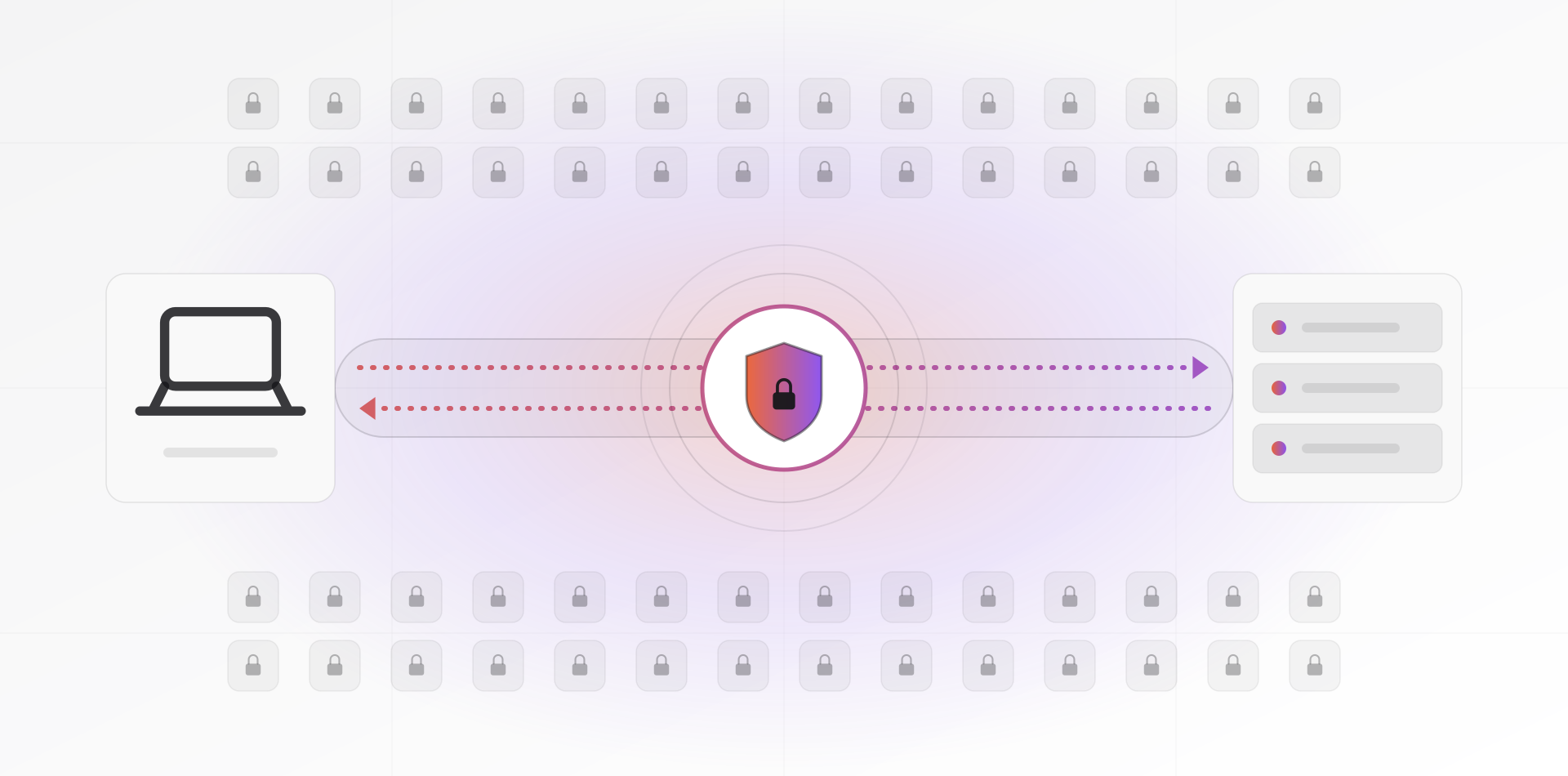
A VPN builds an encrypted tunnel from the user's device to your firewall. Once connected, the laptop behaves as if it were plugged in at the office. You expose one VPN port instead of many services, and you keep that one port patched.
WireGuard
WireGuard is small, fast and has been part of the Linux kernel since version 5.6. It runs over UDP and uses a fixed set of modern cryptography instead of letting you pick ciphers, which removes a whole class of bad configurations. Many firewalls and routers support it now. Each person gets a key pair, and removing a leaver means deleting one peer.
The catch is that a WireGuard key is not a login. There is no built-in password or MFA, so a stolen laptop with the key is a way in. Protect devices with disk encryption and a screen lock.
IPsec with IKEv2
IPsec with IKEv2 (RFC 7296) is the older, standardized option. Windows, macOS, iOS and Android all include a built-in client, so there is nothing to install on managed devices. It is fiddlier to configure, and it needs UDP ports 500 and 4500 open on your firewall. Choose it when you want certificates and a setup your firewall vendor documents well.
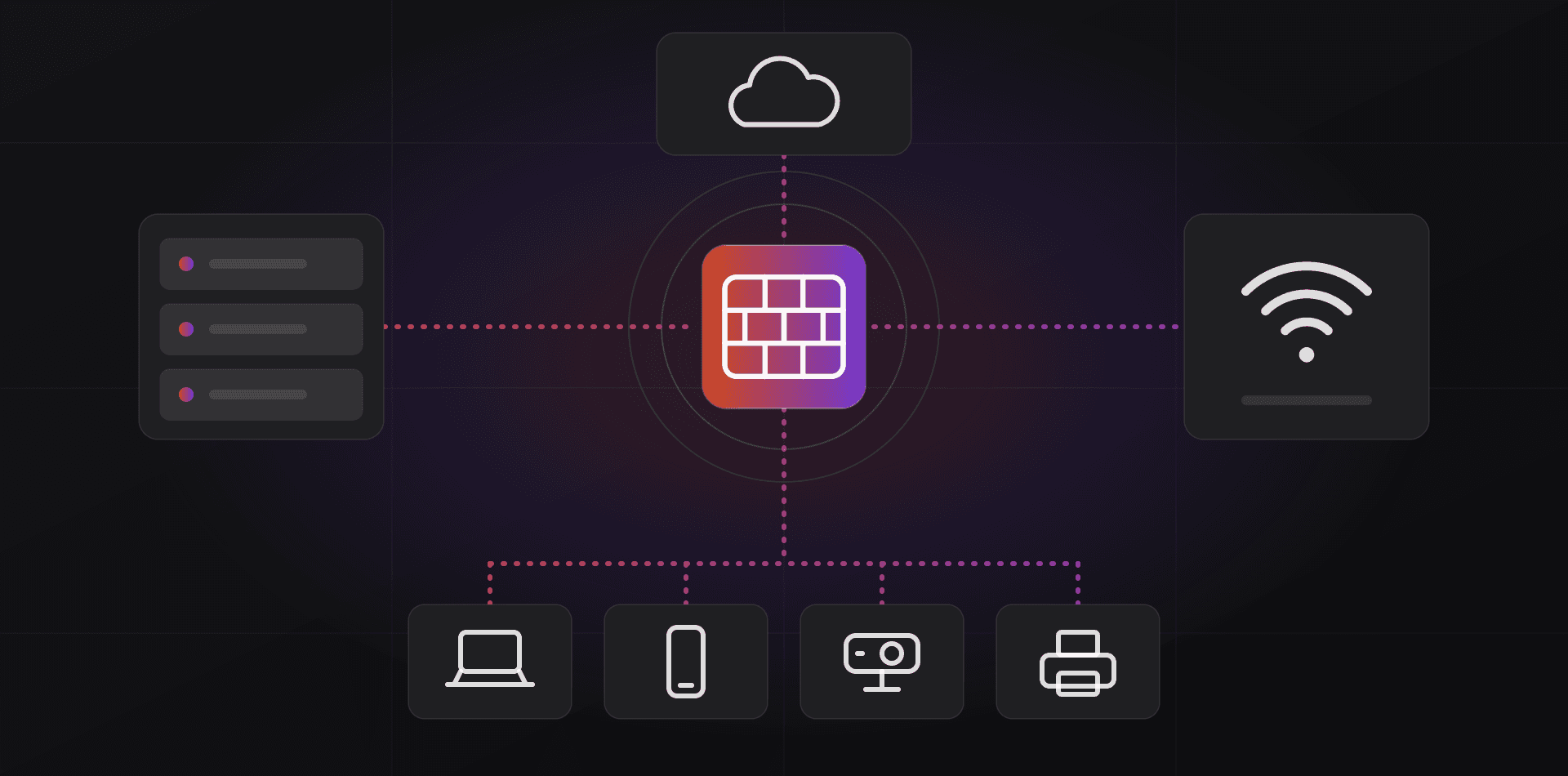
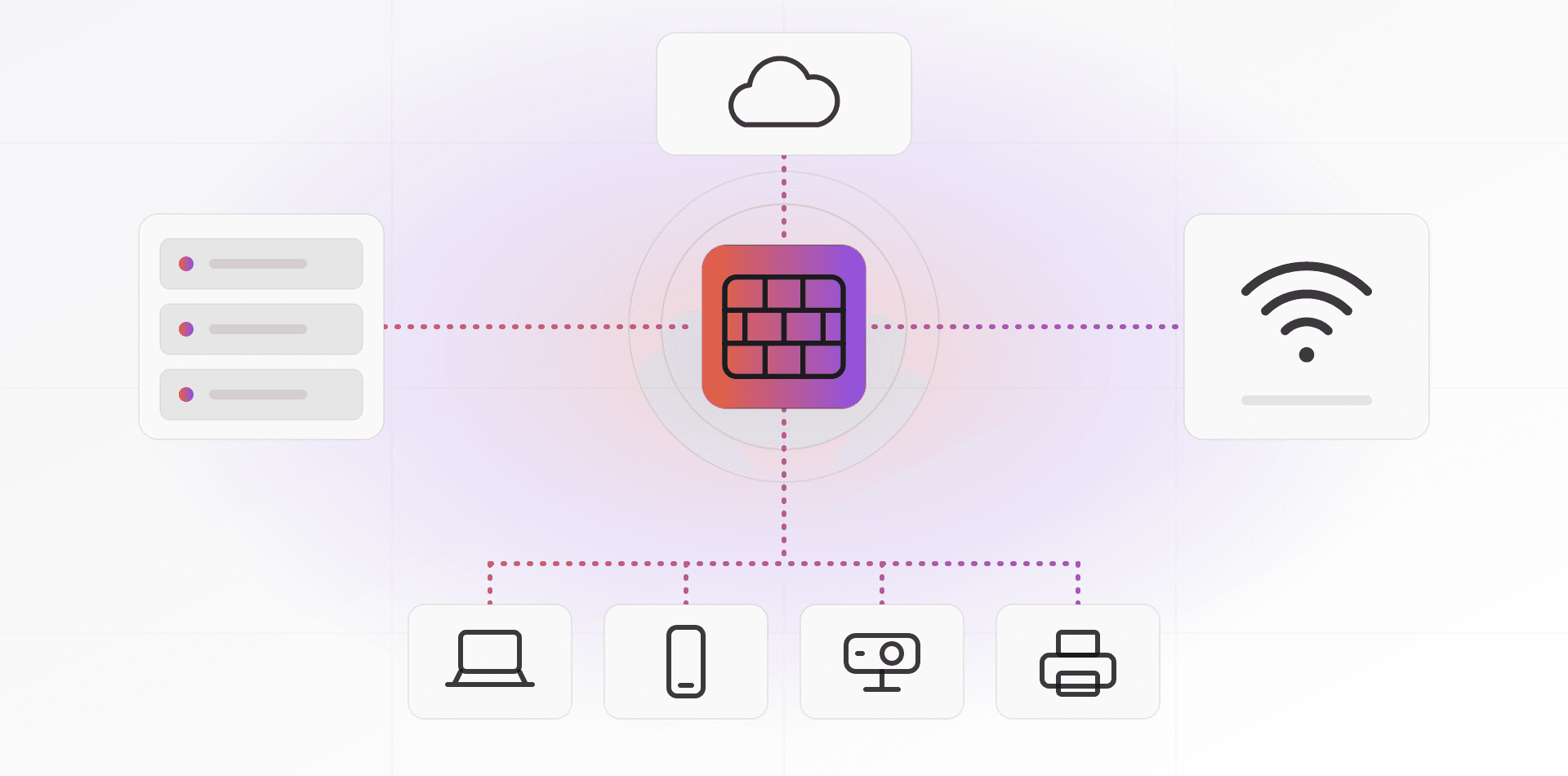
Either way, a VPN gives broad access by default. Once in, a user can reach whatever the VPN routes. Fix that with firewall rules per group: finance staff reach the accounting server and nothing else. It is the same segmentation idea as in our network design guide.
Option 2: a zero-trust tunnel with no open ports
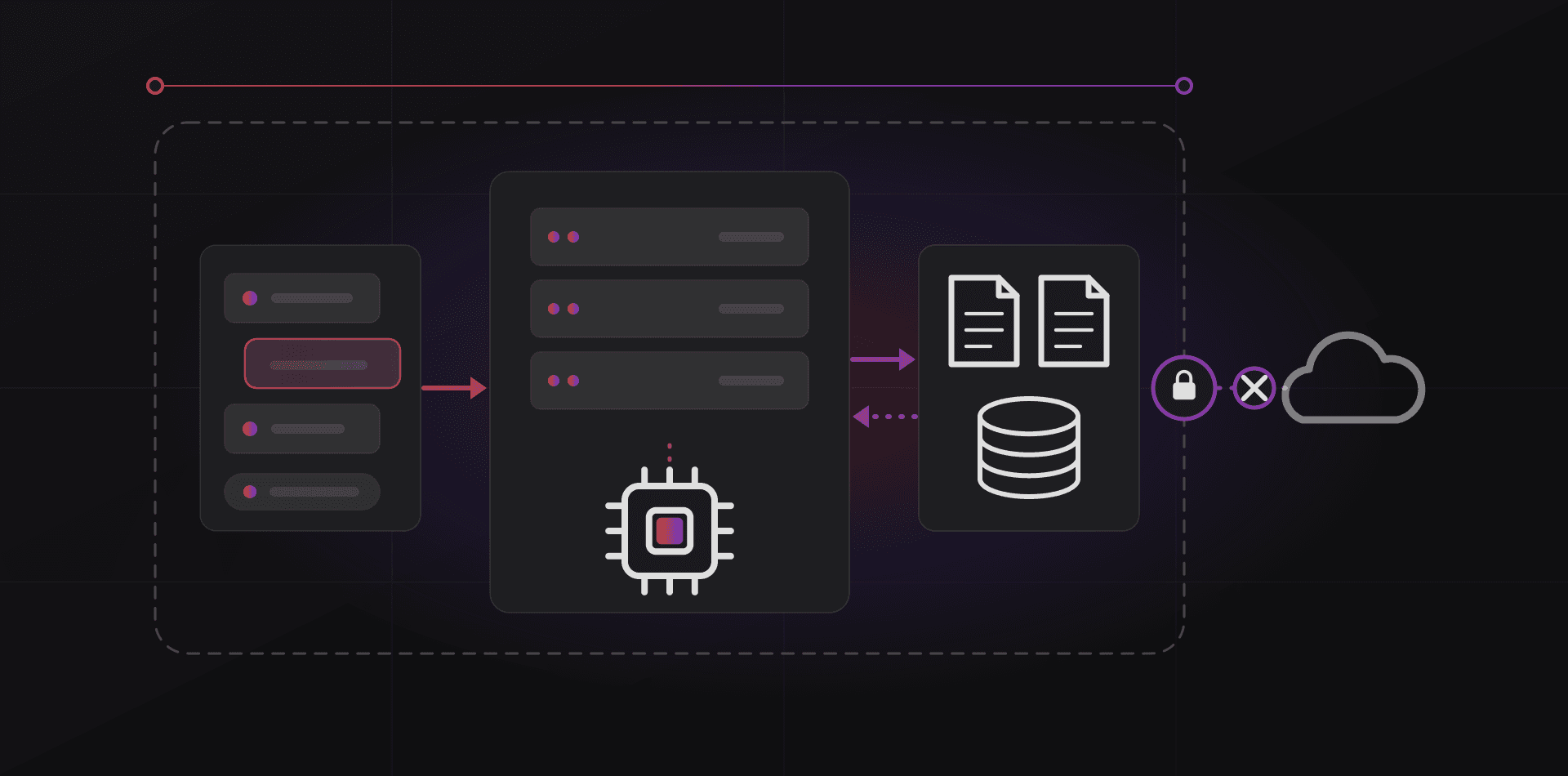
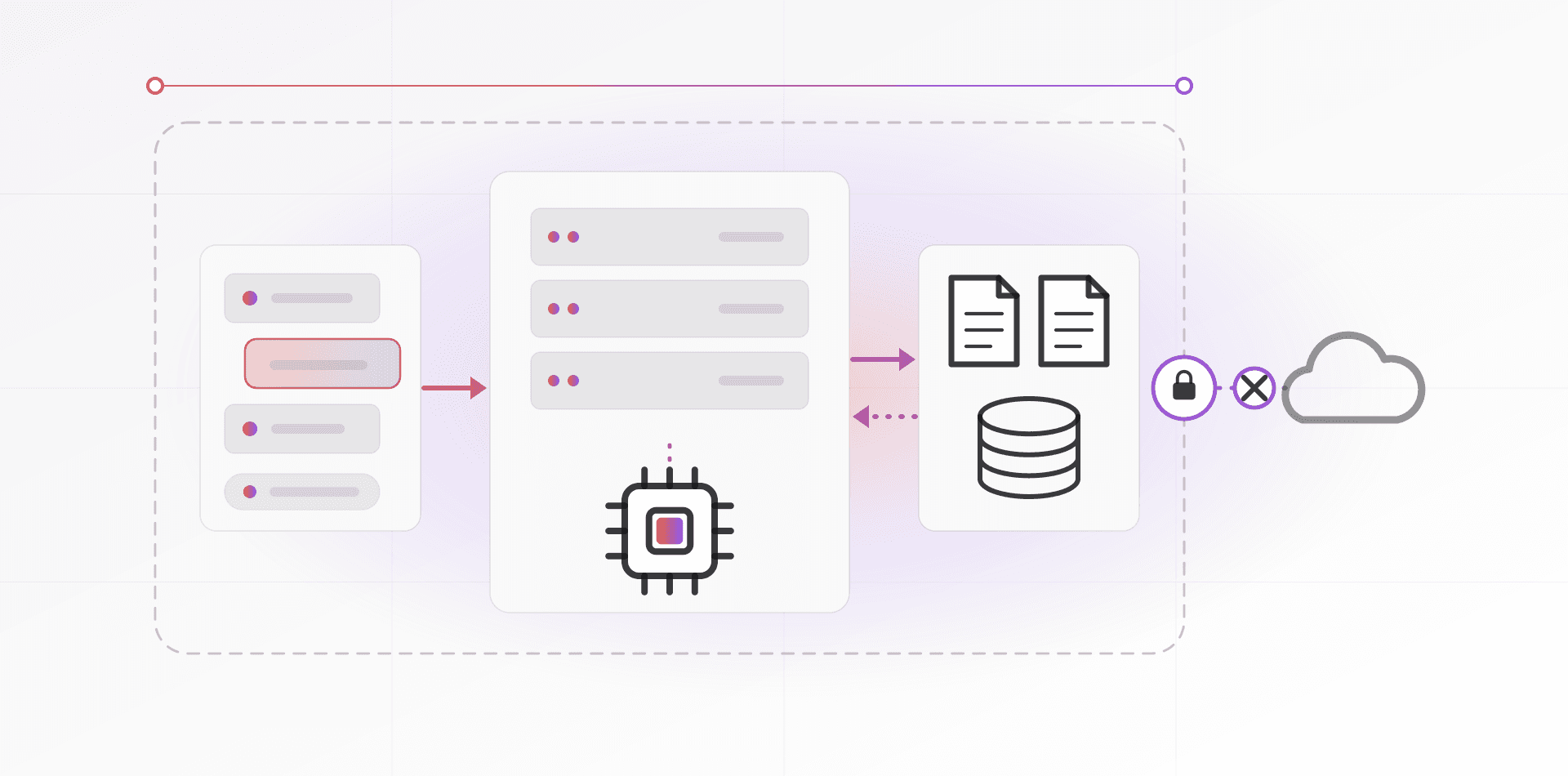
A zero-trust tunnel flips the direction. A small program in the office, such as Cloudflare's cloudflared, makes an outbound connection to the provider's network. Users reach your system through the provider, after they prove who they are. Nothing listens on your public IP address, so there is nothing to scan. It works behind carrier-grade NAT and without a static IP.
Cloudflare Tunnel can publish web apps, such as your ERP or an internal wiki, and carry SSH and remote desktop traffic too. Cloudflare Access sits in front and asks for identity: your Google or Microsoft login, MFA, and rules like "only the finance group". Tailscale does a similar job for private networks and is built on WireGuard.
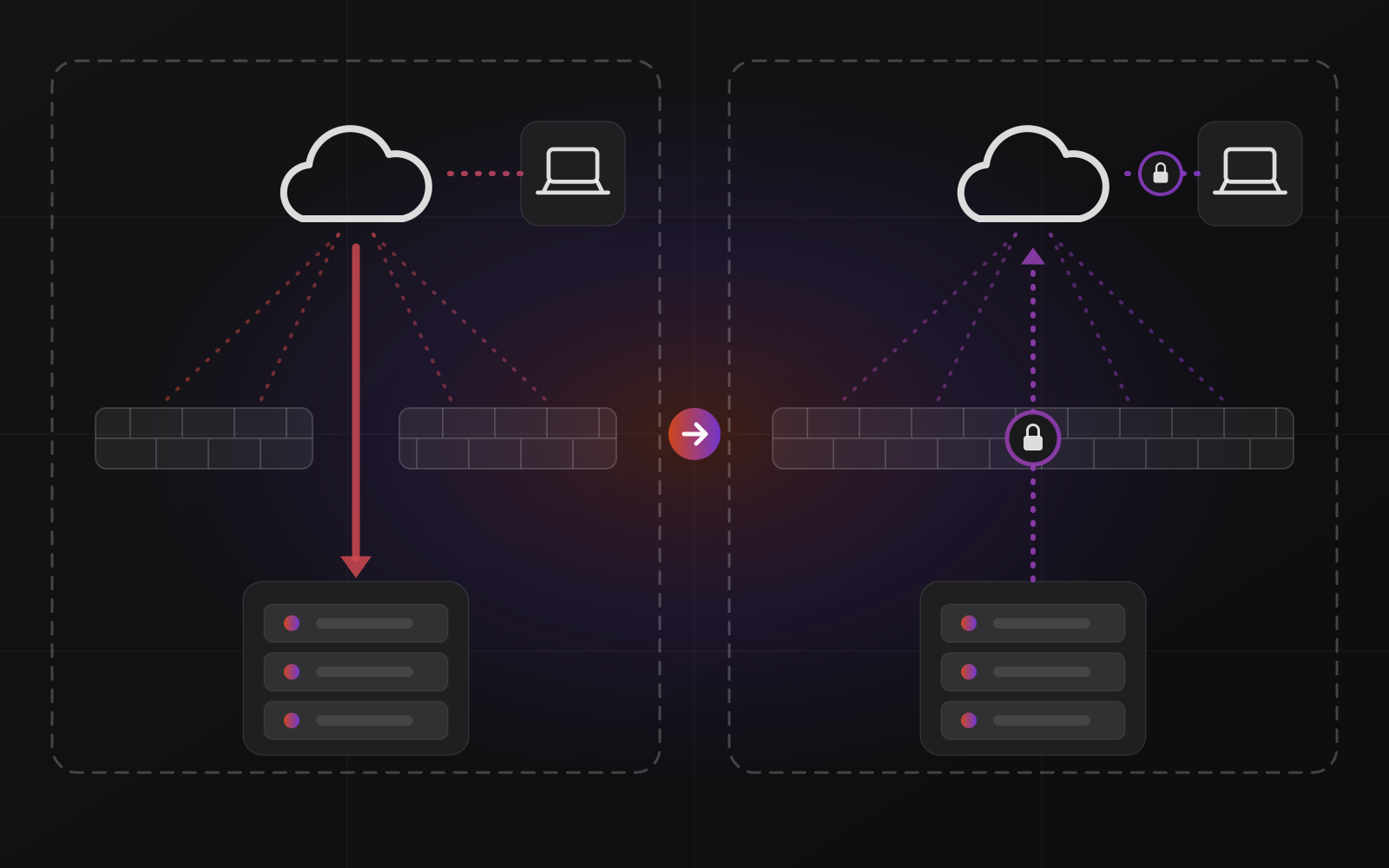
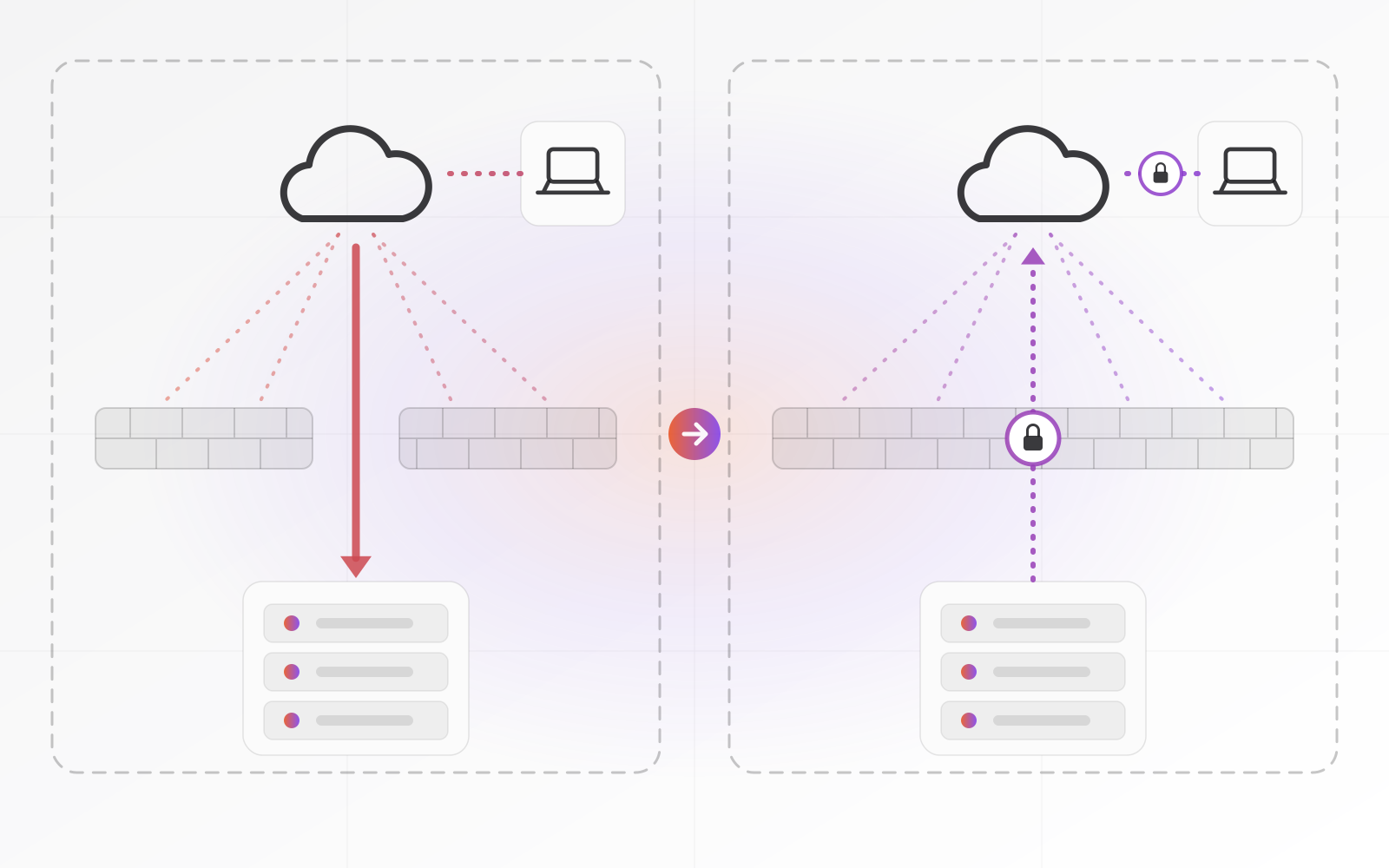
Nothing listens on your public IP address, so there is nothing to scan.
The trade-off is dependency. Your access now relies on a third party's service, pricing and terms, which can change, so read them before you build the business around them. And an app published through a tunnel is still an app: patch it and put a login in front of it. We set this up for offices without a static IP; see our page on remote access without a static IP.
Which one fits depends on what people need to reach.
- Staff need printers, file shares and old desktop software: use a VPN, limited by group.
- Staff need a handful of web apps such as the ERP or CRM: use a tunnel with an identity login.
- One technician needs RDP or SSH now and then: use a tunnel or a VPN, with a named account.
- The office has no static IP or sits behind carrier-grade NAT: use a tunnel.
MFA, access per person and logs
Whatever path you choose, three rules apply. First, every remote path asks for a second factor, not just a password. An authenticator app beats SMS, and a hardware key or passkey beats both for admins. Our MFA and password guide covers the setup.
Second, access is per person. One named account each, no shared "remote" login, and rights by group. The accountant sees the accounting system, not the camera recorder. When someone leaves, you disable one identity and remove one VPN key the same day. For contractors, set an end date when you create the account.
Third, keep logs and read them. Record who connected, when, from where and to what. Alert on bursts of failed logins and on sign-ins from countries where nobody works. Store logs where an intruder on the server cannot erase them, and spend five minutes a week looking. A log nobody reads is just a diary.
Putting it together, and testing it
Picture a 12-person distributor with a Windows file server, an ERP web app and an accountant who works from home. Staff reach the ERP through a tunnel protected by Microsoft or Google sign-in and MFA. The two people who need the file server use a WireGuard VPN limited to that server. Admin RDP works only from inside the VPN. The firewall forwards no ports at all.
Then test it the way an attacker would. Run a port scan against your public IP address from outside the office, for example with nmap on a laptop using a phone hotspot. Every port you used to forward should show closed. If one is open, find out why before you celebrate. And if your staff only use cloud apps and nothing sits in the office, you may not need remote access at all.
- No inbound ports forwarded for RDP, SSH, file sharing or admin pages
- Every remote path asks for MFA
- One named account per person, no shared logins
- Access limited by group, so finance sees finance systems
- Leavers removed the same day
- Remote laptops encrypted, patched and set to lock the screen
- Logs show who connected and when, and someone reads them
- Tested from outside the office, on mobile data
Frequently asked questions about secure remote access
Is it safe to expose RDP if I change the port?
No. Scanners check every port, so moving RDP away from 3389 only hides it from the laziest bots. The login screen is still reachable by anyone, and any flaw in RDP is still exposed. Put RDP behind a VPN or a zero-trust tunnel with MFA, and keep it closed to the internet.
Do I need a static IP for remote access?
No. A zero-trust tunnel makes an outbound connection, so it works with a changing address or behind carrier-grade NAT. A VPN needs a reachable address, but a dynamic DNS name can stand in for a static IP. If your provider uses carrier-grade NAT, a tunnel is the practical choice.
Is a VPN or Cloudflare Tunnel better for a small business?
Choose by what people need to reach. A VPN suits staff who need the whole office network, such as file shares and desktop software. A tunnel suits web apps and occasional admin access, and needs no open ports. Many offices use both: a tunnel for apps and a VPN limited to the file server.
Is WireGuard secure enough for a business?
Yes, it is widely used and part of the Linux kernel. Its weak point is key handling: a key is not a login, and there is no built-in MFA. Give each person their own key, encrypt devices, remove keys when people leave, or add an identity layer on top, such as Tailscale.
What should I do when an employee leaves or loses a laptop?
Disable their account and remove their VPN key or tunnel access the same day. Revoke active sessions, and lock or wipe the device if it is managed. Change any shared passwords they knew, which is another reason to avoid shared logins. Then check the logs for activity after the loss.
Where to go next
If your office has no static IP or sits behind carrier-grade NAT, start with our page on remote access without a static IP. Read the security overview for the wider picture, or contact us and we will review how your office is reachable today.
Related articles