

To do a website redesign without losing SEO, keep every URL that earns traffic or redirect it with a 301 to its closest new page, keep the titles and headings that rank, and build on a hidden staging site. Then watch Search Console for weeks after launch.
Rankings fall after redesigns for dull reasons: pages deleted, addresses changed without redirects, or a staging noindex tag shipped to the live site. All three are preventable. This guide is a checklist in the order you should work, and it follows Google's guidance on site moves.
What puts your rankings at risk
Google ranks pages, and every address has a history: links pointing at it and a record of what it covers. A redesign can damage that history in four ways.
- Addresses change or disappear with no redirect, so links and rankings point at an error page.
- Titles, headings and text that matched what people search for are rewritten or removed.
- Menus and internal links change, so important pages lose the signals that mark them as important.
- Technical settings break: a stray noindex tag, a robots.txt block, missing canonical tags, lost structured data or slower pages.
Notice what is not on the list. A new colour palette does not hurt rankings. Losing the page that ranks does.
Before you design: crawl and inventory the old site
List everything that exists today. Run a crawler such as Screaming Frog over the live site and export every URL with its title, H1, status code and canonical address.
Then add performance data. In Search Console, the Performance report shows clicks and impressions for each page over the last 16 months. Add your analytics for visits and conversions, and a backlink report if you have one. Mark which pages bring traffic, which attract links and which do neither.
Add one more column: keep, merge or retire. Pages that earn traffic or links are protected. The rest are candidates for merging or removal. Decide from data, not from taste.
Keep the URLs, or redirect every one of them
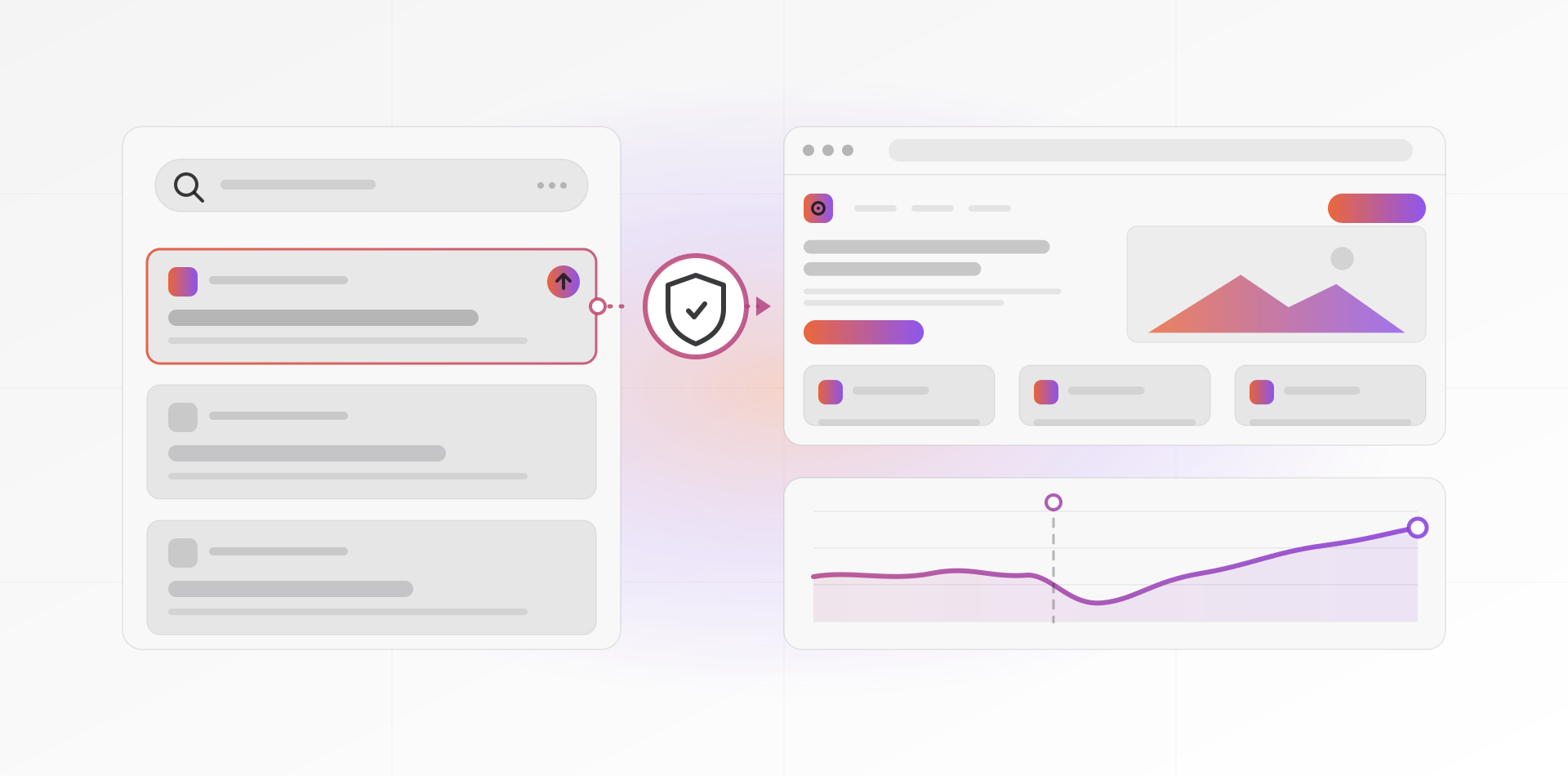
Rankings belong to URLs, not to designs. If a page keeps its address, nothing breaks, so keep URLs identical wherever the new design allows. When an address must change, use a 301 redirect. Google's page on redirects and Google Search treats permanent redirects as a signal that the new address is the one to show.
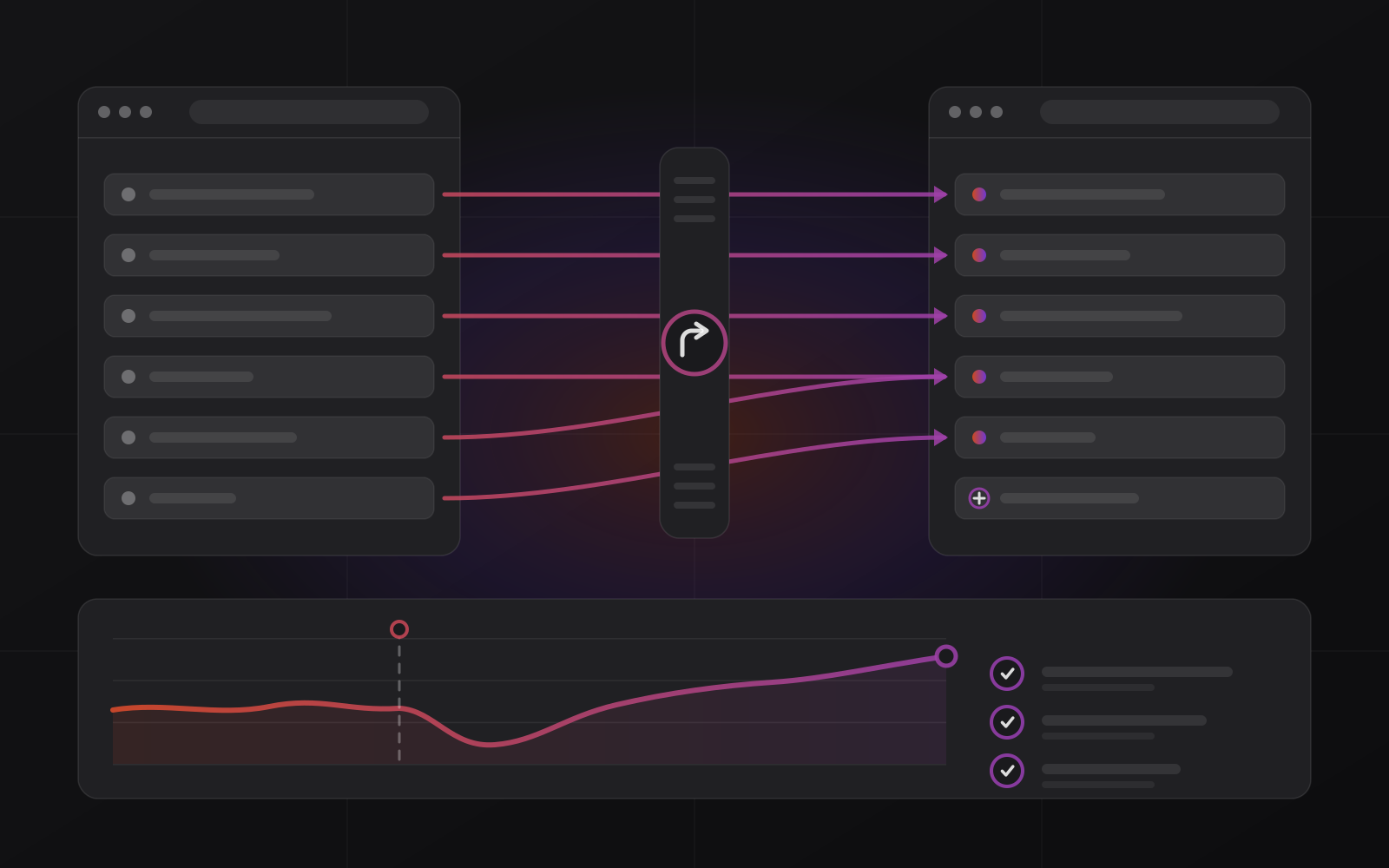
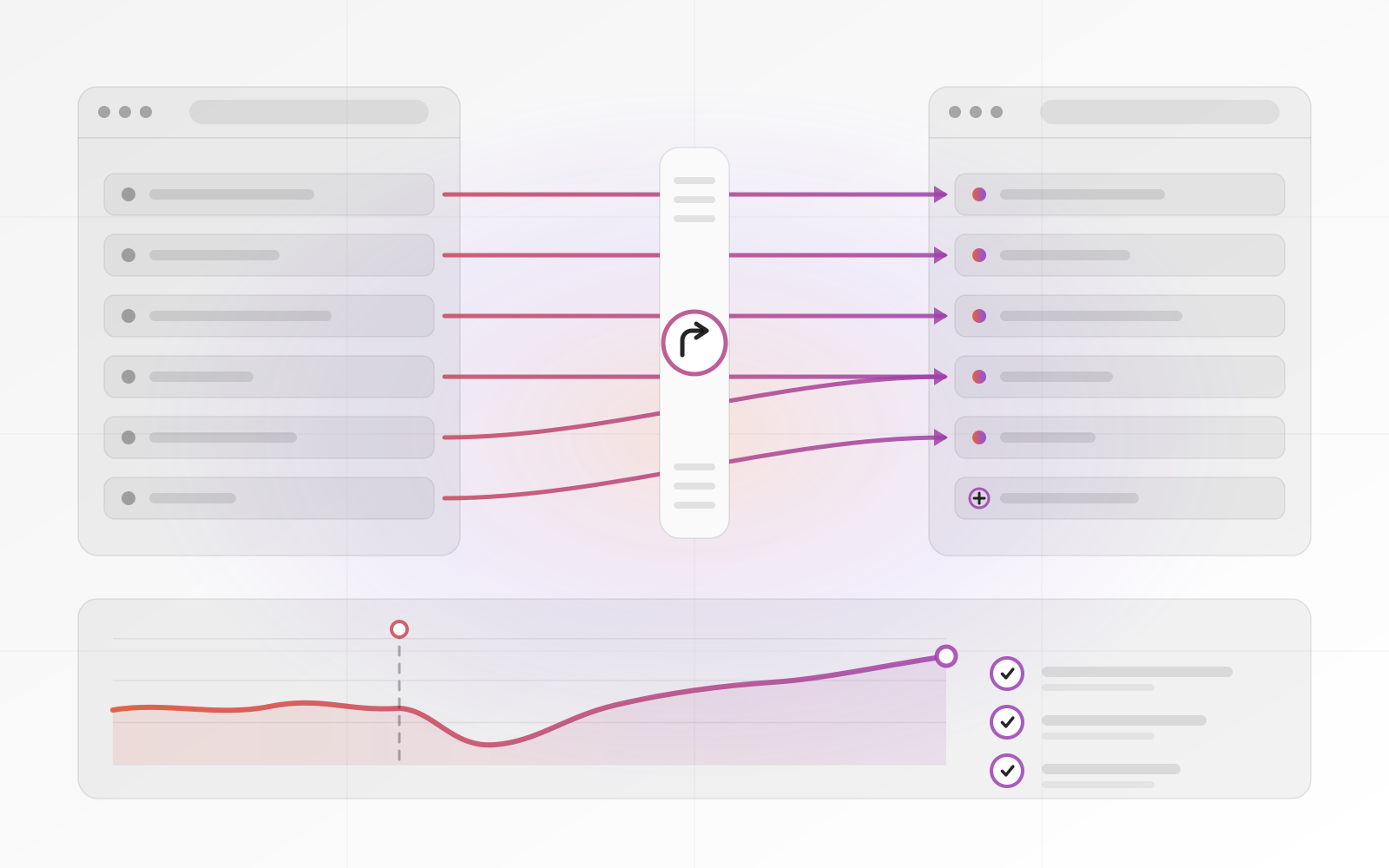
Build a redirect map: one row per old URL, with the closest new URL beside it. Send each old page to its real equivalent. Google warns against redirecting many old URLs to one irrelevant destination, and a blanket redirect to the home page is exactly that. Follow these rules.
- One hop only: old URL straight to the final URL, never through a chain.
- Merged pages: send every old page to the single new page that replaced them.
- Cover the variants: http and https, www and non-www, trailing slashes, and old images or PDFs that earn links.
- Keep redirects live for as long as possible. Google suggests at least a year.
- Test by crawling the old URL list. Each should return one 301, then a 200.
Keep what ranks: titles, headings, text and links
A page on the first page of results is there because its title, headings and text match what people want. Do not rewrite them just because the design changed. Keep the title tag, the H1 and the main body text on ranking pages. Improve around them with a clearer layout, faster loading and better photos. A redesign should change how pages look, not what they are about.
Internal links count too. If the old menu linked straight to your best service page and the new one hides it three clicks deep, you have told Google it matters less. Keep links to your key pages in the main navigation and in body text.
Carry over structured data as well. If your pages have JSON-LD for your organisation, products, reviews or FAQs, move it to the new templates. Check it with Google's Rich Results Test before launch, then again on the live site.
A redesign should change how pages look, not what they are about.
Stage, launch and check: the launch-day checklist
Build and review the new site on a private staging address. Put it behind a password so nobody outside can reach it. Add a noindex tag as a second layer, in case the password is ever dropped. A robots.txt block alone does not guarantee a page stays out of Google.
The classic mistake is copying that noindex tag, or a "Disallow: /" line in robots.txt, to the live site. The whole site then drops out of search. Google's site-move guide says to remove blocks that were only needed for the migration, so make removal a launch-day task.
Use staging to crawl the new site and compare it with your inventory. Every kept URL should return a 200. Every changed URL should have a row in the redirect map. Titles and H1s on ranking pages should match the plan. Then, on launch day, work through this list.
- Remove noindex tags and password protection, and confirm robots.txt does not block the site.
- Switch the redirects on and crawl the old URL list. Each should return one 301, then a 200.
- Check that canonical tags and the XML sitemap list live addresses, not staging ones.
- Confirm HTTPS works on every page, with no mixed-content warnings.
- Submit the new sitemap in Search Console and inspect the home page and key templates with the URL Inspection tool.
- Validate structured data again on the live site.
- Test forms, checkout, phone links and analytics tracking.
- Launch early in the week, when somebody is around to fix problems.
After launch: monitor Search Console
Check daily for the first week, then weekly for a couple of months. Four reports tell you most of what you need. Page indexing shows pages dropping out or blocked. Performance compares clicks and impressions with your inventory. Sitemaps shows whether Google reads the new file. Crawl stats shows server errors and slow responses.
Expect some movement. Google says visibility in Search may fluctuate temporarily during a move, then settle. A small dip that recovers is normal. A sharp drop on specific pages is a fault to find, so check redirects, noindex tags and canonicals on those URLs first.
Frequently asked questions about website redesign and SEO
Will a website redesign hurt my SEO?
It can, but it does not have to. Rankings drop when URLs, content or technical settings change carelessly. Keep or redirect every URL, keep what ranks and avoid staging mistakes, and you should expect only a short fluctuation. Google itself says visibility may fluctuate temporarily during a site move.
Do I need 301 redirects if my URLs stay the same?
No. Redirects are for addresses that change or disappear. Pages that keep their URL need nothing. Still check the variants, such as http to https and www to non-www, and confirm the new site does not quietly change trailing slashes or capital letters in paths.
How long should I keep 301 redirects in place?
Google recommends keeping redirects for as long as possible, generally at least one year. In practice, keep them indefinitely. They cost almost nothing to serve, and old links in emails, directories and other sites keep sending visitors to those addresses for years.
How long do rankings take to recover after a redesign?
There is no fixed date. Google has to recrawl and reprocess your pages, and larger sites take longer. Watch Search Console. If specific pages are still down after a few weeks, treat it as a fault to find, such as a wrong redirect or a lost title, not something to wait out.
Should I change my domain name during a redesign?
Avoid doing both at once. A domain change is a separate site move with its own steps, including the Change of Address tool in Search Console. Google says you only need that tool when moving from one domain or subdomain to another. Redesign first, then change the domain later if you must.
Where to go next
Redesigns go better when the project is planned well, so read how a website design project runs from brief to launch. For the wider picture, see our SEO service and our guide to SEO and GEO for small business, or book a call and we will review your site's URLs with you.
Related articles