
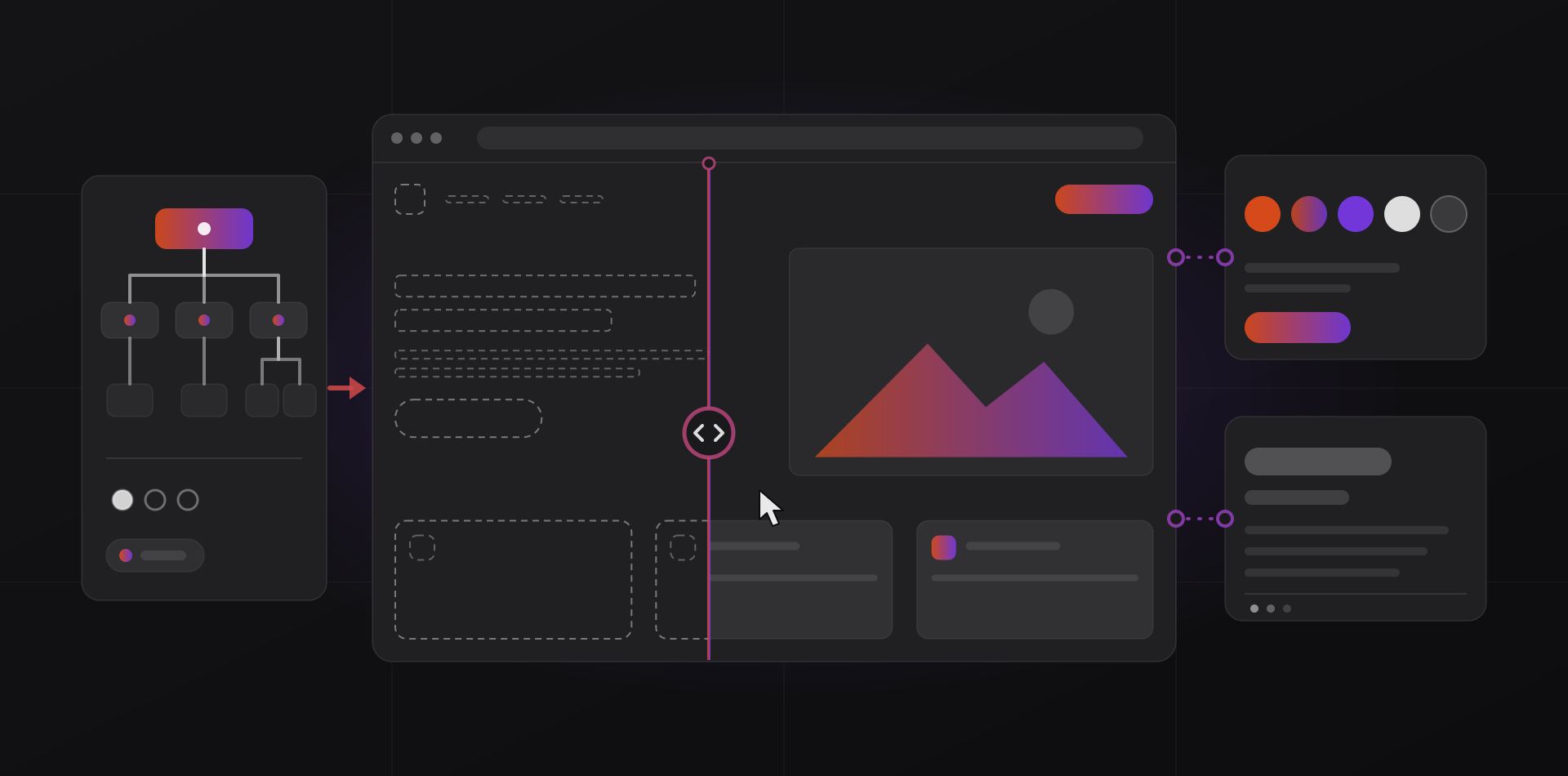
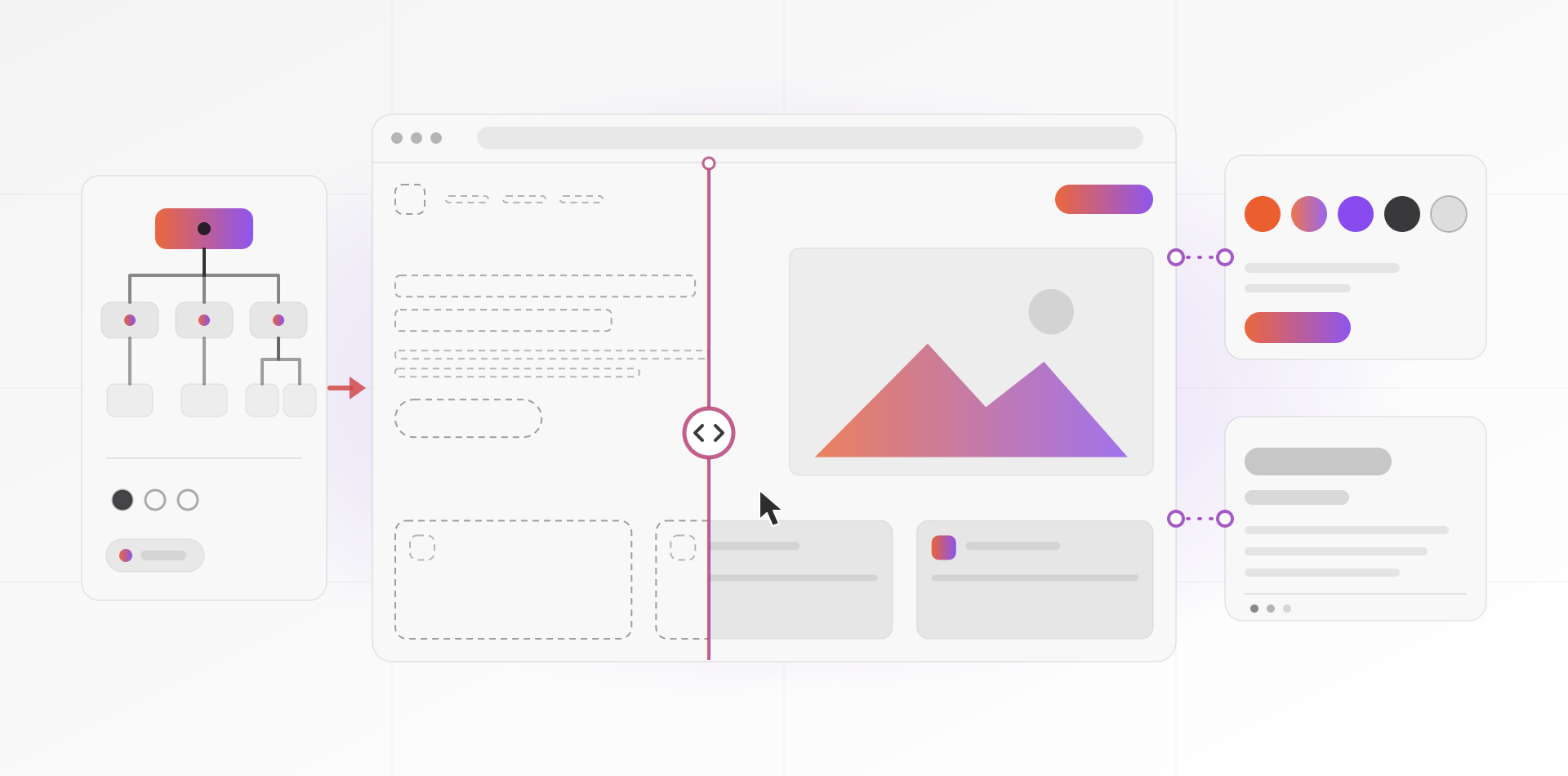
The website design process has nine steps: goals and audience, sitemap, wireframes, visual design, build, content entry, testing, launch and aftercare. Most delays come from late content and vague feedback, not from design or code. This guide shows what happens at each step and what you need to prepare.
It is written for owners who are about to hire a designer, or whose project has gone quiet. The order matters. A change that costs minutes at the wireframe step can cost days once the site is built.
The nine steps at a glance
Think of the project as a slope from cheap decisions to expensive ones. The early steps are conversations and sketches. The late steps are code and content. So we settle the big questions first and leave the polish for last.
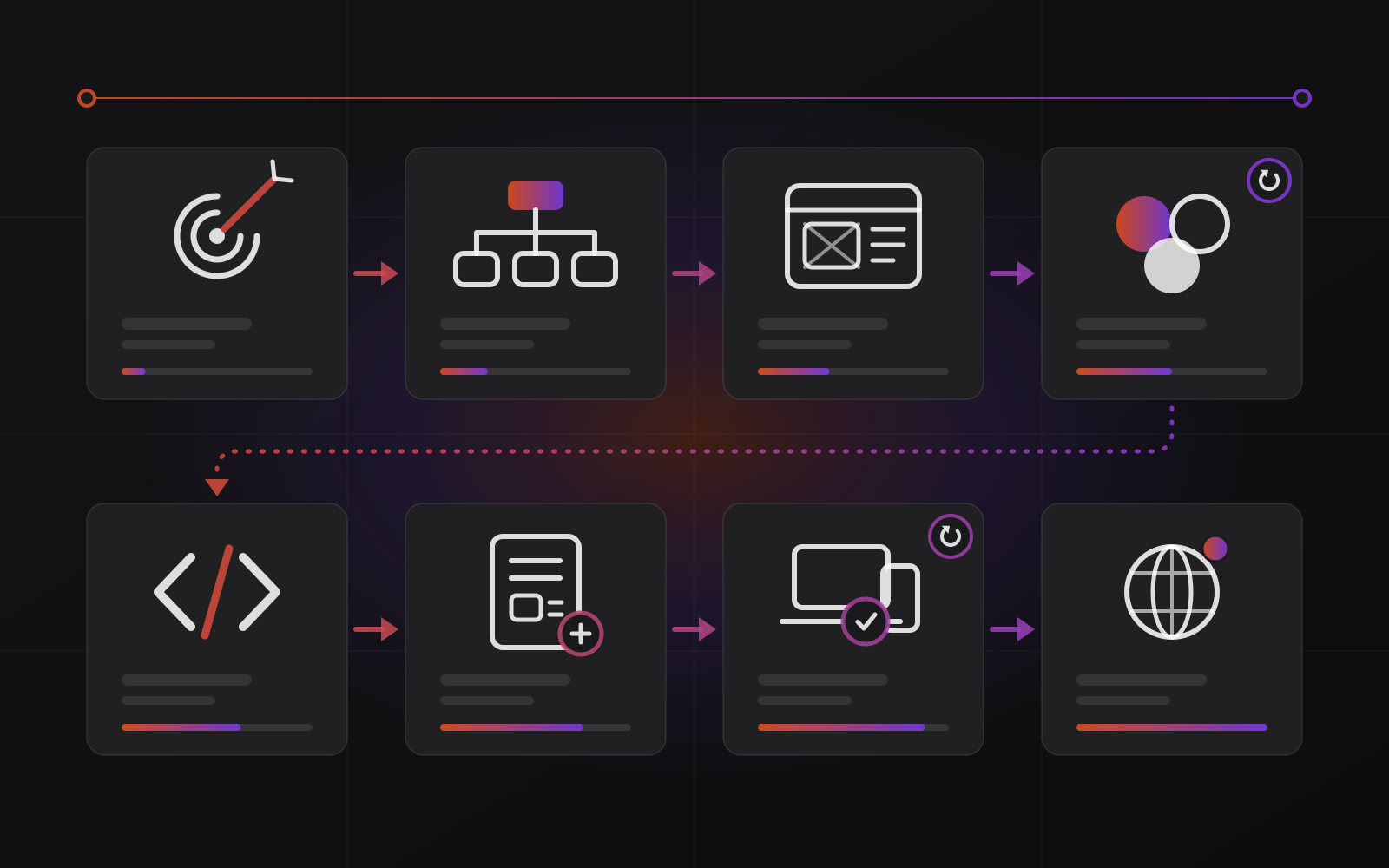
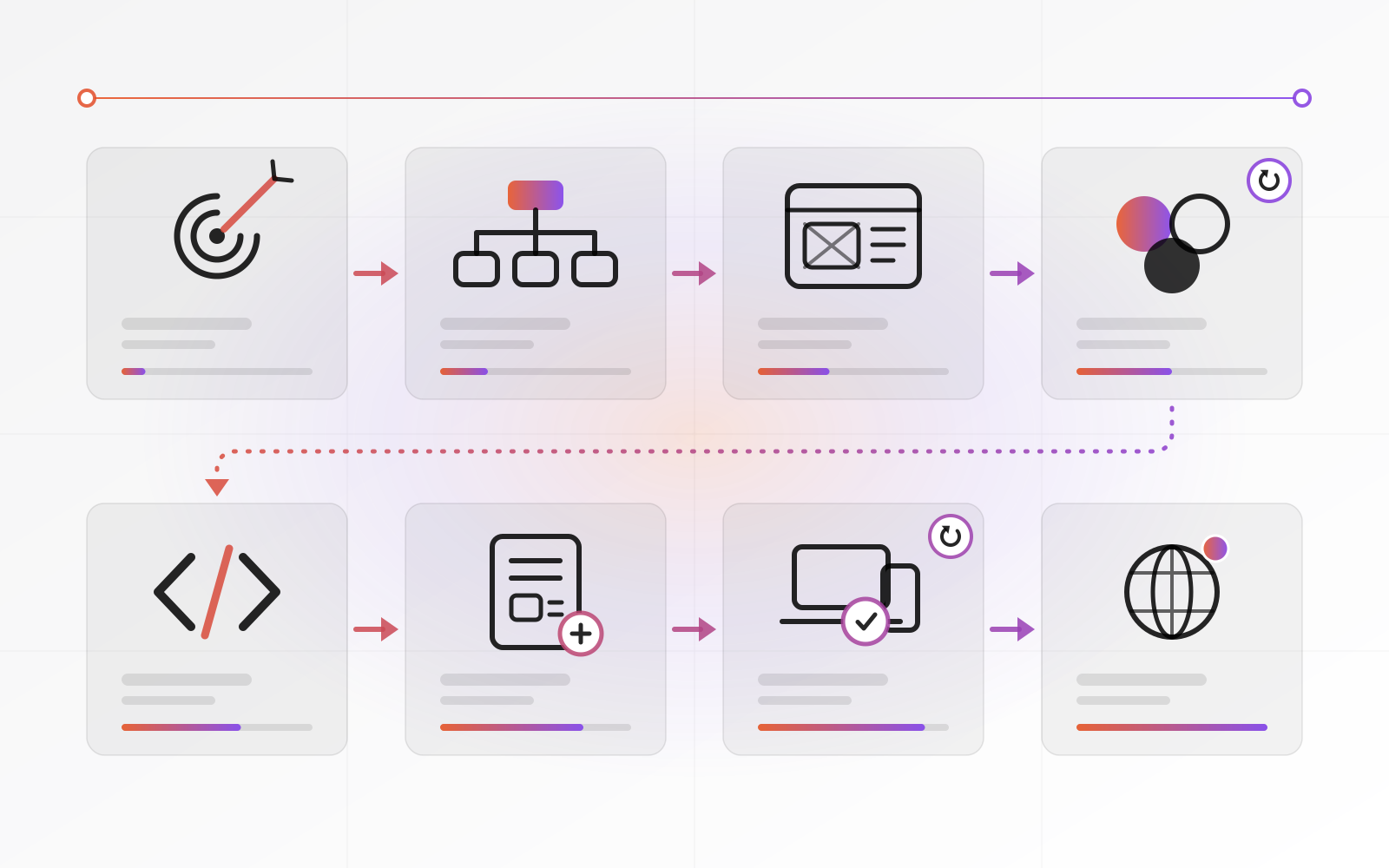
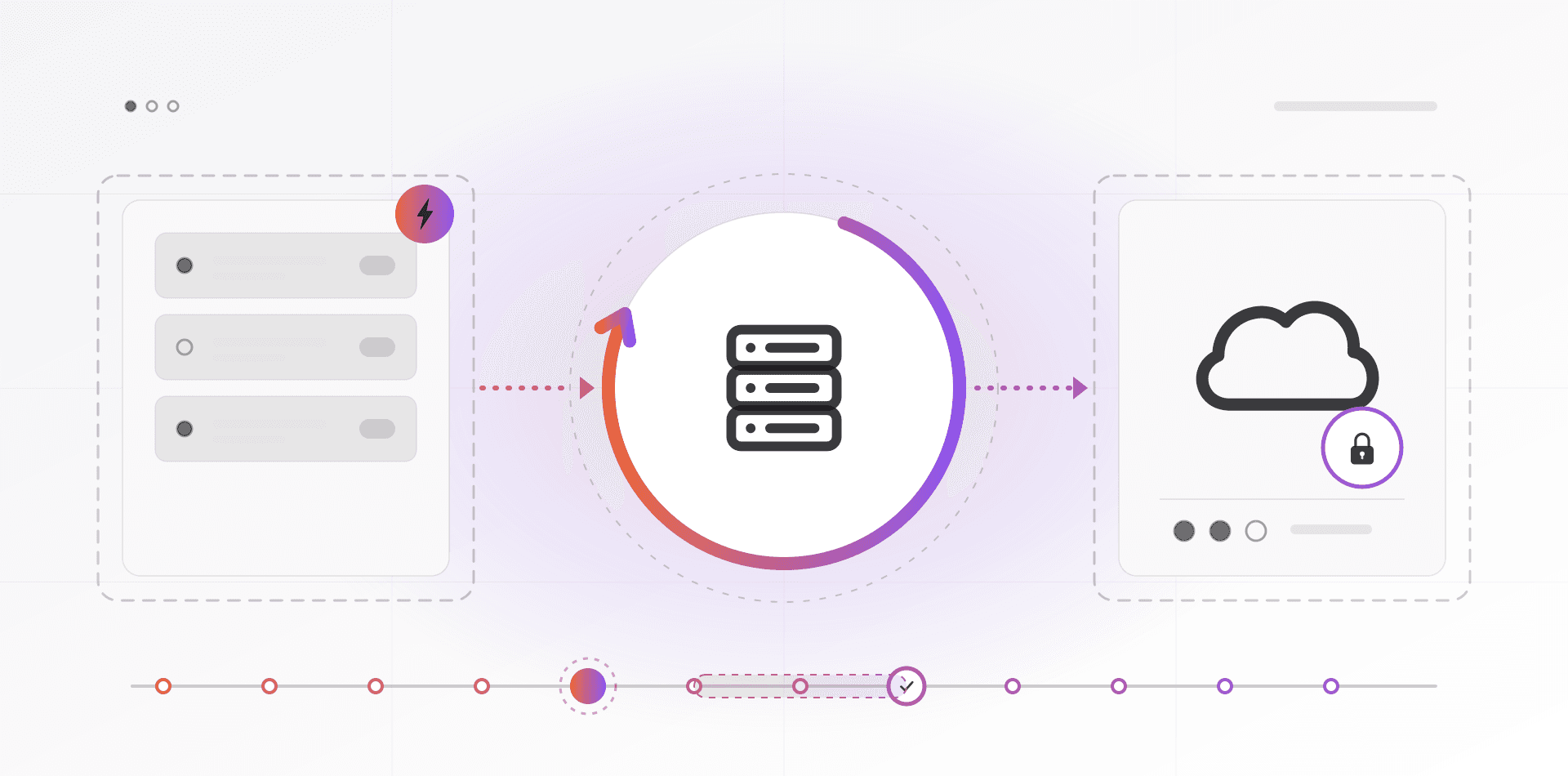
The diagram shows the eight steps up to launch. Aftercare, the ninth, never ends, so it has no box. The two circular arrows mark review rounds: visual design and testing each end with your feedback.
Steps 1 to 3: decide before anyone draws
Step 1: goals and audience
Write the job of the site in one sentence. "Bring in qualified enquiries from small distributors" is a goal. "Look modern" is not. Then name your main visitor: who they are, what they want to do and which device they use.
Pick one number to watch, such as enquiries, bookings or orders per month. We do not promise a lift in that number. But without it you cannot tell whether the new site is working.
Step 2: sitemap and content
A sitemap is the list of pages, drawn as a tree: home, services, one page per service, about, contact. Give every page one main job. If you cannot name the job, the page probably should not exist.
Draft the key text now. Headlines, service descriptions and proof, such as real reviews, shape the layout. Design around placeholder text and you redesign when the real words arrive.
Step 3: wireframes
A wireframe is a grey-box layout with no colour, no photos and no brand styling. It shows what sits on each page, in what order, and which button matters most. Review it at phone width first, because that is where many visitors will meet it.
Because it is plain, you argue about content and priority instead of shades of blue. This is the cheapest moment to change your mind.
Steps 4 to 6: design, build and content
Step 4: visual design
Now the wireframes get colour, type, images and spacing. Your logo, colours and fonts apply here, so settle them first. If you do not have them, our guide to a small business brand identity lists the minimum.
A good designer shows the home page and one inner page, not twenty. Once you approve that direction, the rest of the site follows it. Expect one or two rounds of changes. More usually means the brief was unclear, not that the designer is slow.
Step 5: build
Developers turn the approved design into a working site: page templates, reusable components, forms and an editor so you can change text later. Ask early how you will edit pages without calling a developer. You should see a working version on a private staging link well before the end.
Step 6: content entry
Text, images and documents go into the real pages. This is where gaps show: the headline that wraps to four lines, the missing photo, the PDF nobody can find. Proofread here, once, on the finished pages. Give every image alt text and a sensible file size, and every page its own title and description.
Steps 7 to 9: test, launch and look after it
Step 7: testing
Testing is more than a click-through. Check four things before you approve launch.
- Devices: a recent iPhone, a mid-range Android phone, a laptop, and at least Chrome, Safari and Firefox.
- Speed: run PageSpeed Insights on the home page and two inner pages. Our guide to website speed and Core Web Vitals explains the results.
- Accessibility: tab through every page with the keyboard, give every form field a label, and check that body text reaches a contrast ratio of 4.5:1.
- Forms and tracking: submit every form, confirm the message arrives and does not land in spam, and check that analytics records the visit.
Step 8: launch
Launch day should be dull. Point the domain at the new site, check that HTTPS works, and test every form again on the live address. If the site replaces an old one, every old address that changes needs a redirect first. Our guide to redesigning without losing SEO has the full checklist. Launch early in the week, when people are around to fix things.
Step 9: aftercare
A site is not finished at launch. Watch forms, errors and speed for the first two weeks. After that, keep a short routine: update the software, check backups, review the number you chose in step 1, and fix what visitors actually struggle with. Agree who owns each item before the project closes.
Where projects stall, and what you prepare
Late projects usually stall on one of three things. Content arrives late. Feedback arrives in contradictory pieces. Or the scope grows halfway through. You can prevent all three before kick-off.
- Name one decision-maker who can say yes for the whole business.
- Gather your logo files (SVG or PDF) and brand colours, or agree a plan to create them.
- Collect photos of your team, premises and work, or book a shoot.
- Write first-draft text for the main pages, ideally by someone who knows the business.
- Find the logins for your domain registrar, current hosting and analytics.
- Have your company details, privacy policy and terms ready for the footer pages.
- Pick three sites you like and one you dislike, with one sentence on why.
Content is the big one. A design can be finished while the text is not, and then the site cannot launch. Start writing at step 2, not at step 6.
Scope growth is quieter. "While we are at it, can we add a shop?" is a new project. It deserves its own plan and dates, so the first launch does not slip.
How to give feedback a designer can use
Good feedback describes the problem, not the fix. "Make the logo bigger" tells the designer what you think the answer is. "I could not find the logo quickly on my phone" tells them what you saw. They may solve it better than you would.
- Say what you see and what you expected instead.
- Tie each comment to the goal from step 1.
- Name the page, the section and the device.
- Mark each item as must-fix or nice-to-have.
- Send one numbered list from one person, not five emails from five people.
- Judge the work against the approved step, not against a new idea.
Describe the problem you see, not the fix you imagine.
Taste is allowed. If you dislike a colour, say so and say why. Then test it: show the page to someone outside the business for five seconds and ask what the site does. Their answer is better evidence than the opinion of the room.
Frequently asked questions about the website design process
How long does the website design process take?
It depends on the number of pages, the features and, above all, how fast content and feedback come back. Building is rarely the slowest step. We agree dates in phases before work starts. A project moves at the speed of its slowest answer, so name one decision-maker and set a reply time.
What do I need to give a web designer before we start?
Bring a clear goal, one decision-maker, your logo files, photos, first-draft text for the main pages and the logins for your domain and hosting. A few example sites you like help too. If something is missing, say so early. A good designer will tell you how to fill the gap.
Should I write the content before or after the design?
Before, at least for the main pages. Layouts fit real text better than placeholders, and writing exposes gaps in your offer. Final polish can wait until step 6, but a first draft of each page should exist by the wireframe step.
How many rounds of revisions should I expect?
Agree the number of review rounds for each step in writing before work starts. One round on wireframes and one or two on visual design is a common pattern. More rounds usually point to an unclear brief. Changes get more expensive with each step, so decide the big things early.
What happens after the website launches?
Launch starts the maintenance phase. Someone must update the software, renew the domain and hosting, check backups, watch speed and forms, and fix problems. Agree who does what before launch, and ask how you will edit text and images yourself afterwards.
Where to go next
If you are about to start, read what a well-designed website should achieve first. Then look at our web design service, or book a call and we will walk through these nine steps against your site.
Related articles