
Ransomware protection for small business comes down to six layers: multi-factor authentication, patching, least privilege, email filtering, endpoint detection, and offline or immutable backups. No single layer stops everything. Together they close the doors attackers actually use, and they let you restore without paying when one door fails.
Small companies are not too small to be targeted. Attackers automate, so they find whoever left a door open. This guide follows CISA's #StopRansomware Guide and turns it into a plan an owner can fund and check.
How ransomware gets in
Ransomware is not magic. Someone gets a foothold, moves through the network, copies data out, deletes any backups they can reach, then encrypts files and demands payment. CISA's guide groups the ways in by initial access vector. Four matter most to a small business.
Phishing
An email with a link or attachment. The link opens a fake Microsoft 365 login, or the attachment installs malware. One click on one laptop is enough to start.
Exposed remote desktop
Remote Desktop Protocol open to the internet, usually on port 3389, is scanned and guessed at constantly. CISA's guide says not to expose services such as RDP on the web, and to add compensating controls if you must.
Unpatched VPNs and firewalls
Remote-access devices face the internet by design. When a flaw is published, attackers start scanning for devices that still have it. CISA keeps a public catalog of known exploited vulnerabilities. Check your firewall and VPN vendors against it.
Stolen or reused passwords
Passwords leaked from one site get tried on others. A password with no second factor, on email, VPN or remote desktop, is a door with the key under the mat. CISA lists compromised credentials as a vector of its own.
The layers that stop it
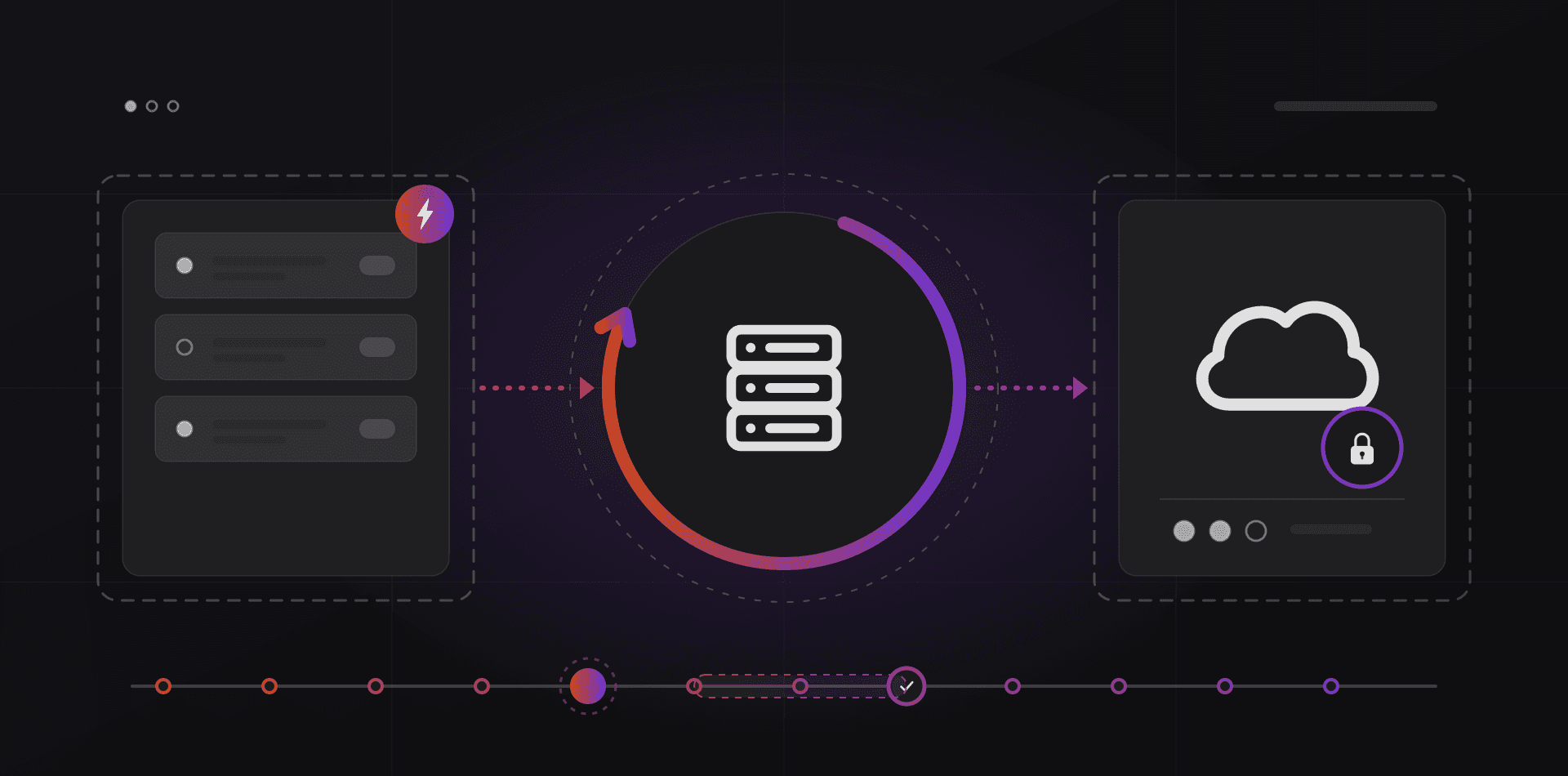
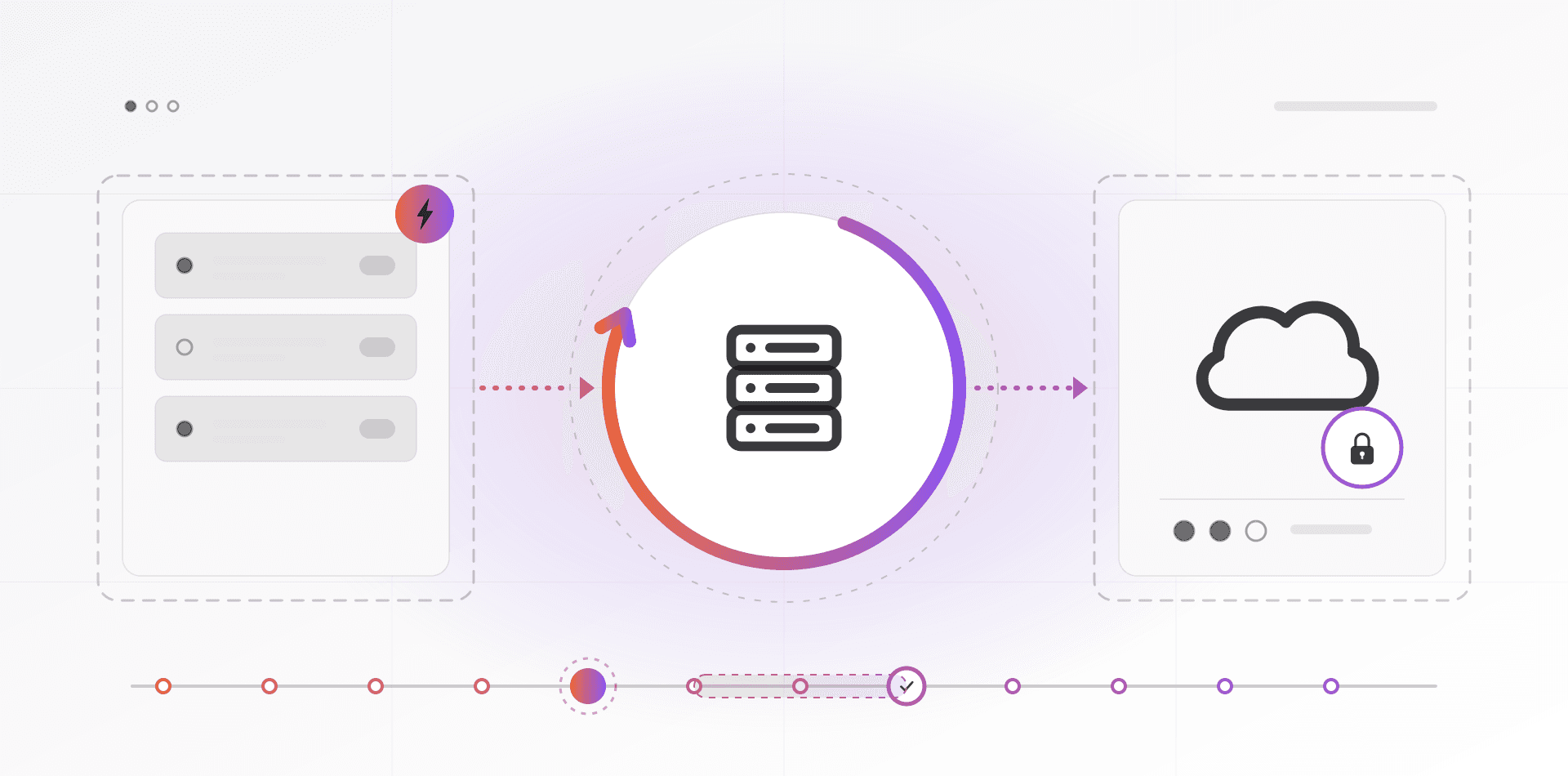
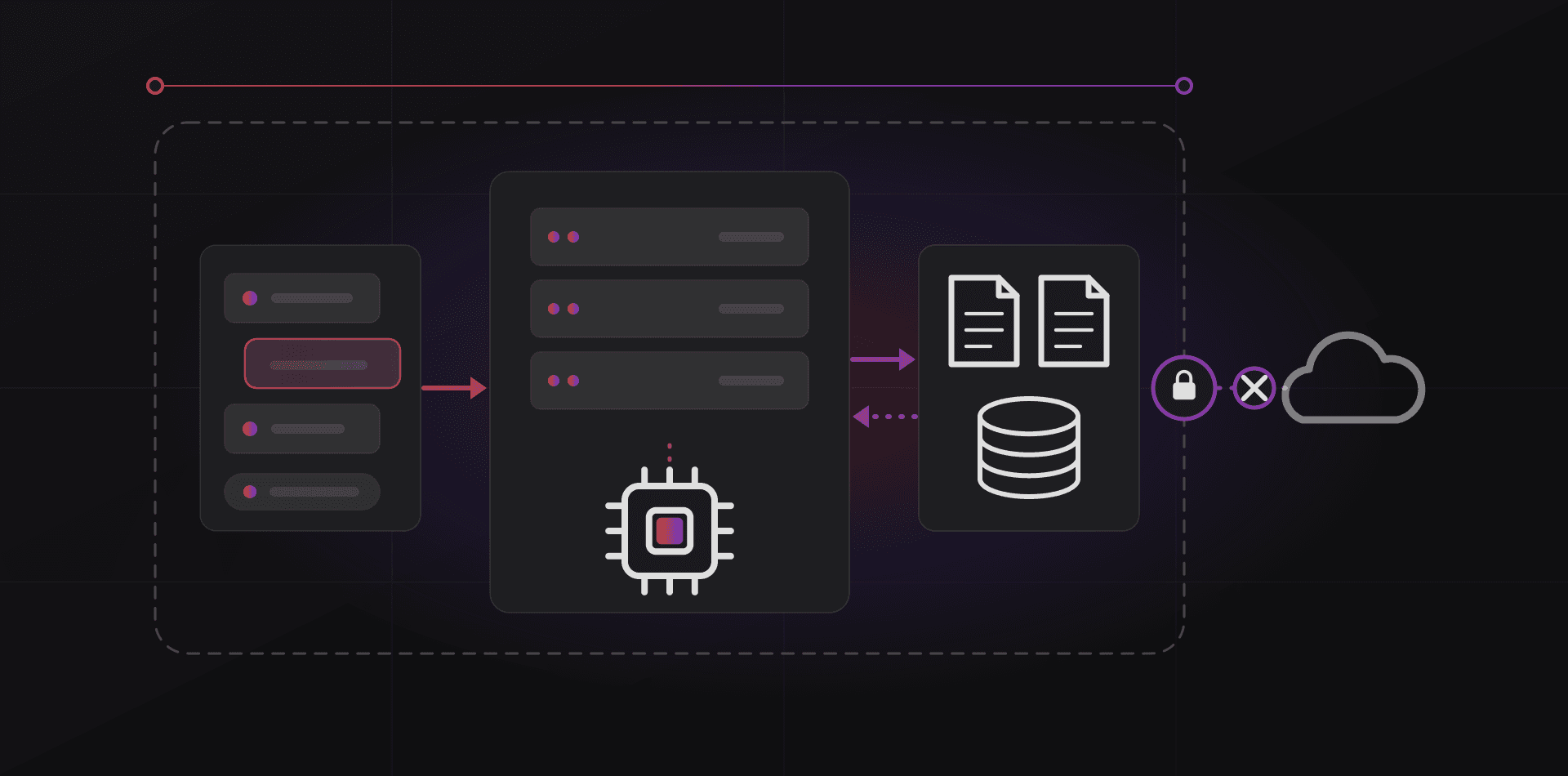
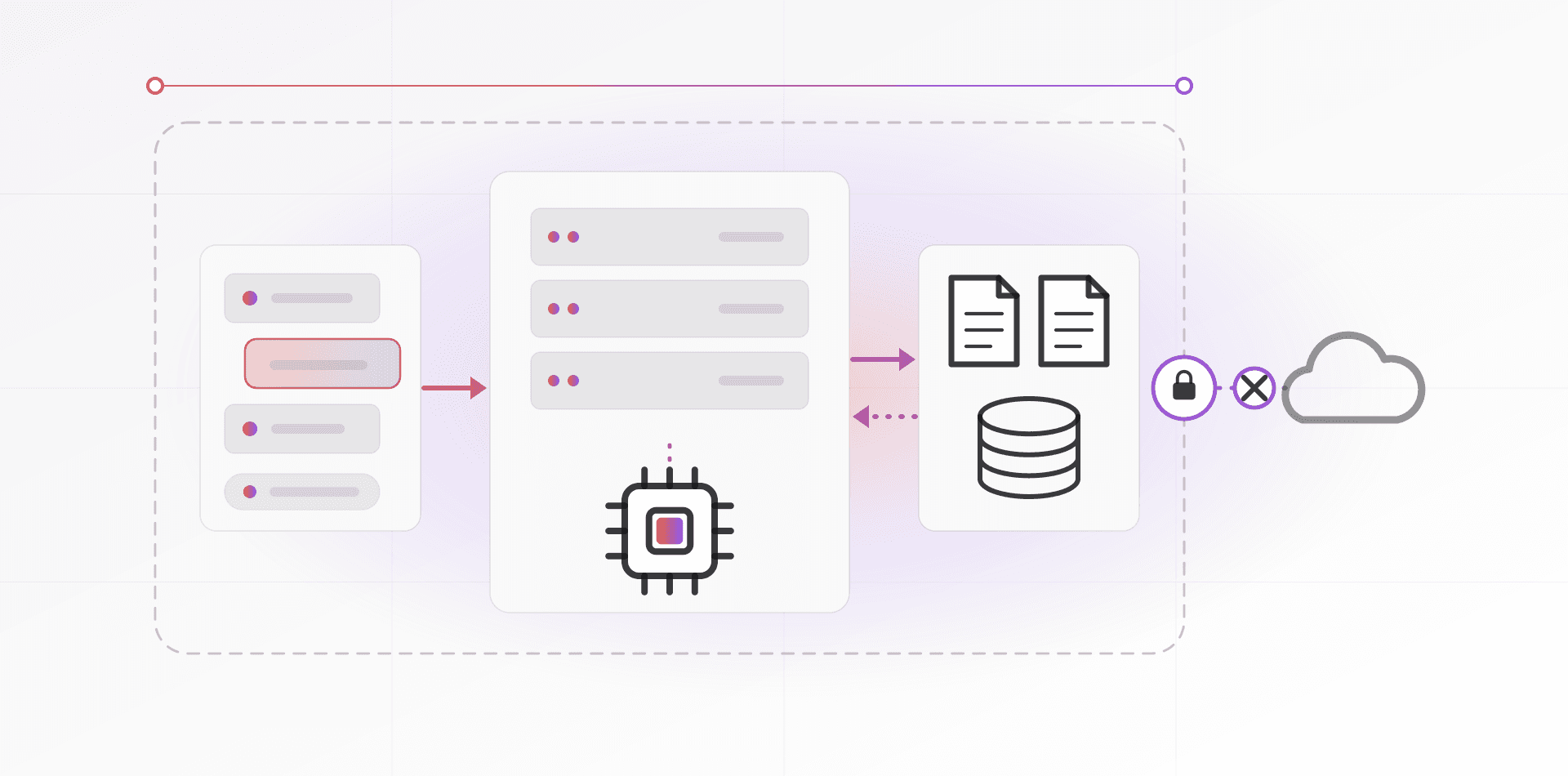
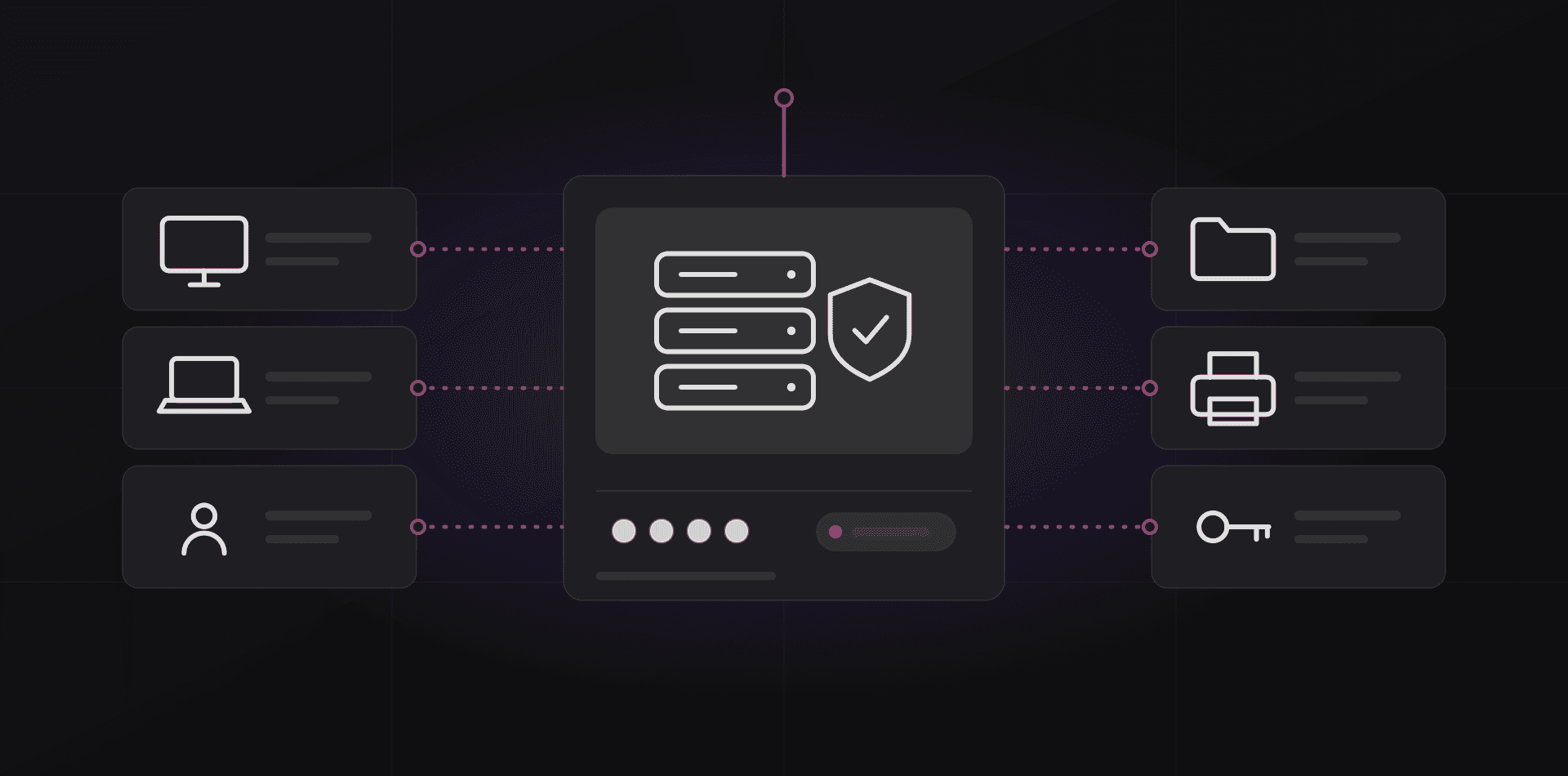
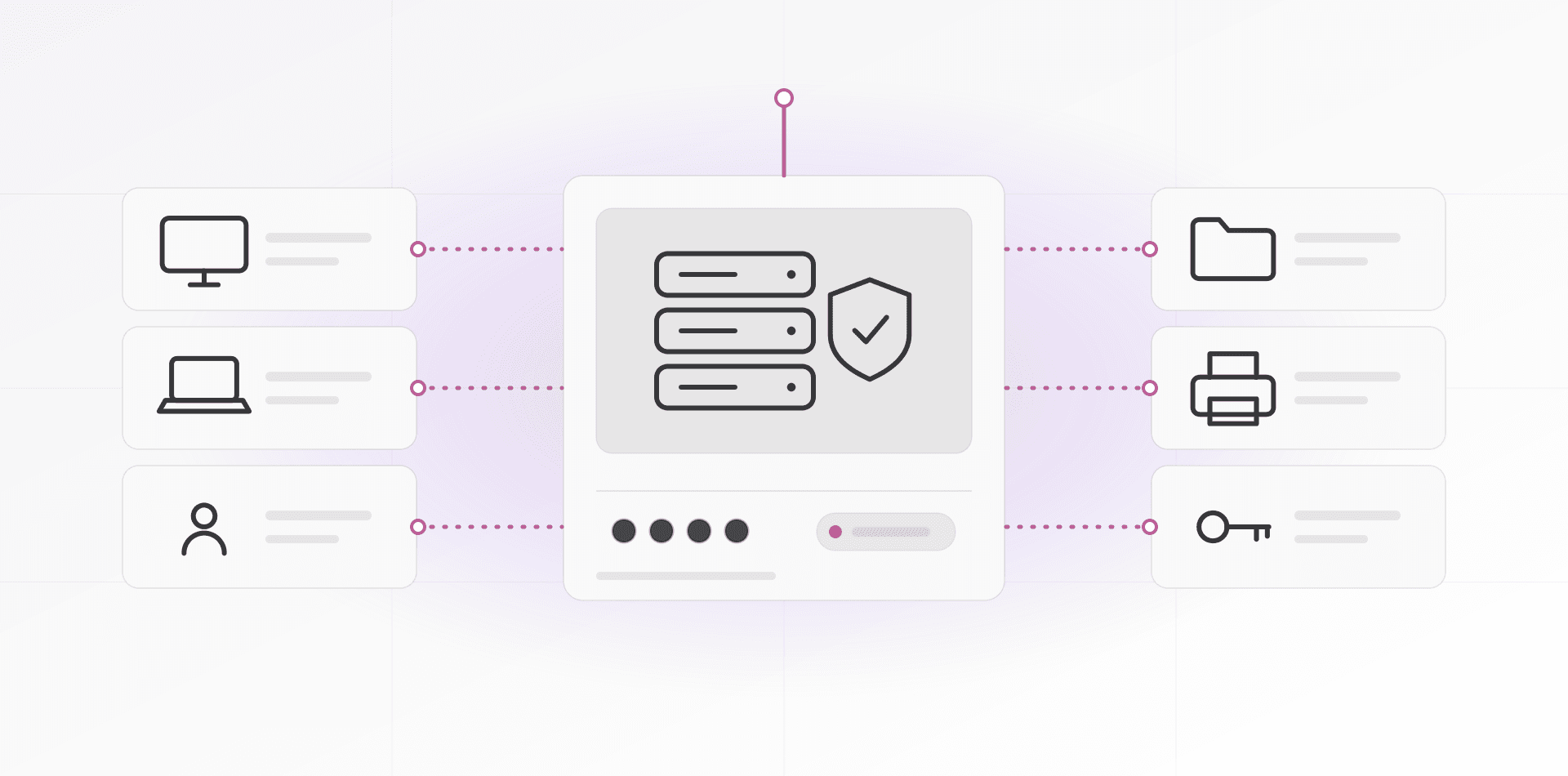
Think in layers, not products. Each layer interrupts a different step of the attack, and the diagram shows where. An attack that slips past one gate meets the next.
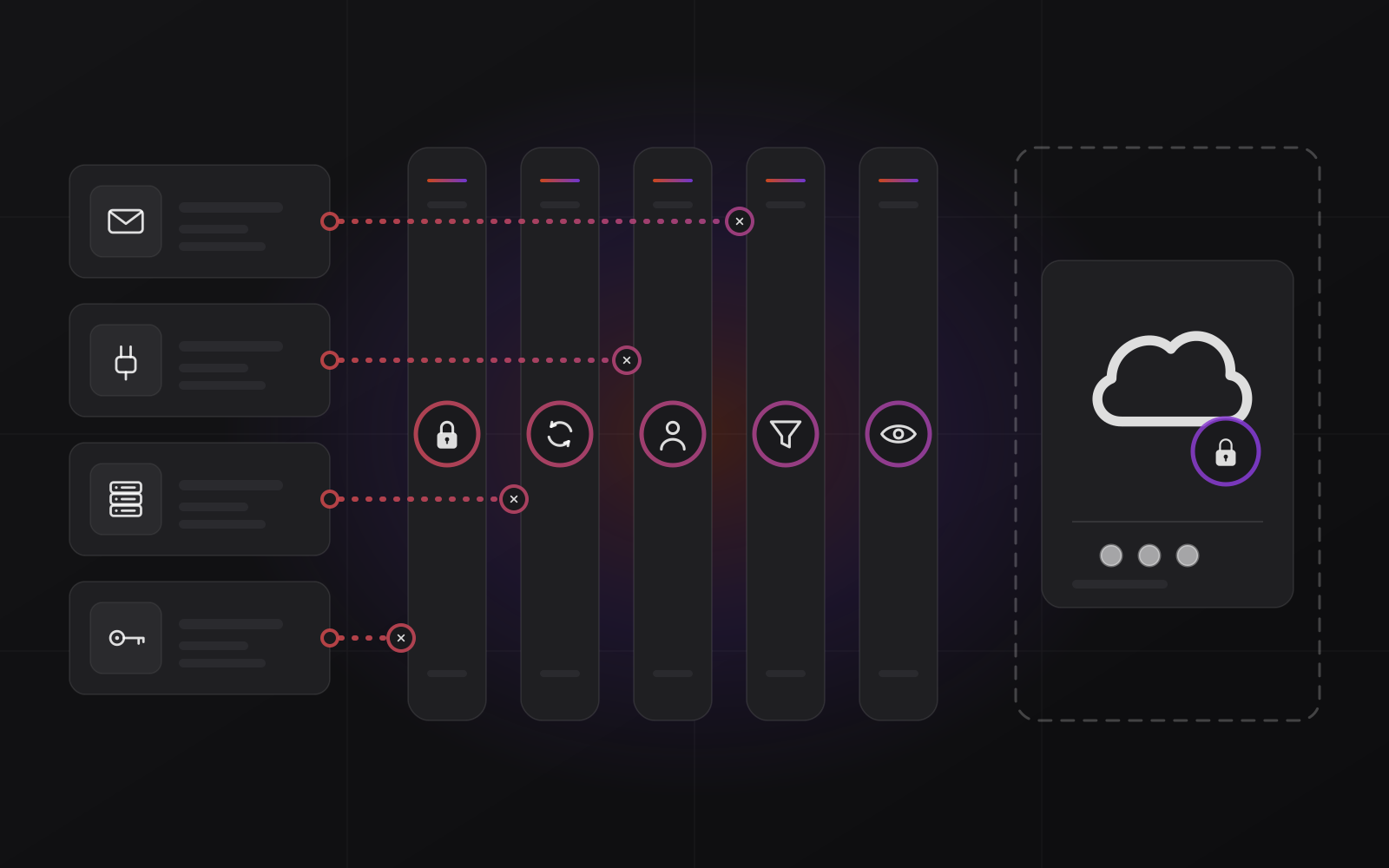
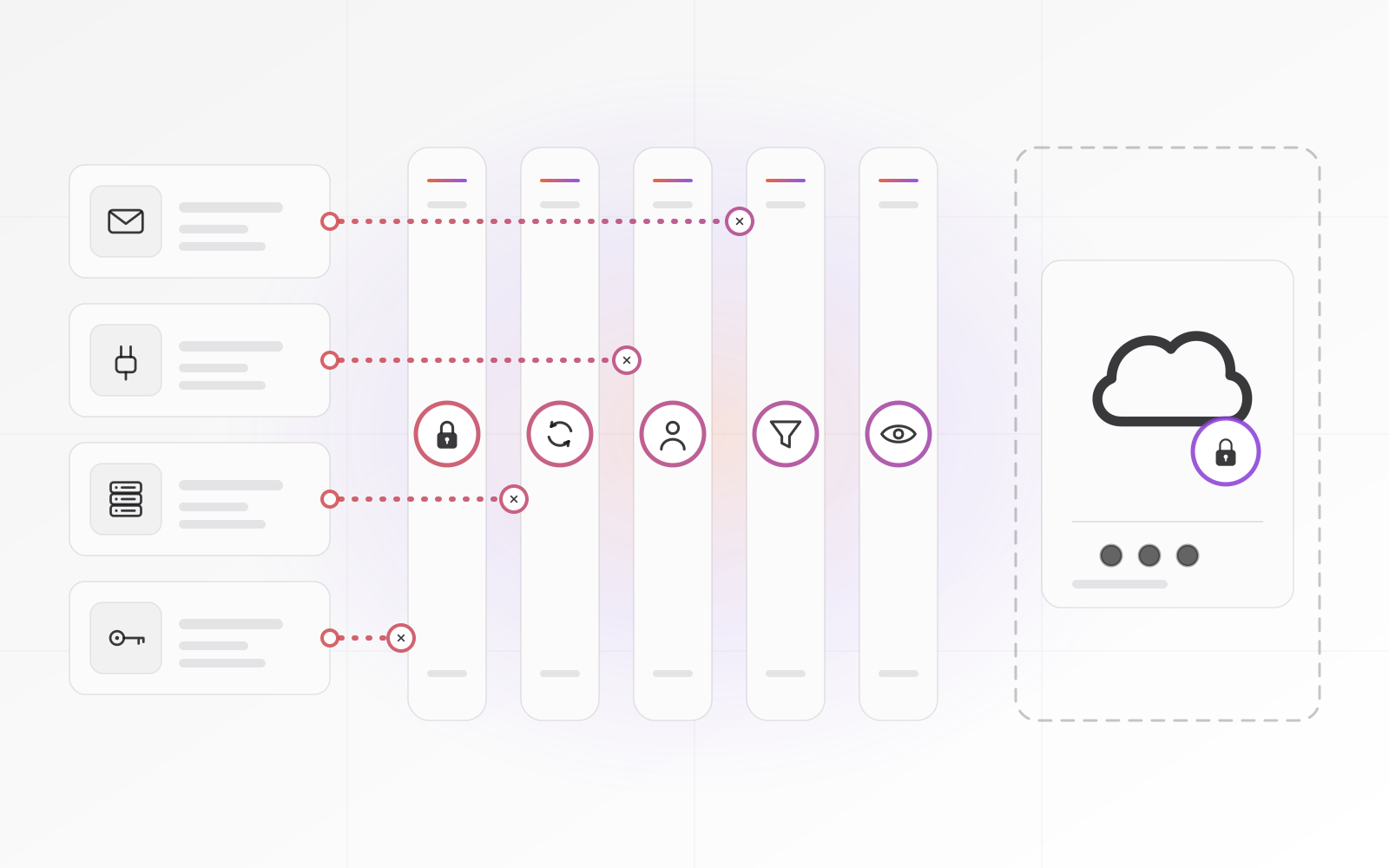
- Multi-factor authentication on email, VPN, remote access and every admin account. A stolen password then opens nothing. Prefer an authenticator app or security key to SMS (see our MFA and password guide).
- Patching on a schedule: Windows, firewalls, VPN appliances, hypervisors, NAS firmware. Internet-facing devices go first (see patch management).
- Least privilege. Staff work with standard accounts, not admin. Admin accounts are few, separate, and never used to read email. File shares open by need, so one infected laptop cannot reach everything.
- Email filtering. Block risky attachments, scan links, flag look-alike senders, and publish SPF, DKIM and DMARC records so nobody can forge your domain (see business email setup).
- Endpoint detection and response on every PC and server, such as Microsoft Defender for Business or a managed EDR product. It watches behavior, like one process encrypting thousands of files, and can isolate the machine.
- Offline or immutable backups, tested by restoring. The next section explains why this layer decides whether you pay.
Remove what you can instead of defending it. Close inbound ports. Put remote access behind a VPN or a zero-trust tunnel with MFA, as in our write-up on remote access without a static IP. A service nobody can reach cannot be guessed.
If you only do three things this month, do these. Turn on MFA for email and remote access. Patch every device that faces the internet. Keep one backup copy that ransomware cannot touch, and restore from it once to prove it works.
Backups decide whether you pay
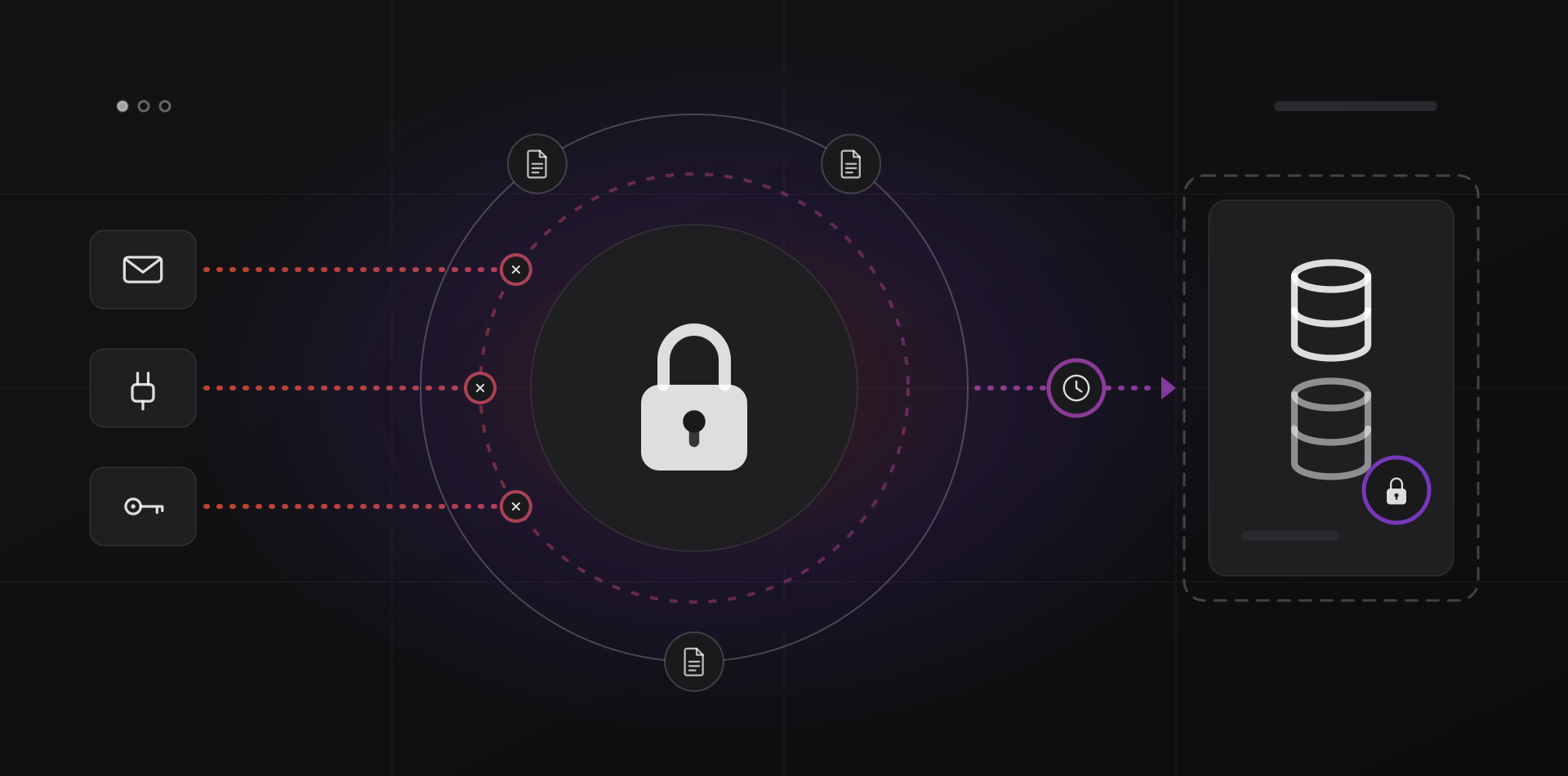
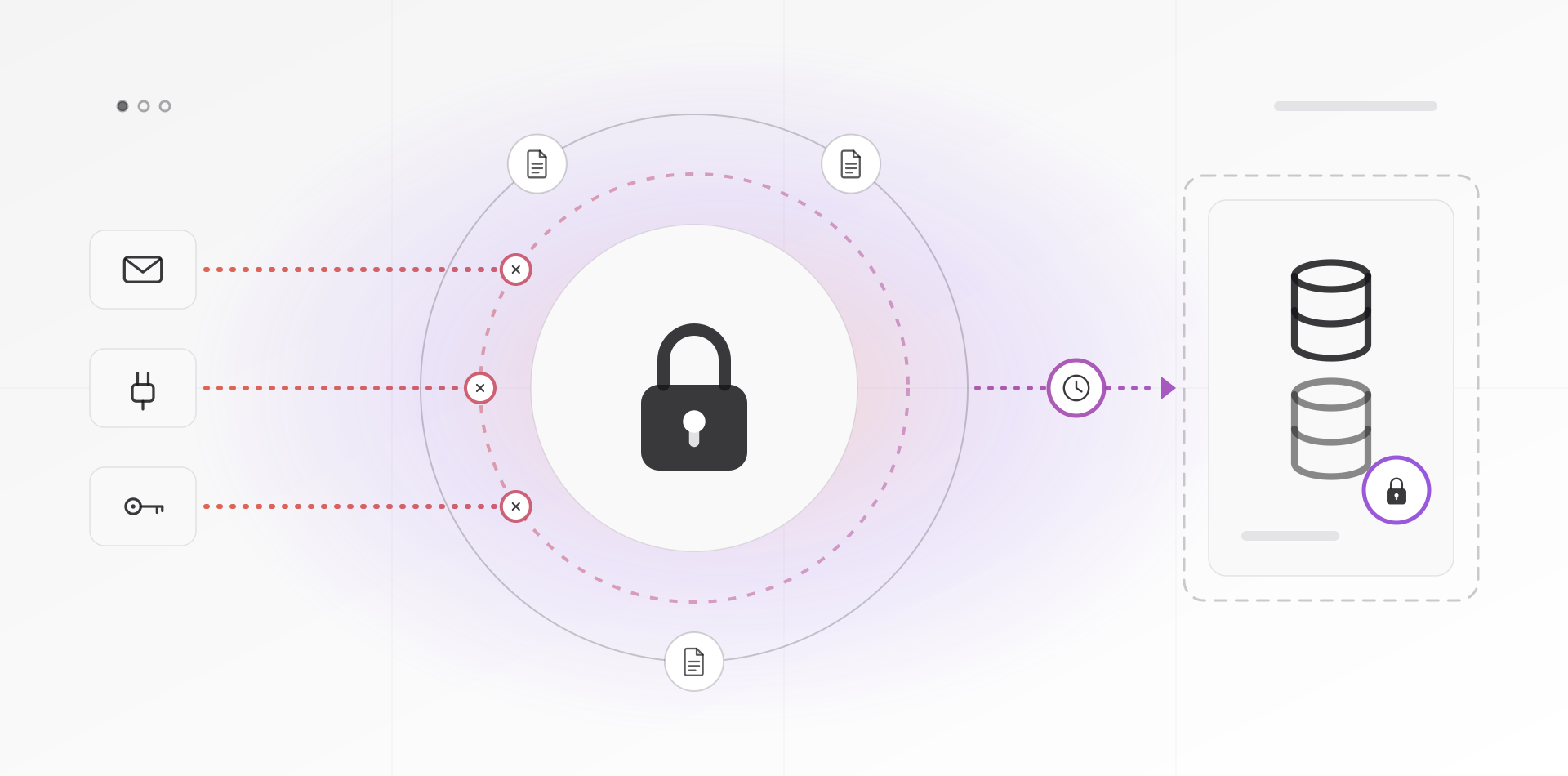
Ransomware crews know that good backups make victims refuse to pay, so they hunt for backups first. CISA's guide says to keep offline, encrypted backups because many variants try to find and delete or encrypt any backup they can reach.
Two properties matter. Offline means the copy is out of reach of your network when the attack runs: a disk in a drawer, a tape, a rotated drive. Immutable means the storage refuses changes and deletes for a set period, even from an admin with the right password. Object storage with object lock, such as Amazon S3 Object Lock, works this way, and so does a hardened repository in backup software like Veeam.
Then restore from them on a schedule. A backup you have never restored is a hope. Our disaster recovery plan guide covers the testing.
Be clear about the limit. Many attackers now copy your files before encrypting them, which CISA calls double extortion. Backups fix the outage, not the leak. That is why the earlier layers still matter.
A backup you have never restored is a hope.
What to do in the first hour
The first hour decides how bad the week gets. CISA's response checklist starts with isolation and triage, and so should you.
- Isolate. Unplug affected machines from the network and switch off their Wi-Fi. If that is impossible, power them down, but know that this loses evidence held in memory.
- Do not wipe or reinstall yet. You need to learn how they got in, or they will be back.
- Use the phone, not email or chat. CISA advises out-of-band communication so the attackers do not learn you have spotted them.
- Protect your backups. Disconnect backup storage and confirm the last good copy is intact before anything touches it.
- Call your IT provider and your cyber insurer if you have one. Many policies require quick notice, so check yours.
- Once machines are isolated, reset admin and email passwords and end active sessions, from a clean device.
- Write down the time and what you saw. Photograph the ransom note.
- Report it to your national CERT or police cybercrime unit. In the US that means CISA and the FBI's IC3.
Then restore in the order set by your recovery tiers, onto a clean network. Rebuilding into a network where the attacker still has access just invites a second round. CISA warns to look for dropper malware before restoring from backups.
Why paying is a bad bet
Paying feels like the fast option. It rarely is. The UK's NCSC says it does not encourage, endorse or condone paying, and lists the problems: no guarantee you get your data back, your computer still infected, criminals funded, and a higher chance of being targeted again. The FBI takes the same position.
There are practical reasons too. A decryption tool can be slow or buggy, so even with a key the restore may take days. The data may already be copied and can be leaked anyway. Depending on who the attacker is, paying can also break sanctions rules in some countries, so ask a lawyer.
If you have no usable backup, you face a real decision. Make it with a lawyer, your insurer and an incident-response specialist, not alone at midnight. Then fix the backups, so you never face it twice.
Frequently asked questions about ransomware protection
How do small businesses usually get ransomware?
Through a short list of doors: phishing emails, remote desktop or VPN services exposed to the internet, unpatched devices, and stolen or reused passwords. CISA's guide groups these as initial access vectors. MFA, patching and email filtering close most of the easy ways in.
Is antivirus enough to stop ransomware?
No. Traditional antivirus matches known malware, while ransomware crews change tools constantly and often abuse legitimate admin software. Endpoint detection and response watches behavior and can isolate a machine, but it is one layer. MFA, patching and offline backups cover what no endpoint product can.
Should I pay the ransom?
Authorities advise against it. Payment does not guarantee working decryption, does not remove copied data from the attackers' hands, and marks you as a payer. If you have no usable backup, decide with a lawyer, your insurer and an incident-response specialist, not alone under pressure.
What is an immutable backup?
A backup the storage system refuses to modify or delete for a set retention period, even for an administrator with valid credentials. Object storage with object lock and hardened backup repositories work this way. Ransomware with admin access still cannot encrypt or erase those copies.
What should I do in the first hour of a ransomware attack?
Disconnect affected machines from the network and keep them powered on if you can. Phone people rather than emailing, protect your backups, note the time and the ransom note, and contact your IT provider and insurer. Do not wipe anything until you know how they got in.
Where to go next
Close the biggest door first with the MFA and password guide, then write down your restore order in the disaster recovery plan guide. We set up and test backups and servers for small businesses; see our backup and disaster recovery work.
Related articles