
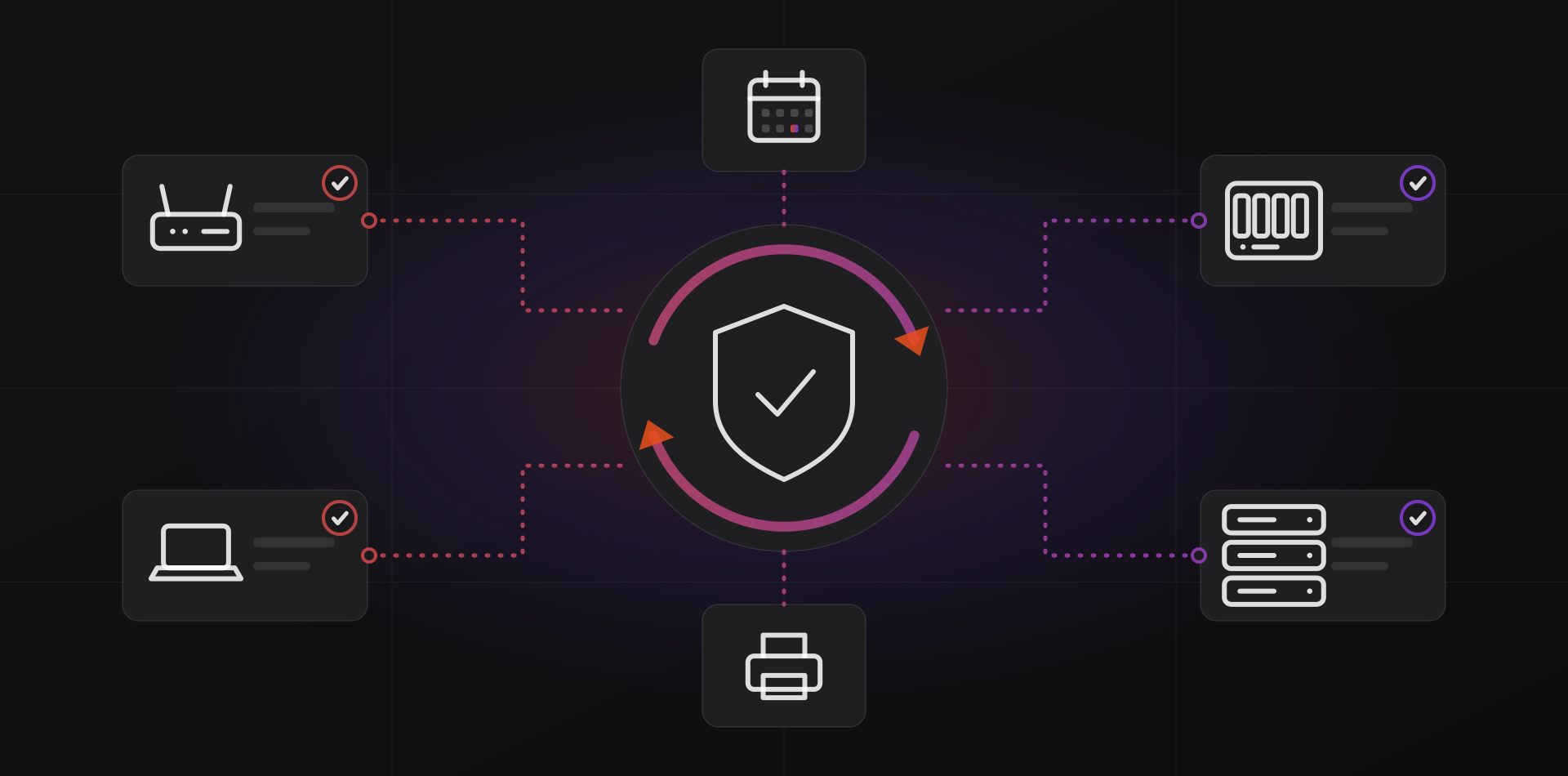
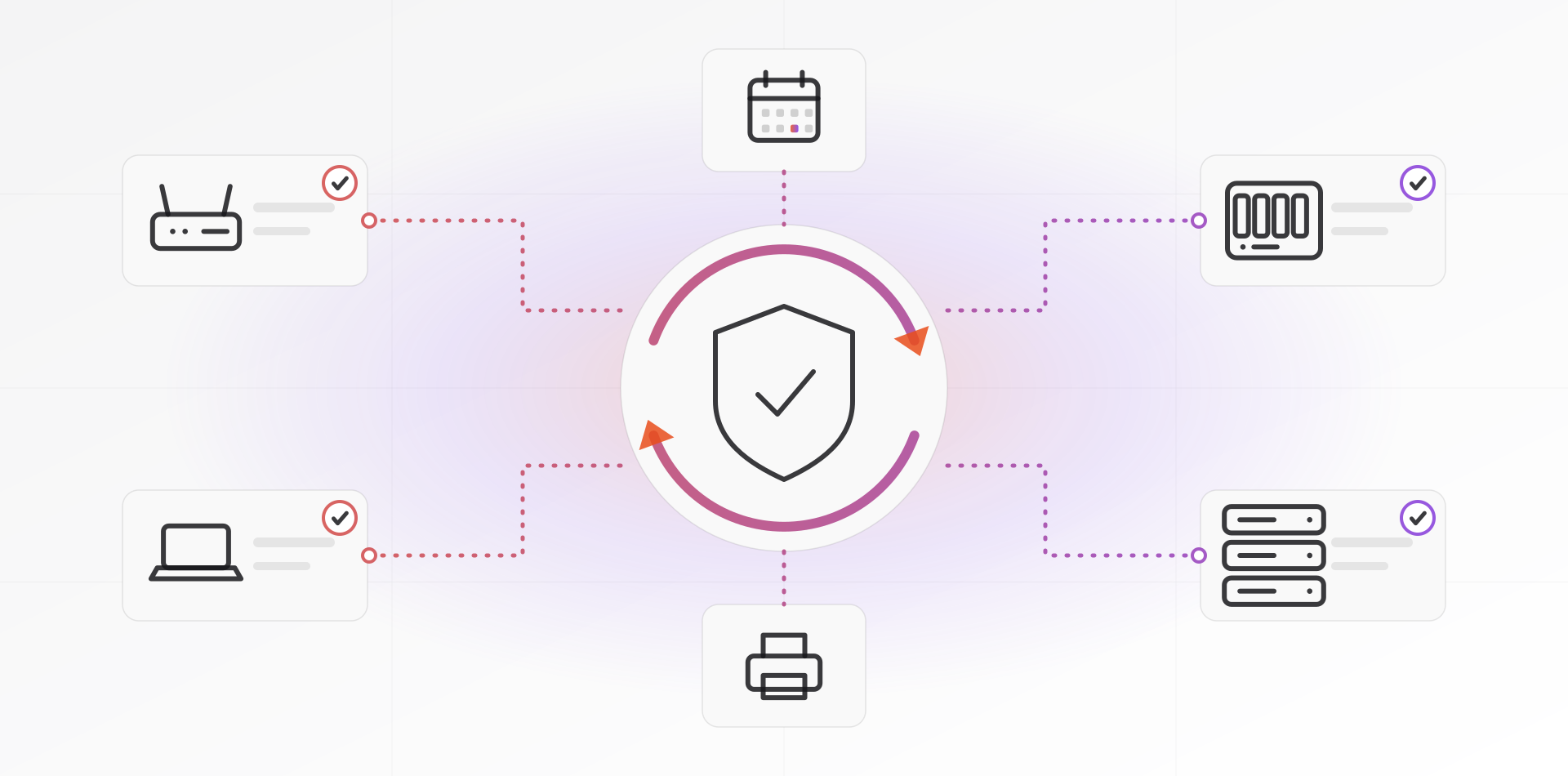
Patch management for small business means keeping every system on your network updated on a schedule: Windows PCs and servers, Linux servers, firmware on routers, NAS boxes and printers, and the apps people install. Do it monthly, test on a few machines first, and keep a list of what you run.
Attackers keep reusing flaws that already have a fix. CISA publishes a catalog of known exploited vulnerabilities because of it. Patching is dull work, and that is its strength. A routine beats heroics.
Start with an inventory of what you run
You cannot patch what you do not know exists. Make a list, even a spreadsheet, with one row per device or service.
- What it is, where it lives and who owns it.
- The operating system or firmware version it runs.
- How it gets updates: automatically, centrally or by hand.
- The date the vendor stops supporting it.
- Whether it faces the internet.
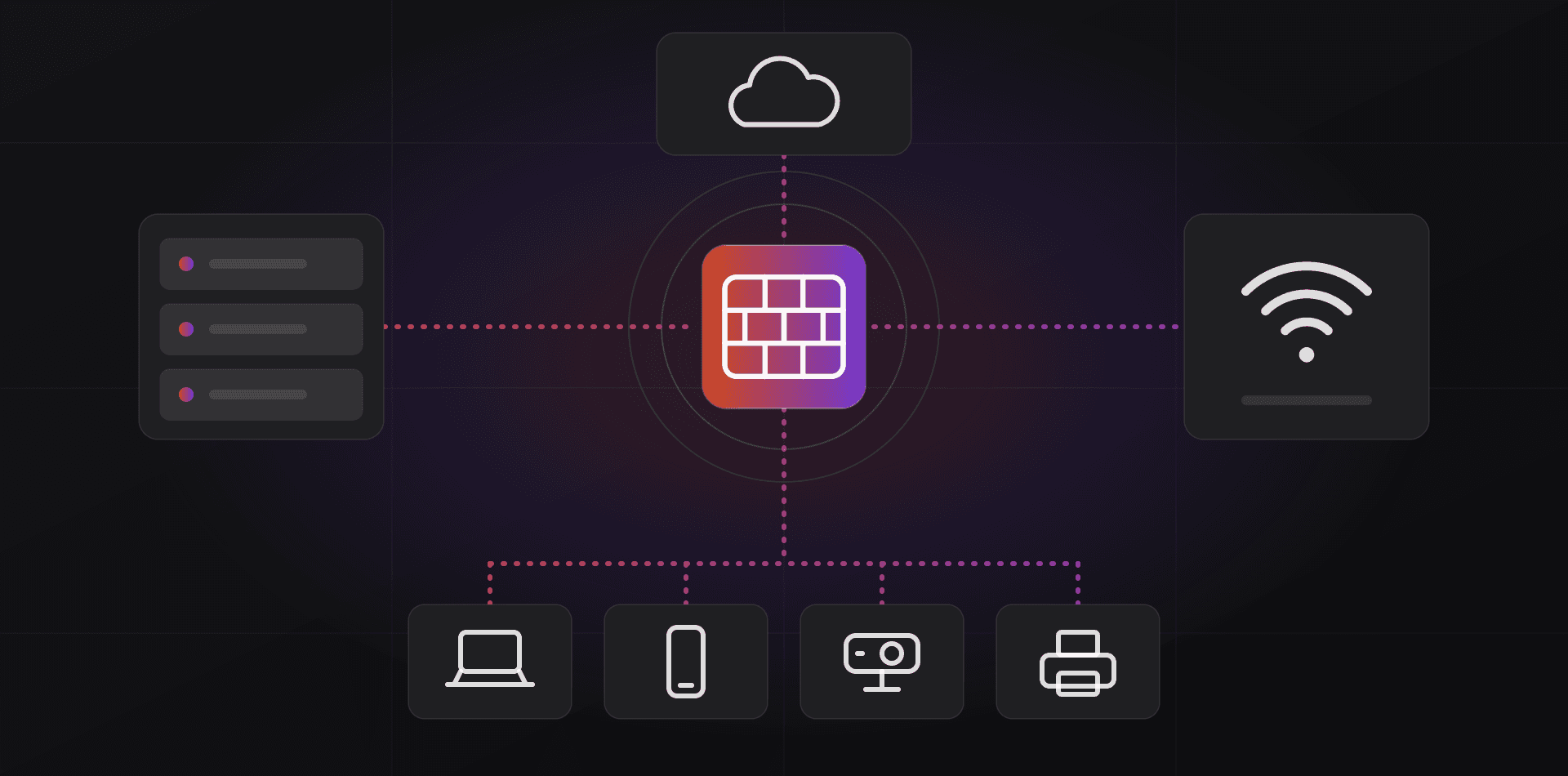
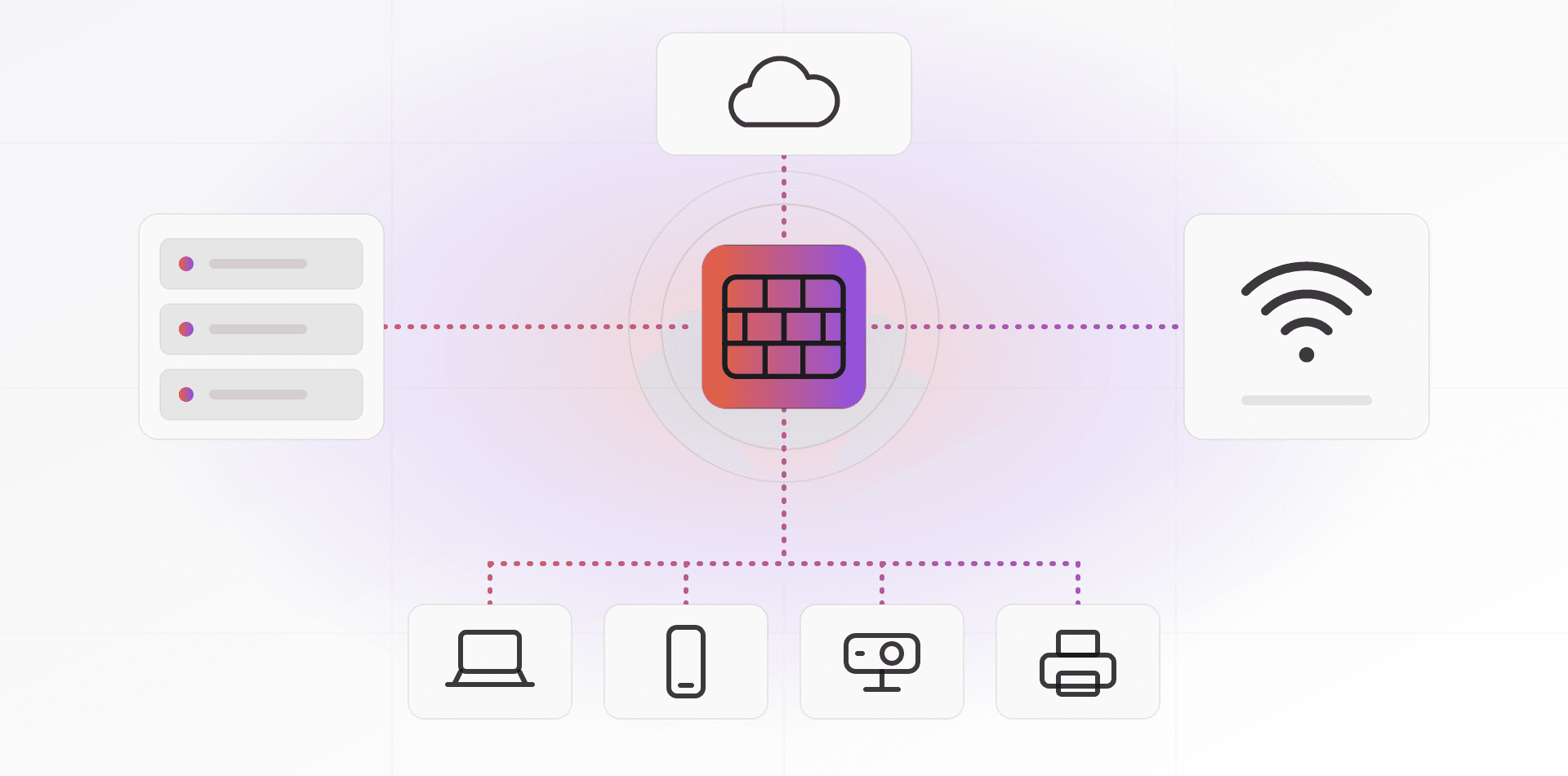
Include the boring items: Wi-Fi access points, the CCTV recorder, the printer, the UPS network card, your website's CMS and its plugins. Forgotten devices are the ones that stay unpatched for years. Open-source tools such as GLPI and Snipe-IT can hold the list once a spreadsheet gets tight.
Then rank by exposure. Internet-facing devices go first: firewall, VPN, remote-access tools, web servers. Servers come next, then PCs. NIST's guide to enterprise patch management planning is written for large organizations, but its core idea scales down. Group your assets and give each group a plan.
Windows PCs and servers
Microsoft typically releases security updates on the second Tuesday of each month, known as Patch Tuesday, and can release others at any time.
For PCs, use the Windows Update client policies, formerly called Windows Update for Business. They work through Group Policy or Intune on Pro, Education and Enterprise editions. You can defer quality updates by up to 30 days and feature updates by up to 365 days. You can pause a bad update for up to 35 days, and set deadlines so restarts happen. Microsoft documents it on Microsoft Learn.
WSUS (Windows Server Update Services) lets a server on your network download updates once and approve them before PCs install. It suits an office that already has a domain and a few servers. Microsoft says WSUS is no longer actively developed, though its existing capabilities remain and it still ships in Windows Server 2025. Keep it if you run it. For a new setup, prefer Intune or the update policies above.
Servers need more care than PCs. Back up first, patch outside working hours, and restart on purpose. In a domain with two controllers, patch one per night. Never let a server restart on its own at 2 p.m. because a policy said so. Our guide to Active Directory for a small office covers why domain controllers deserve extra caution.
Linux servers and containers
On Debian and Ubuntu, the unattended-upgrades package installs updates automatically, and Ubuntu includes it by default. Two small files control it. The file /etc/apt/apt.conf.d/20auto-upgrades turns it on and sets the daily schedule. The file /etc/apt/apt.conf.d/50unattended-upgrades sets which updates apply, whether to reboot, and where to email reports.
By default it applies security updates only, and it does not reboot. Kernel updates need a reboot to take effect. Set Automatic-Reboot to true and Automatic-Reboot-Time to a quiet hour such as 03:00, or reboot by hand in your maintenance window. Run unattended-upgrade with --dry-run to see what it would do. The Ubuntu server documentation walks through the settings.
Be more selective on servers that run your ERP or database. Let the operating system patch itself, and update the application stack by hand after a backup and a test. Containers are a separate case: apt on the host does not patch the images inside them. Pull new images and redeploy on your schedule. Red Hat-family systems have dnf-automatic for the same job.
Ubuntu LTS releases receive five years of standard security maintenance. Put the end date in your inventory on the day you install.
Firmware, routers and third-party apps
Firmware is the software inside devices, and it gets patched far less often than Windows. Start with anything facing the internet: firewall, VPN gateway, router and Wi-Fi controller. Attackers scan for these first, and network edge devices appear regularly in CISA's known-exploited list.
- Subscribe to your vendor's security advisories, and check its firmware page each month.
- Export the device configuration before every update, and keep the file off the device.
- Update a remote firewall only when you have another way in, such as a console or someone on site.
- Plan to replace any device when its vendor stops issuing firmware.
NAS boxes and printers come next. They sit quietly for years, then turn out to have a flaw in a web interface or file-sharing service. Never expose a NAS admin page to the internet. Use a VPN instead. Our network design guide shows how to give old devices their own VLAN.
Third-party apps are the other gap. Browsers update themselves. PDF readers, 7-Zip, remote-support tools, Zoom and Java often do not. On Windows 10 and 11, run winget upgrade to list outdated apps and winget upgrade --all to update them. Intune can deploy updates across the whole office. Remove software nobody uses. An app you never open is still an app an attacker can open.
Testing and maintenance windows
Updates sometimes break things, and a short test step costs little. Use three rings. First comes a pilot group of two or three machines, including one that runs your line-of-business software. Then everyone else. Then servers, after a backup.
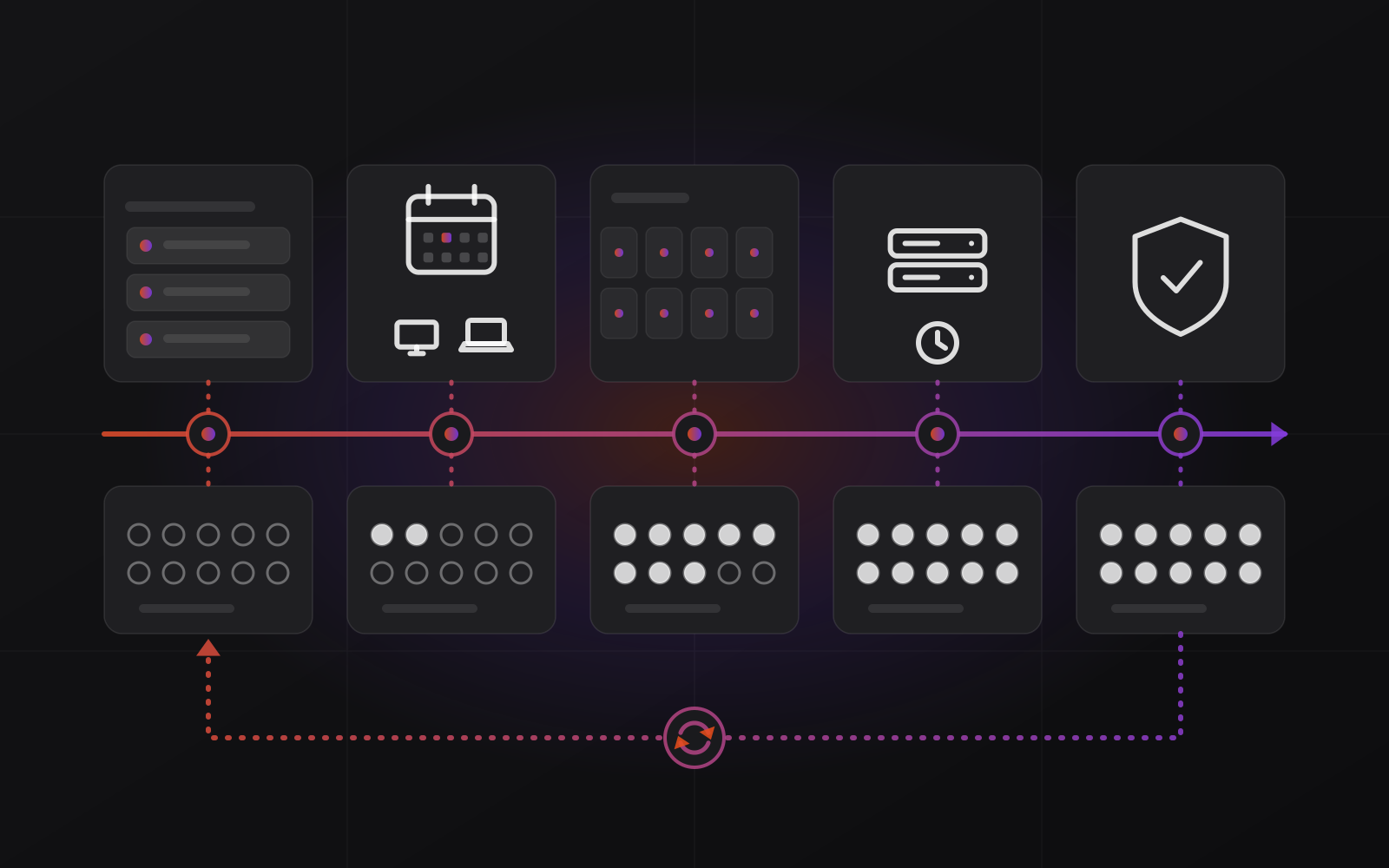
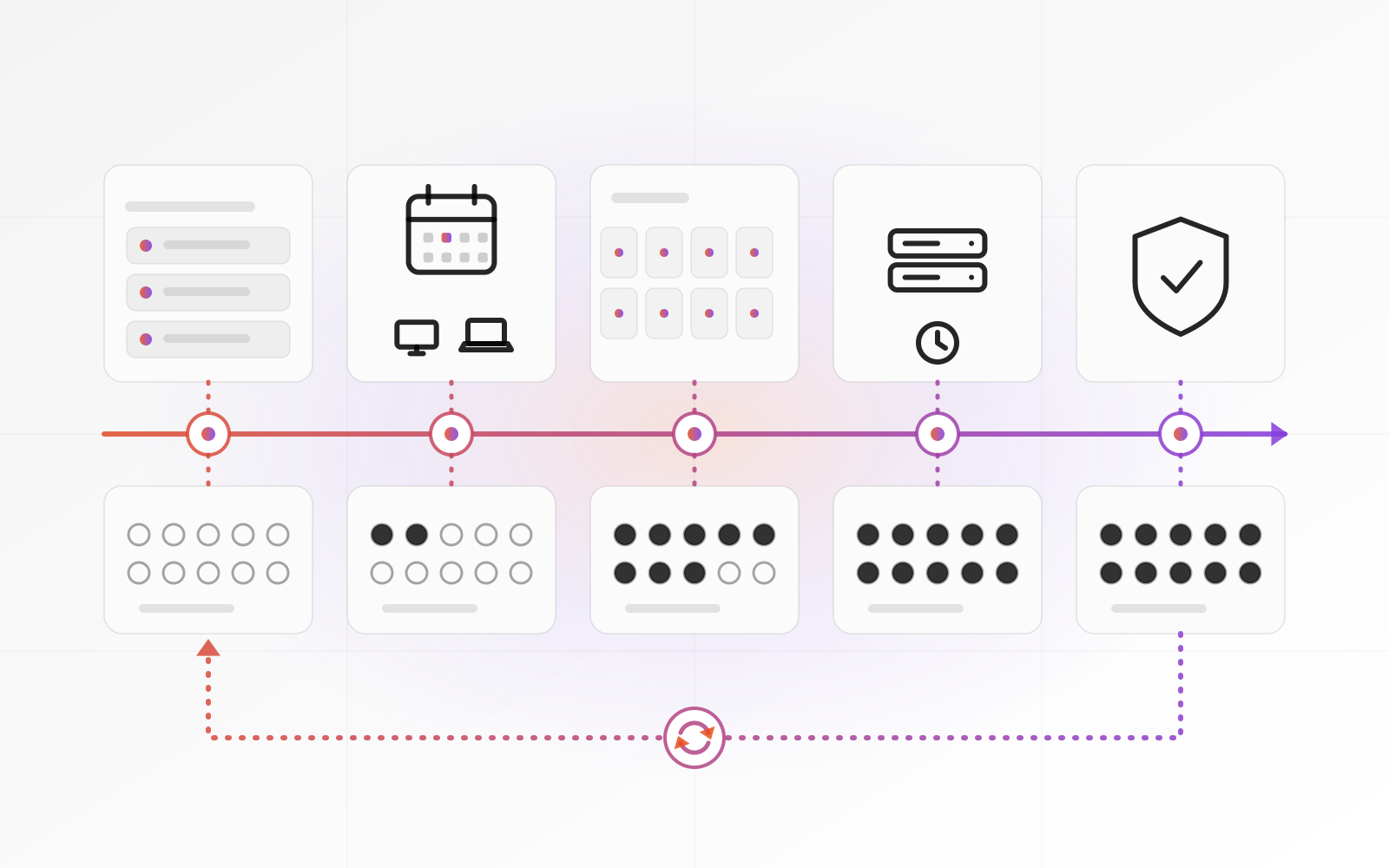
- Second Tuesday: updates are released. Read the notes, and check the CISA catalog for anything urgent.
- Within two days: install on the pilot group and watch for problems.
- End of week one: roll out to all PCs, with deadlines that respect working hours.
- A fixed evening or weekend slot in week two: back up, then patch servers and restart them.
- End of the month: confirm every device is current and update the inventory.
Agree the maintenance window with the people it affects, and put it in the calendar. A server that restarts during invoicing is how patching gets a bad name.
A server that restarts during invoicing is how patching gets a bad name.
Keep a rollback plan: a fresh backup, a way to uninstall the update, and the previous firmware file. Emergency patches for flaws under active attack skip the rings. Install those within days and test afterward.
End of support: the date you cannot defer
When support ends, the vendor stops fixing security holes. The machine still runs, which is what makes it dangerous. Windows 10 reached end of support on 14 October 2025. Microsoft sells paid Extended Security Updates for it, for organizations up to three years after that date, and recommends moving to Windows 11. Some older PCs cannot run Windows 11, which needs a supported processor and TPM 2.0.
Servers have dates too. Windows Server 2012 R2 lost support in October 2023. Windows Server 2016 reaches the end of extended support on 12 January 2027.
Put every end date in the inventory and review the list each quarter. Replace or upgrade at least six months ahead. If something cannot be replaced yet, such as a PC tied to a special instrument, isolate it. Give it its own network segment, no internet, no email and tighter backups. Our ransomware protection guide covers the layers around it.
Frequently asked questions about patch management
How often should a small business patch?
Monthly for routine updates, timed to Microsoft's second-Tuesday release, plus out-of-cycle patches for flaws under active attack. Check firmware on routers, firewalls and NAS devices at least monthly, and apply fixes when they appear. Browsers and security tools should update on their own.
Should I turn on automatic updates for everything?
For PCs and Linux security updates, usually yes, because delay does more harm than the rare bad patch. Use deferrals and a pilot group on Windows. Keep servers that run your ERP or database on a controlled schedule with a backup first, and never auto-update a firewall you cannot reach by another route.
Do I still need patching if my data is in the cloud?
Yes, for your own devices. A cloud provider patches its platform, but your laptops, browsers, router and any VPS you rent remain yours. With software as a service such as Microsoft 365, the application is patched for you, while the devices that sign in to it are not.
What if my Windows 10 PCs cannot run Windows 11?
Your options are paid Extended Security Updates for up to three years, replacing the PCs, or isolating them. ESU buys time, not a solution, and its price rises each year. Plan replacement during that period, and keep unsupported PCs away from sensitive systems.
What if an update breaks something?
Pause the rollout. Windows Update policies let you pause an update for up to 35 days. Uninstall the update on the affected machines, restore from backup if needed, and report the fault to the vendor. The pilot ring exists to turn this into a small problem.
Where to go next
If nobody in your office can own this monthly routine, talk to us about taking it over as part of our server and security work. For what protects you when a patch is late, read our ransomware protection guide.
Related articles